
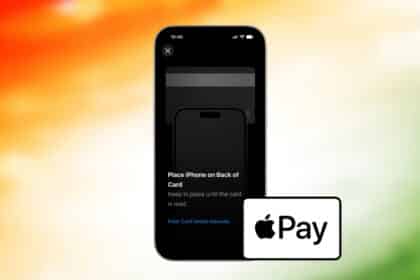
Apple Pay Is Now in India: Supported Banks, Cards, Charges and How to Use It
Apple Pay is live in India, but only Axis Bank credit cards…


iOS 27.0.1 Released: What’s New and Should You Update?
Apple's iOS 27.0.1 fixes Face ID restarts on the iPhone 18 Pro,…

iOS 27.2 Beta 1: Everything New So Far
Apple just did something it almost never does: it skipped a point…

Does iPhone Duo Have MagSafe? 25W Speed, Cases, Qi2
Yes, the iPhone Duo has full MagSafe support at up to 25W,…

iOS 27 Siri Features: Everything New in Siri AI
Apple finally rebuilt Siri. iOS 27's Siri AI remembers conversations, reads your…
Apple Wallet in iOS 27: Every New Feature Explained
iOS 27 turns Apple Wallet into a genuine financial hub, with AI-powered…
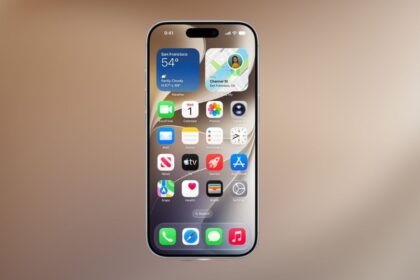
iOS 27 Features: Siri AI, Speed Boosts & What Changed
iOS 27 shipped September 14 with a rebuilt Siri AI, a faster…
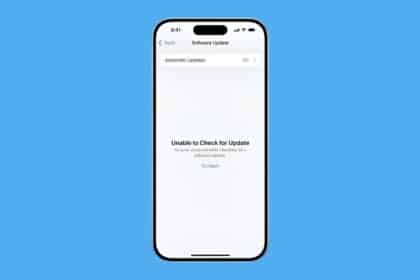
iOS 27 “Unable to Check for Update”? 11 Real Fixes
iOS 27 launched September 14 and this error is everywhere. We checked…

iPhone Duo Pre-Orders: Date, Time, and How to Pre-Order
iPhone Duo pre-orders open October 16, 2026, with retail availability on October…


iPhone 18 Series India Launch: Date, Time, Price & Models
Apple's iPhone 18 series India launch is official: the iPhone 18 Pro,…

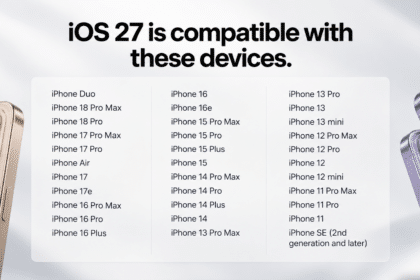
iOS 27 Compatibility List: All Supported iPhone Models
Every iPhone that runs iOS 27, and the separate, shorter list of…

iPhone 18 Pro Colors: Which One Should You Choose?
Apple confirmed four iPhone 18 Pro colors at its September 9 event:…

Apple Unveils AI Photo Editing in iOS 27: Reframe and Extend
New tools built into the Photos app fix the small framing mistakes…
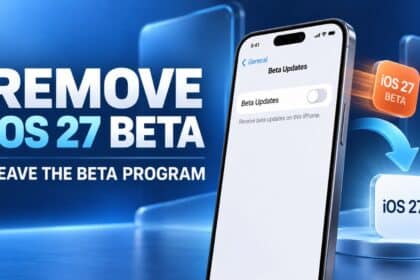
How to Remove the iOS 27 Beta and Leave Apple’s Beta Program
iOS 27 stable is expected within the week, so before you erase…
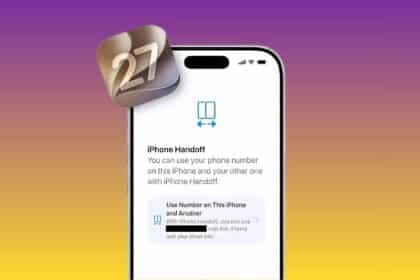
iOS 27 Gets a New ‘iPhone Handoff’ Feature: Here’s How It Works
Apple quietly built a way to run one phone number on two…

How to Know When It’s Time to Replace Your iPhone Battery
The real warning signs your iPhone battery is failing, how to check…

iOS 27 Beta 8: Everything New and Changed
iOS 27 beta 8 shipped August 31 as a pure stability build,…
iOS 27 Beta 7: What’s New and Why the Silence Actually Matters
iOS 27 beta 7 is the quietest release of the cycle, and…
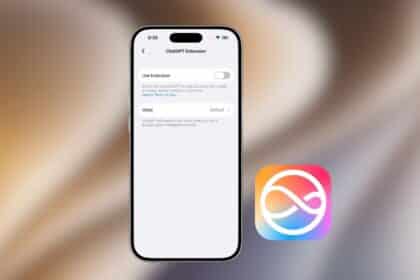
How to Use ChatGPT with Siri in iOS 27
Want to use ChatGPT instead of relying on Siri for every question?…
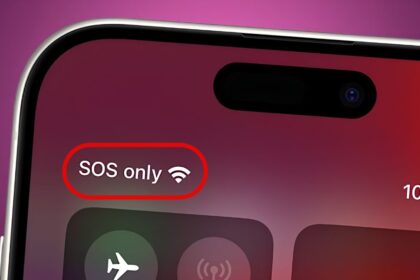
Why Does My iPhone Say SOS? 8 Ways to Fix It
Seeing SOS in your iPhone’s status bar? Here’s what it means, why…

Create and Delete Stickers on iPhone: Every Method, Step by Step
Want to make custom stickers from your photos or clean up old…
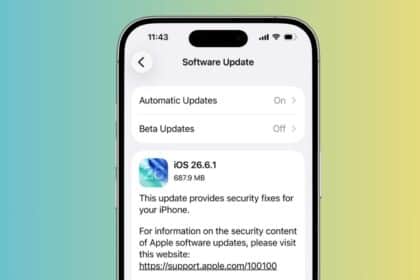
iOS 26.6.1: What’s New and Why You Should Install It Right Away
iOS 26.6.1 lands with no new features, just close to 30 security…
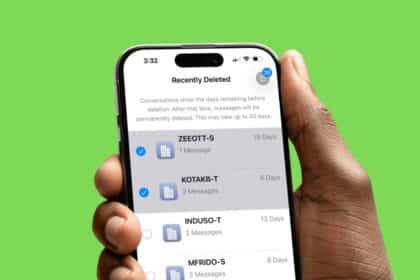
How to Find and Recover Recently Deleted Messages on iPhone
Accidentally deleted an important text? Here is how to recover recently deleted…
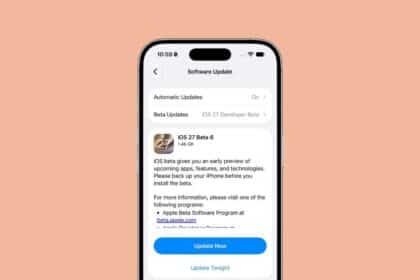
iOS 27 Beta 6 Released: Everything New and What Has Changed
Apple pushed iOS 27 beta 6 just six days after beta 5,…
Forgot Your iPhone Passcode? Here Is How to Unlock It
Forgot your iPhone passcode? Here are the official ways to regain access,…
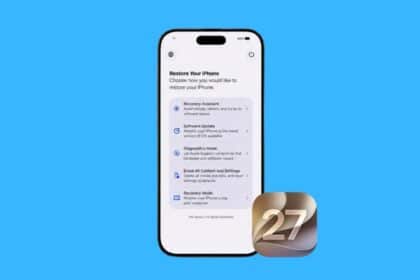
iOS 27 Recovery Screen Explained: How It Works and When to Use It
iOS 27 adds a new on-device Recovery Screen that helps you troubleshoot,…
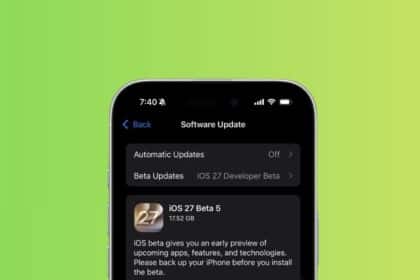
Apple Rolls Out iOS 27 Beta 5: Here’s What’s New
Apple just released iOS 27 beta 5, and it's a quieter build…
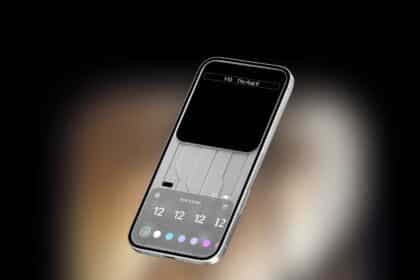
iOS 27 Lock Screen Features: 4 New Ways to Customize Your iPhone
iOS 27 gives your iPhone Lock Screen its biggest personalization update in…

Fake Apple Security Alert on iPhone? Here’s How to Remove It Safely
A fake Apple security alert can make it seem like your iPhone…