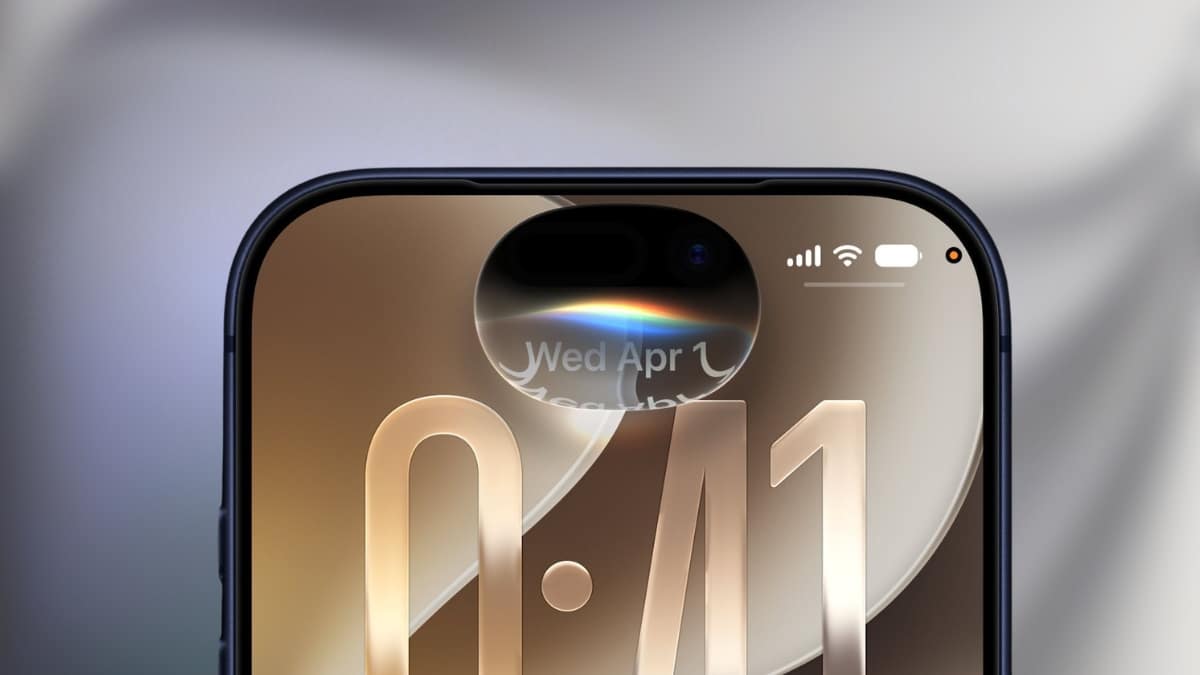
For three years, Siri asked you to repeat yourself, forgot what you’d just said, and choked on any question that needed real reasoning. Apple promised a fix back at WWDC 2024, then quietly pushed it. That wait ended on September 14, 2026, when Apple released iOS 27 with an entirely rebuilt assistant it now calls Siri AI.
This isn’t a voice-recognition patch. Apple rebuilt the assistant’s reasoning engine, gave it access to your personal data across apps, and let it see and act on whatever is on your screen. It’s the kind of overhaul that changes what you actually reach for Siri to do, not just how fast it answers.
Here’s what changed, who gets it on day one, and where it still falls short.
When You Can Get Siri AI and Which iPhone You Need
Siri AI isn’t a blanket upgrade for every iPhone that installs iOS 27. Apple ties the new intelligence layer to on-device processing power, so hardware matters more than usual this cycle.
- iOS 27 general release: September 14, 2026, rolling out through Settings > General > Software Update.
- Siri AI requirement: iPhone 15 Pro or later. Older models, including the standard iPhone 15 and iPhone 14 lineup, get the visual refresh and performance gains in iOS 27 but not the new assistant.
- Expressive voices: Apple’s new, more natural-sounding Siri voices with adjustable pace need an iPhone 17 Pro, iPhone Air, or iPhone 18 Pro. That’s a narrower list than Siri AI itself, another sign of how much on-device compute the voice model needs.
- Language support at launch: English only, in US and UK variants. Apple has confirmed Danish, Dutch, French, German, Italian, Norwegian, Portuguese, Spanish, Swedish, Turkish, Vietnamese, Japanese, Korean, and both Chinese variants are coming, with the next wave landing in iOS 27.1 in October.
- Regional limits worth knowing: Siri AI isn’t available on iPhone, iPad, or Apple Watch in the European Union at launch, reportedly over regulatory considerations tied to the Digital Markets Act. EU users get it on Mac and Vision Pro only for now. It’s also unavailable in China while Apple works through local regulatory review.
If you’re on an eligible iPhone in a supported region, the update should already be sitting in Software Update. If Siri looks unchanged after installing iOS 27, check your device model and region against that list before assuming something’s broken.
Siri Finally Remembers What You Told It
The single biggest complaint about old Siri was that every request started from zero. Ask it to text your sister, then ask “did she reply?” a minute later, and it had no idea what you meant.
Siri AI fixes this with genuine conversational memory. You can ask a follow-up question, correct yourself mid-sentence, or chain several requests together, and Siri tracks the thread instead of restarting the conversation each time. Apple describes this as handling “open-ended questions, follow-up requests and more complex natural language,” and in practice that means you talk to it more like you’d talk to a person who was actually listening the first time.
That shift matters because it changes what you bother asking Siri at all. A lot of people stopped using voice requests for anything beyond timers and weather, precisely because multi-step questions used to fail. This is the feature that’s supposed to bring those requests back.
It Can Now Read Your Messages, Mail, and Photos to Answer You
This is the feature that will get the most attention, and it’s also the one that needs the most context. Siri AI can now pull from Messages, Mail, Photos, Notes, and third-party apps through Spotlight to answer questions that require piecing together your own information.
Ask “what time is my flight” and Siri can dig through a confirmation email instead of you searching for it. Ask “when did I say I’d call the dentist” and it can check Messages for the thread where you made that promise. This is Apple’s version of the personal-context feature it originally promised for iOS 18, delayed twice, and is only now delivering.
Worth keeping in mind: this only works with data already on your device or synced through iCloud, and Apple says the processing happens primarily on-device or through its Private Cloud Compute system rather than sending your messages to a third-party server. If you’re the kind of person who deletes messages and emails aggressively, this feature will have less to work with, and that’s a reasonable tradeoff for some people, not a flaw.
Onscreen Awareness Means Siri Can Act on What You’re Looking At
Pull up an address in Messages and ask Siri to add it to a contact card. Screenshot a flyer with an event date and ask Siri to create a calendar entry from it. That’s onscreen awareness, and it’s arguably more useful day-to-day than the flashier conversational upgrades.
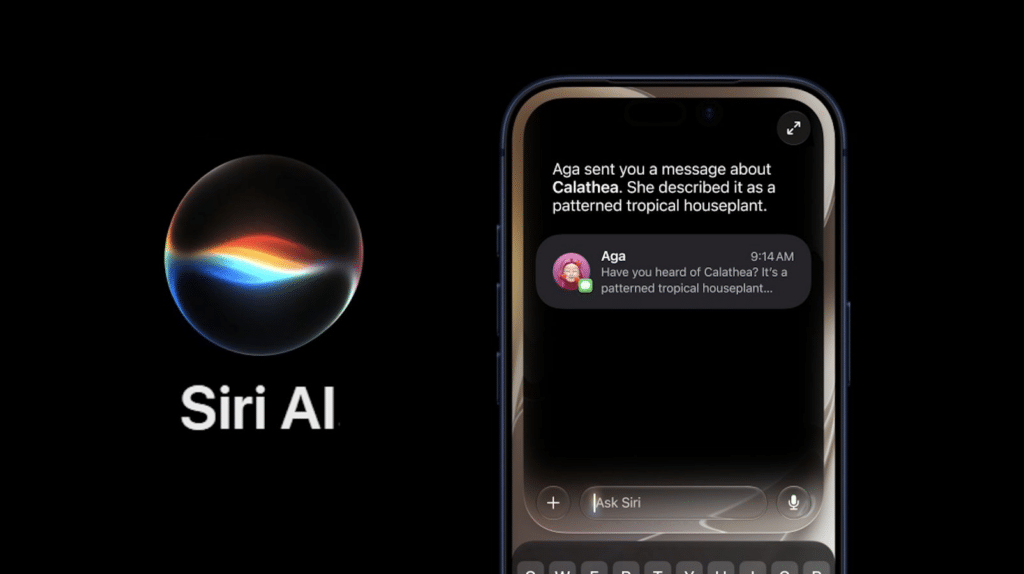
Apple’s pitch is that Siri now understands the content actually displayed on your screen, not just what you say to it, and can take action on it directly. Combine that with a dedicated Siri Camera mode, where you point your phone at something in the real world (a menu, a product label, a piece of mail) and ask Siri to identify or act on it, and the assistant starts functioning less like a voice command tool and more like a layer that sits across everything else you’re doing on the phone.
Siri Can Edit the Messages You Already Sent
A small but genuinely practical addition: Siri AI can now edit messages you’ve already sent, not just draft new ones. Ask it to fix a typo in a text you sent five minutes ago, or adjust the tone of a reply before it goes out, and it handles the edit through the Messages app’s own edit function rather than sending a follow-up correction.
Music and Reminders got similar app-level integration upgrades, letting Siri handle more multi-step actions inside those apps without you tapping through menus yourself. None of these are headline features on their own, but together they’re the difference between an assistant that answers questions and one that actually gets things done inside the apps you already use.
A Dedicated Siri App Tracks Your Conversation History
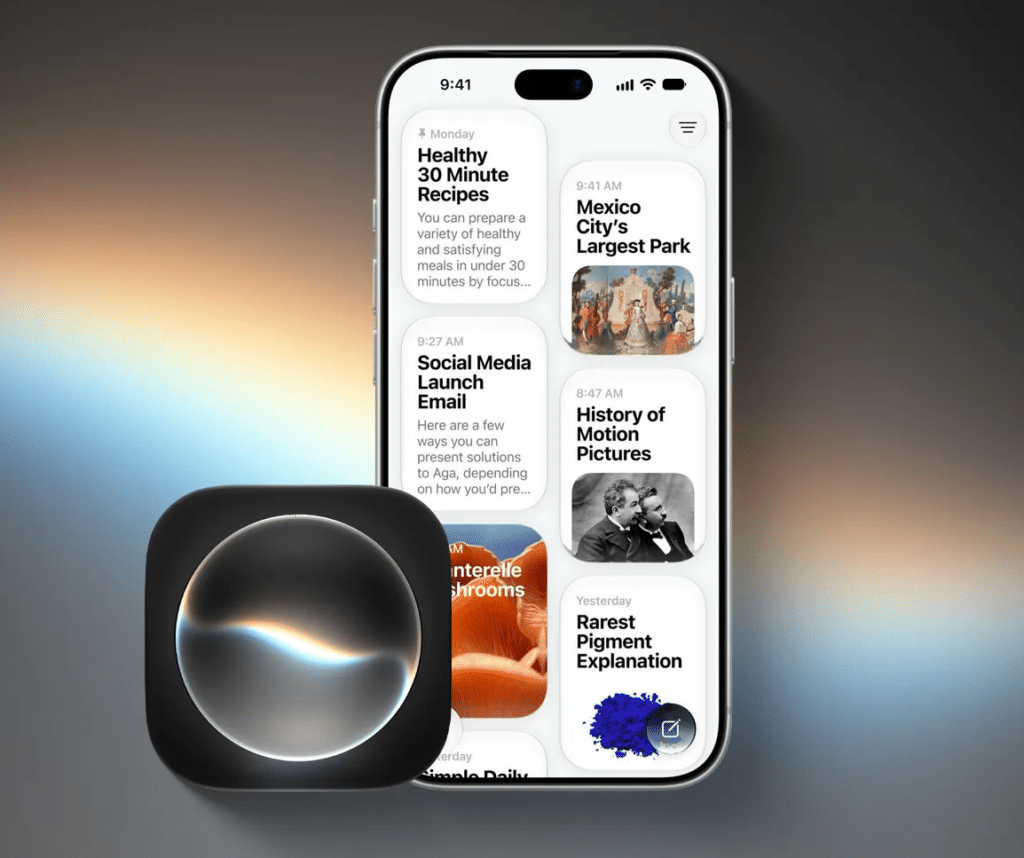
For the first time, Siri gets its own app rather than living purely as an overlay you summon with a button press or “Hey Siri.” The Siri app lets you scroll back through past exchanges, pin ones you’ll want again, and pick up a conversation later on a different Apple device.
That continuity piece matters more than it sounds. Start a complex request on your iPhone during a commute, then finish refining it on your Mac at your desk, and Siri AI is meant to carry the context across rather than treat each device as a separate assistant. Whether that handoff feels seamless in daily use is the kind of thing that only shows up after weeks of real-world testing, so treat early impressions as promising rather than proven.
What’s Still Missing or Rolling Out Later
Apple has been honest that not everything ships at once. Additional languages arrive with iOS 27.1 in October. The EU restriction on iPhone and iPad has no announced end date yet. And Apple’s separately confirmed Health+ subscription, which reportedly includes an AI health agent built on similar technology, is a distinct product launching later and not part of Siri AI itself, despite some early coverage conflating the two.
If you were hoping for full multilingual support or EU availability on launch day, that’s the honest answer: not yet, and Apple hasn’t given a firm date for either.
How to Check If You Have It
Update to iOS 27 through Settings > General > Software Update, then confirm your model against Apple’s eligibility list, since the standard iPhone 15 and earlier models will show the new visual design without the Siri AI features described here.
You can check exactly which devices qualify on our iOS 27 compatibility list. If you’re still testing pre-release builds, our coverage of the iOS 27 public beta walks through installation.
Signing Off
The real story in iOS 27 isn’t a redesigned icon set or a faster app launch time, it’s that Siri finally does what Apple said it would do two years ago: remember context, see your screen, and act across apps instead of just answering questions.
It’s not universal yet, with real gaps in language support and a full EU rollout still pending, and it’s locked to iPhone 15 Pro and newer. But for anyone on eligible hardware, this is the first version of Siri in years that’s worth actually talking to.