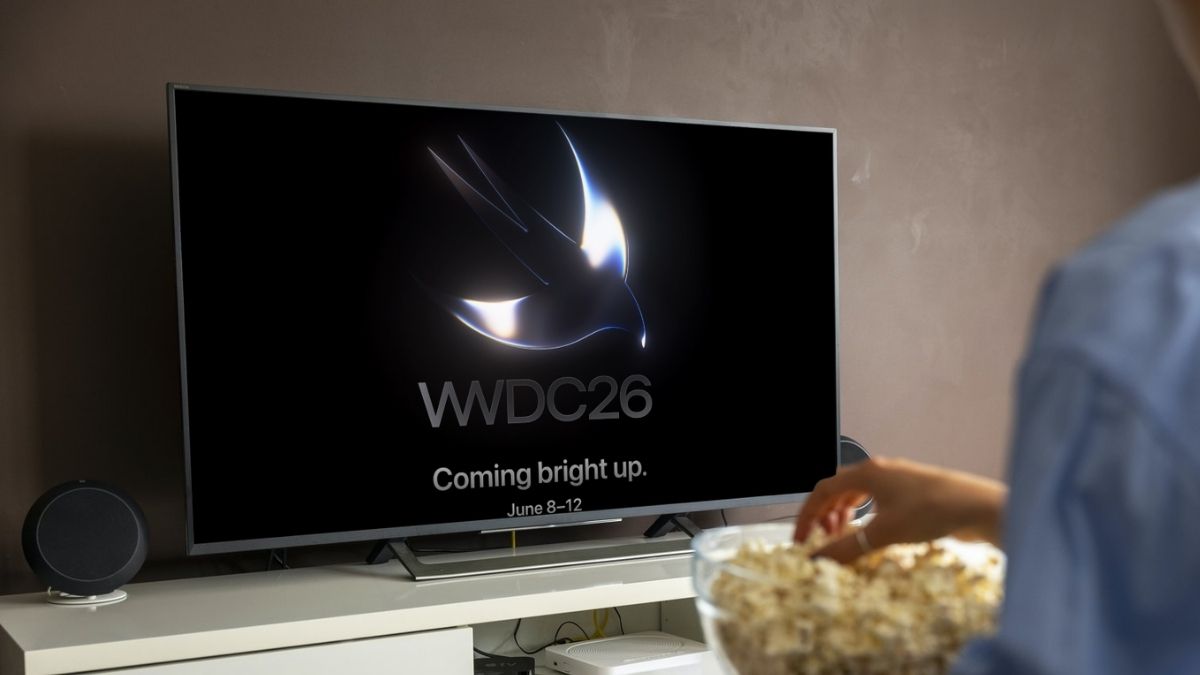
Apple’s WWDC 2026 Keynote is almost here, and this year feels more exciting than usual. Apple is expected to reveal the next major updates for iPhone, iPad, Mac, Apple Watch, Apple TV, and Vision Pro. The biggest focus, however, is likely to be AI, Apple Intelligence, and the future of Siri.
The good part is that you do not need a developer account, event ticket, or even an Apple device to watch the WWDC 2026 Keynote live. Apple streams the keynote for free globally, and you can watch it on iPhone, iPad, Mac, Windows PC, Android, smart TV, Apple TV, and YouTube.
Here’s everything you need to know about the WWDC 2026 Keynote date, time, official live stream options, device-wise watching steps, and replay availability.
When Is the Apple WWDC 2026 Keynote?
Apple’s WWDC 2026 Keynote will take place on Monday, June 8, 2026, at 10:00 a.m. PDT from Apple Park in Cupertino, California.
The full Worldwide Developers Conference runs from June 8 to June 12, 2026. Apple will open the event with its main Keynote, followed by the Platforms State of the Union later the same day. The keynote is aimed at everyone, while the Platforms State of the Union is more focused on developers and gives a deeper look at Apple’s new tools, frameworks, and platform changes.
WWDC 2026 Keynote Time by Country
Here’s when the WWDC 2026 Keynote starts in different regions:
| Region | Keynote Start Time |
|---|---|
| Pacific Time | 10:00 a.m. PDT, June 8 |
| Eastern Time | 1:00 p.m. EDT, June 8 |
| United Kingdom | 6:00 p.m. BST, June 8 |
| Central Europe | 7:00 p.m. CEST, June 8 |
| India | 10:30 p.m. IST, June 8 |
| Singapore | 1:00 a.m. SGT, June 9 |
| China | 1:00 a.m. CST, June 9 |
| Japan | 2:00 a.m. JST, June 9 |
| Australia | 3:00 a.m. AEST, June 9 |
For viewers in India, the keynote starts late at night, but you can always watch the replay later if you do not want to stay up.
How to Watch WWDC 2026 Live
Apple gives users multiple official ways to stream the WWDC 2026 Keynote live. All of them are free, and most modern devices should be able to play the stream without any extra setup.
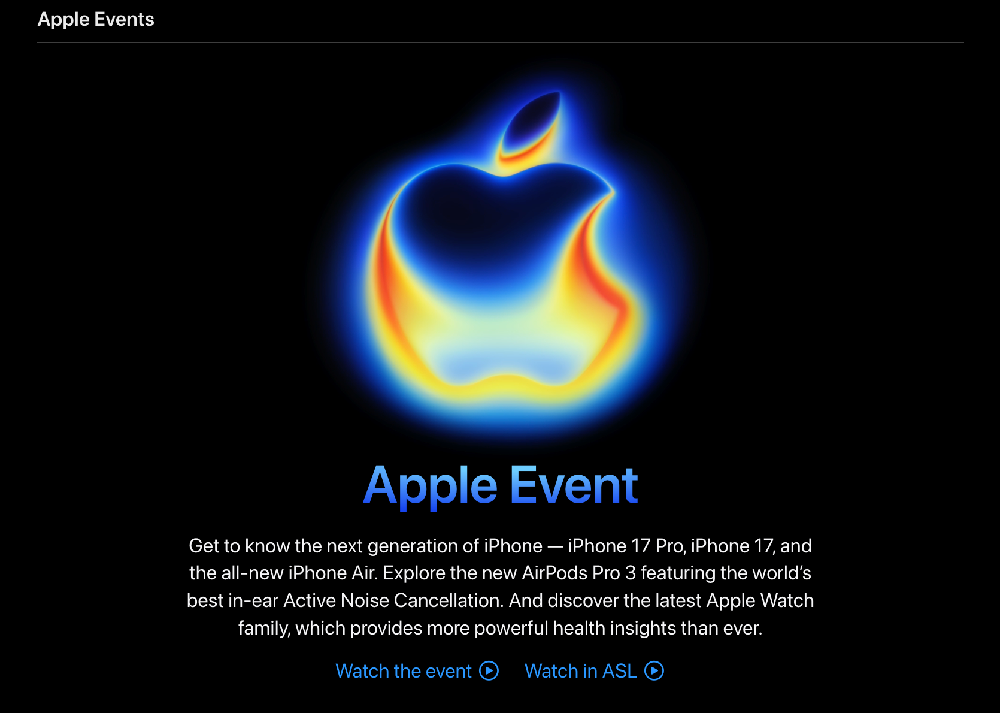
Watch on Apple’s Official Events Page
The easiest official option is Apple’s Events page. The live player usually appears before the event begins, and once the keynote starts, you can watch it directly from your browser.
This option works well on:
- iPhone
- iPad
- Mac
- Windows PC
- Android phones and tablets
- Modern browsers like Safari, Chrome, Edge, and Firefox
For the best experience, open the Apple Events page at least 10–15 minutes before the keynote begins. This gives you enough time to check your internet connection, audio, and browser playback.
YouTube: The Easiest Option for Everyone Else
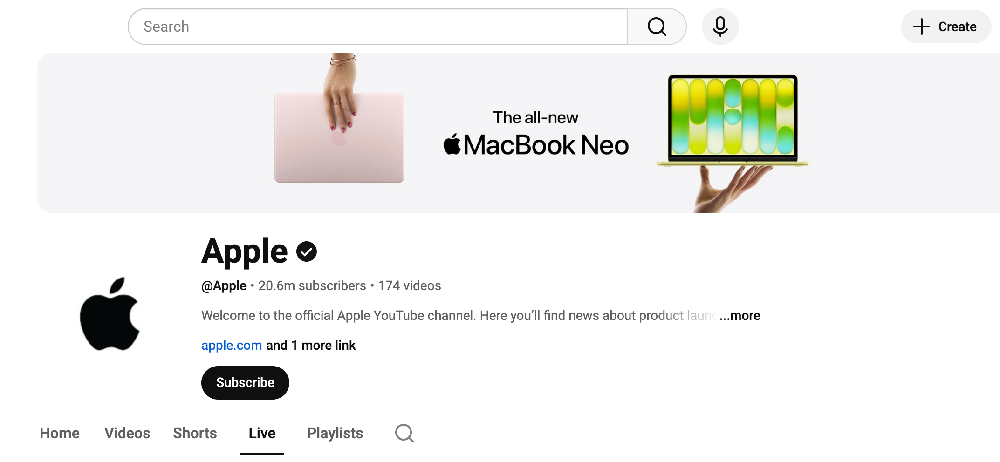
Honestly, if you’re unsure which platform to use, just use YouTube. Apple’s official channel streams every keynote live, and the replay stays up permanently afterward. No account needed, no codec issues, no fiddling.
Search “Apple WWDC 2026 keynote” on YouTube a day before the event and set a reminder. You’ll get a notification the moment the stream goes live, so you won’t miss the opening slide. This is especially useful if you’re watching on an Android phone, Windows PC, smart TV, or anything outside Apple’s ecosystem.
Apple’s YouTube channel: youtube.com/@Apple
The Apple TV App (Best for Apple Hardware Owners)
If you’re in the Apple ecosystem, the TV app is a seamless experience. No searching required, since the WWDC stream typically shows up on the Watch Now homepage the morning of the event. It’s available on:
- Apple TV (4th generation and later)
- iPhone and iPad
- Mac
- Smart TVs from Samsung, LG, and Sony
- Roku and Amazon Fire TV devices
One small tip: the Apple TV app and the official website tend to go live slightly earlier than YouTube, sometimes by a few minutes. So if you’re the type who wants to catch the pre-show ambiance, open the Apple TV app first.
Apple Developer App and Site (For Those Going Deeper)
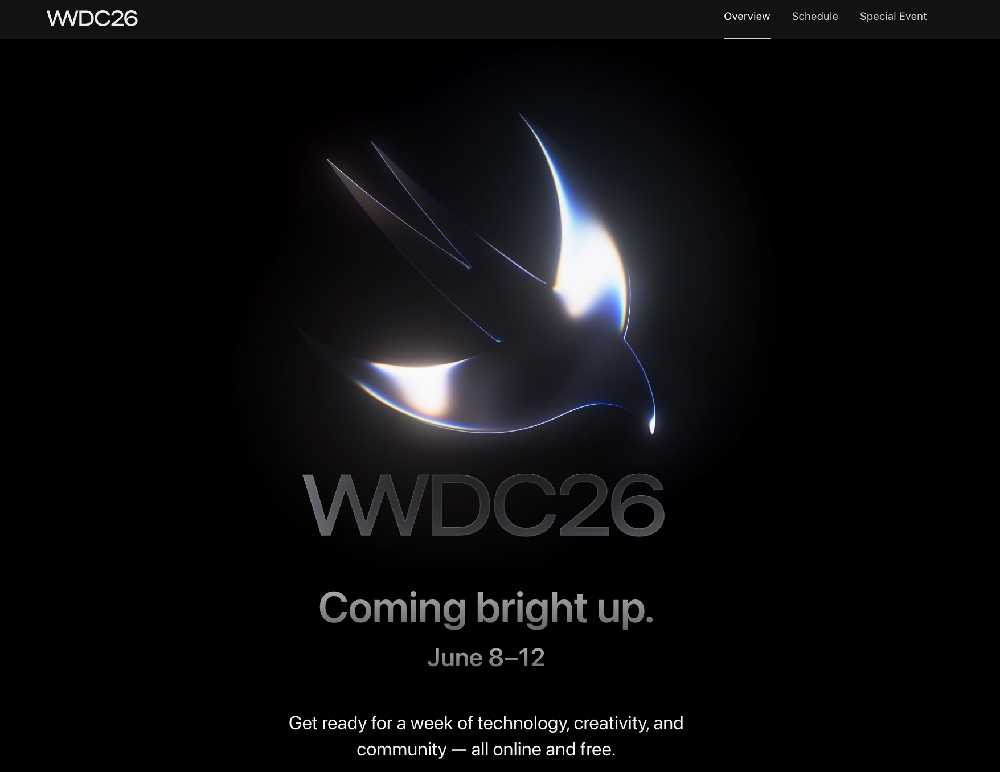
The official WWDC hub at developer.apple.com/wwdc26 has the keynote stream plus session videos, labs, and documentation that rolls out across the week. You don’t need a paid developer account to watch the keynote, but having one unlocks the deeper technical sessions if that’s your interest.
Watching on Your Specific Device: Quick Setup by Platform
- iPhone or iPad: Open Safari and go to apple.com/apple-events, or launch the YouTube app and search for the Apple WWDC 2026 live stream. Either works well, but if you want to multitask while watching, enable Picture in Picture: swipe up from the video player to keep the keynote running in a floating window while you do other things. Works on iPhone 8 and later running iOS 14+.
For the smoothest playback, connect to Wi-Fi rather than LTE before the stream starts. - Mac: Safari on Mac is the obvious choice. Go to Apple’s Events page or YouTube, click play, and you’re set. If you’d rather watch on your TV, tap the AirPlay icon in the Safari toolbar or in the player controls and select your Apple TV or AirPlay-compatible display. It takes about five seconds to set up and the quality is excellent.
- Windows PC: Open Chrome, Edge, or Firefox and go to either Apple’s Events page or YouTube. Both work fine on Windows, but if you hit any playback issues on Apple’s site (rare, but it happens), switch to YouTube immediately. It’s browser-agnostic by design and never requires codec configuration.
- Android Phone or Tablet: YouTube is your best path here. Open the app, search “Apple WWDC 2026 keynote,” and set a reminder. Apple’s events page also loads fine in Chrome for Android if you want to watch there. It’s just less convenient than tapping a YouTube notification when the stream goes live.
Can’t Watch Live? Here’s How the Replay Works
If you miss the live keynote, Apple usually makes the full video available for on-demand playback after the stream ends. You should be able to find the replay on Apple’s Events page, Apple’s YouTube channel, and the Apple TV app.
- On YouTube, where it stays up permanently on Apple’s channel
- On Apple’s Events page, which archives past keynotes for on-demand viewing
- In the Apple Podcasts app, where Apple occasionally makes keynotes available as video podcasts
The replay is useful if the keynote airs late in your region or if you want to skip through specific announcements later.
What to Expect From WWDC 2026
Apple has not officially confirmed every announcement yet, but WWDC is usually where the company reveals the next major versions of its operating systems.
- iOS 27 and iPadOS 27: The headline mobile releases of the year. If you want a preview of what’s already been reported, take a look at expected features in iOS 27 and specifically the first look at AI camera and photos features in iOS 27, which covers one of the more compelling areas of the update. Before getting too excited, it’s also worth checking the iOS 27 supported devices. Apple is expected to tighten hardware requirements around some of the AI features.
- macOS 27: Running parallel to the iOS cycle with overlapping feature sets, particularly on the AI side.
- A rebuilt Siri: This is the announcement most people are watching for. Apple is reported to be introducing a significantly more capable, conversational Siri, less “set a timer” and more genuine assistant. If this ships as described, it would represent the biggest change to Siri since it launched in 2011.
- Expanded Apple Intelligence: On-device AI features across writing tools, image generation, and system intelligence. Apple has been building this layer steadily since 2024, and WWDC 2026 is expected to show the most mature version yet.
- watchOS, tvOS, and visionOS updates: Steady annual improvements across Apple’s other platforms.
- Possible hardware: WWDC is software-focused, but Apple has used the event to announce Mac hardware before. Some reports suggest new silicon or a Mac refresh could appear. Treat this as a possibility rather than a certainty.
Set Your Reminder Now
The WWDC 2026 keynote is shaping up to be one of the more consequential ones in recent years, not because of incremental feature lists, but because of what a rebuilt Siri and a maturing Apple Intelligence platform could actually mean for how people use their devices daily.
Monday, June 8 at 10:00 a.m. PT. Put it in your calendar, set a YouTube reminder, or open the Apple TV app that morning. All three take under a minute and all three are free.
Quick Tips Before the WWDC 2026 Live Stream Starts
Open the stream 10–15 minutes early
Keep YouTube ready as a backup
Use Wi-Fi instead of mobile data if possible
Connect headphones or speakers before the keynote starts
Use a bigger screen if you want the best viewing experience
Set a reminder on YouTube or your calendar
Check the replay later if the timing is late in your region
Final Thoughts
The WWDC 2026 Keynote is shaping up to be one of Apple’s most important software events in years. With iOS 27, Apple Intelligence, Siri improvements, and new platform updates expected, this keynote could give us a clear look at where Apple’s ecosystem is heading next.
You can watch the WWDC 2026 Keynote live on Monday, June 8, 2026, at 10:00 a.m. PDT / 10:30 p.m. IST through Apple’s Events page, Apple TV app, YouTube, or the Apple Developer app. The stream is free, works globally, and does not require an Apple Developer account.
No. You do not need an Apple account to watch the WWDC 2026 Keynote on Apple’s website or YouTube. The keynote stream is free for everyone.
Yes. Android users can watch the keynote through the YouTube app or by opening Apple’s Events page in Chrome.
Yes. You can watch the WWDC 2026 Keynote on a Windows PC using Chrome, Edge, Firefox, or another modern browser. YouTube is usually the easiest option.
The WWDC 2026 Keynote starts at 10:30 p.m. IST on Monday, June 8, 2026.
The replay should be available after the live stream on Apple’s Events page, Apple’s YouTube channel, and the Apple TV app.
Yes. Apple’s WWDC 2026 Keynote is free to watch globally. You do not need a ticket, subscription, or paid developer account.
The WWDC Keynote is Apple’s main public event for major announcements. The Platforms State of the Union is more technical and focuses on developer tools, frameworks, APIs, and platform changes.
Apple usually reveals the next major iOS version at WWDC. While final details will only be confirmed during the keynote, iOS 27 is expected to be one of the biggest announcements of WWDC 2026.