You ask an AI agent to compare flight prices, then switch to WhatsApp. Two minutes later you’re wondering: is it still working, did it get stuck, or is it waiting on you? Right now, the only way to know is to reopen the app and check.
Google’s answer is Android Halo, which many people search for as “Gemini Halo.” Google unveiled it at Google I/O on May 19, 2026, as a dedicated spot in the Android 17 status bar where AI agents report what they’re doing. It’s a small strip of screen. It may also be the most honest UI change Google has made for AI on phones.
Here’s what Halo is, how it works, and where it actually stands as of November 2026.
Gemini Halo vs Android Halo: Same Feature, Different Name
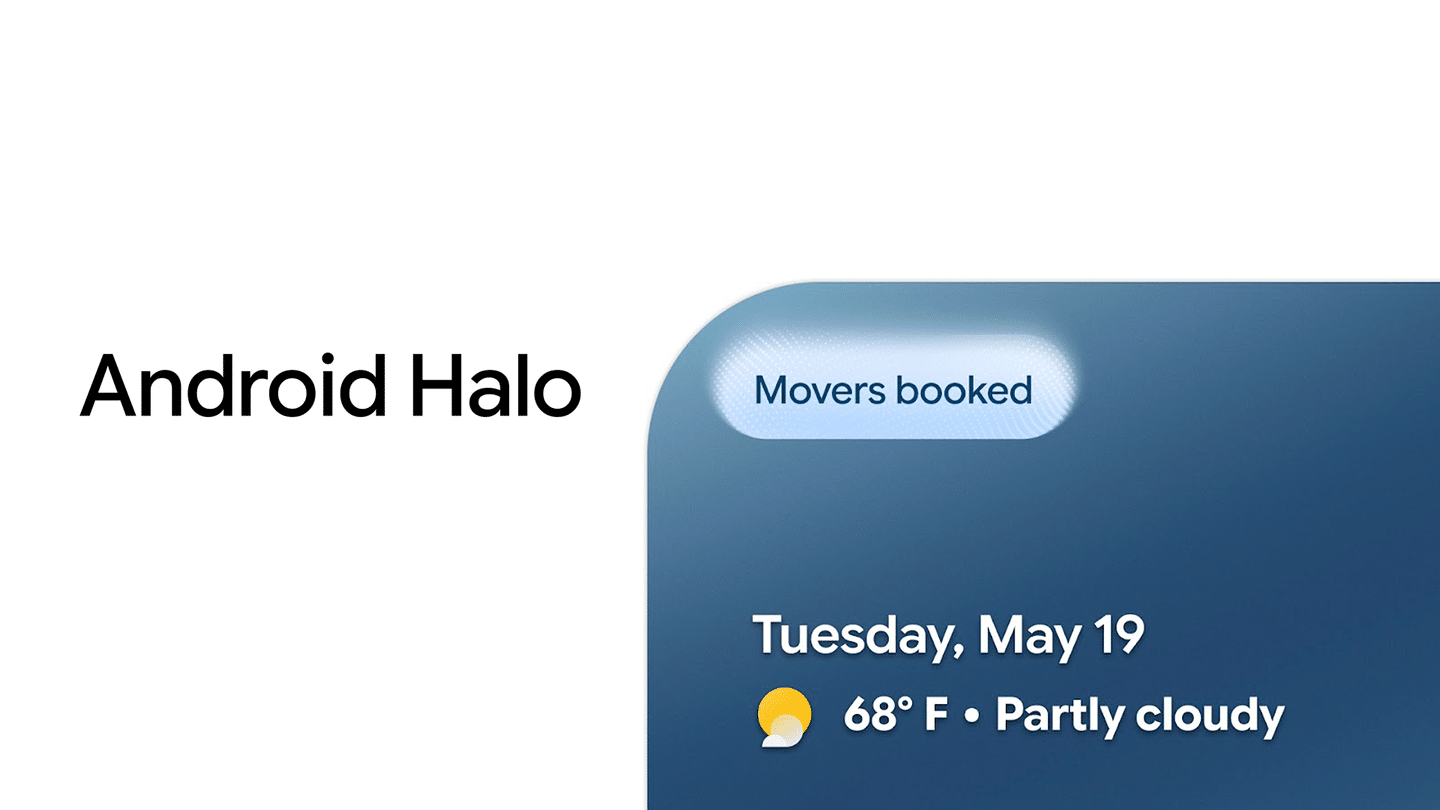
The official name is Android Halo. “Gemini Halo” stuck because Google’s teaser showed a glowing circle morphing into the Gemini sparkle in a Pixel’s status bar, and because Halo launches with Gemini Spark as its first supported agent.
The naming matters for one reason. Halo is an Android feature, not a Gemini app feature. Google built it into the OS so any supported agent can use it, Gemini or otherwise. Google’s own keynote copy says Halo “brings intelligence from your agent right to your status bar.”
You can catch up on the rest of that keynote in our breakdown of everything Google announced at Google I/O 2026.
What Does Android Halo Actually Do?
Halo gives an AI agent a permanent, glanceable home at the top of your screen. According to Android Authority, the indicator appears when an agent is completing a task, entering live mode, or sending a message, and it stays visible across apps.
From that spot, an agent can:
- Post progress updates while it works in the background.
- Ask you a follow-up question when it needs a decision, like which of two hotel dates you prefer.
- Hand you the finished result without forcing you into the Gemini app.
Sameer Samat, President of Android, described it in a July 1, 2026 Google for Developers video as a “dedicated location in the status bar” where agents can update you and request input on queued tasks.
Think of it as Live Updates for AI. You already watch a food delivery or ride progress from the status bar. Halo applies that same pattern to agents that might run for minutes or hours.
How Halo Keeps Agents Contained
This is the part most coverage skips, and it’s the most important detail.
When Gemini runs a task on your phone, it works inside a containerized virtual window shared with the app it’s using. Samat explained that the agent can’t leave that container, so it can’t wander into your other apps. When the task goes idle or needs your input, that window collapses into the Halo indicator. Tap it, and the window comes back.
Why does this matter? Background agents with broad app access are a real risk. An agent that’s meant to book a table shouldn’t be able to open your banking app. Halo’s container model limits each task to its assigned space by design, rather than trusting the agent to behave.
One caveat worth knowing: Google hasn’t disclosed the exact OS-level isolation mechanism behind these containers, and no independent security audit has been published yet. Treat the protection as promising, not proven.
Halo, Gemini Spark, and Gemini Intelligence: How They Fit Together
Three Google names get mixed up here, so it helps to separate them.
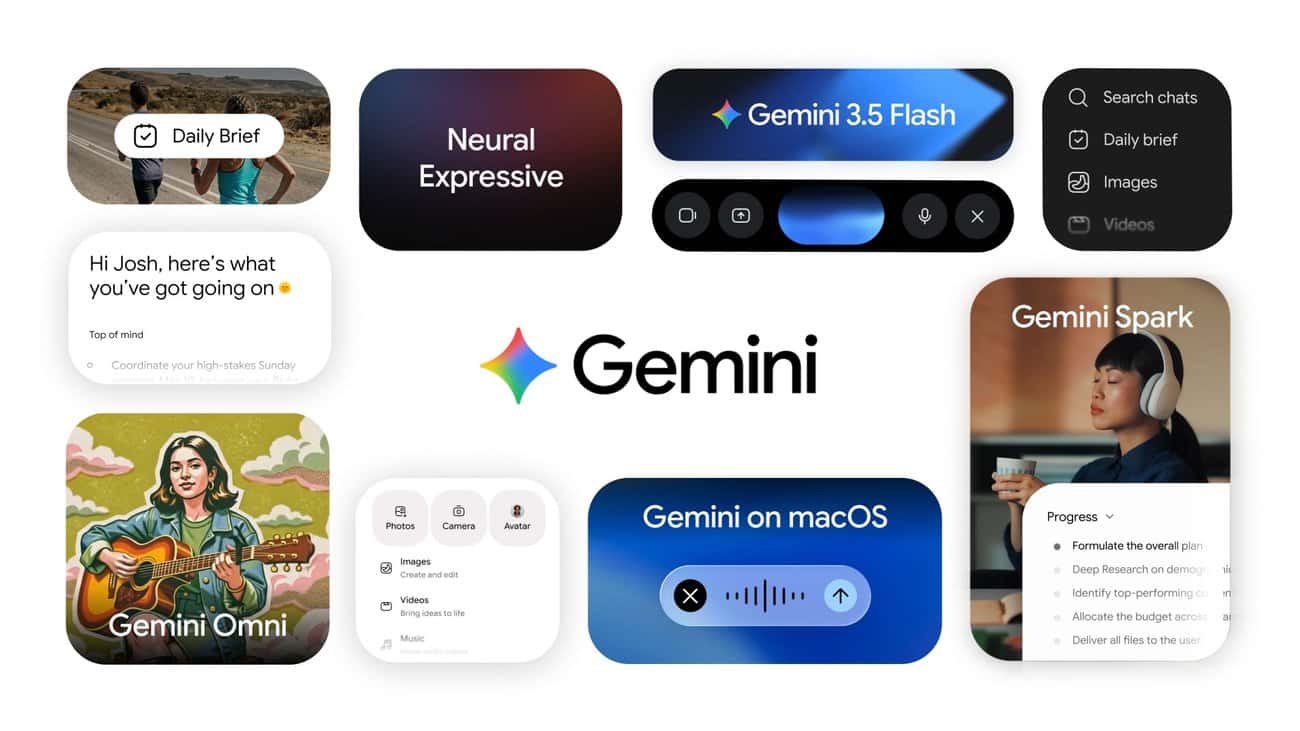
- Gemini Spark is the agent. It’s Google’s 24/7 personal AI agent that runs tasks on schedules or triggers, using a remote browser and remote computer in Google’s cloud. It launched in beta for Google AI Ultra subscribers 18+ in the US in May 2026, with a cap of 15 tasks running at once.
- Android Halo is the window into that agent on your phone. Spark does the work; Halo shows you the status.
- Gemini Intelligence is Google’s umbrella for on-device AI features on Android. Google has teased extra Halo capabilities powered by it, but hasn’t detailed them.
So if you’re not paying for AI Ultra, Spark won’t be on your phone, and Halo will have little to show you at launch. Our Gemini AI pricing guide covers what each tier includes, and our explainer on Gemini Intelligence on Android covers the on-device side.
Is Android Halo Available Yet?
Not as of writing, based on everything Google has published.
Here’s the timeline so far:
- May 19, 2026: Google announces Halo at I/O, “coming later this year.”
- June 16, 2026: Android 17 stable rolls out to Pixel without Halo.
- July 1, 2026: Samat explains how Halo works. No date given.
- August 2026: Pixel 11 launches. Reviews mention Gemini status lights and the HiLight back panel on the Pixel 11 Pro, but not Halo.
- September 15, 2026: Android 17 QPR1 reaches Pixel phones. Google’s changelog doesn’t list Halo.
Google’s “later this year” promise leaves roughly eight weeks. A December Pixel Drop is the most likely window if Google hits that target, but Google hasn’t confirmed it. Expect Pixel phones first, since Google ships most Android 17 features there before other brands.
Who Will Get the Most Out of Halo?
Halo isn’t for everyone on day one, and that’s fine.
You’ll notice it right away if you pay for Google AI Ultra and already use Gemini Spark for research, inbox triage, or scheduled tasks. Halo saves you from reopening the Gemini app every time you want a status check.
You can safely ignore it for now if you only use Gemini for quick chats or image edits. Those finish in seconds, so there’s nothing to track.
Watch it closely if you care about privacy. Halo arrives alongside planned Privacy Dashboard upgrades that Google says will show real-time AI indicators, activity logs, and a 24-hour view of which assistants ran and which apps they touched. Together, those make AI activity on your phone visible instead of silent.
If you already find your status bar crowded, our guide on how to hide status bar icons on Android 17 helps you free up space before Halo claims its slot.
What’s Still Unconfirmed
Google has left several gaps, and it’s better to know them than to guess:
- Release date: No firm date beyond “later this year.”
- Device support: Google hasn’t said whether Halo needs specific hardware or a Gemini Intelligence-capable phone. Our Gemini Intelligence hardware requirements list is the best current hint.
- Third-party agents: Google says other agents will work with Halo after launch but hasn’t named any.
- Settings controls: There’s no word yet on whether you can turn Halo off or limit which agents appear in it.
Final thoughts
Android Halo, or “Gemini Halo” if that’s what you searched, isn’t a flashy feature. It’s a status bar slot. But it solves a real problem with AI agents: you can’t trust what you can’t see. By pairing a visible indicator with locked-down containers, Google is building a check-in system for agents before they become common on phones.
The catch is timing. Halo still hasn’t shipped, and Google has two months left to keep its “later this year” promise.