You open the Gemini app, ask a question, and a small label flashes across the screen: model switched to Flash. No explanation, no warning. That is usually the moment people realize they don’t actually know what Gemini AI pricing gets them for free and what requires a paid plan.
It’s a fair thing to be confused about. Google splits Gemini across multiple subscription tiers, plus a separate pay-as-you-go option for developers, and each unlocks a different mix of models, storage, usage limits, and AI tools. Some of that changed again in 2026, making it even harder to tell whether paying actually gets you something you’ll use.
Here’s what you get at each Gemini pricing tier, where the free plan starts falling short, and which plan makes the most sense depending on how you use Gemini.
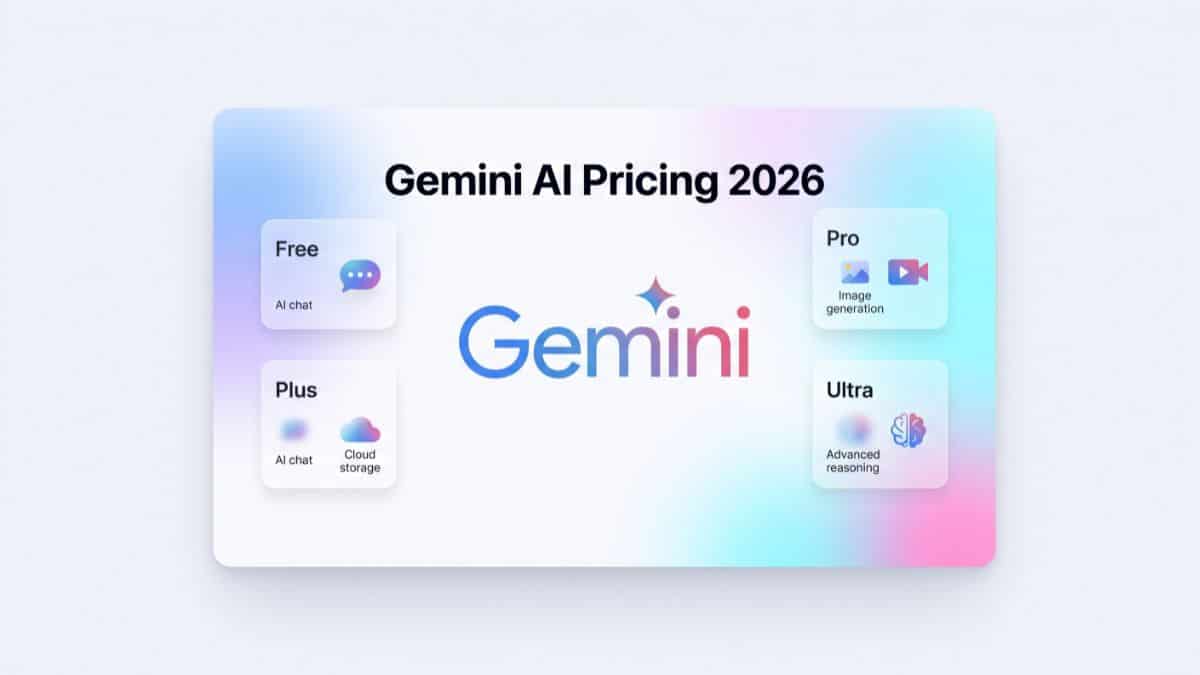
Gemini AI Plans and Pricing at a Glance
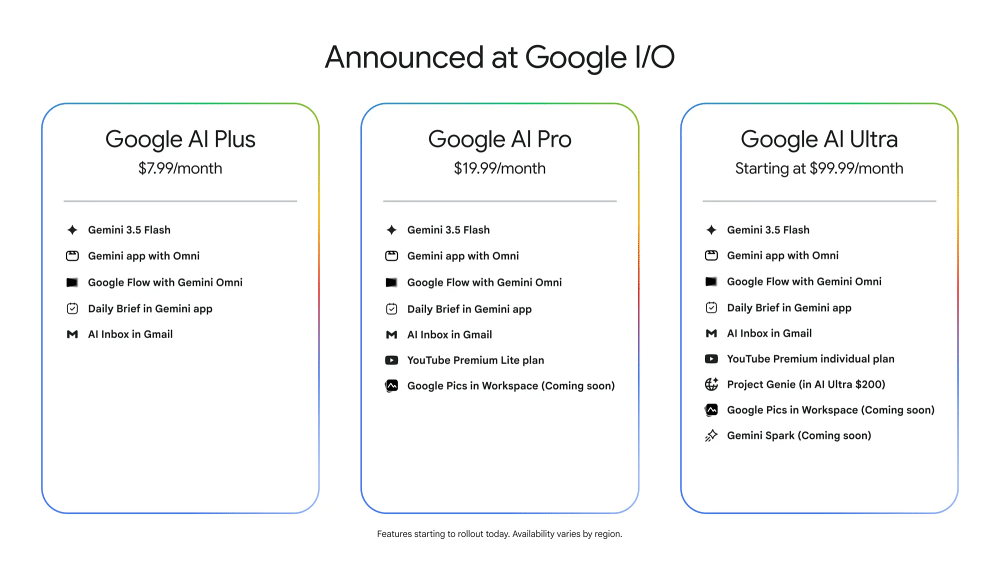
- Free: $0/month, with 15GB of Google Account storage shared across Gmail, Drive, and Photos.
- Google AI Plus: $4.99/month, with 400GB of storage and higher AI usage limits.
- Google AI Pro: $19.99/month, with 5TB of storage and expanded access to Google’s more capable AI models and tools.
- Google AI Ultra: Google’s highest-end subscription tier, designed around significantly higher usage limits and access to its most advanced AI features.
Pricing and included benefits can vary by country, promotion, and billing arrangement, so the amounts above are best treated as the standard US reference prices rather than universal pricing.
More importantly, the differences aren’t just about how many prompts you can send. Model access, video generation, research tools, storage, and advanced reasoning features are where the paid plans begin separating themselves from the free tier.
What You Actually Get With Gemini for Free
Gemini’s free tier is no longer a stripped-down demo. For everyday questions, brainstorming, writing help, summaries, and lighter research, you can get surprisingly far without paying anything.
Free users get access to Google’s general-purpose Gemini experience, including its faster Flash-class models and limited access to more capable reasoning models when available. Exactly which model handles a request can change depending on availability, usage limits, and the type of task you’re asking Gemini to perform.
You also get access to features such as image generation and editing, Gemini Live for voice conversations, limited Deep Research usage, and integrations across Google’s ecosystem where supported.
NotebookLM also has a free tier, although notebooks, sources, generated content, and daily usage come with lower limits than Google’s paid plans.
The biggest limitation isn’t that Gemini suddenly becomes incapable without a subscription. It’s that Google’s more computationally expensive features have tighter usage limits or remain exclusive to higher tiers.
Video generation is one of the clearest examples. Google’s Veo-powered generation tools require eligible paid access rather than being broadly available through the standard free Gemini experience.
The same principle applies to Google’s most advanced reasoning and agentic features. If your workflow depends on long, complicated research tasks, autonomous actions, or frequent media generation, you’ll reach the free tier’s boundaries much faster than someone who primarily uses Gemini as a chatbot.
Google AI Plus: The Cheapest Gemini Upgrade
Google AI Plus is the first step above free and is aimed at people who regularly hit Gemini’s free limits but don’t need everything included with Pro.
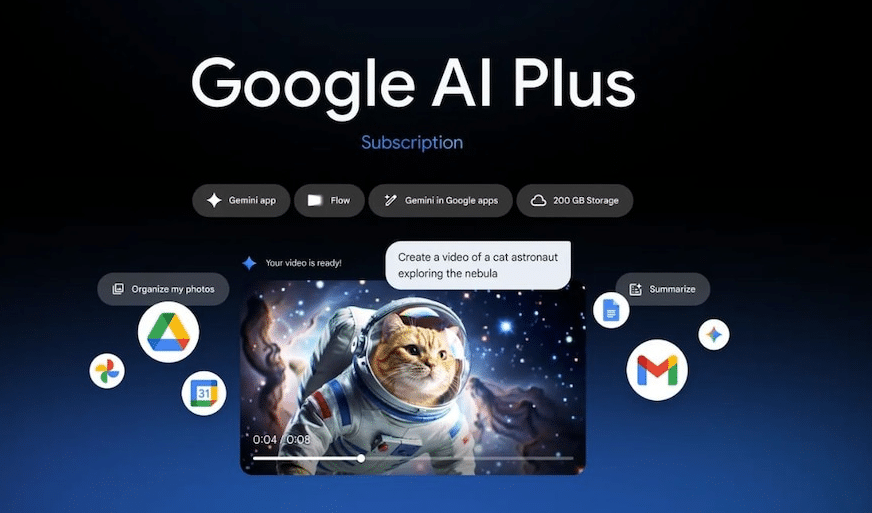
At around $4.99 per month in the US, it gives you higher usage allowances across supported Gemini features along with substantially more Google storage than a standard free account.
That combination matters because you’re not paying exclusively for Gemini. The storage can also be used across services such as Gmail, Google Drive, and Google Photos.
AI Plus also provides more room for media-generation features and other premium Gemini tools where available. Depending on your region and Google’s current feature rollout, that can include access to video-generation capabilities that aren’t available on the standard free tier.
For someone who mostly wants more Gemini headroom, additional cloud storage, and occasional access to premium creative tools, AI Plus is the plan I’d look at before automatically jumping to Pro.
Google AI Pro: The Better Fit for Regular Gemini Users
Google AI Pro costs $19.99 per month in the US and is where Gemini starts making more sense as a serious work tool rather than something you use occasionally.
The biggest difference is more consistent access to Google’s higher-end Gemini models and significantly higher limits for demanding features. That matters if you’re regularly working with long documents, research-heavy questions, coding tasks, or more complicated reasoning prompts.
Pro also expands tools such as Deep Research, NotebookLM, and supported media-generation features. Google’s exact feature bundle continues to evolve, so individual limits can change even when the monthly subscription price doesn’t.
You also get a larger Google storage allowance, which can make the subscription easier to justify if you’re already paying separately for Drive, Photos, or Gmail storage.
For casual Gemini use, $19.99 per month is probably unnecessary. If Gemini is part of your daily writing, research, coding, or content-production workflow, however, Pro is where the restrictions become considerably less noticeable.
Google AI Ultra: For Gemini’s Most Advanced Features
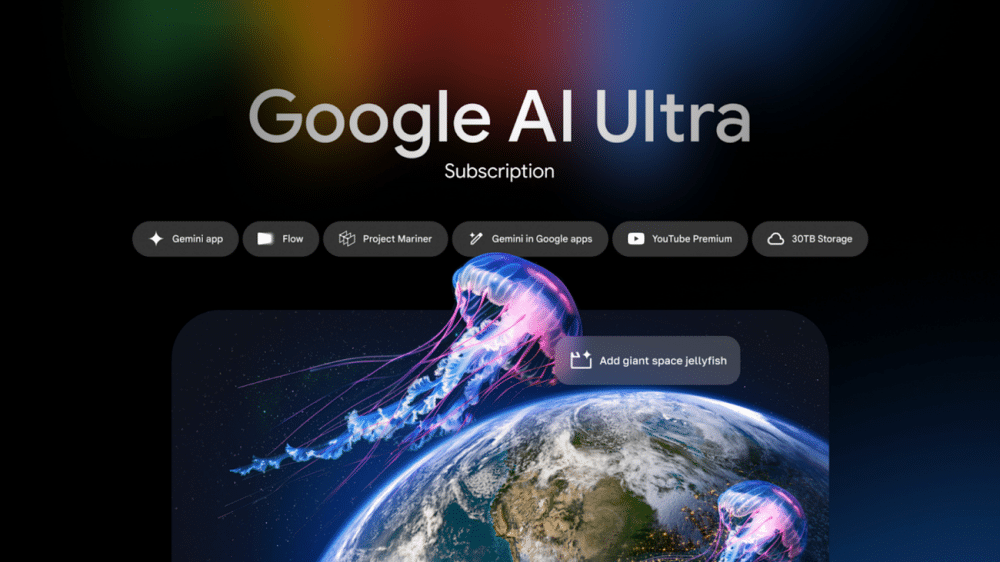
Google AI Ultra sits at the top of Google’s consumer AI lineup and is designed for users who need considerably higher limits and access to experimental or particularly compute-intensive AI tools.
This is where Google places features such as its highest-end reasoning modes, advanced agent capabilities, premium video-generation access, and other tools that would be too expensive to offer broadly on lower-priced plans.
Ultra also comes with significantly more cloud storage and can bundle additional Google benefits depending on the country and current subscription offer.
The important question isn’t whether Ultra is “better” than Pro. It obviously offers more. The question is whether your workflow actually uses the features that justify such a large price jump.
If you mainly ask Gemini questions, generate occasional images, summarize documents, or use it for writing, Ultra is overkill. It’s aimed much more at developers, researchers, professional creators, and heavy AI users who can actually consume the higher limits.
Is Google AI Pro Still Free for Students?
Google’s student offers have changed over time, so this is one area where you shouldn’t rely on an old article or social media post. Google previously offered eligible college students extended access to Google AI Pro at no cost through promotional programs. Those offers had specific signup windows, eligibility requirements, and regional restrictions.
Newer student promotions may provide a different Google AI tier or use different verification partners rather than simply extending the original Pro offer.
If you’re a student, check Google’s current student eligibility page before subscribing. A promotion that was available several months ago may have expired, changed tiers, or stopped accepting new registrations even if existing users still retain their benefits.
Also check what happens when the promotional period ends. Student offers can automatically transition to a paid subscription unless you cancel before renewal.
Gemini API and Google AI Studio Pricing
Gemini’s consumer subscriptions are separate from the Gemini API. If you’re building an app, website, automation, or other product around Gemini, you’ll generally use Google AI Studio and the Gemini API rather than paying for Google AI Pro or Ultra and treating that subscription as API access.
Google provides free API allowances for supported models, which makes AI Studio useful for experimentation, prototypes, and small personal projects. The catch is that free-tier API usage comes with stricter rate limits and different data-handling terms than paid usage. That’s particularly important if you’re sending proprietary, confidential, or customer information through your application.
Paid API usage is generally priced based on the number of input and output tokens processed, with different Gemini models carrying different rates. Larger context windows, multimodal input, caching, grounding, and other features can also affect your final cost.
That means there’s no single “$20 Gemini API plan” comparable to Google AI Pro. A lightweight application might cost very little, while a production service processing millions of tokens can quickly cost substantially more.
For experimentation, the free API tier can be enough. For a real production product, privacy requirements, rate limits, reliability, and predictable capacity usually become bigger reasons to move to paid API access than simply gaining access to a smarter model.
Gemini Subscription vs. Gemini API: Don’t Confuse the Two
This distinction trips up plenty of people. Paying for Google AI Pro or Ultra gives you premium features inside Google’s consumer Gemini products. It doesn’t mean you suddenly receive unlimited paid API calls for your own application.
Likewise, paying for Gemini API usage doesn’t automatically give your personal Gemini account all the benefits included with Google AI Pro.
Think of them as two different products.
- The subscription is for using Gemini.
- The API is for building with Gemini.
If all you want is a better chatbot, research assistant, or creative tool, look at the consumer subscriptions. If you’re writing code that sends prompts to Gemini programmatically, look at API pricing instead.
Which Gemini Plan Should You Choose?
For most people, I’d start with Free and upgrade only when you can identify the specific limitation you’re hitting. If you’re mostly asking questions, rewriting text, brainstorming, generating the occasional image, or using Gemini Live, the free plan may be all you need.
Google AI Plus makes more sense when you’re repeatedly hitting free limits and could also use the extra Google storage. Pro is the stronger choice for people using Gemini every day for work, research, coding, document analysis, or content creation. You’re paying for higher limits and more reliable access to Google’s stronger tools rather than simply getting “Gemini without restrictions.”
Ultra only makes financial sense when the advanced reasoning, agentic features, media-generation tools, or much higher usage limits are genuinely part of your workflow.
The Bottom Line
Gemini’s free tier is genuinely capable enough that you shouldn’t assume you need a subscription before trying it. For everyday questions, writing, brainstorming, image generation, and occasional research, there’s a lot available without paying.
The real divide between free and paid Gemini isn’t simply whether the chatbot is smarter. It’s access and headroom. Video generation, advanced reasoning, agentic tools, higher research limits, premium models, and additional storage are what increasingly push you toward AI Plus, Pro, or Ultra.
For most casual users, Free remains the sensible starting point. If you’re regularly running into its limits, Google AI Plus is the cheapest step up. For people who rely on Gemini for serious daily work, Google AI Pro is where the upgrade becomes much easier to justify.
And if you’re using Gemini primarily on Android, it’s worth understanding what Gemini’s on-device features actually do and how Gemini connected apps work before paying solely to unlock features you may already have access to.
Pricing, storage allowances, model availability, usage limits, and regional offers can change, so check Google’s current plan details before subscribing.