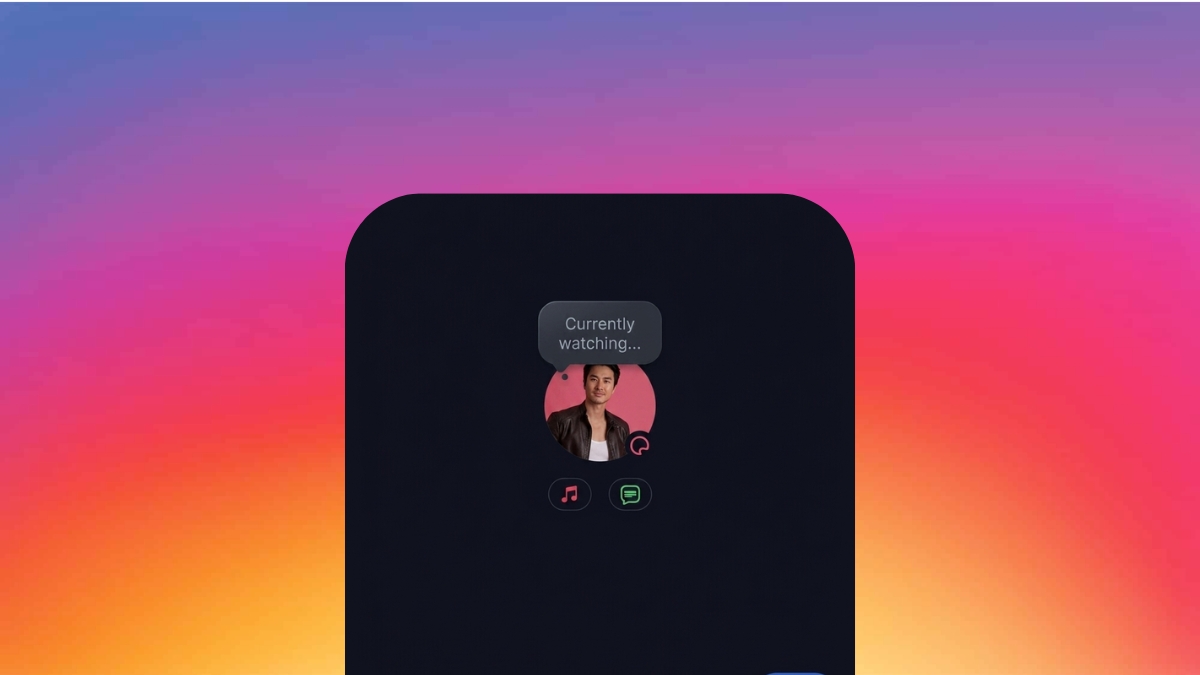
Instagram quietly rolled out a small update that doesn’t look like much at first, but after using it for a bit, it genuinely changes how Notes feel. You can now add GIFs to Instagram Notes, and once you start using it, going back to plain text feels oddly limiting.
I first noticed it while scrolling through my DMs. Someone I follow had posted a looping GIF instead of the usual one-liner or song. It instantly stood out. I paused, opened it, and that’s when it clicked. Notes suddenly felt more expressive without needing to “think of something to say.”
After trying it myself, it became clear this isn’t just another cosmetic update. It removes friction from posting Notes altogether.
What Instagram Notes Felt Like Before This
Notes have technically been around since 2022, but if you’re being honest, they never fully stuck.
The idea was always good. A quick, low-effort way to share a thought without posting a Story or Reel. But in practice, it required you to come up with something clever in a very small space. And most of the time, that just didn’t happen.
I personally used Notes occasionally, mostly for quick updates or random thoughts. But there was always a slight pause before posting. You had to think, type, maybe delete, rewrite… and sometimes just give up.
That’s where GIFs change the entire dynamic.
How to Add GIFs to Instagram Notes
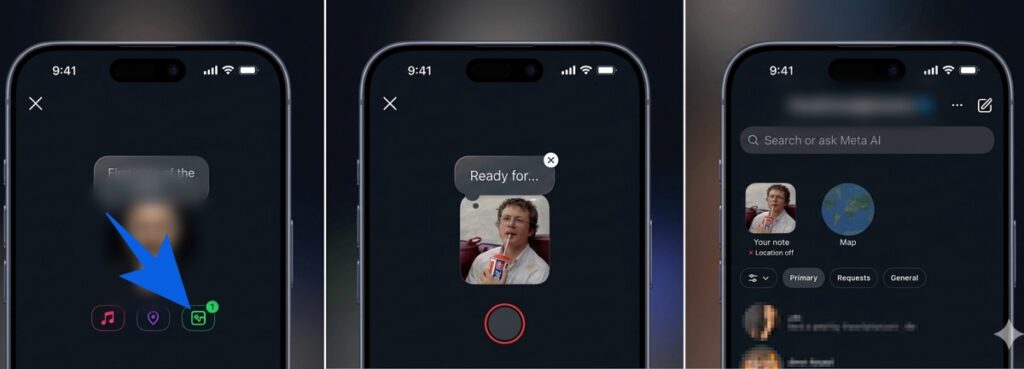
Once the feature shows up on your account, using it is simple and quick.
- Open Instagram and tap the DM icon.
- At the top, tap Your Note or your profile picture.
- In the Note composer, look below the text field.
- Tap the GIF button (next to music and location).
- Search or browse GIFs via GIPHY.
- Select the one you like.
- Add text if needed or leave it as is.
- Tap Share.
The entire process takes less than a minute, and honestly, it feels more natural than typing something out.
What Changed After I Started Using GIF Notes
On paper, this is a small feature. In reality, it fixes one of the biggest problems Notes had, which was effort.
Text-based Notes required intent. GIFs remove that barrier completely.
You don’t need to think. You just react.
And that’s exactly how people communicate now. Through visuals, loops, and quick expressions instead of perfectly written sentences.
This update also fits into a pattern. Instagram recently added comment editing, another small but meaningful change that improves everyday use. These updates don’t feel flashy, but they make the app easier and more natural to use over time.
Final Take
After using this for a while, it’s clear this isn’t just about GIFs. It’s about reducing effort.
Notes finally feel like something you can use without overthinking. And that alone makes them more useful than they’ve ever been.
If you haven’t tried it yet, you probably will once it shows up. And once you do, plain text Notes might start feeling outdated pretty quickly.
Not yet. The feature is rolling out gradually. If you don’t see it, update the app and check again later.
Yes. GIF Notes follow the same rules and disappear after 24 hours.
Check out more Instagram posts: