Someone comments on your posts constantly, and you’ve started dreading the notification before you even open it. Blocking them feels like too big a step. Unfollowing them might spark an awkward conversation at the next family dinner. So you just… live with it, scrolling past the anxiety every time your phone buzzes.
Instagram built two features for exactly this situation, yet most people either use the wrong one or don’t realize both exist. Mute and Restrict let you quietly reduce someone’s presence without the confrontation that comes with blocking them. But they solve two very different problems. Mix them up, and you’ll either fail to get the peace you’re looking for or end up using a feature that doesn’t address the issue in the first place.
Here’s what each one actually does, how they differ behind the scenes, and which option makes the most sense for your situation.
What Does Muting Someone on Instagram Do?

Mute is essentially a feed filter. It changes what you see without changing anything about your relationship with the other person.
When you mute someone, their posts and Stories stop appearing in your feed, but you both continue following each other as before. You can still visit their profile at any time and browse everything they’ve shared. Direct messages continue to work normally, and neither of you loses any messaging features.
Most importantly, Instagram never tells the other person that you’ve muted them. There’s no notification, no badge, and no hint that anything has changed.
One of Mute’s biggest advantages is its flexibility. You don’t have to mute everything. You can:
- Mute only posts.
- Mute only Stories.
- Mute both posts and Stories.
- Mute Notes independently, a feature Instagram has added over recent updates.
That level of control makes Mute a low-pressure option. You’re not changing how someone interacts with your account—you’re simply customizing your own Instagram experience.
If you change your mind later, unmuting is just as seamless. Turn the same toggle back on, and their content immediately starts appearing again without them ever knowing.
What Does Restricting Someone on Instagram Do?

Restrict is designed for an entirely different situation.
Rather than filtering content from your feed, Restrict quietly limits how someone can interact with your account, especially when their comments or messages have become uncomfortable or disruptive.
According to Instagram’s own guidance, restricting someone means they can no longer see when you’re online or whether you’ve read their direct messages. Their comments on your posts are also handled differently.
This is where Restrict becomes particularly useful.
When a restricted person leaves a comment on one of your posts, they can still see their own comment, making it appear as though it was published normally. However, nobody else can see it unless you manually approve it. From their perspective, everything looks normal. From everyone else’s perspective, the comment effectively disappears.
Direct messages work in a similar way.
Instead of arriving in your main inbox, messages from a restricted account are sent to your Message Requests folder. You can read them without triggering a Seen receipt, which removes the pressure to respond immediately or explain why you’ve left a message unread.
That’s arguably the feature you’ll notice most in everyday use. It gives you room to decide if—and when—you want to respond without encouraging follow-up messages asking why you’ve gone silent.
One important limitation is worth remembering: Restrict doesn’t affect Stories.
A restricted person can still view your Stories unless you’ve separately hidden your Stories from them or your privacy settings prevent them from seeing your content. If your goal is to keep someone from viewing your Stories, Restrict alone won’t accomplish that.
Like Mute, Restrict is completely private. Instagram never notifies someone that they’ve been restricted. The entire feature is built around subtlety. While someone might eventually notice that their comments no longer receive replies or that their messages seem to go unread, Instagram never explicitly confirms that you’ve restricted them.
If you’re new to the feature, you can also read our detailed guide on what Restrict means on Instagram to understand every setting and privacy limitation before deciding whether to use it.
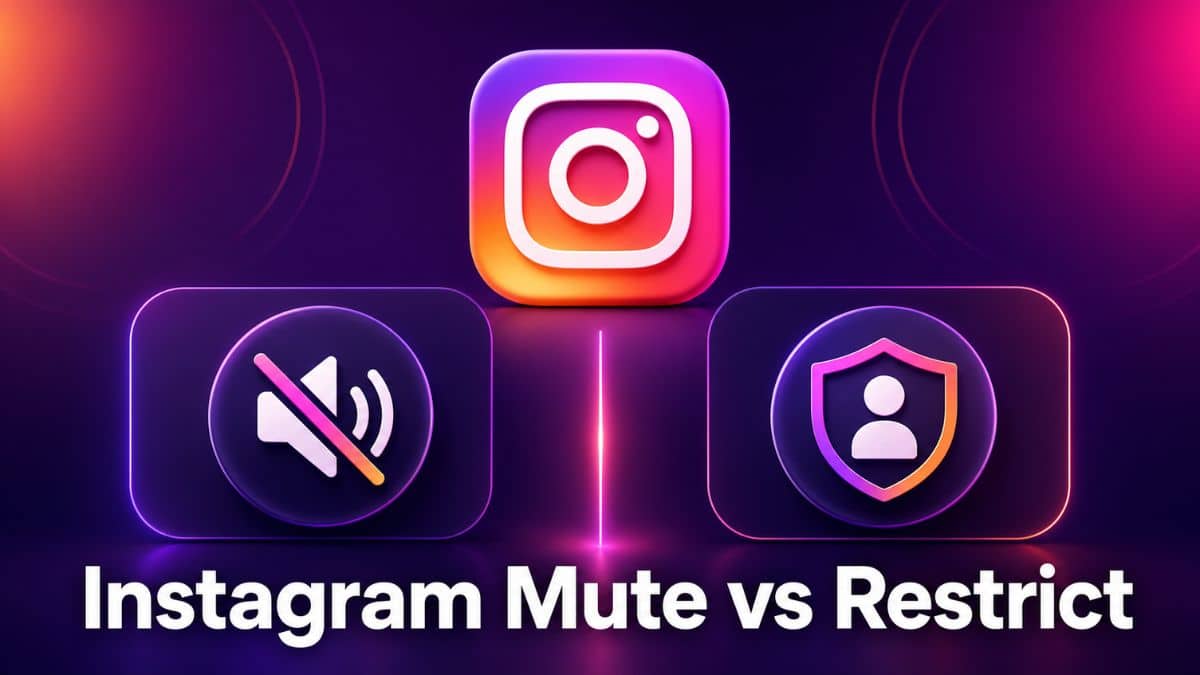
Instagram Mute vs Restrict: What’s the Real Difference?
The simplest way to think about it is this:
- Mute changes what you see.
- Restrict changes what someone else can do.
That’s the core distinction, and it’s why the two features aren’t interchangeable.
If someone constantly leaves unwanted comments on your posts, muting them won’t help. Their comments will still appear publicly because Mute only affects your feed. It doesn’t change how they interact with your account or how other people see their activity.
On the other hand, restricting someone simply because you’re tired of seeing their vacation photos or daily updates is unnecessary. Restrict doesn’t remove their posts from your feed, and it isn’t designed to manage content consumption.
The two features also affect completely different parts of the Instagram experience.
Mute is a personal content filter. It lets you control what appears in your feed while leaving every aspect of your relationship with that account untouched.
Restrict goes much further. Although you activate it from the same profile menu, it quietly changes how comments and direct messages work, limiting someone’s interactions with your account while leaving the follow relationship intact.
That’s why choosing the right feature matters. One manages what you consume, while the other manages how someone interacts with you.
When Should You Mute Someone on Instagram?
Mute is the right choice when the problem exists entirely on your side of the screen.
Maybe it’s an old coworker who posts dozens of updates every day, but you don’t want to unfollow them for professional reasons. Perhaps it’s a friend who’s currently in an oversharing phase, or a celebrity or brand account you followed on impulse and no longer enjoy seeing in your feed.
In all of these situations, the person isn’t doing anything wrong. You simply don’t want their content taking up space in your Instagram experience.
Mute is also the better option when you genuinely don’t want to change the relationship at all—even behind the scenes. Restrict alters how comments and direct messages are handled, which is a meaningful, albeit invisible, change in how your account interacts with theirs.
Mute, on the other hand, changes nothing except what appears in your feed. That’s why it’s usually the safest default if you’re unsure which feature you actually need.
When Should You Restrict Someone on Instagram?
Restrict becomes the better option when someone’s behavior, rather than their content, is the problem.
Maybe someone repeatedly leaves negative comments on your posts. Perhaps an ex keeps replying to everything you share, or a troll account constantly resurfaces under your content.
In these situations, the goal isn’t to stop seeing their posts—it’s to quietly limit how they interact with your account without escalating things through a block that they’ll immediately notice.
Restrict is also useful when you want some degree of plausible deniability.
If you’re dealing with a family member, coworker, or someone within a shared friend group, you may not be ready to block them completely. Restrict lets you reduce unwanted comments and messages while avoiding the confrontation that often comes with more obvious privacy actions.
What Neither Mute nor Restrict Actually Solves
If someone’s behavior has crossed into genuine harassment or you want them completely removed from your Instagram experience, Mute and Restrict aren’t the right tools.
Neither feature prevents someone from viewing your public profile, and Restrict doesn’t stop someone from seeing your Stories.
If your goal is to remove someone’s access to your profile, posts, Stories, and the ability to find you on Instagram, blocking is the feature designed for that.
If you’re wondering what happens after someone blocks you, here’s how to know if someone blocked you on Instagram and the signs to look for.
Instagram also offers a separate Limits feature, which is better suited for situations involving a sudden surge of unwanted comments or direct messages. Think of it as a broader, temporary version of Restrict that’s designed for moments such as going viral or dealing with coordinated harassment.
If your situation falls into either of those categories, Mute and Restrict simply aren’t intended to solve the problem on their own.
The Bottom Line
Mute and Restrict both help you avoid the awkwardness of blocking someone, but they’re designed for very different situations.
- Mute is for content you no longer want to see.
- Restrict is for interactions you no longer want to deal with.
Choosing the right one comes down to identifying where the problem actually exists. If someone’s posts are cluttering your feed, Mute is all you need. If someone’s comments or messages are becoming frustrating, Restrict is the better fit.
A lot of people instinctively choose whichever feature they’ve heard about first, and that’s where the confusion starts. They mute the coworker who keeps leaving unwanted comments, only to realize those comments still appear. Or they restrict an ex, expecting them to disappear from Story views, only to discover nothing changed there.
Match the feature to the actual problem, and Instagram’s privacy tools work exactly as intended.
Looking to learn more about Instagram’s privacy and messaging features? You may also find our guide to Instagram symbols and icons helpful.
All information is current as of July 2026. Feature availability and exact wording may vary slightly depending on your Instagram app version and region.
Don’t miss these related reads: