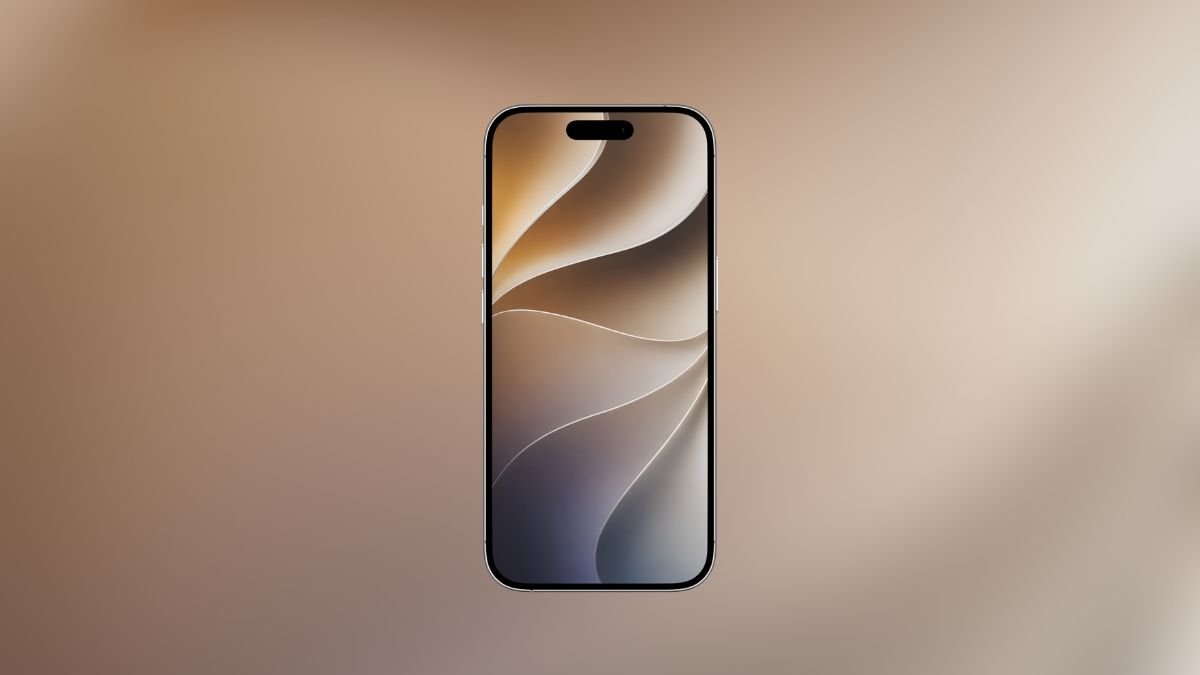
Apple’s WWDC announcements never disappoint, and this year was no different. Alongside the full rollout of iOS 27 features, spanning iPadOS 27, macOS Golden Gate, watchOS 27, tvOS 27, and visionOS 27, Apple quietly dropped something that gets overlooked in the excitement of new features: a stunning new set of stock wallpapers.
And if you’ve been refreshing your home screen waiting for fall, here’s the good news: you don’t have to.
Why iOS 27 Wallpapers Are Worth Getting Early
Every major iOS release brings a visual identity shift, and iOS 27 is no exception. This time, Apple went with a deep, dark brown abstract design, think rich espresso tones with a fluid, almost organic texture. It’s a deliberate departure from the lighter palettes of recent years, and honestly, it looks exceptional on OLED displays.
What makes this wallpaper stand out isn’t just the color choice. It’s the resolution. The official iOS 27 wallpapers come in 1800 × 3506 pixels, which puts them firmly in near-4K territory. Whether you’re on an iPhone 16 Pro Max or an older model, the sharpness holds up beautifully without any cropping artifacts.
Download Official iOS 27 Wallpapers
One thing Apple does consistently well is designing wallpapers that work across the ecosystem. The official iOS 27 wallpapers are built for iPhone, iPad, and Mac alike, with the same design language optimized for each screen ratio.
So if you’re running an iPad for work or a Mac on your desk, you can keep a cohesive aesthetic across all your devices without hunting down third-party reskins.
How to Download Official iOS 27 Wallpapers (Without Installing the Beta)
Installing the iOS 27 developer beta just to get new wallpapers is overkill and, honestly, not worth the instability on a daily driver. We’ve made the official iOS 27 wallpapers available directly here in full original resolution.
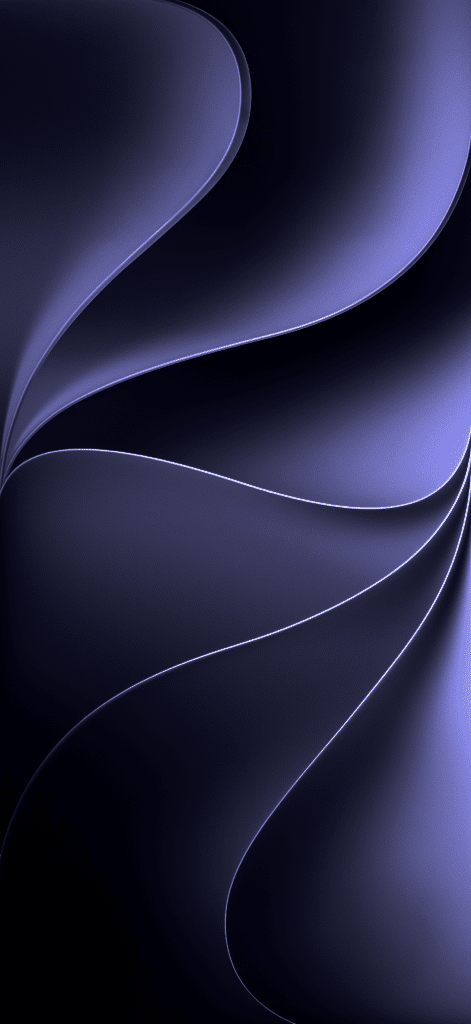
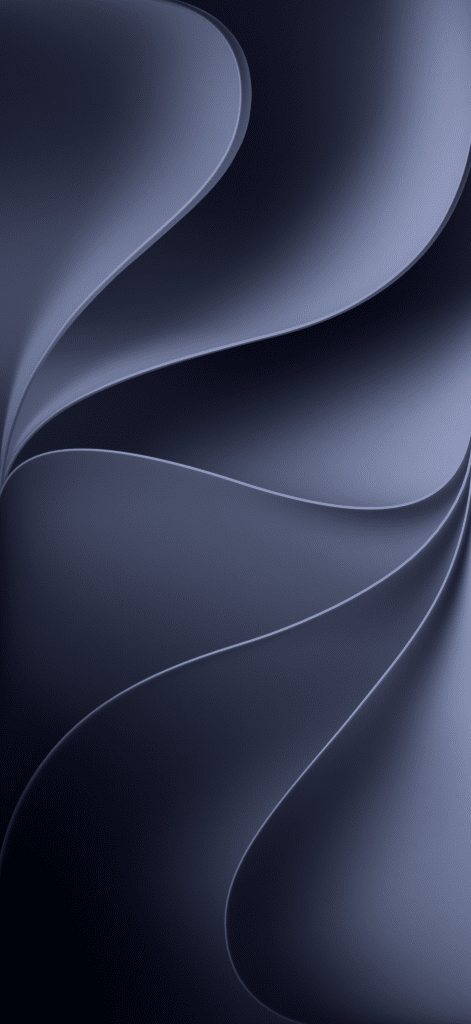
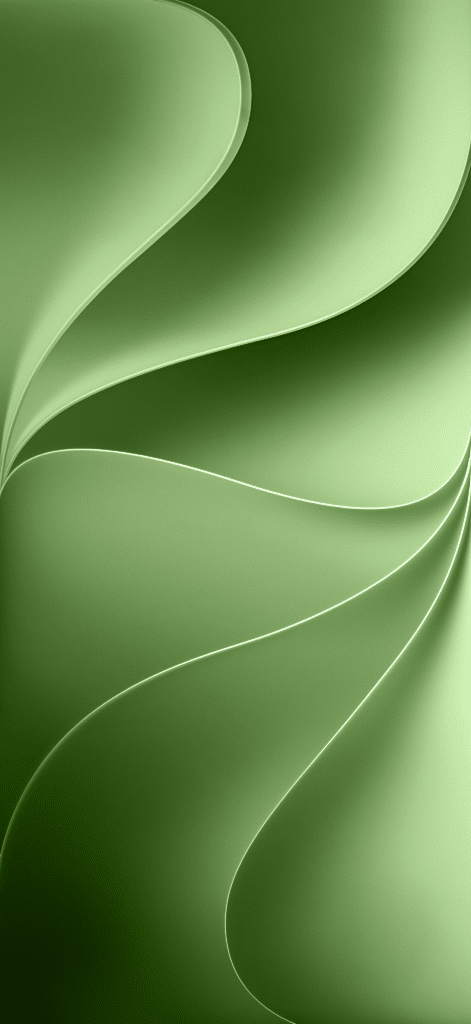
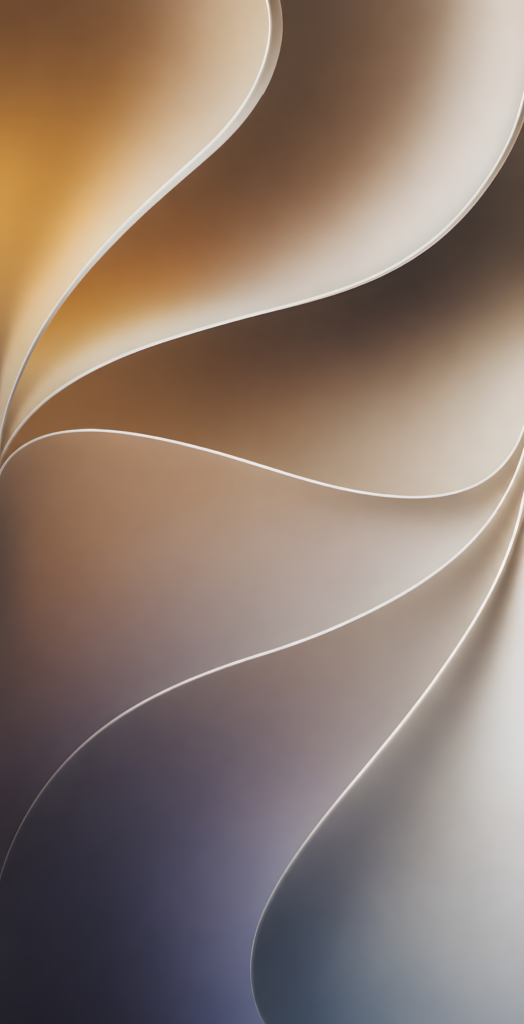
How to Apply Them in 3 Steps
- Long-press on the wallpaper image and tap Save to Photos
- Open the Photos app and find the saved wallpaper
- Tap the Share icon → Use as Wallpaper, then set it for your Lock Screen, Home Screen, or both
That’s genuinely it. No shortcuts, no workarounds.
Not on iOS 27 Yet? You Can Still Use These
If your iPhone isn’t on the iOS 27 compatibility list, or you’re on Android and just love the aesthetic, these wallpapers work just as well. The resolution is high enough that they scale cleanly to virtually any modern smartphone display.
Apple’s design team puts real thought into these wallpapers, and there’s no reason that work should be locked behind a software requirement.
Got questions or running into issues? Drop them in the comments. Happy to help. And if a friend is still staring at the same wallpaper from two iOS versions ago, do them a favor and share this.