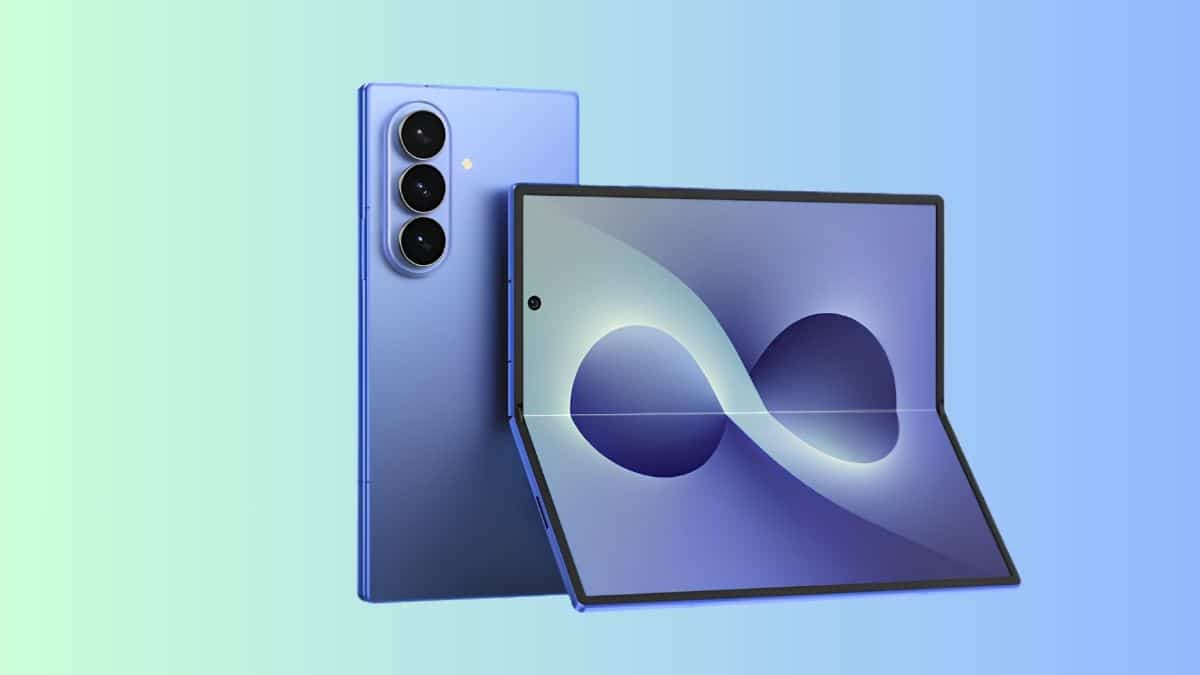
If you preordered the Galaxy Z Fold 8 the moment Unpacked wrapped, you already know the feeling: the phone won’t actually show up for another week, but you want it to feel like yours right now. The fastest way to do that is the one thing that doesn’t require a box on your doorstep: grab the wallpapers.
Samsung unveiled the Galaxy Z Fold 8, Galaxy Z Fold 8 Ultra, and Galaxy Z Flip 8 at Galaxy Unpacked on July 22, 2026. Preorders opened the same day, with the phones arriving in stores on August 7, 2026. Within hours of the announcement, the stock wallpapers shipping with the device were already circulating online, pulled from early firmware by community members and quickly picked up across the Android press.
This isn’t a flashy redesign of Samsung’s wallpaper formula. It’s a refinement: eleven color-matched designs built around the same ribbon-and-wave motif Samsung has leaned on for the past couple of generations, this time tuned to match the Galaxy Z Fold 8’s finishes. Here’s what’s included and how you can get the wallpapers on your phone today, whether you’re buying a Fold 8 or simply like the look.
Galaxy Z Fold 8 Release Date, Colors, and Pricing
Before diving into the wallpapers, here’s a quick reality check on the phone itself, since it explains why so many people are downloading these before the device even ships.
- Announced: July 22, 2026, at Galaxy Unpacked
- Preorders opened: July 22, 2026
- Available in stores: August 7, 2026
- Colors: Graphite, Cream, Lavender, and Pistachio, with at least one Samsung exclusive finish
- US pricing: Starts at $1,899.99 for 256GB, $2,099.99 for 512GB, and $2,499.99 for the 1TB model with 16GB of RAM
If you missed everything else Samsung announced that day, including the Fold 8 Ultra and the latest Galaxy Watch lineup, our Galaxy Unpacked 2026 coverage breaks it all down. The Fold 8 also arrives as Samsung’s lightest foldable yet at 201 grams, running One UI 9 based on Android 17 out of the box, which is the same software these wallpapers were extracted from.
What’s Included in the Official Galaxy Z Fold 8 Wallpaper Pack?
The collection includes eleven wallpapers, each built around a distinct color palette rather than simply recoloring the same design. The lineup includes Blue, Pink, Blush, Golden, Sandy Beige, Lavender, Orange, Mint, Green, White, and Pastel variations, all featuring Samsung’s signature flowing ribbon motif.
That’s really the point. Samsung designs its stock wallpapers to complement the hardware itself, so if you pick up a Lavender Fold 8, pairing it with the matching wallpaper makes the software feel like an extension of the phone rather than a random background image. It’s a subtle detail, but it’s one you notice every time you unlock the device.
Foldable vs Regular Phone Wallpapers: Which Version Should You Download?
Here’s something worth knowing before you download anything: Samsung actually ships two different versions of the wallpaper pack, and choosing the wrong one is the most common mistake people make.
The foldable versions are designed specifically for the Galaxy Z Fold 8’s unique screen ratios, measuring roughly 2,504 × 2,504 pixels for the primary square crop and 2,048 × 2,048 pixels for the alternate version. These are optimized to look right whether you’re using the main display or the cover screen.
The standard version is resized to roughly 1,290 × 2,796 pixels, making it a better fit for conventional Android phones and even iPhones.
If you’re using a Galaxy Z Fold 8, download the foldable version. If you’re using a regular smartphone and simply like Samsung’s latest wallpaper design, grab the standard version instead. Using the foldable files on a regular phone usually results in awkward cropping that cuts off parts of the design.
Download the Galaxy Z Fold 8 Wallpapers in 4K
If you already own a Galaxy Z Fold 8, you don’t need to download anything. The wallpapers come preinstalled and are available through the built-in wallpaper picker in Settings.
For everyone else, the wallpapers have already made their way out of the device firmware and into the Android community.
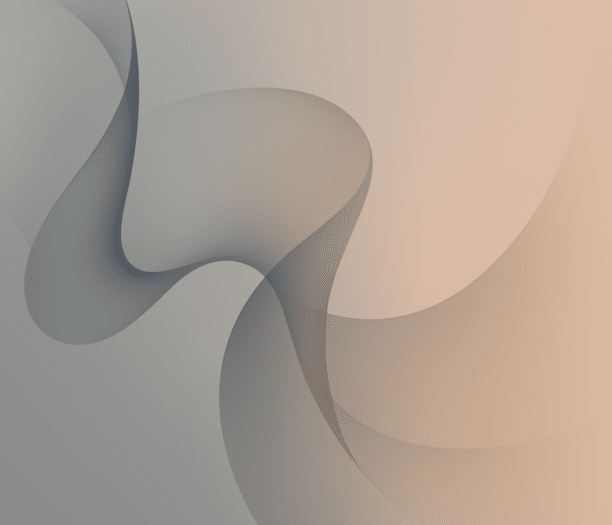
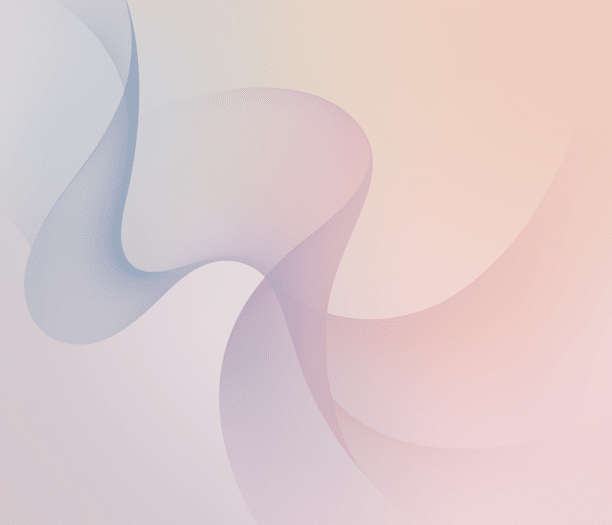
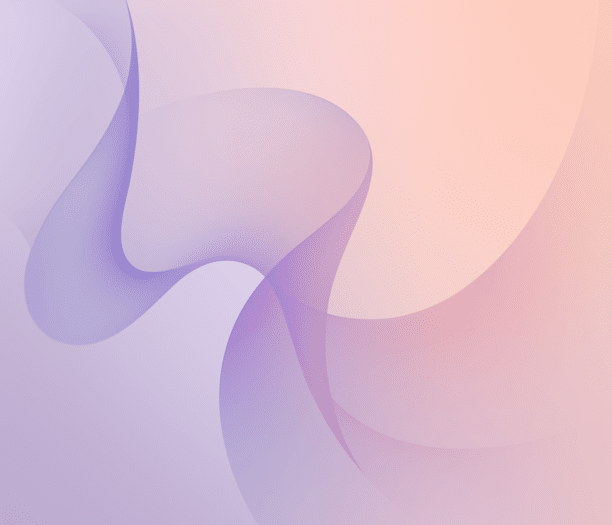

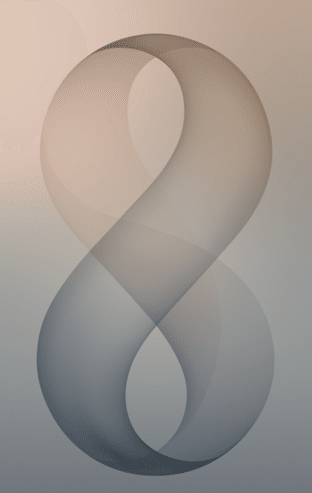
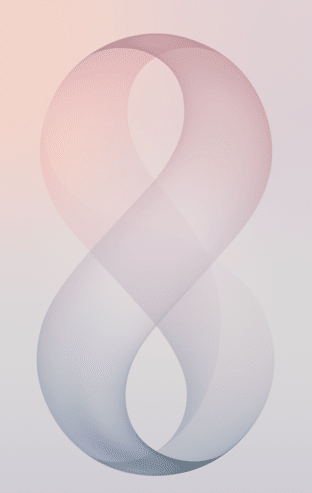

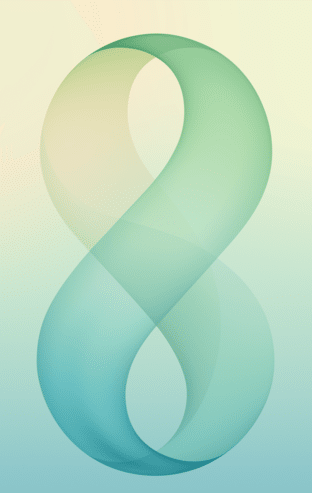
Once you’ve downloaded the files, applying one is no different from setting any other custom wallpaper. Long-press an empty area on your Home screen, tap Wallpaper & style, choose My photos, and select the wallpaper you downloaded.
On the Galaxy Z Fold 8 itself, you can even assign separate wallpapers to the cover display and the main screen, making it worth choosing different designs rather than letting the phone crop the same image twice.
Things to Know Before Downloading
A few details are worth keeping in mind before you hit the download button.
The files are relatively small. The foldable collection is around 13.3MB, while the standard phone version is approximately 7.9MB, so downloading either won’t make much of a dent in your storage or mobile data.
These also aren’t officially published Samsung downloads. The wallpapers were extracted from prerelease firmware rather than released through an official Samsung download page. Because of that, it’s best to stick with trusted sources that clearly reference the original leak instead of downloading from random file-hosting sites.
One more thing: the Galaxy Z Fold 8 Ultra ships with its own wallpaper collection. If you’re waiting for the Ultra model, you’ll want to download that separate pack instead.
None of that changes the main appeal here. Eleven clean, color-matched wallpapers beat endlessly scrolling through generic wallpaper apps, and getting them before your preorder even arrives is a nice way to make the wait a little shorter.
The Bottom Line
The Galaxy Z Fold 8 wallpapers aren’t trying to reinvent Samsung’s design language, and they don’t need to. They’re thoughtfully matched to the hardware, available in both foldable and standard phone formats, and easy to download well before the phone reaches your hands.
If you’ve already picked up a Galaxy Z Fold 8, the wallpapers are waiting for you out of the box. If you’re counting down to August 7, they’re an easy way to bring a little of the new Fold experience to your current phone today.
And if you’re looking beyond this launch, we’ve also rounded up the Samsung Galaxy S26 wallpaper pack if you want to compare Samsung’s latest flagship designs side by side. Once your Fold 8 finally arrives, it’s also worth checking out the best Samsung Galaxy Z Fold 8 screen protectors before that new display picks up its first scratch.