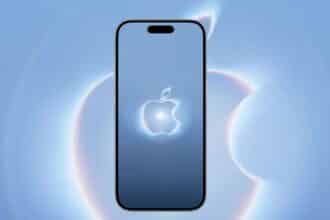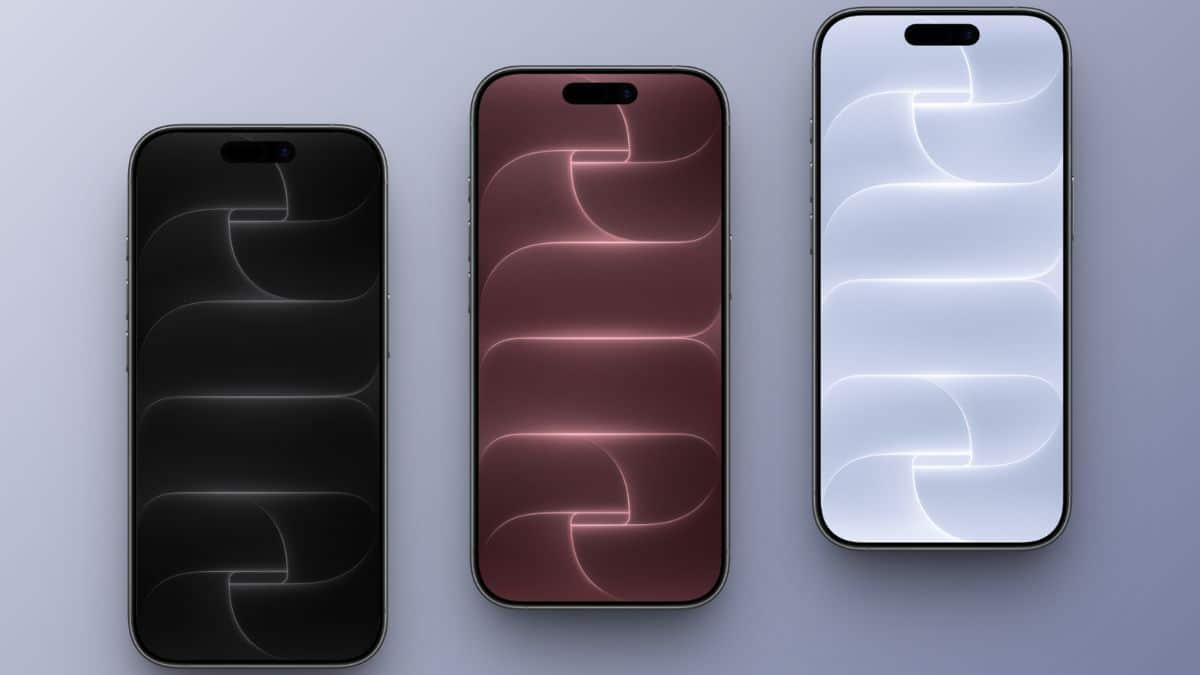
Apple introduced the iPhone 18 Pro and iPhone 18 Pro Max on September 9, 2026, alongside four finishes: Burgundy, Black, Glacier, and Silver. Each color has a matching Vitra wallpaper with layered curves, glowing edges, and a lightly textured finish.
You can download all eight stock iPhone 18 Pro wallpapers below. The collection includes separate Lock Screen and Home Screen images for every color.
Download the iPhone 18 Pro Wallpapers
- Resolution: 1320 × 2868 pixels
- Format: JPG
- Variants: Four Lock Screen and four Home Screen wallpapers
- Compatible devices: iPhone, iPad, Android phones, and other devices that support JPG wallpapers
Although people commonly search for these as “4K wallpapers,” the original files are 1320 × 2868 pixels. Keeping that native resolution produces a cleaner result than enlarging them to an artificial 4K size.
Burgundy
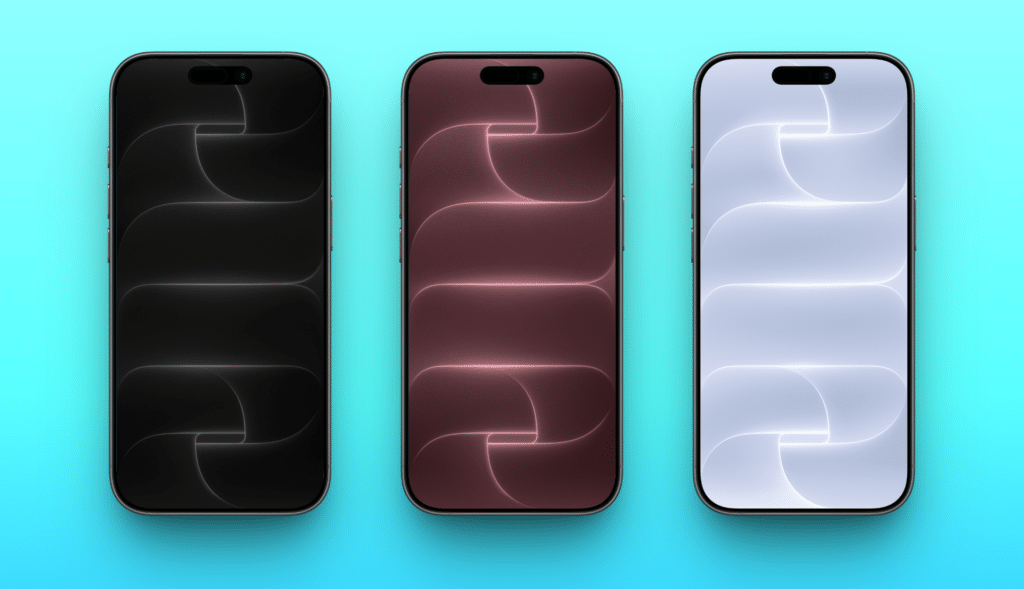
Burgundy uses deep red curves with brighter pink highlights. It has the strongest contrast of the four designs and pairs naturally with Apple’s new Burgundy finish.
Black
The Black version combines charcoal layers with pale silver edges. Its darker center helps app icons and Lock Screen controls remain easy to read.
Glacier
Glacier shifts the Vitra design toward cool blue tones. It looks brighter than Black without creating the high visual contrast of Burgundy.
Silver
Silver is the most neutral option. Its light curves work well with monochrome Home Screen layouts, although you may want to enable Blur if your icons lose contrast.
Why the Lock Screen and Home Screen Files Look Different
The two files are not simple duplicates. The Lock Screen version preserves more visible detail around the clock and widgets. The Home Screen image uses a calmer composition so icons remain legible. Using the correct version on each screen creates a more balanced wallpaper pair.
These downloads are static JPG files. They do not reproduce any animation, depth treatment, or system effects that Apple may apply on an iPhone 18 Pro.
How to Set an iPhone 18 Pro Wallpaper
- Open a download link and save the full-resolution image to Photos.
- Open Settings on your iPhone.
- Tap Wallpaper, then Add New Wallpaper.
- Select Photos and choose the Lock Screen image.
- Adjust the crop, then tap Add.
- Choose Customize Home Screen and select the matching Home Screen file.
Avoid taking a screenshot of the preview. A screenshot reduces image quality and may include interface elements.
You can also explore Apple’s colorful official WWDC 2026 wallpapers for iPhone, iPad, and Mac if you want a brighter alternative.
Final Thoughts
The iPhone 18 Pro Vitra collection includes four distinct colors and separate images for the Lock Screen and Home Screen. Download the original 1320 × 2868 files, use the matching pair, and let iOS handle the crop. You don’t need an iPhone 18 Pro to use them, but older phones and Android devices may crop the edges differently.