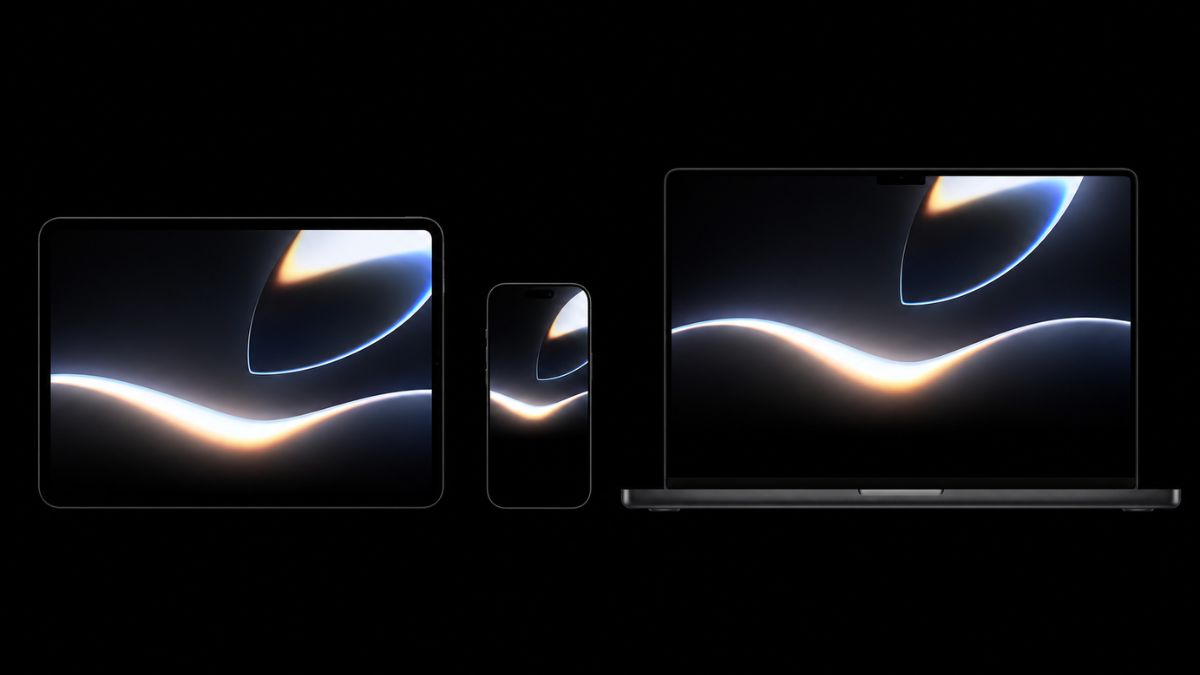
Apple kicked off the WWDC 2026 countdown in style today (June 1, 2026) by releasing its official wallpaper collection, and honestly, it’s one of the better ones they’ve put out in years.
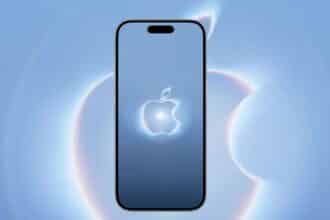
If you’ve been following the WWDC26 developer page or caught Apple’s teaser video, you already know the visual language this year: deep blacks, softly glowing light curves, and gradients that feel almost alive. The “Glow all out” tagline on the wallpaper page says it all. This isn’t just filler marketing art. It’s a genuinely beautiful dark-themed design that was clearly built with OLED screens in mind.
What Makes This Year’s WWDC Wallpaper Different
Last year Apple went with a light, airy aesthetic. This year they’ve flipped it entirely. Think a softly illuminated Apple Park headquarters emerging from darkness, with sweeping glow gradients and abstract light curves that feel cinematic rather than corporate.
The theme, officially called “All systems glow,” runs consistently across everything Apple has put out this week: the WWDC26 developer landing page, Greg “Joz” Joswiak’s promo video on X, the YouTube countdown teaser, and yes, these wallpapers. It all ties together in a way Apple doesn’t always nail this early in the hype cycle.
All systems glow for a great #WWDC26 next week!
Tune in June 8 at 10 am PT. pic.twitter.com/g6A5v5vWI4
— Greg Joswiak (@gregjoz) June 1, 2026For OLED displays, whether you’re on an iPhone 15 Pro, iPad Pro with M4, or a MacBook Pro, the deep blacks in this design genuinely pop. The true blacks make the glowing elements feel like they’re lit from within rather than layered on top.
Download the Official WWDC 2026 Wallpapers (Direct Links)
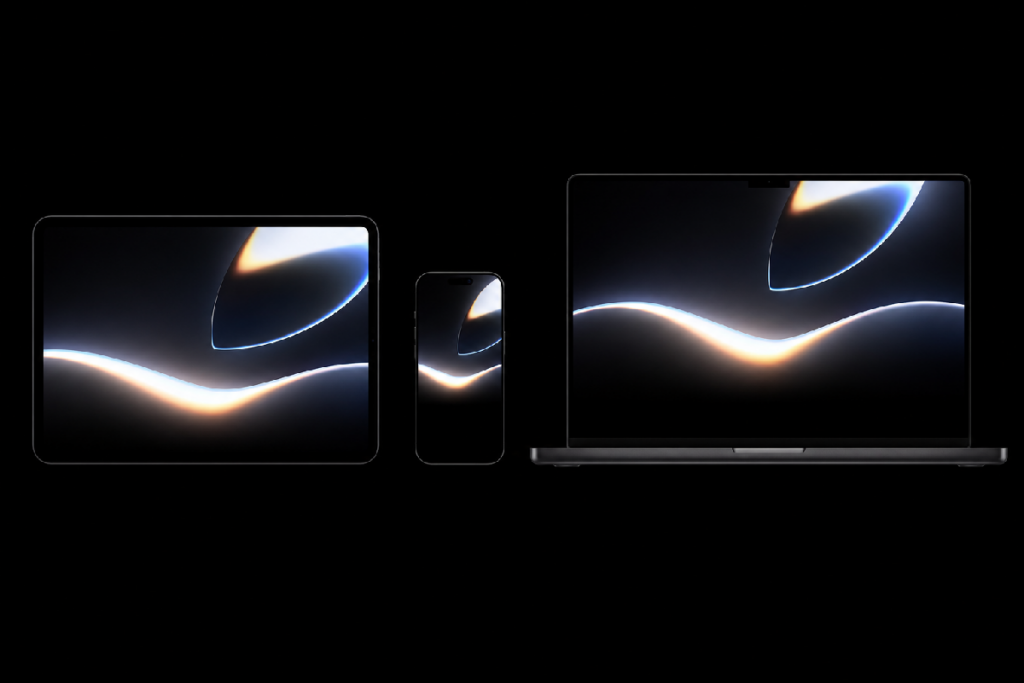
Apple has made the full-resolution wallpapers available for free on their official developer page:
Here’s what’s available and the resolutions you’re getting:
- iPhone: 1179 × 2556 px (optimized for iPhone 14 Pro and later)
- iPad: Optimized for standard and Pro display ratios
- Mac/MacBook: 2880 × 1800 px widescreen
These are direct Apple-hosted downloads, so no third-party redirects or compressed versions. You’re getting the actual files Apple designed.
How to Set It on iPhone or iPad
Once downloaded, open your Photos app, tap the image, hit the Share icon, and select Use as Wallpaper. You can then choose between your Home Screen, Lock Screen, or both. For best results on iPhone, disable Perspective Zoom. The design is meant to be seen flat.
How to Set It on Mac
Download the file, right-click it, and select Set Desktop Picture. Or go to System Settings → Wallpaper, drag the image in, and you’re done.
Everything Else Apple Dropped This Week
The wallpaper is just one piece of a bigger pre-WWDC push Apple made this week. Here’s the full picture:
- Joz’s countdown teaser: Greg Joswiak posted a playful animated promo on X featuring the glowing Apple Park visuals and upbeat music. It’s a one-minute mood-setter that gives you a real sense of the energy Apple is bringing to next week.
- Official YouTube video: Apple published a WWDC26 hype reel on YouTube as well, pulling from the same “All systems glow” visual identity.
- WWDC26 “Hello” playlist on Apple Music: Apple quietly dropped a curated playlist to get you in the right headspace before the keynote. You can find it directly from the official WWDC 2026 website.
It’s a surprisingly cohesive pre-show rollout, more intentional than most years.
WWDC 2026: What You Need to Know Before Monday
WWDC 2026 runs June 8–12, 2026. The event is online and completely free to watch for everyone, with a limited number of in-person attendees at Apple Park for the keynote experience.
The keynote kicks off Monday, June 8 at 10 a.m. PT / 1 p.m. ET. That’s when Apple will take the wraps off what’s shaping up to be a major software year. Our guide to iOS 27 expected features covers the biggest rumored changes, including the redesigned Siri experience and deeper AI integration.
If you’re wondering whether your iPhone will make the cut, check out our iOS 27 supported devices guide for the latest compatibility expectations ahead of the announcement.
If you want to watch it live, see our guide on how to watch Apple’s WWDC 2026 keynote live, which covers Apple TV, YouTube, the Apple Developer app, and every other streaming option.
Worth Downloading? Yes, Genuinely
Apple wallpapers can be hit or miss depending on the year. This one’s a hit. The dark, glowing aesthetic works across every device in the lineup, and the fact that it ties directly into the visual identity of iOS 27’s rumored design direction makes it feel like more than just a promotional asset. It’s a small preview of where Apple’s design language might be heading.
Grab it directly from Apple’s page, set it on all your devices, and get ready for what could be one of the more significant WWDC keynotes in recent years. Monday can’t come soon enough.