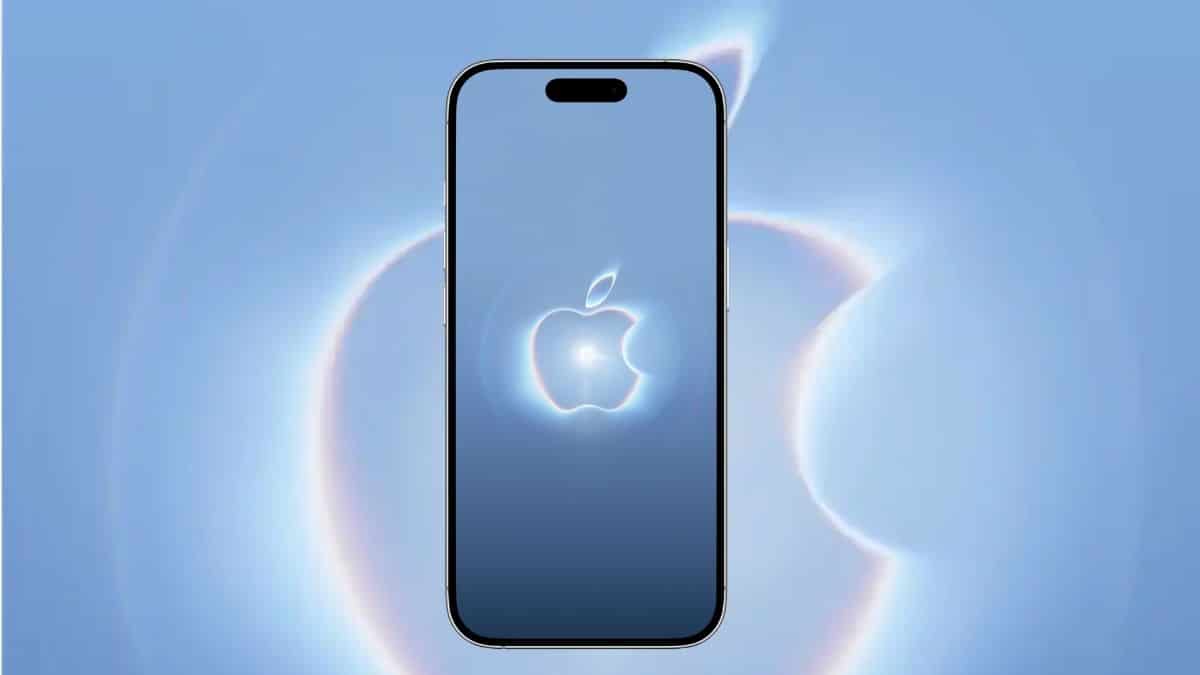
Your homescreen has looked the same since June. Then an invite drops, a new tagline shows up in your feed, and suddenly the wallpaper you’ve had for three months feels stale. That’s the moment “Surprise and Shine” wallpapers exist for.
Apple confirmed its next hardware event on August 26, 2026: “Surprise and shine,” set for September 9 at Apple Park. Within hours, designer Basic Apple Guy had pulled the invite artwork into full wallpaper sets for iPhone and Mac. Here’s what the event actually is, where the wallpaper comes from, and how to get it on your devices without a blurry mess.
When Is the ‘Surprise and Shine’ Event, Exactly?
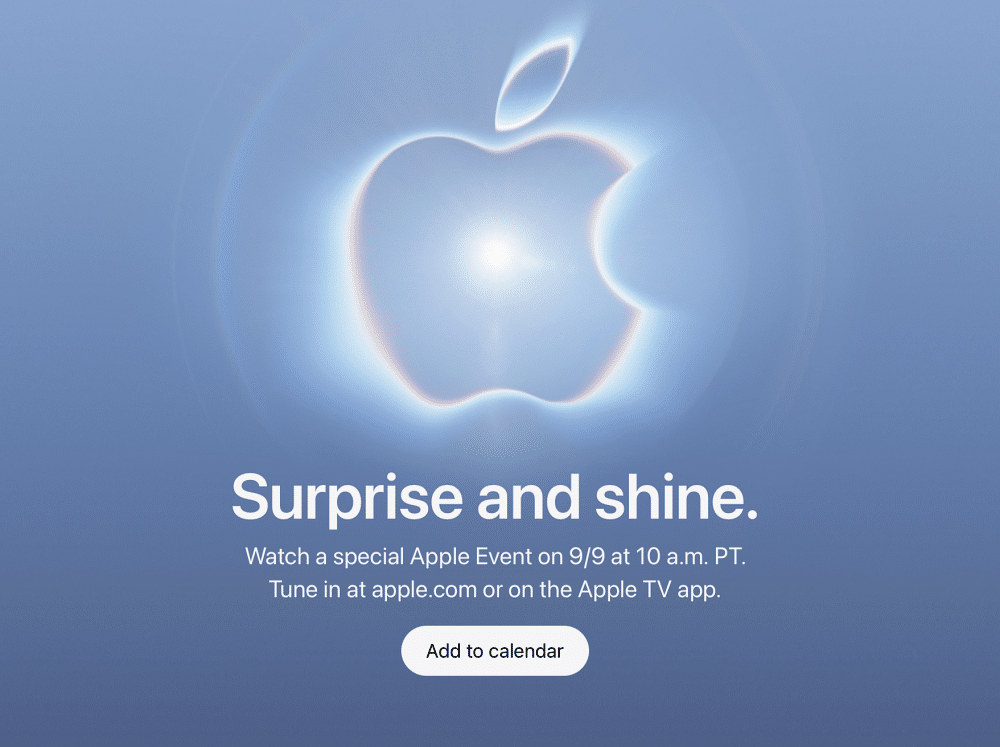
Apple rarely leaves these details vague, and this one is confirmed straight from the invite.
- Date: Wednesday, September 9, 2026
- Time: 10:00 a.m. Pacific / 1:00 p.m. Eastern / 10:30 p.m. IST
- Location: Steve Jobs Theater, Apple Park, Cupertino, with select media attending in person
- Stream: Apple’s website, YouTube, and the Apple TV app
Expect the iPhone 18 Pro and Pro Max, Apple’s first foldable iPhone, and refreshed Apple Watch Series 12 and Watch Ultra 4 models. AirPods and HomeKit updates are plausible but not locked in. Software timing for iOS 27, iPadOS 27, and macOS Golden Gate typically gets confirmed on stage, not before.
The Wallpaper Isn’t Official, and That’s Kind of the Point
Worth knowing upfront: Apple didn’t release this wallpaper. It never does, before the keynote actually happens. What you’re downloading is fan-made, and it’s better for it.
Basic Apple Guy has been doing this for every Apple event invite for years, including Wonderlust, It’s Glowtime, and last year’s Awe Dropping. The process is straightforward but not lazy: he takes the low-resolution banner Apple posts on its newsroom page, then upscales, denoises, and debands it so it holds up as an actual desktop or lock screen image instead of a stretched, grainy crop.
That’s the difference between a wallpaper you screenshot from a press photo and one that survives being zoomed in on a 6.9-inch display.
If you’ve grabbed one of his sets before, this one follows the same two-file structure: a Mac version sized for widescreen desktops, and an iPhone version cropped for Face ID and Dynamic Island notches. Neither is watermarked.
What the Artwork Is Actually Saying
The invite centers on an Apple logo shaped into a halo around a rising sun, rendered in a blue gradient that shifts from deep dusk tones into warmer light. “Surprise and shine” reads as a sunrise metaphor: something hidden becomes visible. Apple even built a matching hashmoji, adapted from the same artwork, that now shows up automatically when people post with #AppleEvent on X.
That imagery carries more weight than usual this time. This is the first major hardware keynote since Tim Cook moved into the Executive Chairman role in April 2026, handing the CEO title to longtime hardware chief John Ternus. Every Apple keynote for the past 13 years has opened with Cook. This one won’t.
Apple Already Tipped Its Hand
Apple has launched new hardware in August exactly once in the past ten years. It just did it again, refreshing the Mac mini and Mac Studio in late August, weeks ahead of their September 22 ship date. Announcing Macs early, with no shipping urgency behind it, only makes sense if the September 9 keynote is already full. Reports point to five to nine separate product lines competing for stage time.
Download ‘Surprise and Shine’ Event Wallpaper
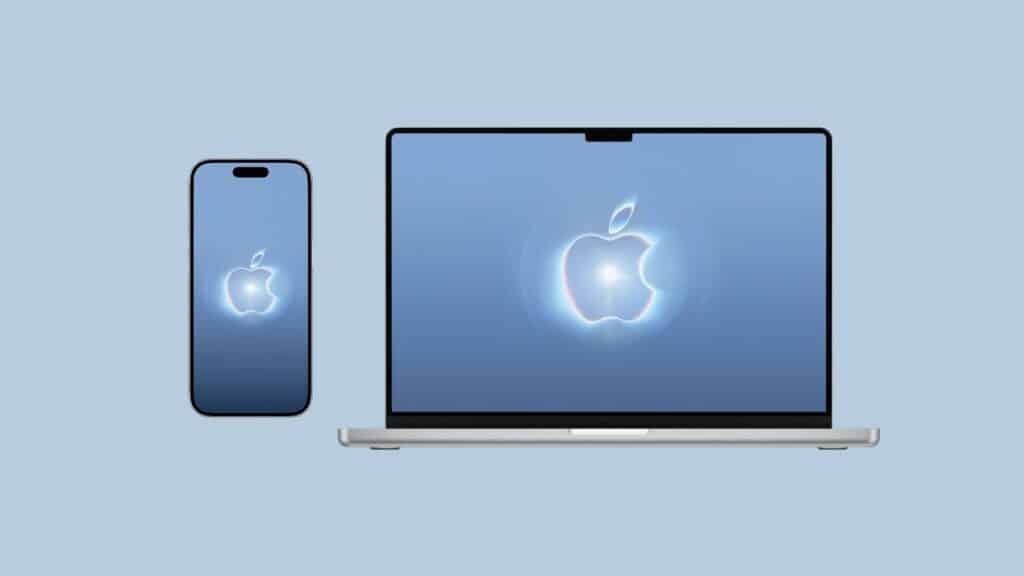
- iPhone wallpaper: download link
- Mac wallpaper: download link
Exact pixel dimensions weren’t published alongside the files, so check the image size after downloading before setting it on an unusually large display. On a standard iPhone or MacBook, neither version needs adjustment.
How to Set It Without Losing Quality
- On iPhone: save the image to Photos, then go to Settings > Wallpaper > Add New Wallpaper, pick it from your camera roll, and choose Add rather than cropping it further.
- On Mac: right-click the downloaded file, choose Set as Desktop Picture, and skip any “fill screen” scaling option if your display doesn’t match the file’s native aspect ratio. Want it behind a live clock on your lock screen? Here’s how to layer the time behind any wallpaper.
Prefer something Apple actually shipped itself? The official iOS 27 wallpaper set is already available now, no beta profile required.
Final Verdict
The wallpaper itself is a small thing: two PNG files built from a promotional banner. What makes it worth grabbing is the timing. It’s a preview of the last quiet moment before Apple’s first CEO transition in over a decade plays out on stage, wrapped in artwork Apple didn’t even make.