
You finish the job, the client asks for the invoice, and you end up building one in a notes app at 10 p.m. Then you wait, follow up, and guess whether they even opened it.
A good invoice app fixes all three problems from your phone. It builds a branded invoice in a minute, takes card or bank payments, and tells you when the client views it. The catch: the subscription is only half the bill. Payment fees, invoice caps, and client limits decide what you actually pay.
What Does an Invoice App Actually Do?
An invoice app creates, sends, and tracks bills for work you finished. You add your logo, line items, tax, and payment terms, then send the invoice by email, text, WhatsApp, or a payment link.
Most apps also convert estimates into invoices, send automatic payment reminders, and mark invoices paid when the money arrives. Some add time tracking, mileage logs, receipt scanning, or tax compliance such as India’s GST e-invoicing. If you also want to log what you spend, pair your invoice app with one of these free expense tracker apps.
Why the Cheapest Invoice App Is Not Always the Cheapest
Check the payment fee before the subscription. Square Invoices charges 3.3% + 30¢ when a client pays a card invoice on its free plan, and 2.9% + 30¢ on the $20/month Plus plan. On a $1,000 invoice, that is $33.30 versus $29.30.
That 0.4% gap pays for Plus once clients send you about $5,000 a month by card. Bank transfers swing it further: Square’s free plan charges 1% per ACH payment (minimum $1), while Plus caps it at $10. A single $5,000 ACH payment costs $50 on Free and $10 on Plus.
Invoice caps matter just as much. Invoice Simple Essentials allows 3 invoices a month, Joist Basics allows 5 documents a month, and Zoho Invoice’s free plan allows 500 a year. Count your monthly invoices first, then compare plans.
7 Best Invoice Apps for iPhone and Android
We compared invoice apps on price, invoice and client limits, payment fees, and iPhone and Android support. All seven run on both platforms, which helps if you already use your Android phone as a mobile workstation.
1. Zoho Invoice

Zoho Invoice is the strongest free pick. The free plan covers up to 500 invoices a year, two users, and three projects, with no monthly fee.
You still get features rivals charge for: 18+ templates, estimates that convert to invoices, automatic overdue reminders, time tracking that turns timesheets into invoices, and a customer portal where clients approve estimates and pay. The iPhone app adds Face ID lock, a document scanner, and a business card scanner.
The trade-off is branding. Free invoices show “Powered by Zoho Invoice,” and Zoho may delete data from accounts inactive for more than 180 days. It holds a 4.9 rating from about 15K App Store reviews.
Android (Google Play) | iPhone (App Store)
2. Invoice Simple
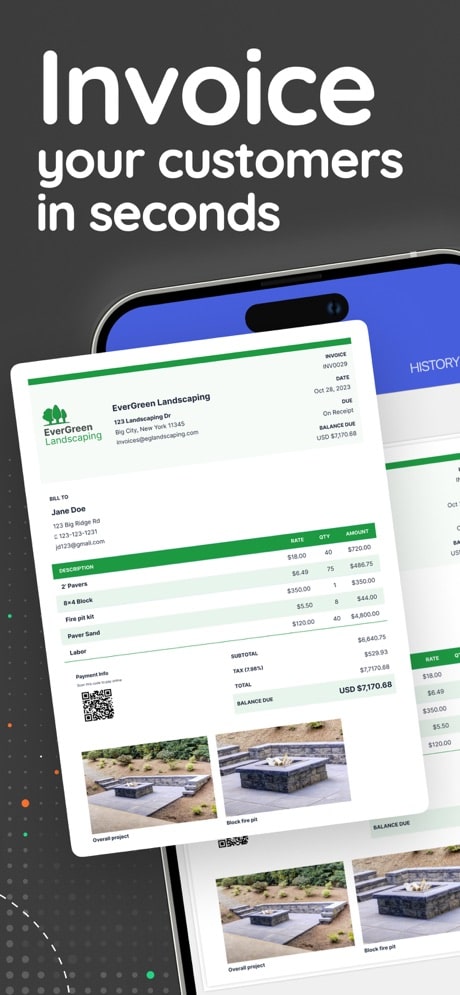
Invoice Simple suits solo owners who invoice straight from the job site. You pull client details from your contacts, add photos and a signature, and send by email, text, WhatsApp, or PDF. Alerts tell you when the client opens or pays.
Essentials costs $6.99 a month or $69.99 a year. Premium costs $21.99 a month or $219.99 a year and adds unlimited invoices, client signatures, premium templates, and deposit collection. If you take client calls on your personal number, a second phone number app keeps work and home apart.
Watch the cap. Essentials allows only 3 invoices a month, so weekly billers need Premium, which costs more than Square’s Plus plan. It has a 4.9 rating from 123K App Store reviews, the largest review base on this list.
Android (Google Play) | iPhone (App Store)
3. Square Invoices
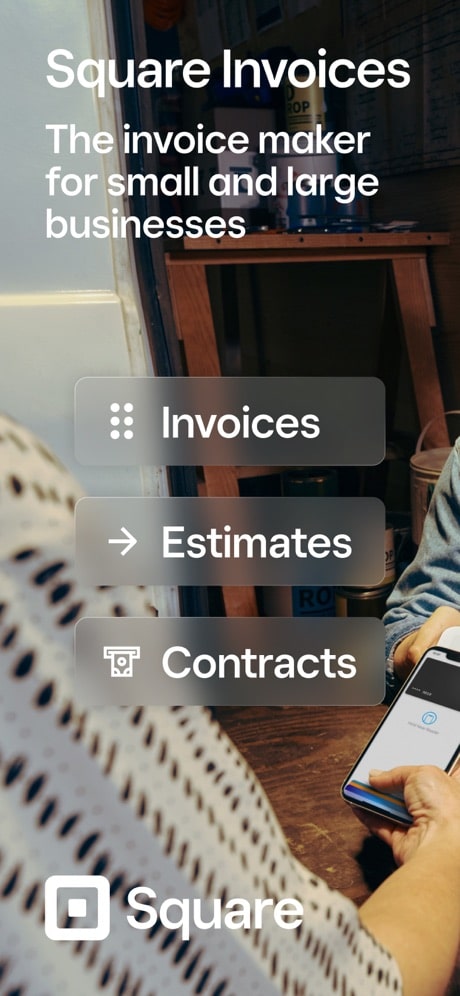
Square Invoices fits businesses whose clients pay by card. The free plan includes unlimited invoices, estimates, and contracts, plus recurring invoices, deposits, e-signatures, late fees, saved cards, and automatic reminders. You pay only when a client pays: 3.3% + 30¢ per online card payment, or 1% per ACH payment.
Clients can pay by card, Apple Pay, Google Pay, or bank transfer. The $20/month Plus plan cuts card fees to 2.9% + 30¢ and adds milestone payment schedules, batch invoices, custom fields, and a project workspace.
Square works only in countries where Square operates, and India is not one of them. The iPhone app needs iOS 17.1 or later. It holds a 4.8 rating from 93K App Store reviews.
Android (Google Play) | iPhone (App Store)
4. FreshBooks
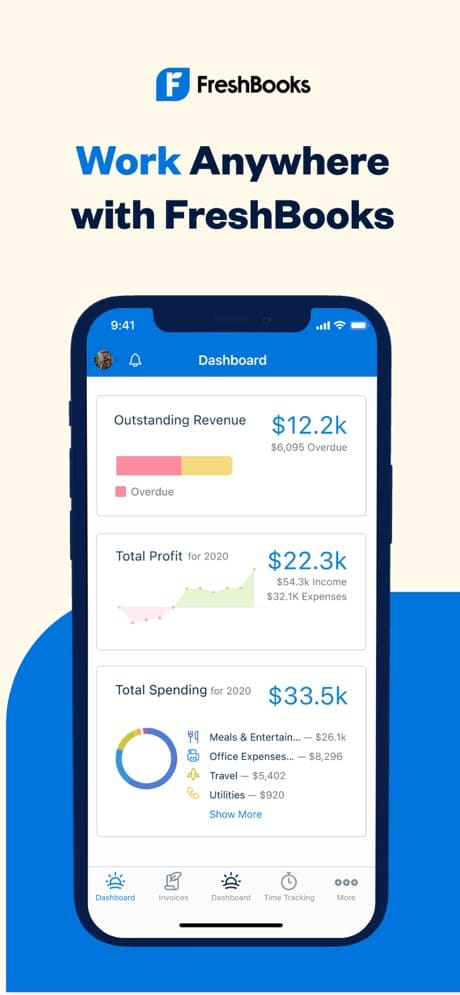
FreshBooks fits freelancers who bill by the hour. The mobile app tracks billable time and adds it to invoices, logs business trips automatically for mileage deductions, and lets you photograph receipts or import expenses from your bank.
List prices are $23 a month for Lite, $43 for Plus, and $70 for Premium, with steep first-year promos. Each extra team member costs $11 a month.
The limit here is clients, not invoices. Lite covers only 5 billable clients and Plus covers 50, so a growing freelancer hits the ceiling fast. It holds a 4.7 rating from about 11K App Store reviews.
Android (Google Play) | iPhone (App Store)
5. Invoice2go
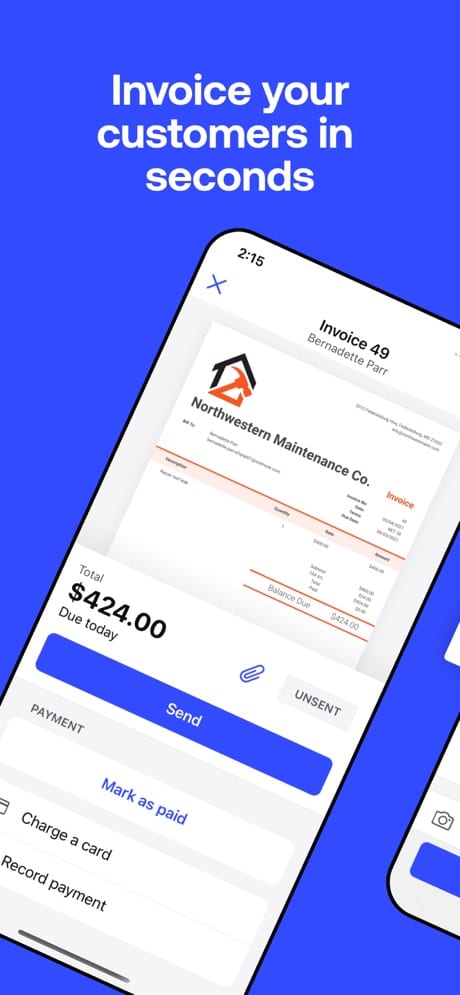
Invoice2go suits service businesses that want invoicing plus a basic web presence. You get 8 templates, a logo designer, one-tap estimate conversion, receipt-photo expense tracking, appointment scheduling, and Siri Shortcuts on iPhone. Clients pay by card, PayPal, or Apple Pay.
Starter costs $7.99 a month, Professional $11.99, and Premium $44.99, with about 16% off on annual billing. Starter includes a website builder, while Premium adds a custom domain and recurring invoices.
There is no free plan, only a 30-day trial, and the lower tiers cap how many invoices you send each month. Check that cap in the app before you pick a tier. It holds a 4.8 rating from 56K App Store reviews.
Android (Google Play) | iPhone (App Store)
6. Joist
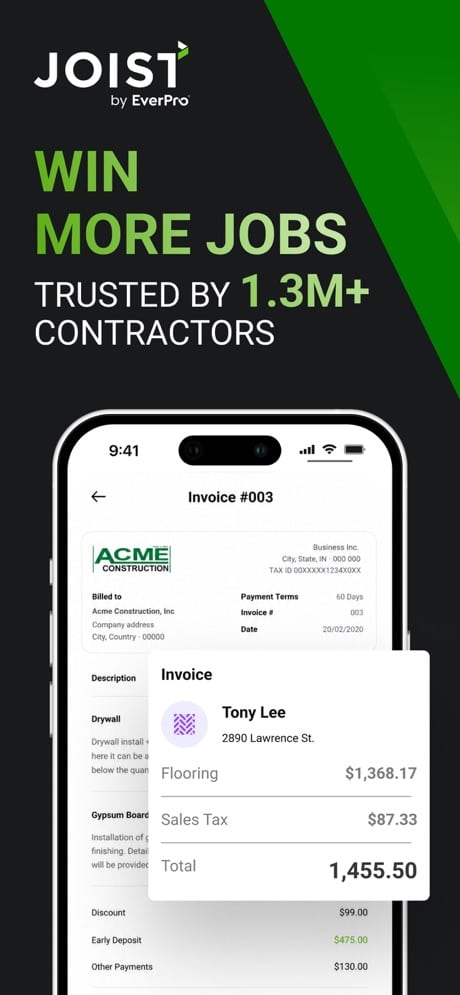
Joist is built for contractors and trades. Each job keeps notes, photos, estimates, and invoices together. You schedule visits on a calendar, save price lists for materials and labor, attach contracts, and collect client signatures on site.
Basics costs $9.99 a month and allows 5 documents a month. Pro costs $16.99 and removes that cap. Elite costs $31.99 and adds business reports and change orders. A 14-day trial comes with no card required.
In-app card and PayPal payments work only in the US and Canada. Joist also lacks job costing and takeoffs, so larger project-based contractors will outgrow it. It holds a 4.7 rating from about 14K App Store reviews.
Android (Google Play) | iPhone (App Store)
7. Refrens
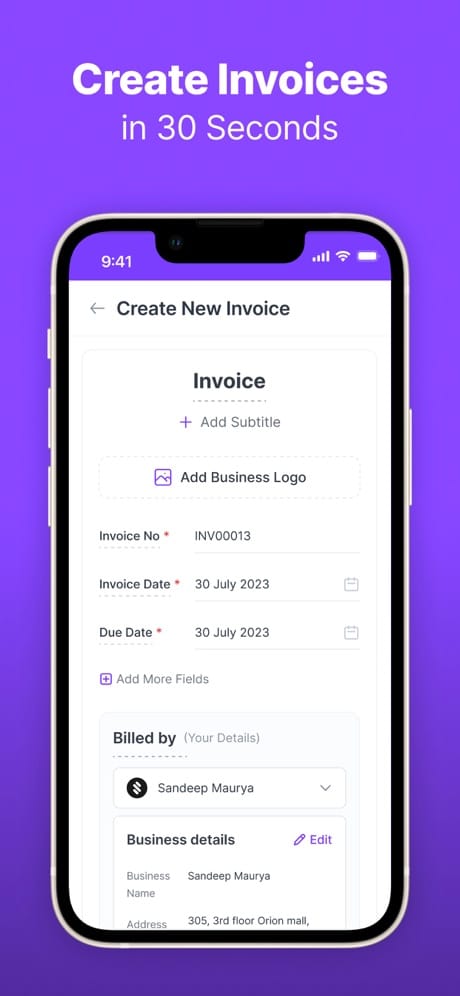
Refrens targets Indian businesses that file GST. It handles e-invoices, e-way bills, and GST reports, and its October 2026 update made HSN/SAC codes mandatory on GST invoices. Multi-currency invoicing with a default currency per client helps if you bill foreign clients.
The free plan lets you create unlimited invoices. Paid plans run from ₹8,900 a year for Lite to ₹44,900 a year for Enterprise, excluding GST.
The iPhone app is young, with a 4.6 rating from just 51 App Store reviews. Refrens also does not clearly show which compliance features need a paid plan, so confirm before you rely on it for filings.
Android (Google Play) | iPhone (App Store)
Final Thoughts
If you want free invoicing without a tight cap, start with Zoho Invoice. If you send a few invoices from your phone and want the quickest flow, Invoice Simple fits. If most clients pay by card and you want no monthly fee, pick Square Invoices.
Freelancers who bill hours should look at FreshBooks, while service businesses that want a simple website should try Invoice2go. Contractors get the most from Joist, and Indian businesses that file GST should start with Refrens.
Count how many invoices you send each month and how your clients pay. Then pick the app whose limits and fees fit those two numbers, not the one with the longest feature list.