

You paste an email thread into Claude. Then a meeting summary. Then a spreadsheet export. By the third paste, you are doing more work than your assistant.
Connectors end that loop. Anthropic now lists over 950 MCP servers in Claude’s directory, which creates a new problem: most of them don’t matter to you. This list covers the 10 that handle the most common jobs, plus the plan gates and hidden limits most roundups skip.
What is a Claude connector?
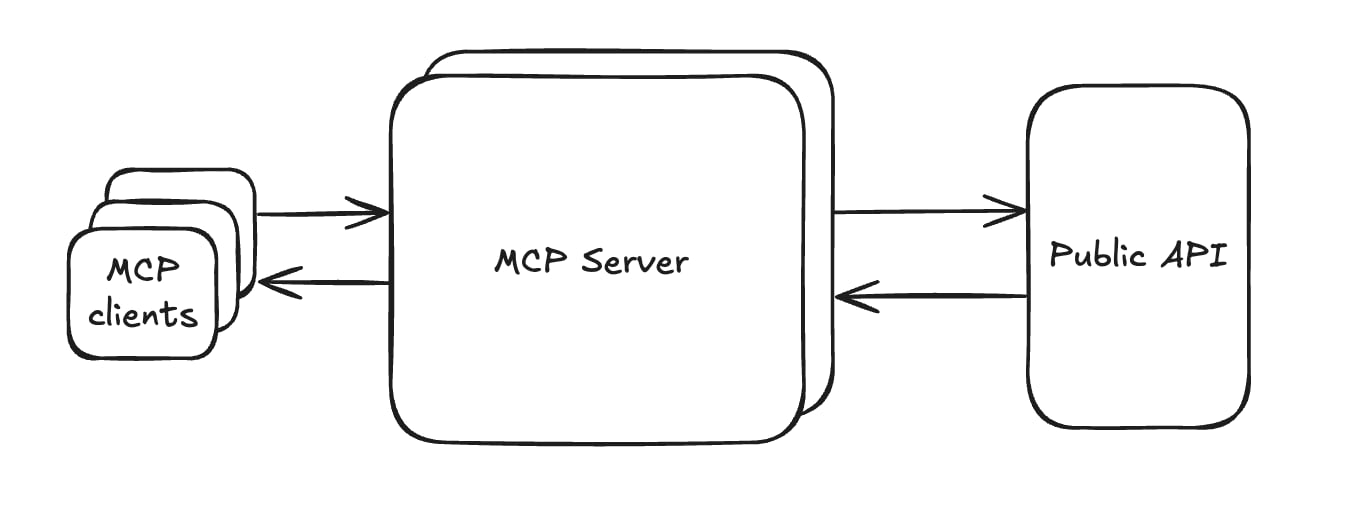
A connector links Claude to an outside app through the Model Context Protocol (MCP), the open standard Anthropic released in late 2024. Once connected, Claude can search, read and often act inside that app using your own permissions. If you can’t open a file or channel, Claude can’t either.
- Directory connectors: reviewed by Anthropic and installed from Customize > Connectors in a few clicks
- Custom connectors: any remote MCP server URL you add yourself, which Anthropic hasn’t verified
- Interactive connectors: since January 2026, some connectors (MCP Apps) show a live Asana timeline or FigJam diagram inside the chat instead of a text reply
If you’ve used ChatGPT plugins or Gemini’s connected apps, the idea is the same. What differs is who can use each connector and how much it can change.
How we picked these Claude connectors
We compared Claude’s directory listings, Anthropic’s help docs and each vendor’s documentation. Each pick had to meet three criteria:
- It owns a distinct job no other pick on this list covers.
- Its plan requirements and permissions are documented publicly.
- It saves real work compared with copying data into a chat by hand.
Best Claude connectors in 2026
1. Google Workspace (Gmail, Calendar, Drive, Docs)
- Best for: A free starting point for Google users
- Claude plan: All plans, including Free
- Try this: “Find 30 minutes next week with everyone on the budget thread and draft the invite”
Google Workspace connectors now act, not just search. Claude can send, reply to and forward Gmail messages, create and delete Calendar events, find mutual availability, and share or move Drive files. Separate Docs, Sheets and Slides connectors let Claude edit a file live in a pane beside the chat while you edit it too. Google itself now builds the Gmail connector listed in Claude’s directory.
Watch out for: Gmail gives Claude attachment metadata, not attachment content. Drive extracts text only, so embedded images get skipped, and Slides edits can’t add charts. Claude asks before each send, share or delete by default.
2. Microsoft 365

- Best for: Outlook, Teams and SharePoint users at work
- Claude plan: All plans, including Free
- Try this: “Summarize what my team decided in Teams about the Q4 launch”
One Microsoft 365 connector covers SharePoint, OneDrive, Outlook and Teams. Claude searches documents across SharePoint sites, reads email threads, checks Teams calendar data and pulls decisions out of Teams chats. Admins can switch on write tools so Claude can send email, manage events and create files.
Watch out for: Personal Microsoft accounts (@outlook.com, @hotmail.com) don’t work. You need a work account tied to a Microsoft Entra tenant. Admins also can’t limit it to specific SharePoint sites, because Sites.Selected isn’t supported.
3. Slack

- Best for: Teams whose decisions live in channels
- Claude plan: Paid plans (Pro, Max, Team and Enterprise)
- Try this: “Catch me up on #product from the last three days and draft a reply to the open question”
The Slack connector searches channels, DMs, threads and files, then drafts messages in a formatted preview you review before posting. Its 11 tools also let Claude create and update Slack canvases, which is handy for turning a messy thread into a clean summary doc.
Watch out for: The connector launched for Team and Enterprise only and opened to Pro and Max on January 26, 2026, but it still isn’t listed for Free. Your Slack workspace admin may also need to approve the Claude app before you can connect.
4. Notion
- Best for: Team wikis and personal knowledge bases
- Claude plan: All plans
- Try this: “Find our onboarding docs in Notion and create a one-page checklist from them”
Notion builds this Anthropic-verified connector. Claude can search, create, update, move and duplicate pages, build databases and leave comments anywhere your Notion account reaches. It works on every Notion plan.
Watch out for: Searching connected sources through Notion (like Slack or Jira) needs Notion Business or Enterprise with Notion AI. Write access is broad, so set write tools to require approval if your workspace holds sensitive pages.
5. Asana

- Best for: Turning a planning chat into assigned work
- Claude plan: All plans
- Try this: “Take this discussion and create an Asana project with tasks, owners and a timeline”
Asana launched as an interactive connector, so Claude builds a project board or timeline you can review and adjust before anything gets created. It offers 30+ tools for tasks, projects, goals and status checks.
Watch out for: Asana now runs a V2 MCP server and has deprecated its beta endpoint (mcp.asana.com/sse). If you added Asana as a custom connector early on, reconnect from the directory.
6. Canva
- Best for: Non-designers who need presentable visuals fast
- Claude plan: All plans
- Try this: “Turn these meeting notes into a 6-slide Canva deck”
The Canva connector generates new designs, searches your library, imports designs from a URL, organizes folders, adds comments and exports finished files. Presentation outlines become editable Canva decks.
Watch out for: Canva’s help center lists the AI Connector for Canva Pro, Teams, Business and Nonprofit accounts, so a free Canva account may not be enough. Claude’s listing shows 17 tools, and brand template and autofill tools aren’t among them, even though Canva’s own MCP server offers them on paid Canva plans. Generation can be slow, so a first-try timeout isn’t always a broken connection.
7. Figma
- Best for: Turning ideas and docs into diagrams
- Claude plan: All plans
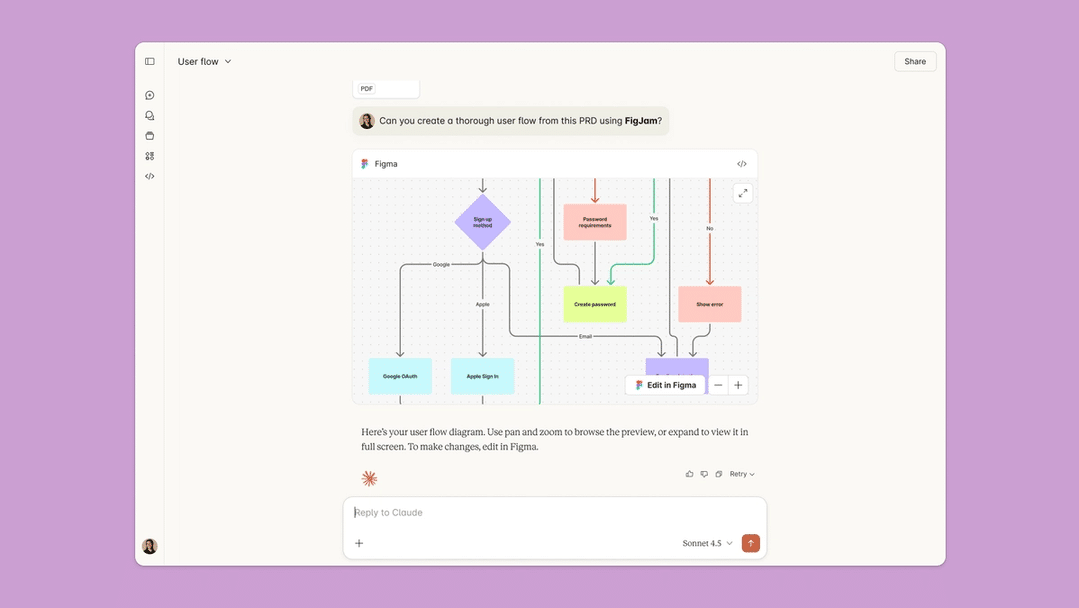
- Try this: “Turn this PRD into a user flow diagram in FigJam”
Figma converts text, PDFs or screenshots into editable FigJam flowcharts, Gantt charts and sequence diagrams. Paste a frame link and Claude reads its layouts, variables and components for design-to-code work.
Watch out for: Claude’s listing exposes fewer write tools than Figma’s full MCP server. Tools like generate_figma_design appear in Figma’s docs but not on Claude’s directory listing. Rate limits depend on your Figma seat.
8. Zapier

- Best for: Apps with no Claude connector of their own
- Claude plan: All plans (Cowork use needs a paid Claude plan)
- Try this: “Add this lead to my Airtable base and post a note in Discord”
Zapier MCP lets Claude run actions across 8,000+ apps from one connection, which makes it the bridge to the long tail. One Zapier connection covers Claude chat, Claude Desktop and Cowork.
Watch out for: Each successful tool call uses two Zapier tasks from the same pool your Zaps draw on, so the Free plan’s 100 monthly tasks cover about 50 Claude calls. Zapier MCP has no triggers either. Nothing runs unless you start it in a chat.
9. Granola
- Best for: Recalling what was said in meetings
- Claude plan: All plans
- Try this: “What did we decide about pricing in last week’s meeting?”
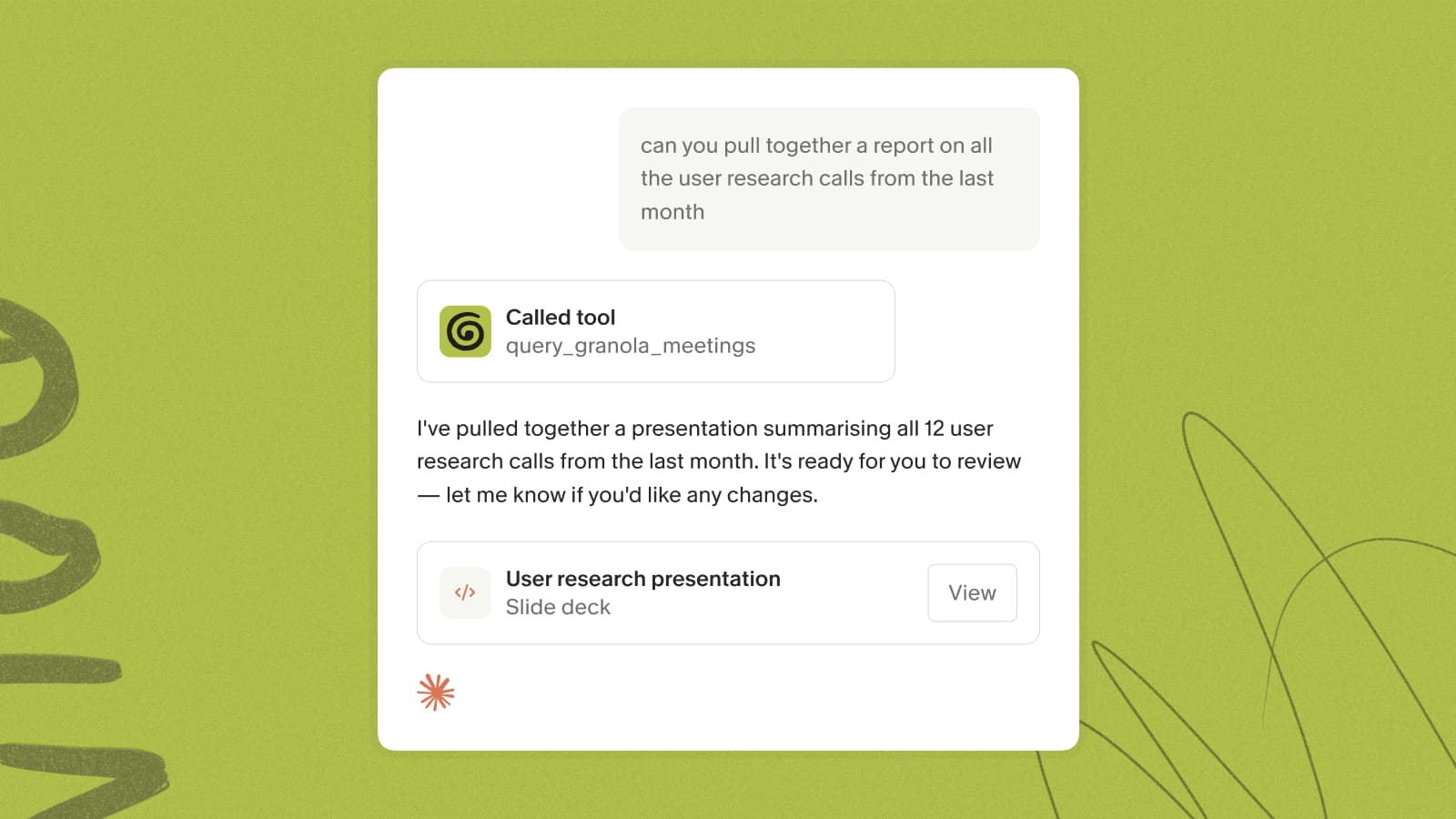
Granola lets Claude list, search and read your meeting notes and browse your folders, citing the meeting it pulled from. With Granola’s Snapshots turned on, Claude can also see slides and charts shared during a call.
Watch out for: On Granola’s free Basic plan, Claude sees only the last 30 days of notes, with no transcripts and lower usage limits. Full history, transcripts and folder editing need Granola Business.
10. GitHub

- Best for: Developers who want code context in chat
- Claude plan: Claude account, plus the Claude GitHub App for private repos
- Try this: “Explain how authentication works in this repo and where the session token is set”
Anthropic’s GitHub integration lets you pick repositories and add them to a chat or a Project’s knowledge, so Claude answers with your codebase in view.
Watch out for: Organizations that enforce SSO require each user to authorize the Claude app separately, and reconnecting won’t fix that. Project syncs don’t refresh on their own. Need Claude to open issues or pull requests? Add GitHub’s official MCP server as a custom connector instead.
Quick comparison
| Connector | Claude plan | Can it act? | Best for |
|---|---|---|---|
| Google Workspace | All, incl. Free | Yes: send, schedule, edit live | Free starting point |
| Microsoft 365 | All, incl. Free | Read; write if admin enables | Microsoft work accounts |
| Slack | Paid plans | Yes, with review | Team chat |
| Notion | All | Yes: pages, databases | Knowledge bases |
| Asana | All | Yes | Project planning |
| Canva | All | Yes | Quick visuals |
| Figma | All | FigJam diagrams | Diagrams, design context |
| Zapier | All | Yes, 8,000+ apps | Automation |
| Granola | All | Mostly read | Meeting recall |
| GitHub | Claude account | Read context | Developers |
How to add a connector in Claude
- Open Customize > Connectors in Claude on the web or desktop.
- Search for the connector and read the tools it lists.
- Click Connect and sign in to the service.
- Set write tools to Needs approval if you want to review every change.
On Team and Enterprise plans, an Owner must enable each connector for the organization before members can connect.
Final thoughts
If you live in Google’s apps, start with Google Workspace; it’s free and now acts, not just reads. Microsoft shops with work accounts should pick Microsoft 365. Slack is worth a paid Claude plan if your team’s decisions live in channels. Notion fits teams with a written knowledge base, Asana fits anyone turning plans into tasks, and Canva covers quick visuals while Figma handles diagrams. Zapier fills the gaps, but watch your task count. Granola answers “what did we decide?” and GitHub gives developers repo context.
Connect the two apps you open every morning, not the ones with the longest tool list.
Yes, for directory connectors. Google Workspace and Microsoft 365 are confirmed on Free. Free users can add only one custom connector, and Slack needs a paid Claude plan.
With Gmail, yes. Claude can send, reply and forward, and asks for approval before each action by default. With Microsoft 365, sending works only after an admin enables write tools.
Anthropic says it doesn’t train on Gmail, Drive or Calendar connector data. On consumer plans with model training turned on, content you copy from those sources into a chat may be used.
Anthropic doesn’t verify them. Connect only servers from organizations you trust, review the permissions screen, and turn off write tools you don’t need.