
You water the pothos on Sunday, forget the fern until Thursday, and the calathea curls up anyway. Most plants die from guesswork, not neglect. Too much water, too little light, or the wrong pot size.
Plant care apps replace that guesswork with a schedule built for each plant. The catch: many hide their best features behind weekly subscriptions, and some Android versions lag months behind iPhone. This guide covers both sides.
What Does a Plant Care App Do?
A plant care app identifies a plant from a photo, then builds a care plan for it: watering, fertilizing, repotting, misting, and light. Most send reminders, and many now add AI disease diagnosis, light meters, and water calculators.
Not every app does all of this. Some only identify plants. Some only remind you to water. One plans vegetable beds. Knowing which job you need saves you from paying for features you won’t use.
Why the Right App Matters More Than the Feature List
A generic “water weekly” rule kills plants. A snake plant in a north-facing room needs far less water than the same plant on a sunny balcony. The better apps adjust schedules for your pot, your light, and your local weather.
Price matters too. Several apps in this list bill weekly, which adds up fast. A $6.99 weekly plan costs over $360 a year, while an annual plan on the same type of app can run under $40.
10 Best Plant Care Apps for iPhone and Android
We compared these apps on current App Store and Google Play listings, looking at price structure, care features, identification, Android support, and how recently each app was updated.
1. Planta
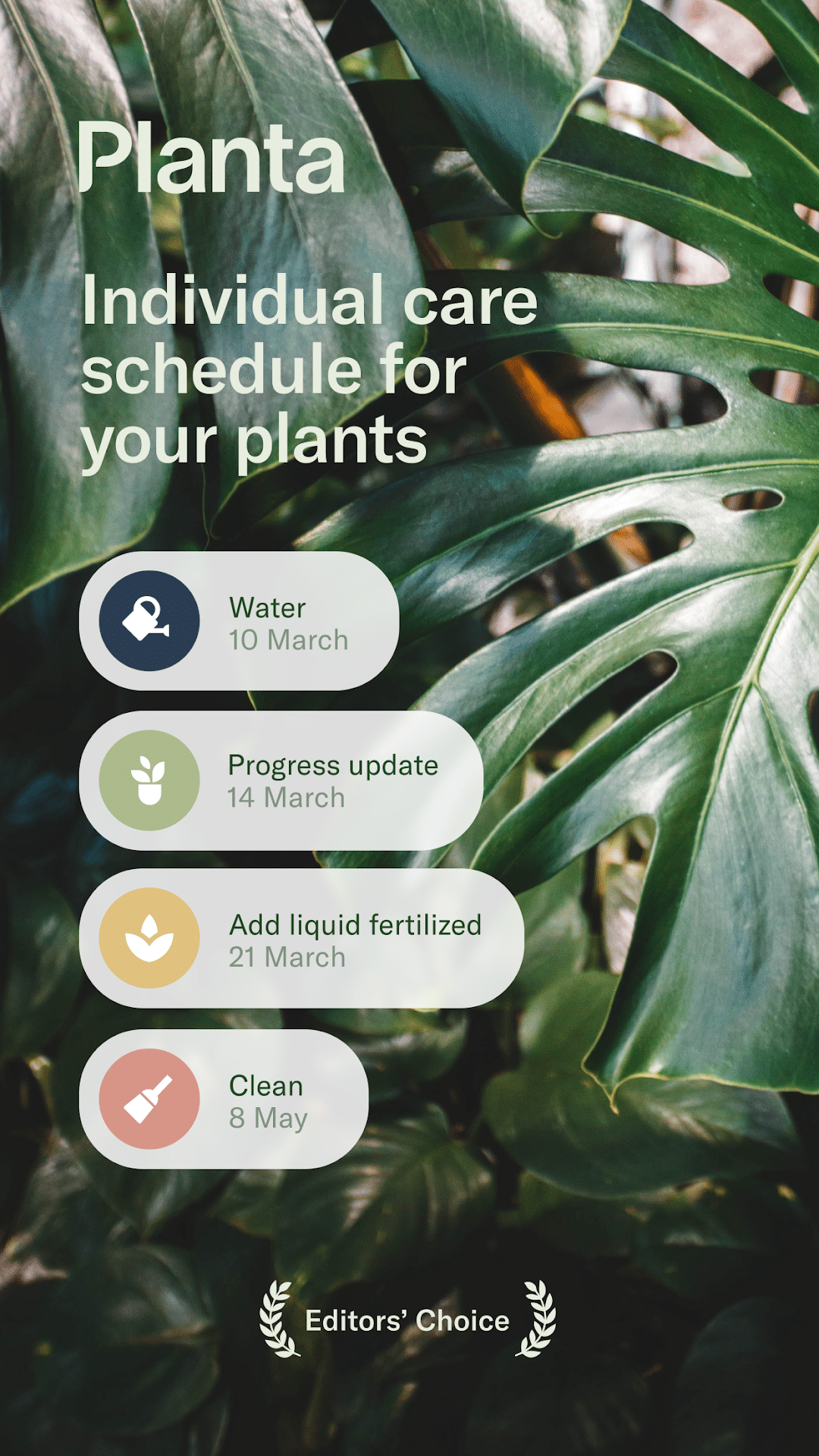
Planta is the pick if you want reminders that adapt to your home, not a generic chart. It schedules watering, fertilizing, repotting, pruning, and misting based on your plant type, room conditions, and local weather.
Dr. Planta, its AI diagnosis tool, analyzes symptoms like yellow leaves or pests and returns a step-by-step treatment plan. A built-in light meter helps you place plants, which matters most in darker winter months. You can also share care duties with family when you travel.
The trade-off is price. Premium runs $7.99 to $9.99 a month or $35.99 to $47.99 a year, depending on the offer you see. The iPhone app also needs iOS 18 or later, and Android users rate it lower (4.2 stars) than iPhone users do.
Android (Google Play) | iPhone (App Store)
2. PictureThis
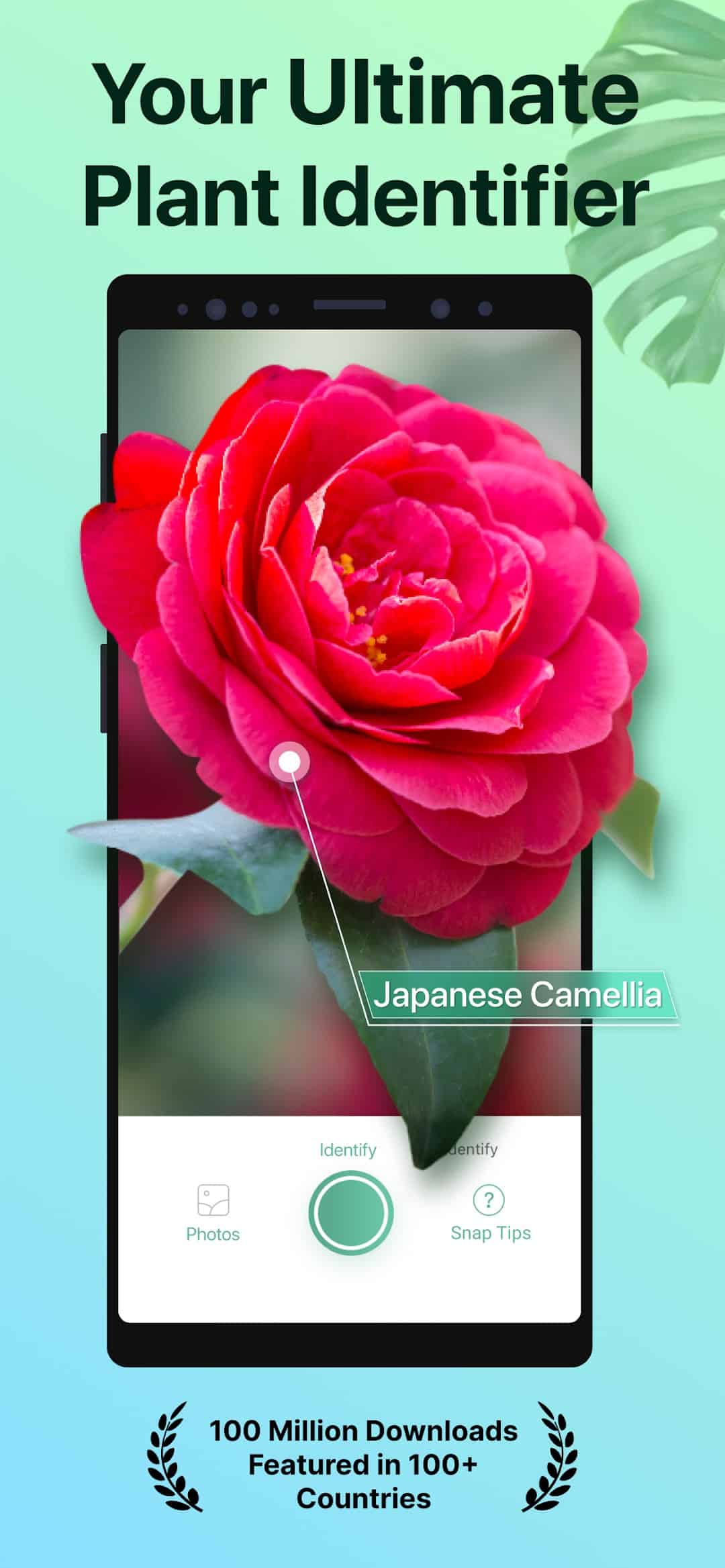
PictureThis owns plant identification. The listing claims coverage of over 400,000 species, and it holds a 4.8-star rating from 1.1 million iPhone reviews, the largest base in this list.
It goes beyond naming plants. You get disease diagnosis, weed identification, toxic plant warnings, a light meter, and watering reminders. If you have pets, the toxicity alerts alone justify the download. Pair it with one of the best pet care apps to cover both sides of a pet-friendly home.
PictureThis Pro is mostly listed at $39.99, with a $49.99 Family Plan. The care scheduling is less adaptive than Planta’s, so it suits identifying and troubleshooting more than daily routines.
Android (Google Play) | iPhone (App Store)
3. Greg
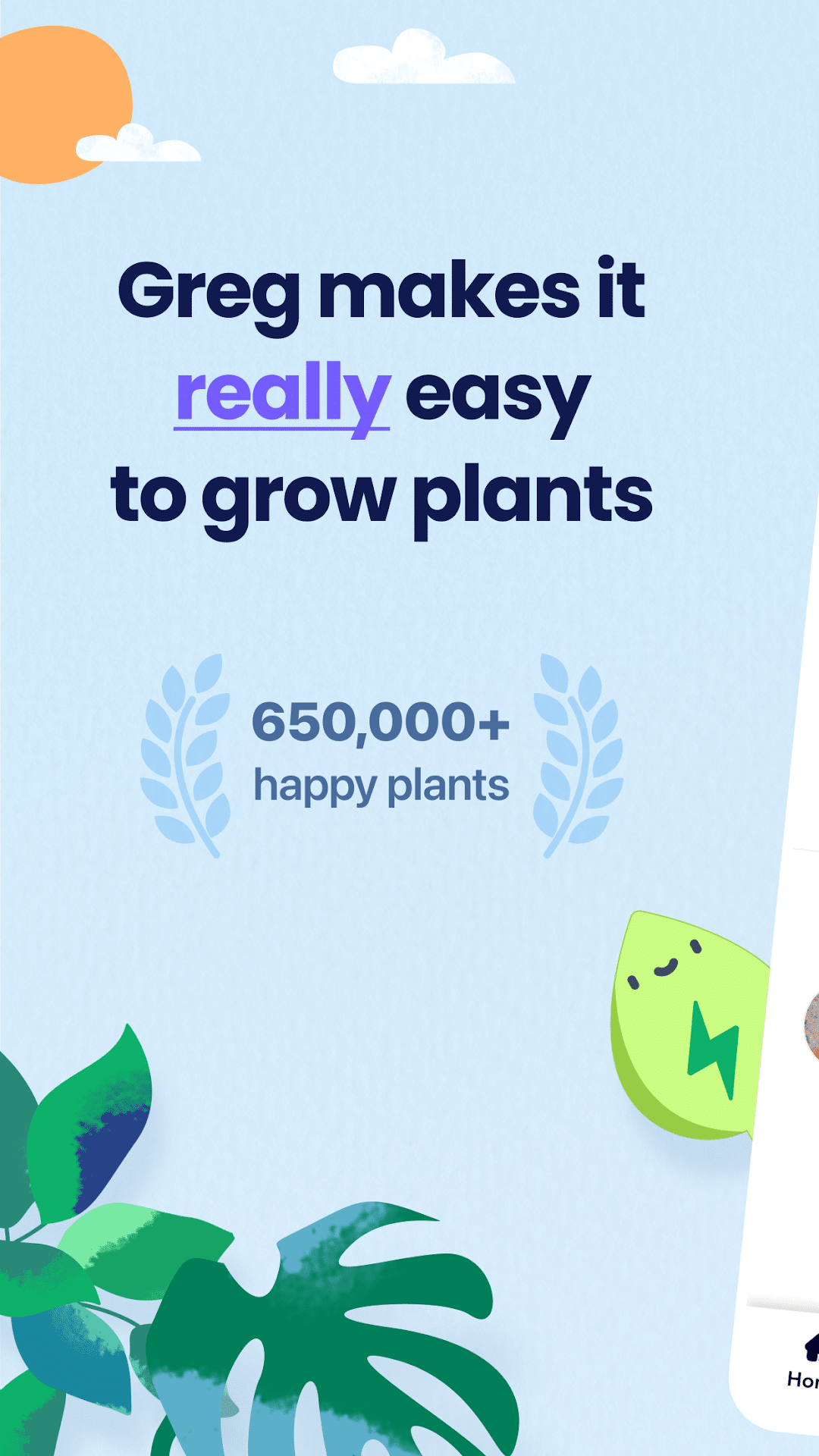
Greg answers one question better than any other app here: how much water, exactly? It measures your pot and estimates distance to the nearest window, then calculates a precise watering amount per plant.
Greg Plus (listed as Super Greg) costs $29.99 a year with a 7-day trial. That unlocks Precision Watering, an Indoor Light Gauge, and seasonal updates. A community feed lets you ask other owners for help.
Greg is iPhone-first. The Android version sits at 3.8 stars, and third-party trackers show its last Google Play update in February 2025. If you use Android, pick another app.
Android (Google Play) | iPhone (App Store)
4. PlantIn
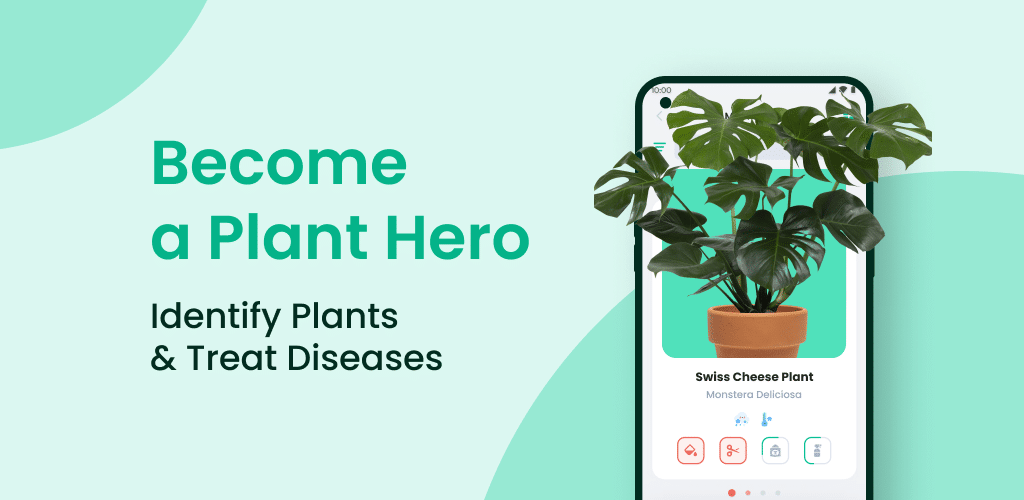
PlantIn stands out for access to real humans. Its Ask the Botanist feature connects you with gardening experts when AI diagnosis isn’t enough.
It also includes an AR light meter, a watering calculator, weather alerts, and mushroom identification with an offline option. That last feature makes it useful on hikes, not just indoors.
The pricing menu is messy. Weekly plans run $6.99 to $17.99, the yearly plan is $29.99 to $39.99, and a lifetime option costs $49.99. Skip the weekly plans. The lifetime tier is the better deal if you plan to stick around. Android ratings (4.1 stars) trail iPhone (4.6), though the Android app received an update in late September 2026.
Android (Google Play) | iPhone (App Store)
5. Plantum
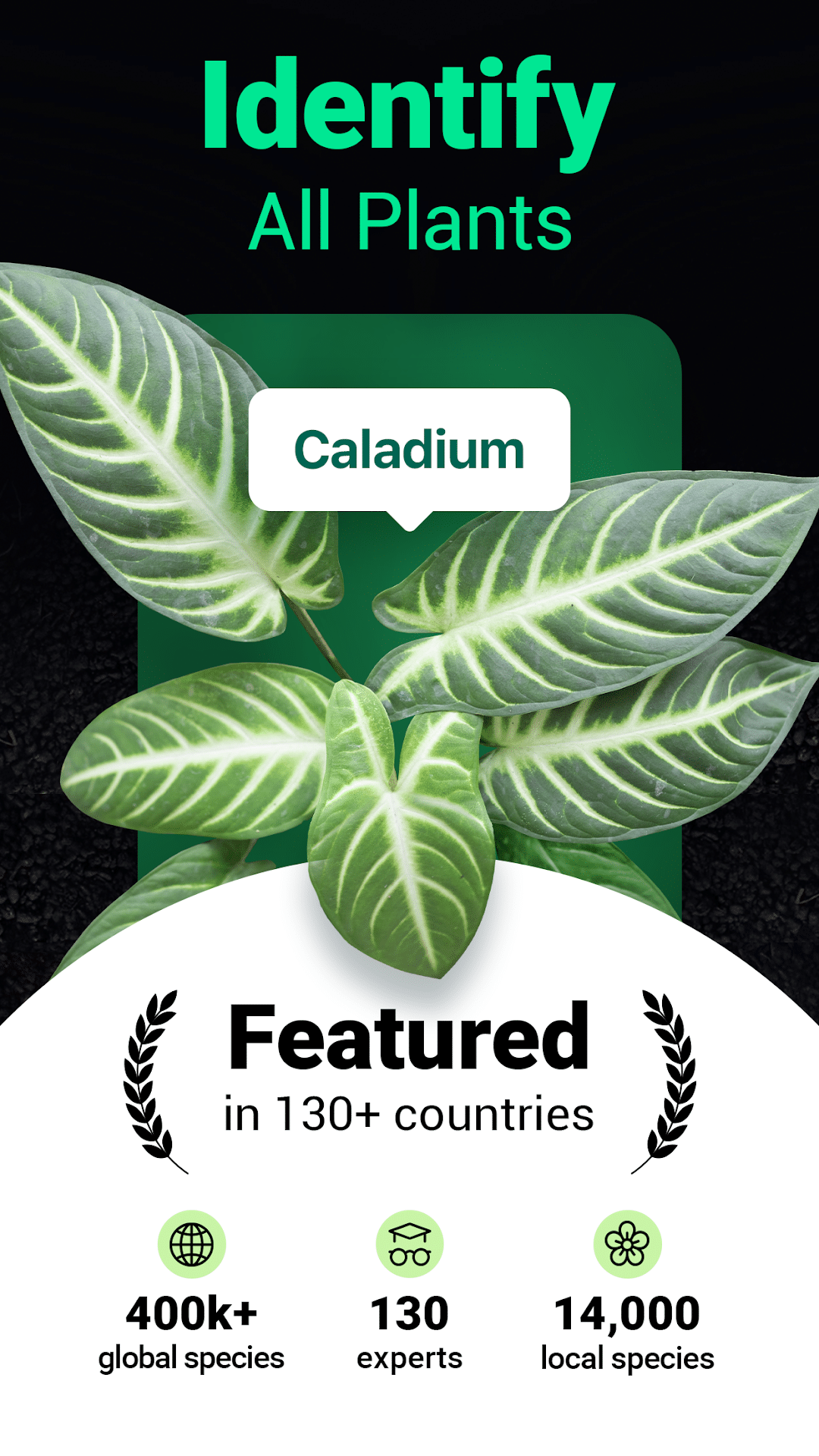
Plantum fits people who travel. Its Vacation Mode shares your plant schedules with whoever waters while you’re away, so care instructions don’t live only in your head.
It identifies over 40,000 natural objects and offers a pot meter, light meter, water calculator, and weather tracker. Reminders cover watering, misting, feeding, and rotating.
A one-month Premium plan costs $6.99 on iPhone. On Android, the listing shows ads, and the developer reports sharing location and personal data with third parties. If that bothers you, review your permissions or read our guide on how to stop iPhone apps from tracking you.
Android (Google Play) | iPhone (App Store)
6. Blossom
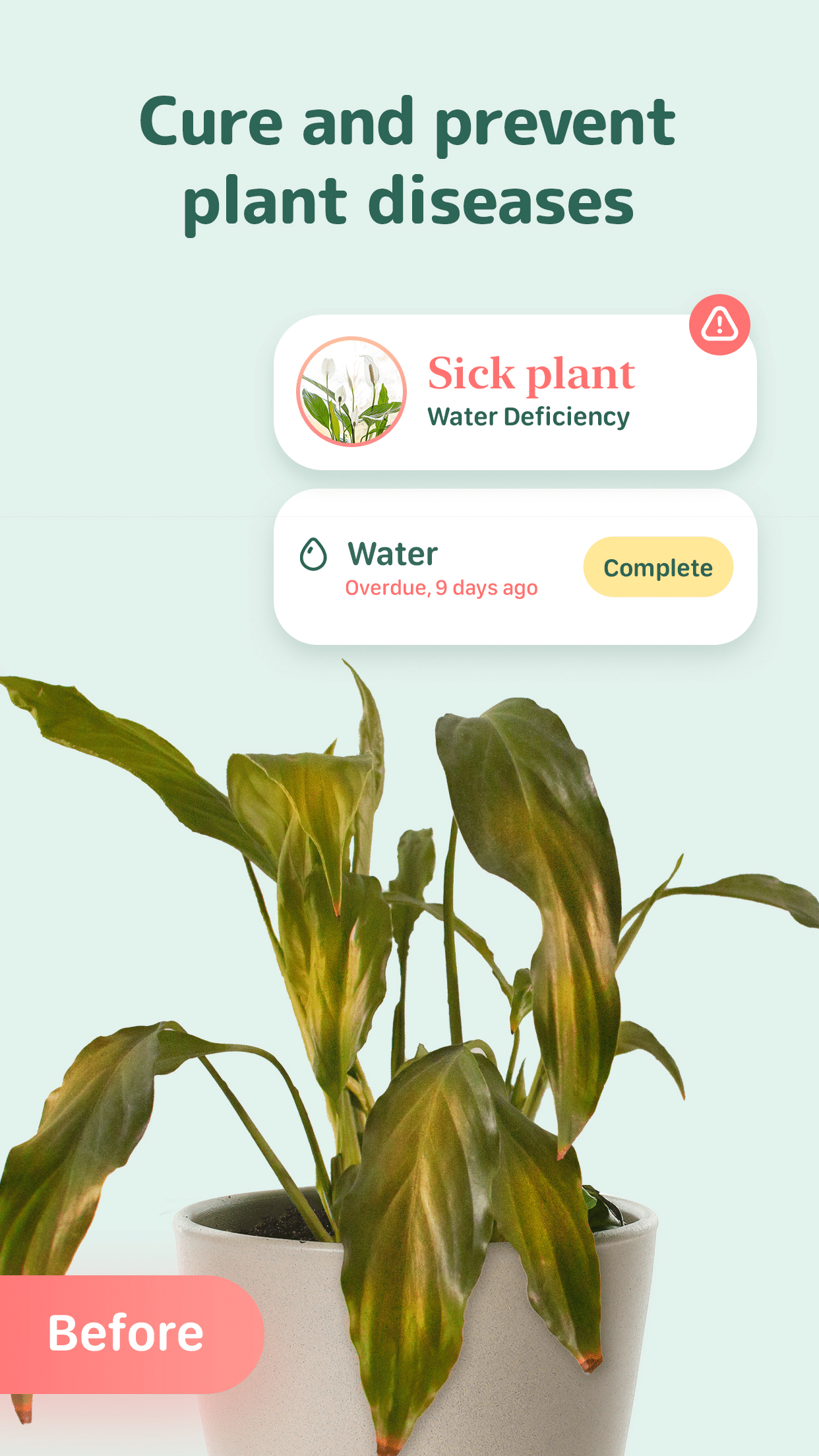
Blossom bridges houseplants and edible gardening. Alongside standard care reminders, it includes growing guides for edible plants with a planting calendar, which most houseplant apps skip.
You get identification for 30,000+ plants with a multi-photo mode, disease diagnosis, a water calculator based on pot size, and an “AI Botanist” that builds treatment plans. Bending Spoons owns the app.
Premium comes in weekly, monthly, and yearly plans, with prices varying by region. The Android version last updated in July 2025, so iPhone users get the more current app.
Android (Google Play) | iPhone (App Store)
7. Pl@ntNet
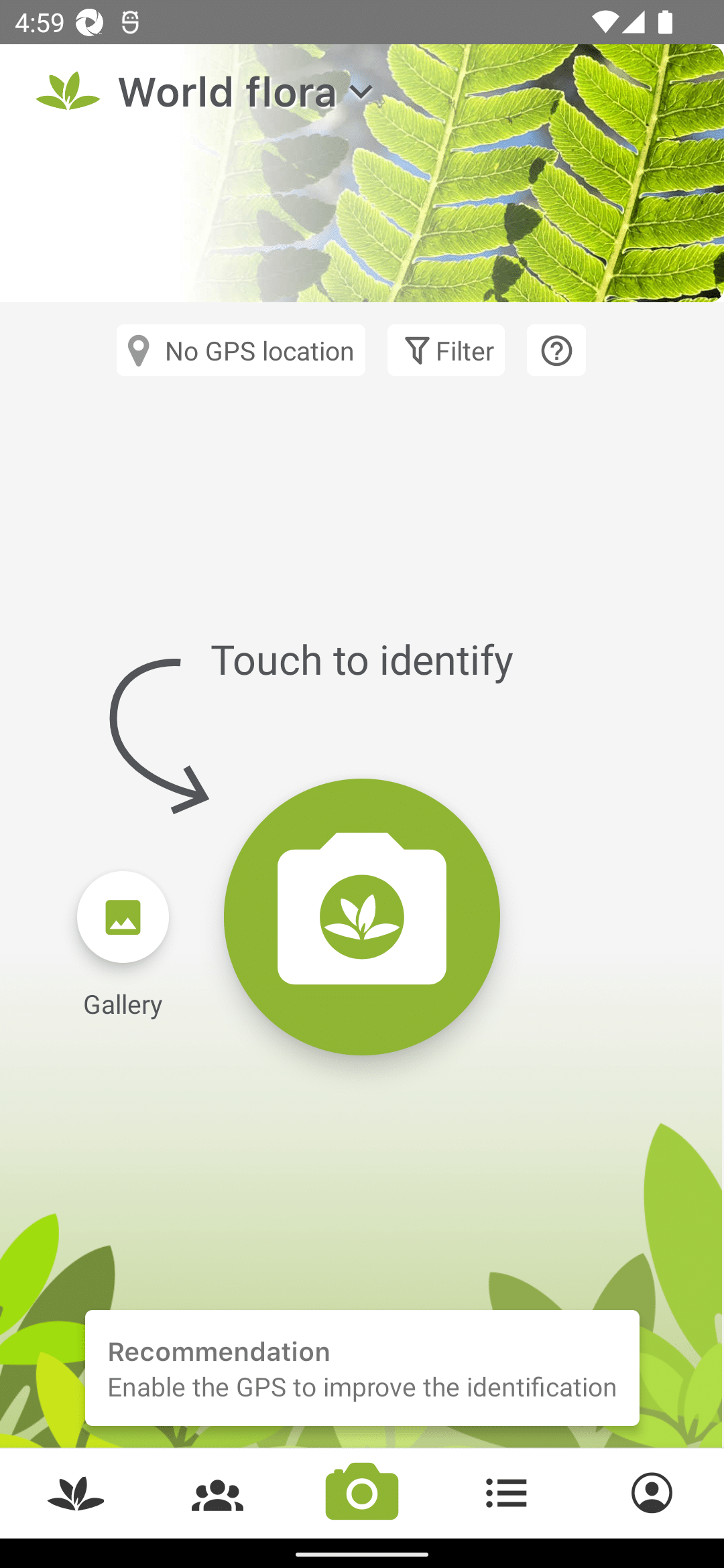
Pl@ntNet is the best free identifier, full stop. French research institutes run it as a citizen science project, so there are no subscriptions pushing you toward a paywall.
It identifies roughly 20,000 species from photos and lets you filter by genus, family, or regional flora. Your observations appear on a map, and a web version works at identify.plantnet.org.
It’s an identifier, not a care app. There are no watering reminders or care schedules. Use it to confirm what a plant is, then pair it with a reminder app. The Android version updated in July 2026 and has over 10 million downloads.
Android (Google Play) | iPhone (App Store)
8. Seek by iNaturalist
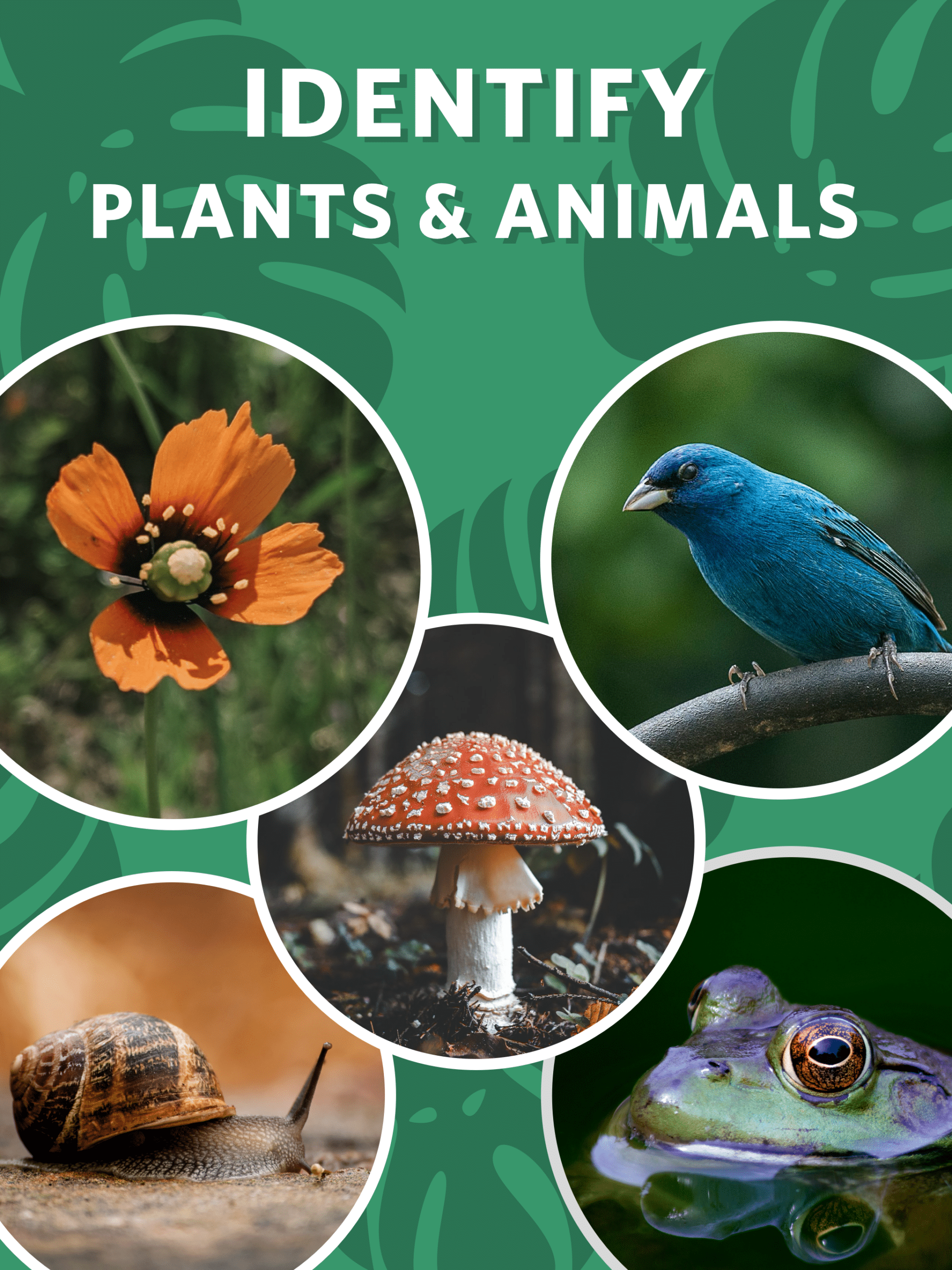
Seek suits families and privacy-minded users. It needs no account, and iNaturalist says no user data is collected. The app asks for location but obscures it, never storing your precise position.
It identifies plants, animals, and fungi through your camera, shows species commonly recorded near you, and awards badges and monthly challenges. Kids treat it like a nature scavenger hunt.
Like Pl@ntNet, Seek has no care reminders. It’s for outdoor discovery, not keeping your monstera alive.
Android (Google Play) | iPhone (App Store)
9. Planter
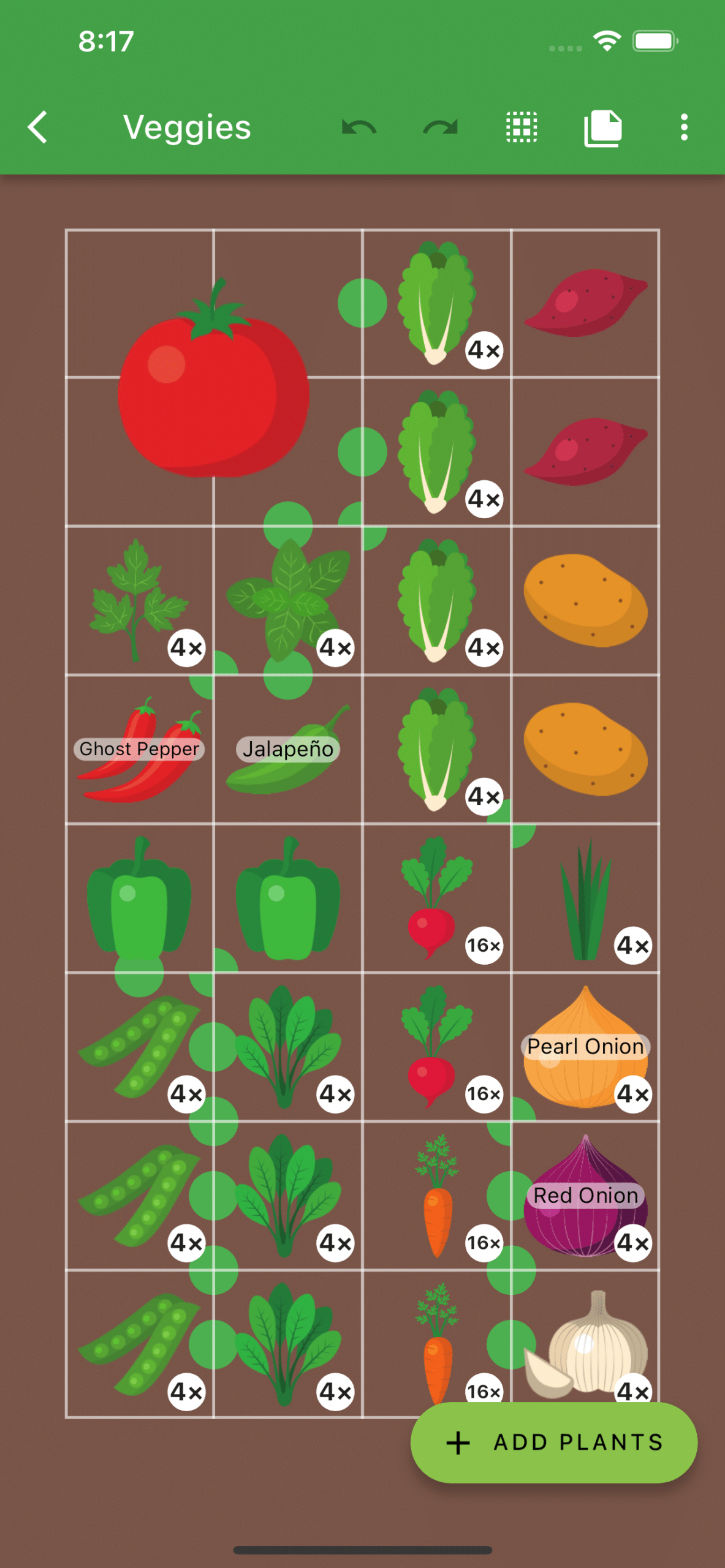
Planter is for vegetable gardeners, not houseplant owners. It lays out raised beds on a square-foot grid and flags companion and antagonistic plants, so you don’t put beans next to onions.
It covers 100+ fruits and vegetables with thousands of varieties, plus a planting calendar for seed starting and transplanting. You can add custom plants too.
Plans cost $4.99 a month, $19.99 to $24.99 a year, or $39.99 to $49.99 lifetime. It doesn’t identify plants or diagnose diseases. Check one of the best weather apps alongside it for frost dates.
Android (Google Play) | iPhone (App Store)
10. Happy Plant
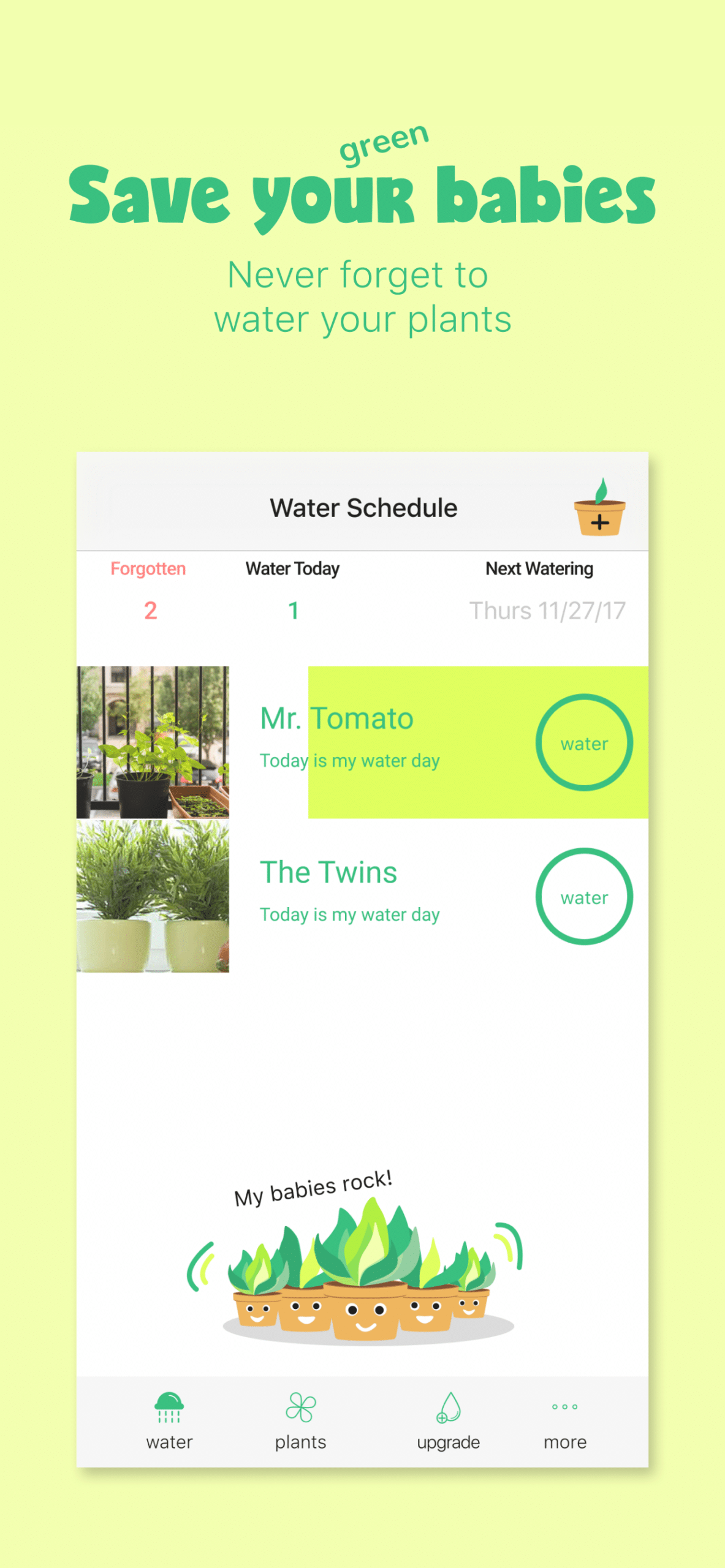
Happy Plant is the anti-subscription option. Premium costs $1.99 once, unlocking unlimited plants. The free tier tracks up to three.
It does one job: watering reminders with custom schedules, snooze, and streaks. Plant selfies build time-lapse videos of growth, which makes progress visible over months.
There’s no identification, no diagnosis, and no Android version. It runs on iPhone, iPad, and Apple silicon Macs only.
Final Thoughts
If you want schedules that adapt to your home and weather, start with Planta. For identifying plants and checking pet toxicity, PictureThis leads. Greg gives the most precise watering amounts on iPhone, PlantIn connects you with real botanists, and Plantum keeps your plants alive while you travel. Blossom fits herb and vegetable growers, Pl@ntNet and Seek cover free identification, Planter handles garden beds, and Happy Plant reminds you to water for $1.99 once.
Pick the app that matches the plants you actually own, not the one with the longest feature list.
Yes. Google Lens on Android and Visual Intelligence on iPhone both identify plants from the camera. Check our breakdown of iOS 27 Apple Intelligence features for how Visual Intelligence works. Neither sends care reminders, though.
Pl@ntNet for identification and Seek for outdoor discovery. For reminders without a subscription, Happy Plant’s free tier handles three plants, and $1.99 unlocks the rest.
Yearly or lifetime. Weekly plans in PlantIn, Plantum, and Blossom cost several times more over a year. Cancel free trials before they convert if you’re only testing.
PictureThis, Pl@ntNet, and PlantIn received updates in 2026 and hold solid ratings. Avoid Greg on Android.