Search “emulator” on the Play Store and you get dozens of results among the best emulators for Android, many of them ad-heavy clones with vague descriptions. Install the wrong one and you spend an evening fighting input lag, crackling audio, or a missing BIOS error before a single game boots.
The better approach is to stop looking for one emulator that plays everything. The strongest Android emulators are built for one console family, and the right pick depends on which games you want to replay and what your phone can handle.
What an Android Emulator Does
An emulator recreates a game console’s hardware in software, so your phone can run games made for that console. You supply the game files (ROMs or disc images) dumped from cartridges or discs you own. Some emulators also need a BIOS file, which is the console’s startup firmware, and none of the apps below include games or BIOS files.
Most emulators add features the original hardware never had: save states that freeze a game at any moment, fast-forward, cheat support, higher rendering resolutions, and support for Bluetooth controllers.
Why the Console Matters More Than the App
A Game Boy Advance game and a Dreamcast game make very different demands on your phone. Cartridge-era consoles (Genesis, Game Boy) run well on almost any Android device. Disc-based 3D consoles (PlayStation, Dreamcast) need more CPU and GPU headroom, especially if you want to upscale beyond the original resolution.
Setup effort also varies. John GBAC and Redream need no BIOS at all, while DuckStation needs one before any game boots. Knowing this before you install saves time.
5 Best Emulators for Android
We compared the Play Store listings for price, supported consoles, BIOS requirements, feature set, and how recently each app was updated. Ratings, prices, and update dates below reflect the Play Store as of September 29, 2026.
1. RetroArch
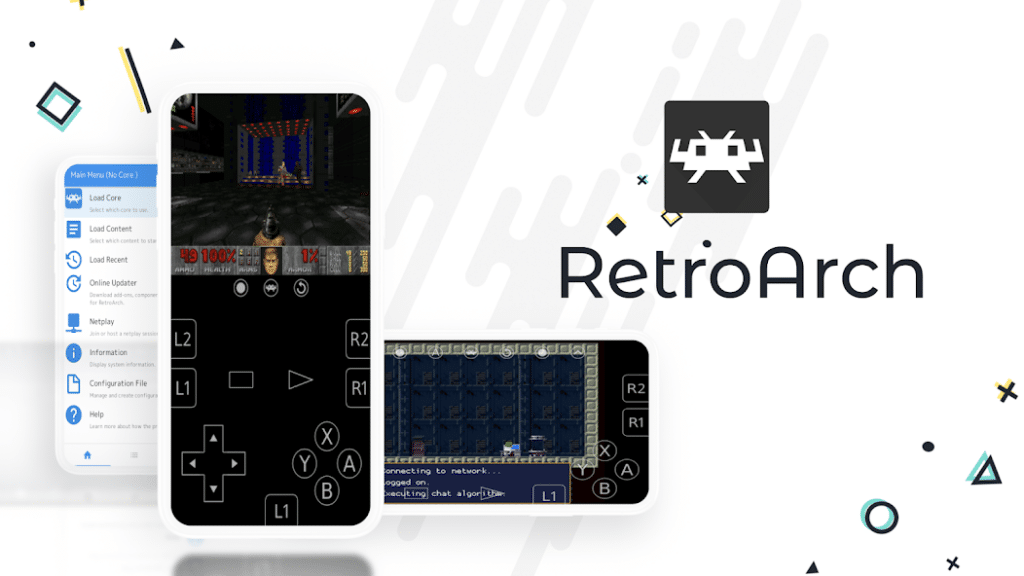
RetroArch is the only multi-system option on this list. It runs “cores,” which are individual emulators packaged inside one front end, so a single app can cover NES, SNES, Game Boy, Genesis, PlayStation, and more. It also handles game library scanning, controller remapping, cheats, save states, and online multiplayer through NetPlay.
The Play Store version has a hard limit of 50 cores and no core downloader, a restriction the developers attribute to Google Play policy. If you need more, RetroArch Plus (also free on the Play Store, Android 8.0 or higher) supports up to 127 cores, and the APK on retroarch.com includes the full core downloader with access to the project’s full library of 200-plus cores. In exchange, the Play Store build updates both the app and its cores automatically every week.
RetroArch is free with no ads, no in-app purchases, and no data collection declared. The trade-off is setup. The menu system takes time to learn, some cores expect specific file names, and its 3.8-star rating (47.6K reviews) reflects that friction. A July 2026 review also reported save problems after an update, so check recent reviews before updating mid-playthrough. If you want one app for everything and do not mind tinkering, start here.
2. MD.emu (Genesis Emulator)
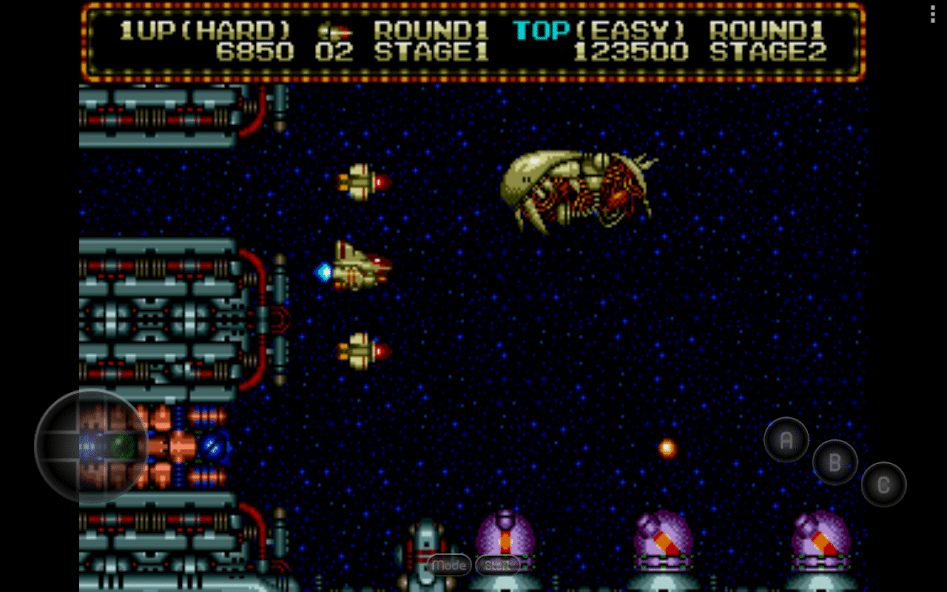
MD.emu covers the Sega Genesis/Mega Drive, Sega CD, and Master System/Mark III. Developer Robert Broglia built it around low audio and video latency, and that shows in reviews: one long-standing user credits it with better controller responsiveness than other emulators they tried.
The Sega-specific details are what set it apart. It supports the SVP chip needed for Virtua Racing, 6-button controllers, 4-player multitap, and the Menacer and Justifier light guns. It opens ZIP, RAR, and 7Z archives directly, reads cheat codes in the .pat format used by Kega Fusion and Genesis Plus GX, and works with any HID controller, including Xbox and PlayStation pads.
MD.emu costs $4.99 as a one-time purchase, with no ads and no data collected. It is the only paid app here, and it only plays Sega systems. Sega CD support is still marked beta and needs a USA, Japan, or Europe BIOS. Standard Genesis and Master System games need no BIOS. It holds a 4.2-star rating from 3.69K reviews and was last updated on March 17, 2026.
3. John GBAC
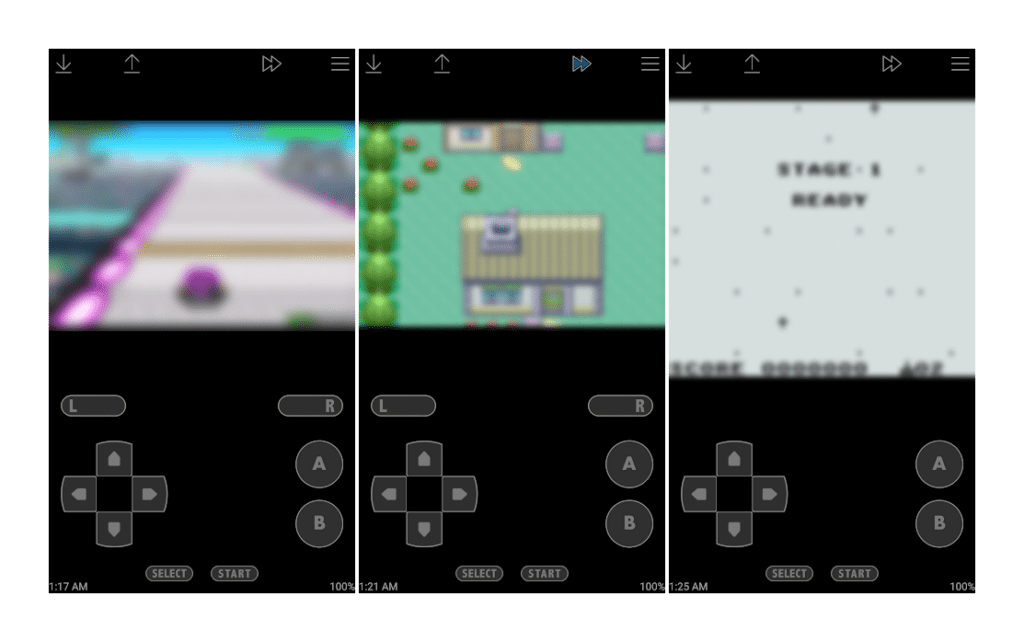
John GBAC plays both Game Boy Advance and Game Boy Color games in one app. It replaces the developer’s older, separate John GBA and John GBC apps, and stays compatible with them.
It covers the essentials without menus to dig through: a customizable on-screen keypad, save states with preview thumbnails, turbo buttons, cheats, and a speed control that ranges from 0.25x to 16x. Bluetooth and MOGA controllers work, and Dropbox sync is available through the companion John DataSync app. No BIOS file is required. The July 26, 2026 update added Android 16 support, and the app runs on Android 6.0 and above.
John GBAC is free with ads, and an in-app purchase removes them. The ads are the main complaint. One reviewer says ads kept appearing after they paid, and others mention accuracy issues in specific games. It holds a 4.0-star rating from 16.3K reviews. If you only play Game Boy titles and want something that works in minutes, this is the simplest pick.
4. DuckStation
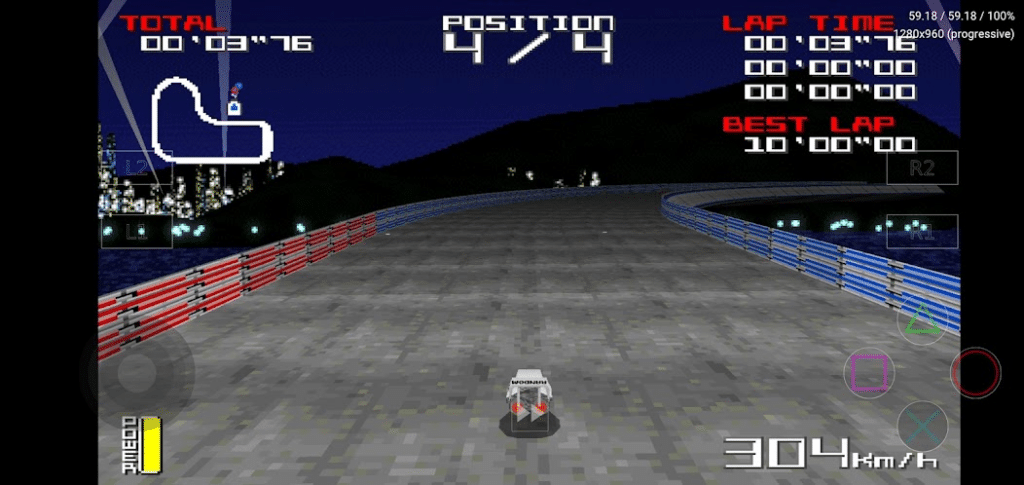
DuckStation is a PlayStation 1 emulator that aims for accuracy while keeping performance high. It has the deepest enhancement options on this list: OpenGL, Vulkan, and software renderers, resolution upscaling, 24-bit true color, widescreen rendering in supported games, and PGXP, which fixes the texture “wobble” PS1 games are known for. It can also run supported PAL games at 60fps.
Per-game settings let you set enhancements and controller mapping for each title. It supports up to 8 controllers via multitap, RetroAchievements, a memory card editor, CPU overclocking, runahead, and rewind. It reads cue, iso, img, ecm, mds, chd, and unencrypted PBP files.
DuckStation is free with no ads. The catch is setup, and now, the app’s future. You need a PS1 BIOS dumped from your own console before any game boots, and the developer warns that 32-bit ARM devices need at least a 1.5GHz CPU. More importantly, the Android build has not been updated since May 2, 2025, and the developer has since confirmed this is permanent, not a pause. Asked directly about future Android updates, he responded that he doesn’t have the time and that Android users had told him they didn’t want updates anyway.
Current build notes now carry a blunt disclaimer that no support is provided for the Android app. It still runs well today and holds the highest rating here, 4.3 stars from 18.4K reviews, and one April 2026 review notes that save files sit in a protected Android folder you cannot move to the PC version. But treat it as a tool that works well right now rather than one with a guaranteed future as Android itself keeps changing underneath it.
5. Redream
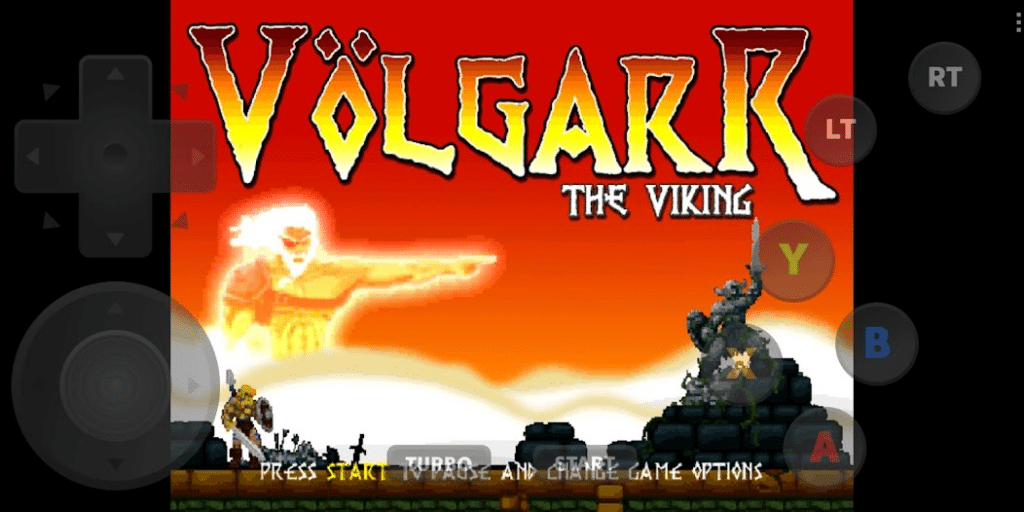
Redream plays Sega Dreamcast games and removes most of the setup work. It needs no BIOS or flash files and no controller configuration, and the developer’s own documentation states it can confidently play over 95% of the Dreamcast library from start to finish. The download is under 4MB.
The August 8, 2026 update added initial modem emulation, enough to play Phantasy Star Online on the Sylverant community server. That is an unusual feature for a mobile emulator.
Redream is free, but high-definition rendering (1080p or 4K) and multiple save slots per game sit behind a one-time premium upgrade. On redream.io, premium starts at $6 and covers every platform Redream supports, including Windows, Mac, and Linux. The free version renders at native resolution.
You also need to extract .7z or .zip files before loading them. The rating is 3.7 stars from 12.7K reviews, and a January 2026 review reported audio glitches on newer phones, so test a game or two before paying.
Tips Before You Start
Pair a Bluetooth controller for anything beyond 2D games. Every app on this list supports external controllers, and on-screen buttons get awkward in 3D titles.
If you plan to upscale PS1 or Dreamcast games, your chipset matters. Our Tensor G6 vs Snapdragon 8 Elite Gen 5 comparison breaks down how GPU performance differs between the two chips.
For long sessions with the charger connected, check whether your phone supports bypass charging, which powers the phone from the wall instead of the battery and reduces heat.
Final Thoughts
If you want one app for several consoles, pick RetroArch and give yourself time to learn it. For Sega cartridge games with the lowest input lag, MD.emu is worth the $4.99. John GBAC is the fastest way to get Game Boy games running, as long as you can live with ads or pay to remove them. DuckStation offers the best-looking PS1 games right now, just go in knowing the developer has stepped away from Android for good. Redream gets Dreamcast games running with the least effort, and premium is only worth buying if you want HD output.
Pick the emulator that matches the games you actually want to replay, not the one with the longest core list.
The emulator apps themselves are legal in most countries, since they’re just software that recreates a console’s hardware. What’s legally risky is downloading ROM files you don’t own, rather than dumping them yourself from cartridges or discs you already have.
No. All five apps on this list install and run on a stock, unrooted Android phone through the Play Store.
DuckStation offers the most accurate and visually enhanced PS1 emulation on Android, including upscaling and texture fixes most other PS1 emulators lack. The trade-off is that the developer has stopped updating the Android build, so long-term compatibility with future Android versions isn’t guaranteed.
It depends on the console. John GBAC (Game Boy) and Redream (Dreamcast) need no BIOS at all. DuckStation (PlayStation 1) requires one before any game will boot, and MD.emu only needs one for its beta Sega CD support, not standard Genesis games.
RetroArch is a front end that runs separate “cores,” each one a different console’s emulator, inside one app and one interface. A single-console emulator like DuckStation or Redream is built for just that one system, which usually means a simpler setup at the cost of only covering one console family.
Worth checking on Amazon: