Let’s cut straight to it: no, you probably shouldn’t install the iOS 27 developer beta on your main iPhone right now. Not unless you genuinely enjoy troubleshooting random crashes at 7 AM before your first coffee.
But the real answer, like most things in tech, is a bit more nuanced than that. So before you hit download out of sheer excitement after WWDC, here’s everything you actually need to know.
Before You Download iOS 27: Know Where Things Stand Right Now
As of June 2026, your iPhone is running iOS 26.5.1, released June 1, and it’s a solid, stable build. Security patches, minor improvements, nothing dramatic. The kind of update you install and forget about.
That changes tomorrow.
WWDC 2026 kicks off June 8, and Apple is expected to pull back the curtain on iOS 27, complete with a redesigned new features in iOS 27 list that reportedly includes Liquid Glass UI refinements, deeper AI integration, and significant iOS 27 Siri features that push contextual intelligence further than we’ve seen before. Shortly after the keynote wraps, the first developer beta drops.
Here’s the honest timeline:
- Developer Beta 1: June 8, 2026 (right after the keynote)
- Public Beta: Expected mid-July, around the third developer beta
- Full Public Release: September 2026
That gap between the developer beta and public beta isn’t arbitrary. It exists because the first beta is historically a mess, and Apple knows it.
What Installing a Beta Version of iOS on Your iPhone Actually Feels Like
There’s a reason seasoned Apple developers keep a dedicated “test device” drawer. Beta 1 of any major iOS release isn’t a preview. It’s a construction site with a fancy sign out front.
Here’s what tends to go wrong, especially in those early builds:
- Bugs and instability you can’t predict. We’re talking random crashes, apps that refuse to open, UI elements that disappear, black screens, and Bluetooth that ghosts your AirPods mid-call. These aren’t edge cases. They’re the norm in early betas.
- Battery life takes a real hit. Unoptimized background processes chew through your charge faster than usual. Don’t be surprised if your iPhone 16 starts behaving like a three-year-old device.
- App compatibility is a gamble. Banking apps, navigation tools, productivity software, developers haven’t had time to update for iOS 27 yet. Some will crash. Some will just behave strangely. A few might lose your data.
- Downgrading is possible, but not painless. You can roll back to iOS 26.5.1, but only while Apple is still signing that version, which has a limited window. You’ll need a computer, a fresh backup, and ideally no panic. Miss that signing window and you’re riding out the beta whether you like it or not.
- Security vulnerabilities are real. Early betas often ship with unpatched gaps. If you use your iPhone for work, banking, or anything sensitive, that’s a meaningful risk.
When Installing the iOS 27 Beta Actually Makes Sense
That said, there are genuine reasons to jump in early, and if the circumstances are right, beta testing can be genuinely rewarding.
- You have a secondary device. This is the single biggest factor. An old iPhone 13 sitting in a drawer? Perfect beta machine. Install away, explore every corner, and report bugs without it affecting your real life.
- You’re a developer. If you build apps, you need early access. Beta 1 exists for you. Testing compatibility, exploring new APIs, and catching breakages before your users do, that’s the whole point.
- You’re willing to live with trade-offs for early access. Some people just want to experience the new features in iOS 27 and the redesigned Siri before anyone else, and they’re okay with occasional rough edges. That’s a valid choice. Just go in with your eyes open.
- You’re waiting for Beta 3+. This is the sweet spot many experienced users swear by. By the third or fourth beta, most of the critical crashes are ironed out, app compatibility improves significantly, and performance stabilizes. Mid-to-late betas offer a much more livable experience than Beta 1.
Related: List of Devices Compatible with iOS 27
Developer Beta vs. Public Beta: Which One Is Right for You?
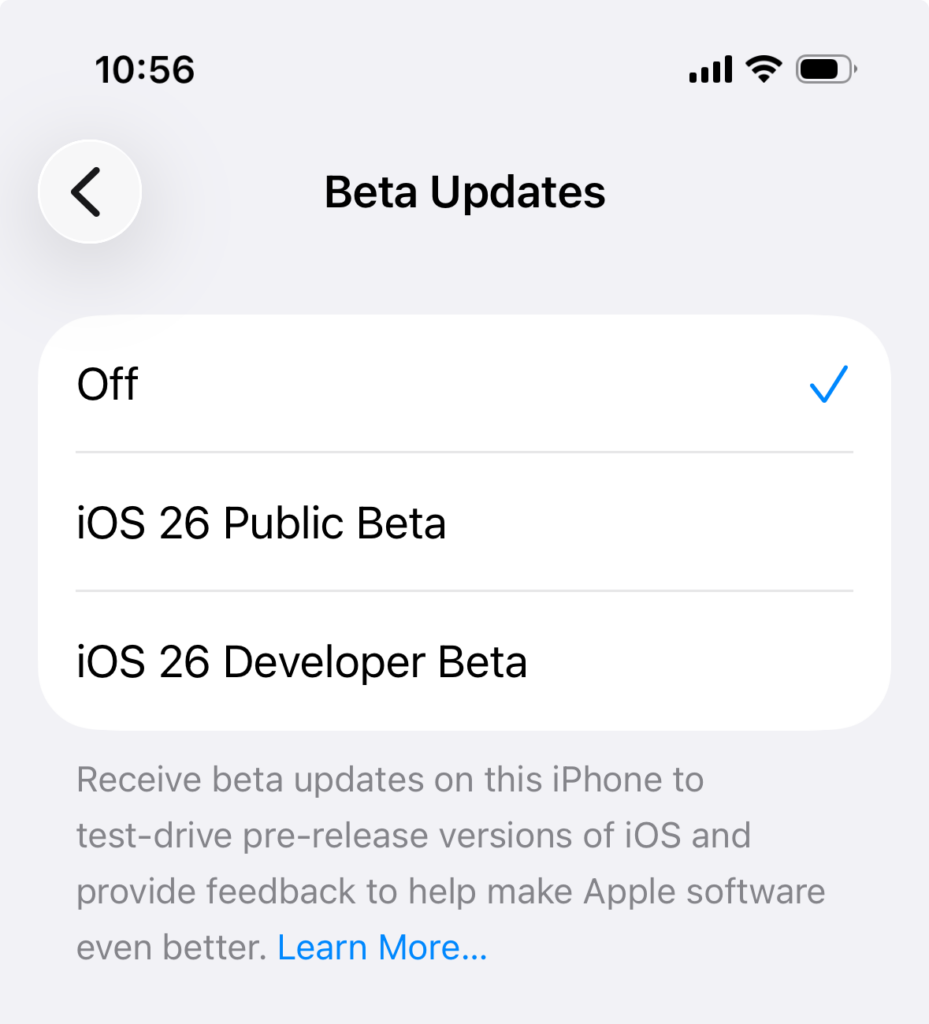
If you’ve decided you want in early, you’re choosing between two different entry points, and they’re not the same thing.
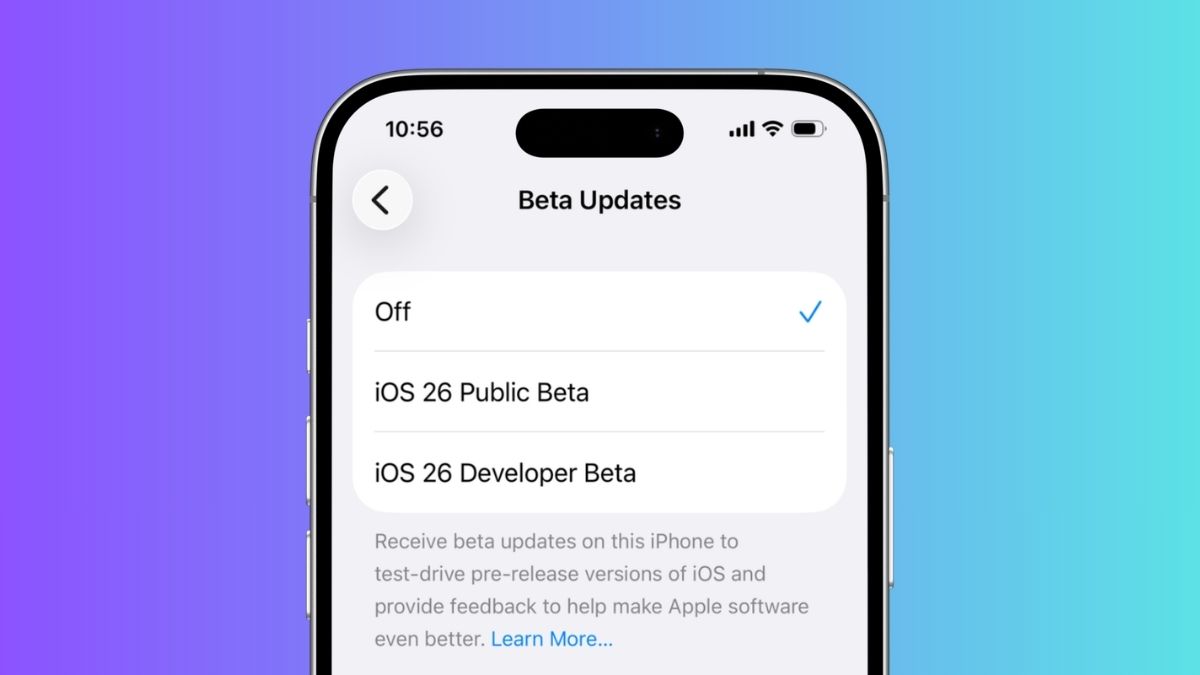
- The Developer Beta (available June 8) is raw, early, and built for people who are actively building things. It requires an Apple Developer account and is intentionally rough around the edges. Think of it as the unfinished manuscript before the editor gets involved.
- The Public Beta (expected mid-July) is a different experience. By the time it ships, Apple will have processed feedback from weeks of developer testing, squashed the most critical bugs, and produced something that’s genuinely usable for curious everyday users. It’s still pre-release software, so don’t treat it like a stable OS, but it’s far less likely to make you want to throw your phone across the room.
For most people reading this, the public beta is the right answer if you’re determined to try iOS 27 before September. For developers and enthusiasts with dedicated test devices, jump in on June 8. That’s exactly what it’s there for.
The One Thing You Must Do Before Installing Any Beta
Back up your iPhone. Fully. Right now, before you do anything else.
Use iCloud, use your Mac or PC via Finder, use both if you’re cautious. A complete backup means that no matter what goes wrong, whether it’s a catastrophic crash, failed downgrade, or corrupted install, your photos, messages, app data, and settings are safe and restorable.
This isn’t optional advice. It’s the single action that separates a frustrating beta experience from a genuinely damaging one.
So, Should You Install the iOS 27 Developer Beta?
Here’s the honest summary:
If your iPhone is your one and only device and your daily life depends on it functioning reliably, wait for the public beta in July, or better yet, wait for the full release in September.
If you have a spare device, love being on the bleeding edge, or have a legitimate developer reason to test early, Beta 1 drops June 8 and it’s yours to explore.
Either way, the full vision of iOS 27, including the refined Siri intelligence, redesigned interface, and new AI features, arrives for everyone in September. Sometimes the best beta is just patience.
You might also like: