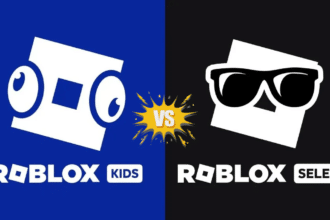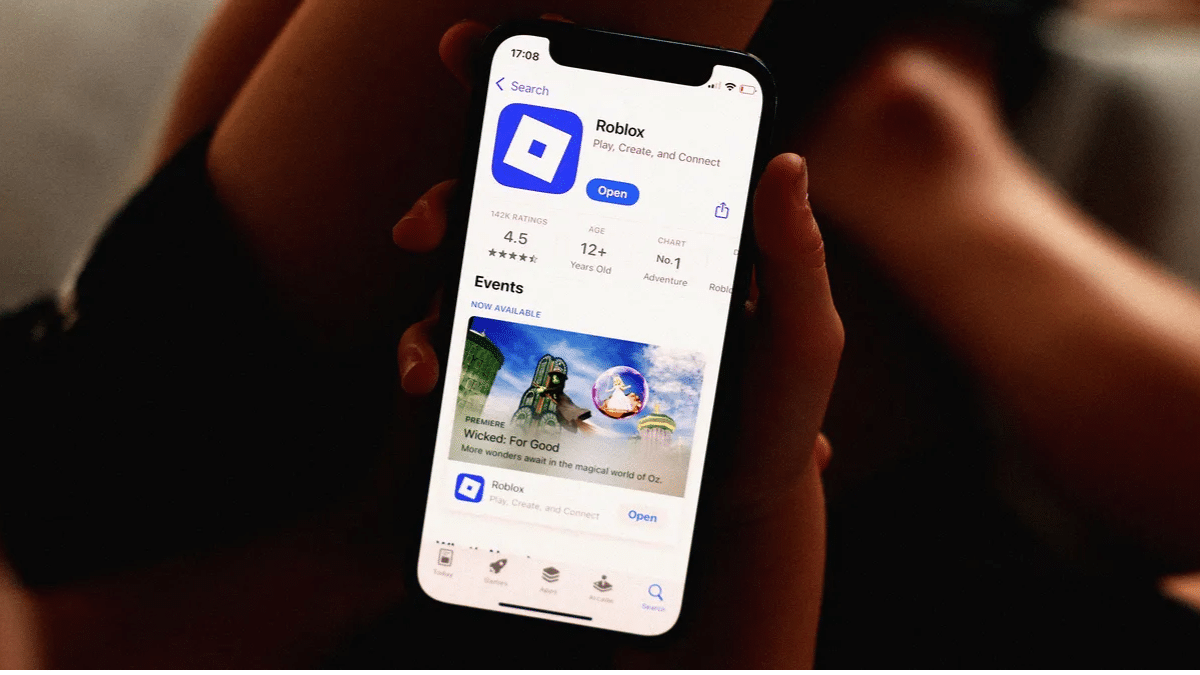
Roblox has required an age check for chat since January 7, 2026. When Roblox Kids and Roblox Select accounts launched worldwide on June 16, 2026, that same check began deciding which games you can open. A wrong estimate can therefore cut you off from friends and games at once. Roblox’s other AI-powered child safety features run alongside it.
Roblox admits the selfie check is not 100% accurate. Its family safety update puts the average error for users under 18 at 1.4 years. The official How do I change my age? page lists four ways to correct a result: ID verification, a one-time reset, a one-time parent edit and a 48-hour grace period.
The catch is that most of these options are single-use. Match your situation to the right fix before you tap anything.
Why a wrong Roblox age group matters more now
Roblox sorts every checked account into one of six age groups. You can chat with your own group and the groups directly above and below it.
| Age group | Account type | Chat reach |
|---|---|---|
| Under 9 | Roblox Kids | Off by default |
| 9-12 | Roblox Select | Under 9, 9-12, 13-15 |
| 13-15 | Roblox Select | 9-12, 13-15, 16-17 |
| 16-17 | Standard | 13-15, 16-17, 18-20 |
| 18-20 | Standard | 16-17, 18-20, 21+ |
| 21+ | Standard | 18-20, 21+ |
With a 1.4-year average error, players within about a year of a cutoff are the likeliest to land on the wrong side. The 15/16 line now matters most, because a 16-year-old read as 15 can drop into a Select account with games capped at Moderate maturity.
Which fix matches your situation
| Your situation | Fix | Limit |
|---|---|---|
| You’re 13 or older and were estimated too young | ID verification | Government photo ID required |
| You were wrongly placed in an 18+ group | Reset under Account Info | Once per account |
| A parent needs to correct a child’s age | Parental Controls birthday edit | Once; blocked if the child is ID-verified |
| You reported 13+ but were estimated under 13 | 48-hour grace period | Don’t tap Accept Now if the result is wrong |
| An under-13 account has the wrong birthday | Pencil icon next to Birthday | May need parental consent |
How to fix your Roblox age with ID verification
ID verification is the most reliable fix for teens and adults, and Roblox doesn’t list a one-time limit for it. You must be 13 or older and hold a government-issued photo ID, such as a passport, driver’s license or residency card.
- Open Settings using the gear icon on desktop, or More (…) > Settings on mobile.
- Select the Account Info tab.
- Under your birthday and age group, tap Continue with ID.
- Tap Continue and allow camera access.
- Scan the front of your ID, then the barcode on the back if it has one.
- Take a selfie so the system can match your face to the ID photo.
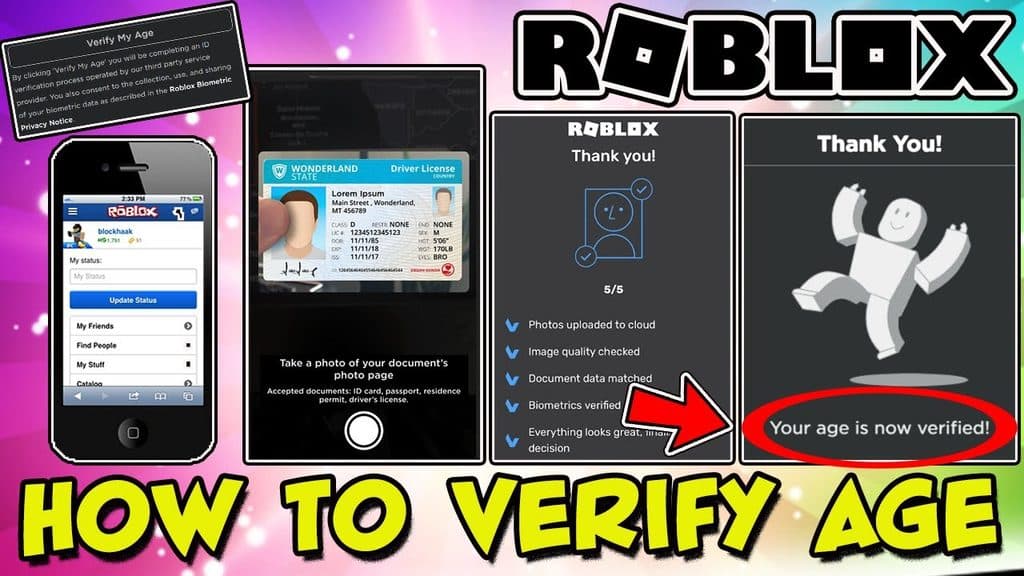
Results usually arrive within a few minutes. Blurry photos and IDs printed in non-Roman scripts can take longer.
How to reset a wrong 18+ age check
The reset fits a specific case: a parent or older sibling scanned their own face on a child’s account. It undoes the age-check status so the account can run a fresh check.
- Open Settings > Account Info.
- Under your birthday and age group, select Reset.
- Tap Continue on the next screen.
The same reset covers both selfie and ID results, but Roblox allows it only once per account. Have the right person in front of the camera before you start the new check.
How parents can correct a child’s Roblox age
Parents need a parent account linked to the child’s account first.
- Sign in to the parent account and open Settings > Parental Controls.
- Pick the child’s account if more than one is linked.
- Tap the pencil icon next to the child’s avatar.
- Tap the arrow next to the birthday and enter the correct date.
Parents get one birthday change per child. The arrow won’t appear if the child has already verified with a government ID, and some regions add extra legal checks.
Things to check before you retry
- Grace period: If you self-reported as 13+ and the selfie placed you under 13, you have 48 hours before the result becomes final. Tapping Accept Now locks it in right away, so use that window for ID verification instead.
- Confirm it saved: A Verified label with a checkmark under your birthday in Account Info means the check finished.
- App problems: If the app freezes mid-scan, sort out Roblox crashing issues before your next attempt.
- Shared accounts: A shared or bought account is likely to trigger a behavior-based re-check.
Signing Off
Roblox now uses age checks for chat, game access and account type, so a wrong estimate affects far more than one feature. ID verification is the safest fix for anyone 13 or older, while the reset and the parent edit are best kept for clear mistakes.
The background behavior checks will keep prompting re-checks on mismatched accounts. Once your age group is right, you can add Trusted Connections to get expanded chat with people you know.
Roblox says independent testing puts the average error at 1.4 years for users under 18. It also states the system isn’t 100% accurate, which is why correction options exist.
Once. The reset applies to both selfie and ID results, and each account gets a single use.
No. Parental Controls can’t edit a birthday that was confirmed through government ID verification.
Roblox says Persona deletes the images and video once verification completes. Roblox also says it doesn’t receive or store biometric data from the face scan.
Roblox runs background checks on gameplay and other activity signals. If an account looks much older or younger than its listed age, Roblox prompts another age check to keep chat features active.
Level Up Your Gaming: