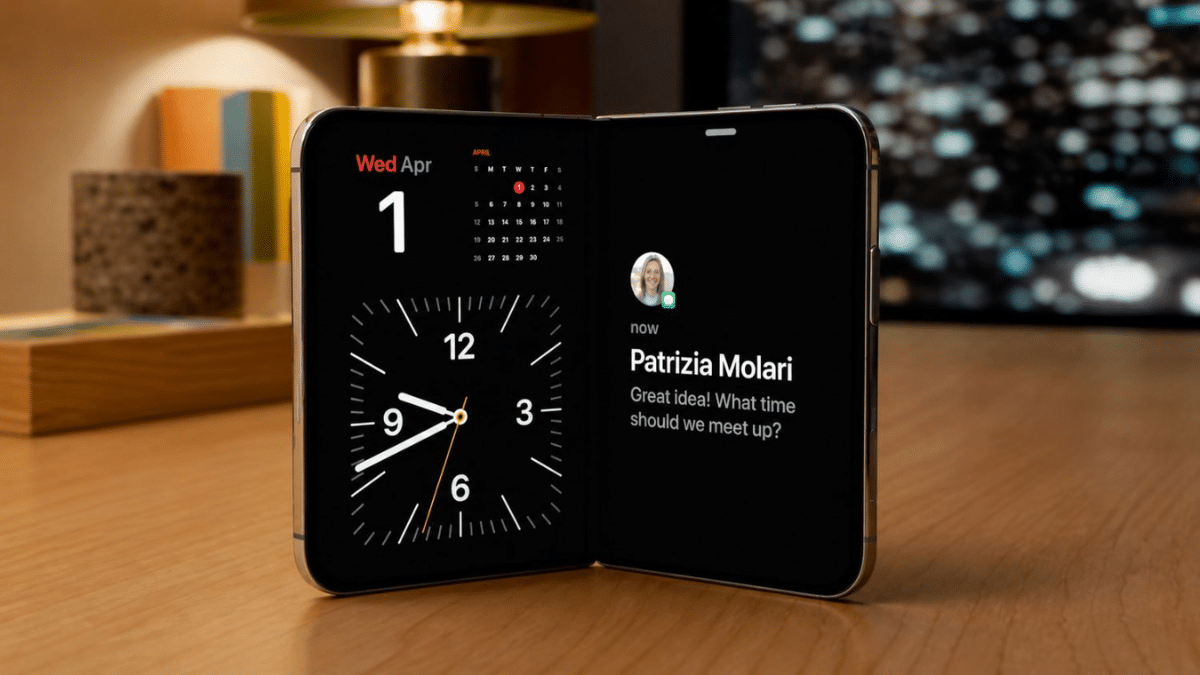
You unfold your new iPhone Duo, feel a slight catch near the middle, hear a pop, and a bright line runs down the inner screen. On a $1,999 phone you’ve owned for a few hours, that’s a gut punch.
You’re not alone. Since the iPhone Duo launched on October 23, 2026, owners on Reddit and the MacRumors forums have posted photos of inner displays failing along the hinge, often on day one. On October 26, Apple publicly acknowledged the problem.
Here’s what to do in the next hour, what to tell Apple, and how to protect your money if someone calls it accidental damage.
What Apple Has Said About the iPhone Duo Hinge Crack
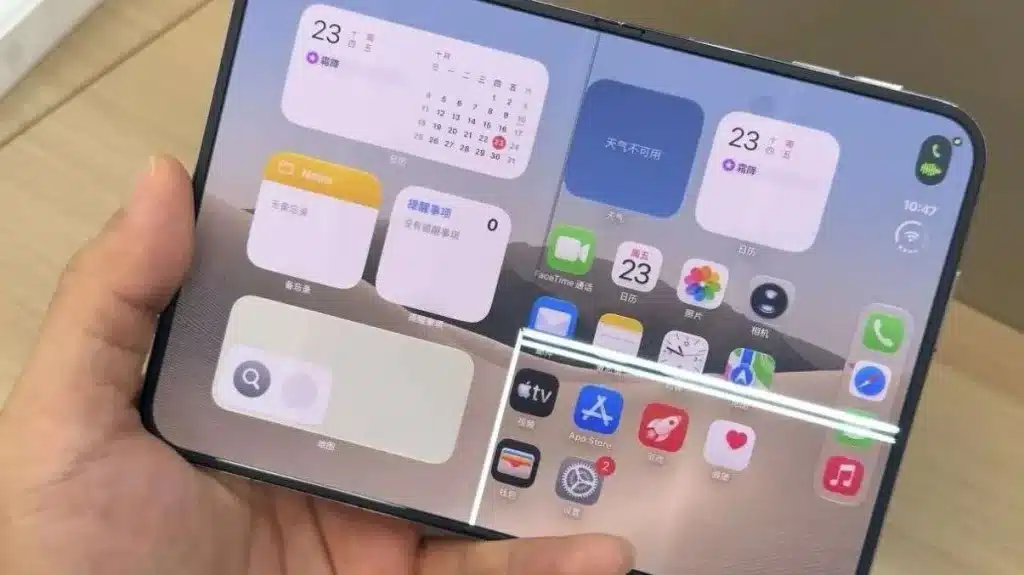
In a statement to 9to5Mac and MacRumors on October 26, Apple said it knows about an inner display issue affecting “a small number of iPhone Duo units.” It tells affected owners to contact AppleCare for a replacement.
What Apple left out matters just as much:
- No cause. Apple hasn’t explained why the panels fail.
- No support document or repair program. The statement is all there is, as of October 26.
- No confirmed fix. Apple hasn’t said whether it changed anything on the production line.
That statement is your strongest tool right now. Reference it by date when you contact support.
Nobody outside Apple knows the real failure rate. MacRumors notes some crack photos circulating online appear AI-generated, which muddies the count further.
Cracked Glass, Dead Panel, or Just the Cover Layer?
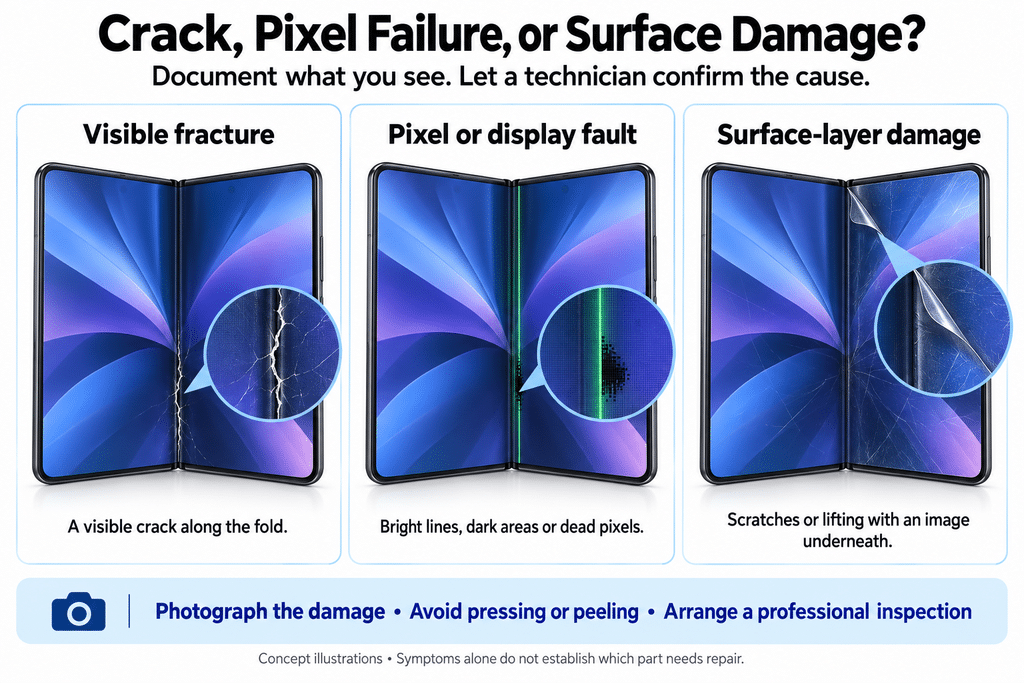
Before you call Apple, identify what you’re looking at. Reports so far fall into three groups:
- A visible fracture along the fold. Most reports place it on the lower half of the inner display, following the hinge line.
- A bright line of pixels, or dead pixels, with no visible crack. iFixit points out the panel may not have physically snapped. A damaged internal connection can produce the same symptom. It’s still an inner display failure.
- Scratches, dents, or lifting in the surface only, with a normal image underneath. That’s the replaceable nano-texture cover layer, not the display. Apple charges $19 to replace it with AppleCare+ and $49 without, so make sure the technician doesn’t log it as a $999 inner display repair.
The 5.4-inch outer display is a separate panel. If it still works, you can keep using the phone closed while you sort this out.
What to Do Right Now If Your iPhone Duo Screen Cracks
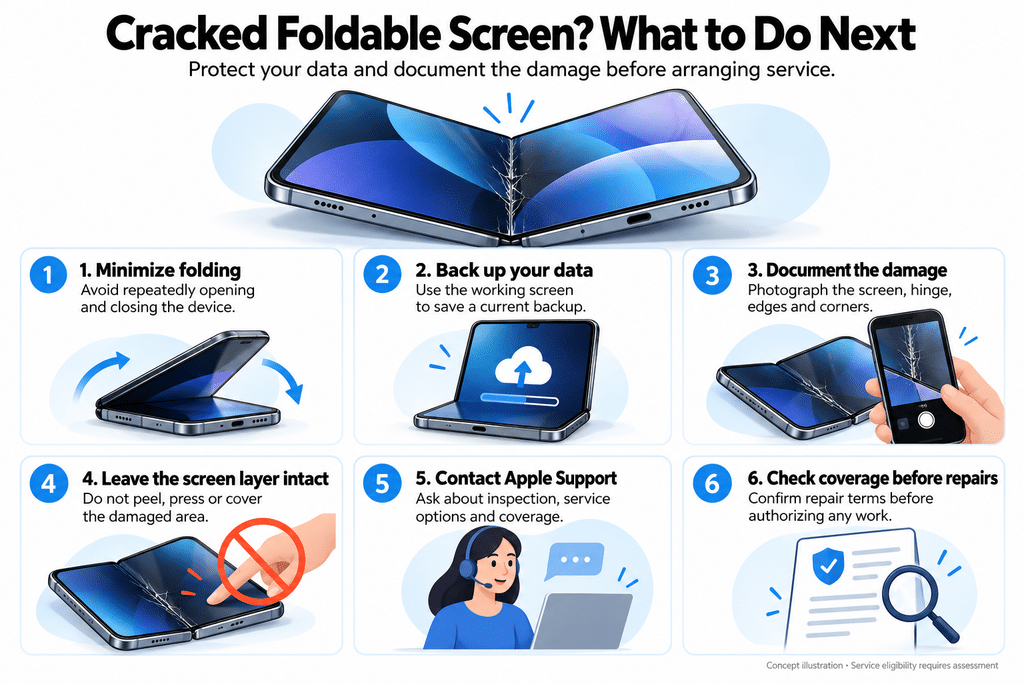
Work through these in order. The first three take about ten minutes and protect you if Apple pushes back.
- Fold it as little as possible. Every open-and-close puts stress on the exact area that failed.
- Back up from the outer screen. Open Settings, tap [your name] > iCloud > iCloud Backup, then tap Back Up Now. Apple has handled early cases by swapping the whole device, so you’ll need that backup to move your data.
- Record evidence. Shoot a short video of the fault, the hinge, and all four edges and corners showing no dents or scuffs. Write down when you unboxed it and roughly how many times you’ve opened it.
- Leave the cover layer alone. Peeling it, pressing on the crack, or sticking a glass protector over it gives a technician a reason to call it user damage.
- Contact AppleCare directly. Start a request in the Apple Support app or at getsupport.apple.com. Mention Apple’s October 26 statement on inner display failures and ask for a replacement under the one-year limited warranty.
- Skip third-party repair shops. iFixit calls the inner display and hinge the hardest parts of this phone to service, and a non-Apple repair can cost you warranty coverage.
The evidence step matters more than it sounds. A Verizon buyer on Reddit says Apple Store staff blamed them for a crack that appeared three hours after unboxing and suggested they should have bought insurance. An owner in Australia, meanwhile, walked out with a replacement on the spot. Same symptom, opposite outcomes. Your video and Apple’s own statement tilt that conversation in your favor.
What iFixit’s Teardown Suggests Is Going Wrong
iFixit’s October 25 teardown doesn’t settle the cause, but it narrows the search. The breaks cluster where the hinge shape changes, near the gap for a flex cable that crosses the fold and the central hinge support. iFixit’s leading theory: a center support bar or curved rail that should retract as the phone closes sits too high and presses into the back of the panel.
That matches what owners describe. The Australian owner felt something under the screen near the hinge before the crack, after fewer than 20 openings. The Verizon owner reported resistance, then a pop, on the third opening.
iFixit also lists trapped particles, pressure, and manufacturing defects as possibilities. Its dust test found grit reaching the hinge despite the IP68 rating.
Here’s the practical takeaway. If opening your Duo ever feels gritty, stiff, or uneven, don’t force it. Stop and get it checked while the display still works.
iPhone Duo Repair Costs If Apple Calls It Accidental Damage
Apple’s statement points toward warranty replacements. Still, if a technician decides you caused the damage, Apple’s U.S. repair estimates apply:
| Repair | Without AppleCare+ | With AppleCare+ |
|---|---|---|
| Inner display | $999 | $99 |
| Cover layer | $49 | $19 |
| Outer display | $379 | $29 |
| Other damage | $1,499 | $99 |
AppleCare+ for the iPhone Duo costs $19.99 a month. If you skipped it at checkout, you can still add it within 60 days of purchase in the U.S., but Apple verifies the device first. A phone that’s already cracked won’t qualify, so buy it now if your Duo still works. Apple Authorized Service Providers can set their own prices, so confirm before you hand the phone over.
Replace, Return, or Wait for a Revised iPhone Duo?
A replacement fixes today’s problem. It doesn’t guarantee the next unit avoids the same flaw, because Apple hasn’t announced a fix.
- Replacement through AppleCare. The fastest route if stock exists. Retail inventory is tight, and some owners are waiting.
- Return for a refund. Apple’s standard return window runs 14 days from delivery, so launch-day buyers have until around November 6. Weigh this carefully: new orders now quote delivery into January 2027, so returning likely means weeks without the phone.
- Carrier purchase. Check your carrier’s policy too. One T-Mobile customer says the carrier told them it can’t replace Duo parts until January, while the Verizon buyer above returned theirs through Verizon.
Replace it if you love the form factor and caught the fault early. Return it if the crack shook your confidence in first-generation foldables, or if you can’t afford downtime on the inner screen.
If you return it and still want a new iPhone, our iPhone 18 Pro vs iPhone Duo comparison shows what you’d give up.
iPhone Duo Still Fine? How to Lower the Risk
If your inner screen works, a few habits reduce stress on it. None is a guaranteed fix, since Apple hasn’t named a cause.
- Keep the hinge clean. Avoid sandy pockets and beach bags. iFixit found dust reached the moving parts.
- Never press on the crease. Open it from the edges, like a book.
- Protect only the outer screen. No glass across the fold. Our guide to the best iPhone Duo screen protectors covers outer-display options that fit.
- Cover the hinge. Our roundup of the best iPhone Duo cases for hinge protection lists four with hinge coverage.
- Treat resistance as a warning. A click, grind, or stiff spot near the fold is your cue to book an Apple appointment.
Final Thoughts
Apple’s October 26 acknowledgment changes your position. A hinge crack in the first days is now a known issue, not something you have to argue alone. Back up, record the fault, cite Apple’s statement, and push for a warranty replacement.
Then decide whether a second unit or a refund suits you better, and keep an eye on both your 14-day return window and the 60-day AppleCare+ window. Those deadlines, not the crack, are what cost owners money.