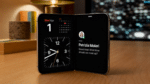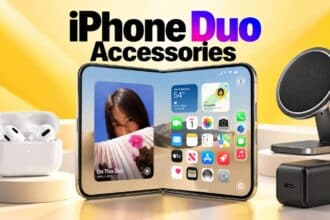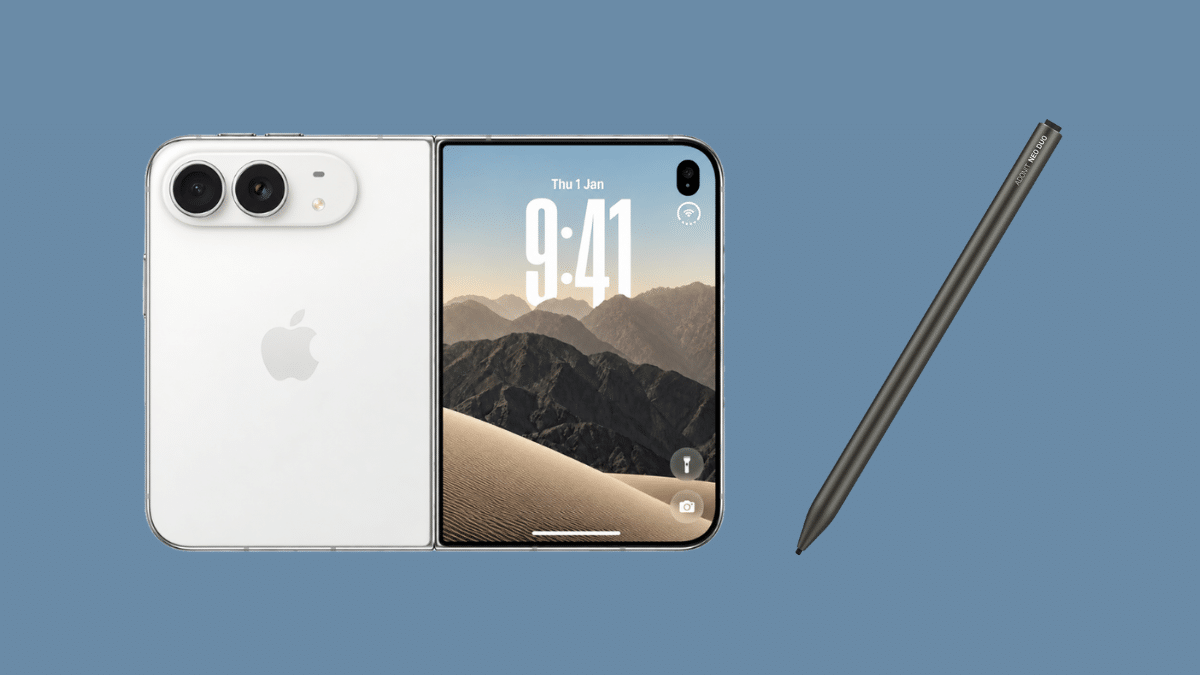
The iPhone Duo opens to a 7.6-inch inner display, and your finger is a blunt tool on it. Handwriting a note, signing a PDF, or marking up a screenshot on that canvas feels like writing with a thumb.
Apple’s fix is the Apple Pencil (USB-C) at $79, and it only starts working once iOS 27.2 lands. Your Duo shipped on iOS 27.1. A $10 to $20 capacitive stylus works today, needs no pairing, and keeps a hard Pencil tip off a screen that costs $999 to replace without AppleCare+.
What a Stylus Does on the iPhone Duo
Both Duo screens are capacitive. A third-party stylus simply imitates your fingertip, so iOS sees it as a touch, not a Pencil. That means no pairing, no app support needed, and it works on the 5.4-inch outer screen and the 7.6-inch inner screen alike.
The trade-off: iOS gives these pens no pressure sensitivity, no palm rejection, and no Apple Pencil gestures. You get a precise finger.
Styluses come in two types:
- Passive pens use a wide rubber, fiber, or clear-disc tip. No battery, no charging, but the tip is around 6 to 7 mm across.
- Active pens use a battery to drive a fine tip, usually around 1.5 mm. Sharper lines, but you have to charge them.
Why a Third-Party Stylus Still Makes Sense on the Duo
Apple confirmed Pencil support for the Duo at launch, but Apple says only the USB-C Pencil works. The Apple Pencil Pro, 2nd-gen, and 1st-gen models do not. MacRumors reports that support switches on in iOS 27.2, which hit Release Candidate on October 21 and should reach the public soon. Even then, hover is not supported on the Duo. Track the rollout in our iOS 27.2 beta coverage.
The inner screen is the other reason. In HTX Studio’s lab test, the Duo’s inner display picked up faint marks from a 6H pencil. Apple charges 49toreplacetheinnercoverlayer(19 with AppleCare+) and $999 for a full inner display repair. A soft fiber or rubber tip is the gentlest option here, and a film from our iPhone Duo screen protector guide adds a buffer for hard tips.
Best Styluses for iPhone Duo
We compared these five on tip type, power, price, and what each Amazon listing admits it can’t do. None of these are Apple Pencil substitutes on the Duo; they act as a finger with better aim.
1. MoKo Universal Stylus Pencil
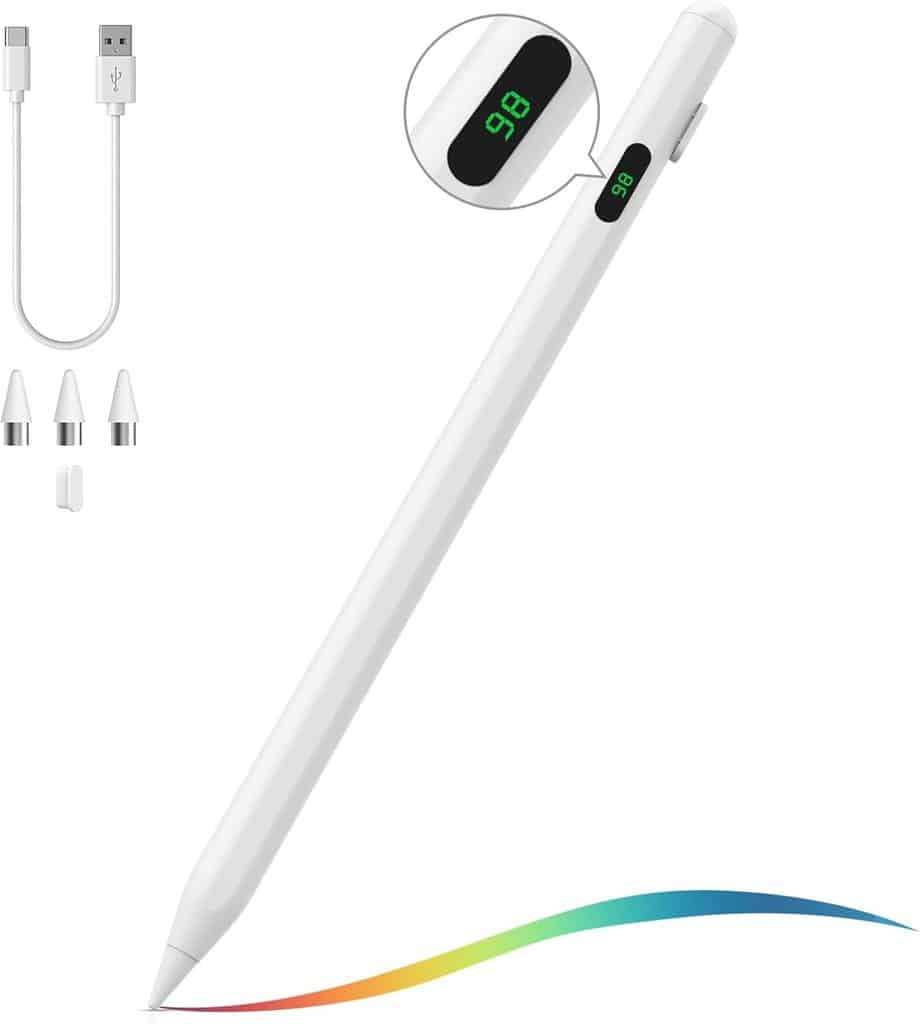
The MoKo is the pick if you plan to take notes for hours. MoKo rates it at 10 hours of continuous use, with a full charge over USB-C in 35 to 40 minutes. An LED readout shows the remaining charge, and the pen turns itself off after 10 minutes idle.
You get four replacement nibs, two dust plugs, and a USB-C cable in the box. MoKo states it has no palm rejection and no tilt, so rest your hand off the glass while you write. The magnet only holds to iPads that support the 2nd-gen Pencil, so don’t expect it to stick to the Duo.
The White model costs $15.99; other colors run $19.99. It holds 4.4 stars from 365 ratings.
2. JEDOUBAL Dual Modes Active Stylus
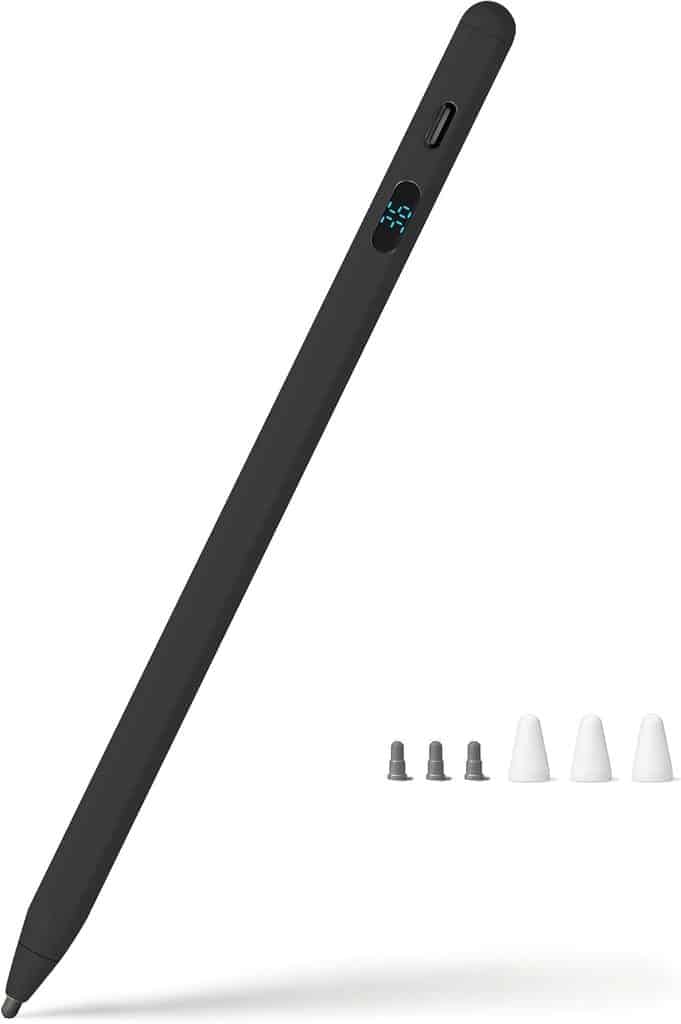
JEDOUBAL is the only pen here that lists its tip size: 1.5 mm. That makes it the most precise option for small handwriting on the Duo’s outer screen. The LED display shows battery as an exact percentage, and it charges over USB-C.
The listing advertises palm rejection and tilt, but describes them for iPads and Android tablets. On the Duo, plan on it acting as a fine capacitive tip without those extras. The box includes three spare tips, three tip caps, a USB-C cable, and a one-year warranty.
The Black model costs $19.99, the highest here. It holds 4.2 stars from 414 ratings.
3. DOGAIN Power-Display Stylus
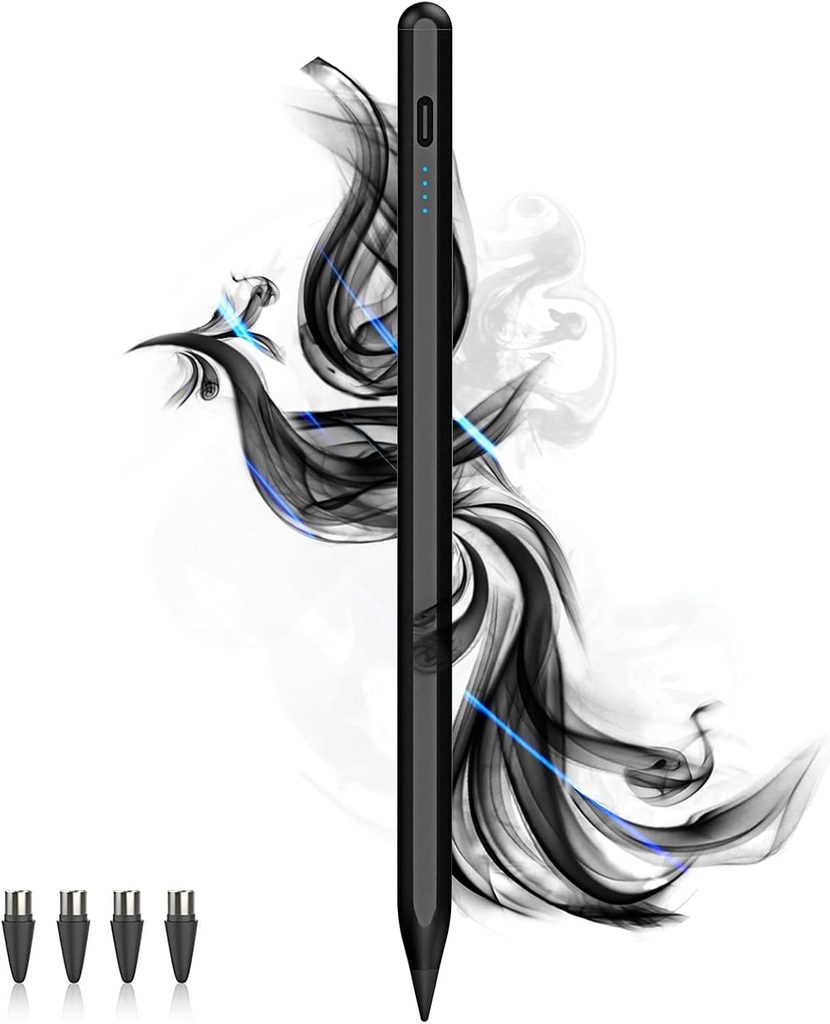
DOGAIN is the cheapest way to get an active fine tip. It uses a POM tip, which DOGAIN says matches the Apple Pencil’s tip material, plus four spares. A double-click on the top button turns it on, and it shuts off after 90 minutes of use to save charge.
The battery gauge only shows four levels, not a percentage. DOGAIN also warns that writing response may vary by device and lists no pressure sensing or palm rejection. Its 4.1-star rating from 1,630 reviews is the lowest of the five, so expect more variance between units.
The 2SS-Black model costs $9.99.
4. STYLUSHOME 2-Pack Disc & Fiber Tip Stylus
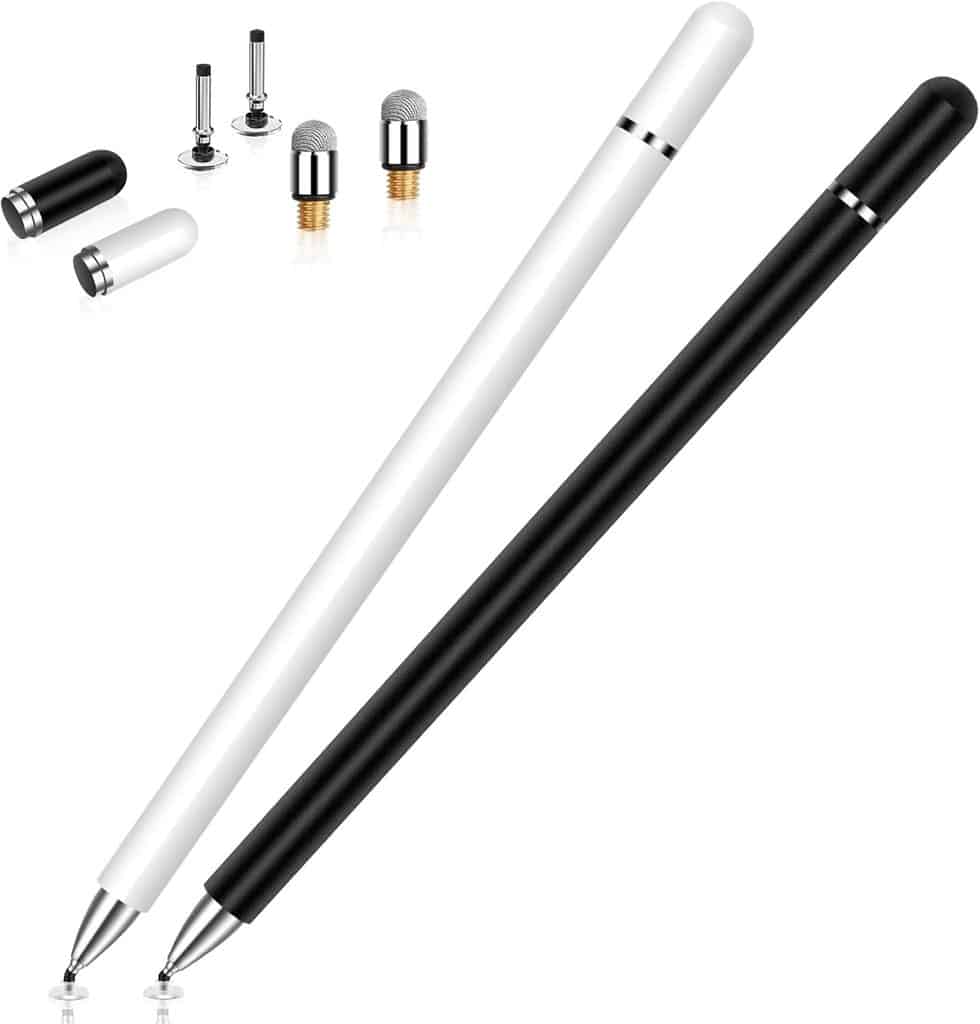
STYLUSHOME is the safe passive pick, and the one most buyers have tried: 4.5 stars from 17,215 ratings. Each pen has a 0.24-inch fiber tip on one end and a 0.27-inch clear disc on the other. The fiber tip is soft, which suits the Duo’s inner screen. The clear disc lets you see exactly where a line will land.
There’s no battery, Bluetooth, or charging. Magnetic caps cover both tips, and the 2-year warranty is the longest here. The downside is precision: a 6 mm fiber tip can’t match a 1.5 mm active tip for small writing, and some reviewers report the caps falling off. Replacement tips are sold separately.
The Black/White 2-pack costs $11.99.
5. DIGIROOT 3-Pack 2-in-1 Stylus
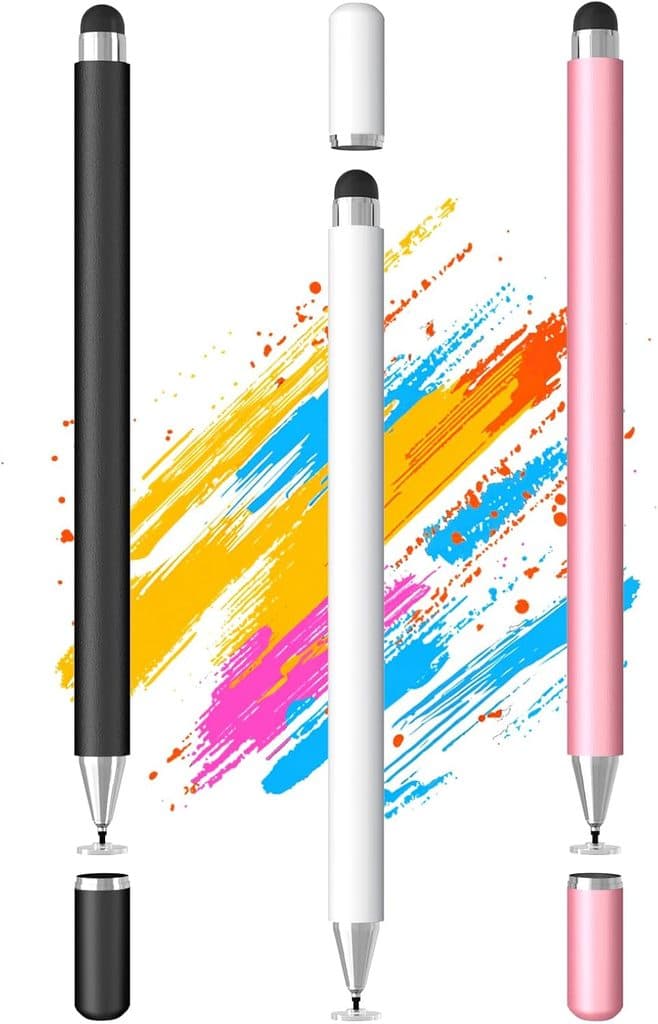
DIGIROOT gives you three pens for the price of STYLUSHOME’s two. Each has a 0.27-inch disc tip and a 0.24-inch soft rubber tip, with magnetic caps on both ends. That works out to about $4 per pen, useful if you want one at your desk, one in a bag, and one for whoever borrows your Duo.
It needs no batteries or pairing. Rubber tips drag more than fiber on glass, so long writing sessions feel less smooth than on the STYLUSHOME. It’s also newer, with 523 ratings at 4.6 stars, and its listing bullets don’t state a warranty term.
The Black, White & Rose Gold 3-pack costs $11.99.
Final Thoughts
If you take long notes, get the MoKo for its 10-hour rating. If you write small, the JEDOUBAL’s 1.5 mm tip is the sharpest option. On a tight budget, DOGAIN gets you an active tip for $9.99. For the gentlest touch on the inner screen with nothing to charge, pick STYLUSHOME. If you lose pens or share your Duo, the DIGIROOT 3-pack makes spares cheap.
If you want a pen iOS treats as a Pencil rather than a finger, skip all five and pair a USB-C Apple Pencil once iOS 27.2 arrives. It costs $79 and, like these five, has no pressure sensitivity. Pick the stylus that matches how you actually write on the Duo, not the one with the longest feature list.
Yes, but only the Apple Pencil (USB-C), and only from iOS 27.2. It works on both screens. The Pencil Pro and the 1st- and 2nd-gen models do not work.
No. All five work as capacitive pens, so the Duo reads them as a finger. They work on iOS 27.1 right now.
Any hard tip can leave marks on the inner cover layer, which scratched faintly at 6H in lab testing. Fiber and rubber tips are the softest options.
Not by magnet, based on these listings. MoKo and DOGAIN only list magnetic support for certain iPads. Keep it in a pocket or bag sleeve. For protecting the phone itself, see our iPhone Duo case picks and the wider iPhone Duo accessories list.
It depends on what you write. Our iPhone Duo vs Galaxy Z Fold 8 comparison covers the screen differences, and iPhone 18 Pro vs iPhone Duo helps if you’re still choosing.