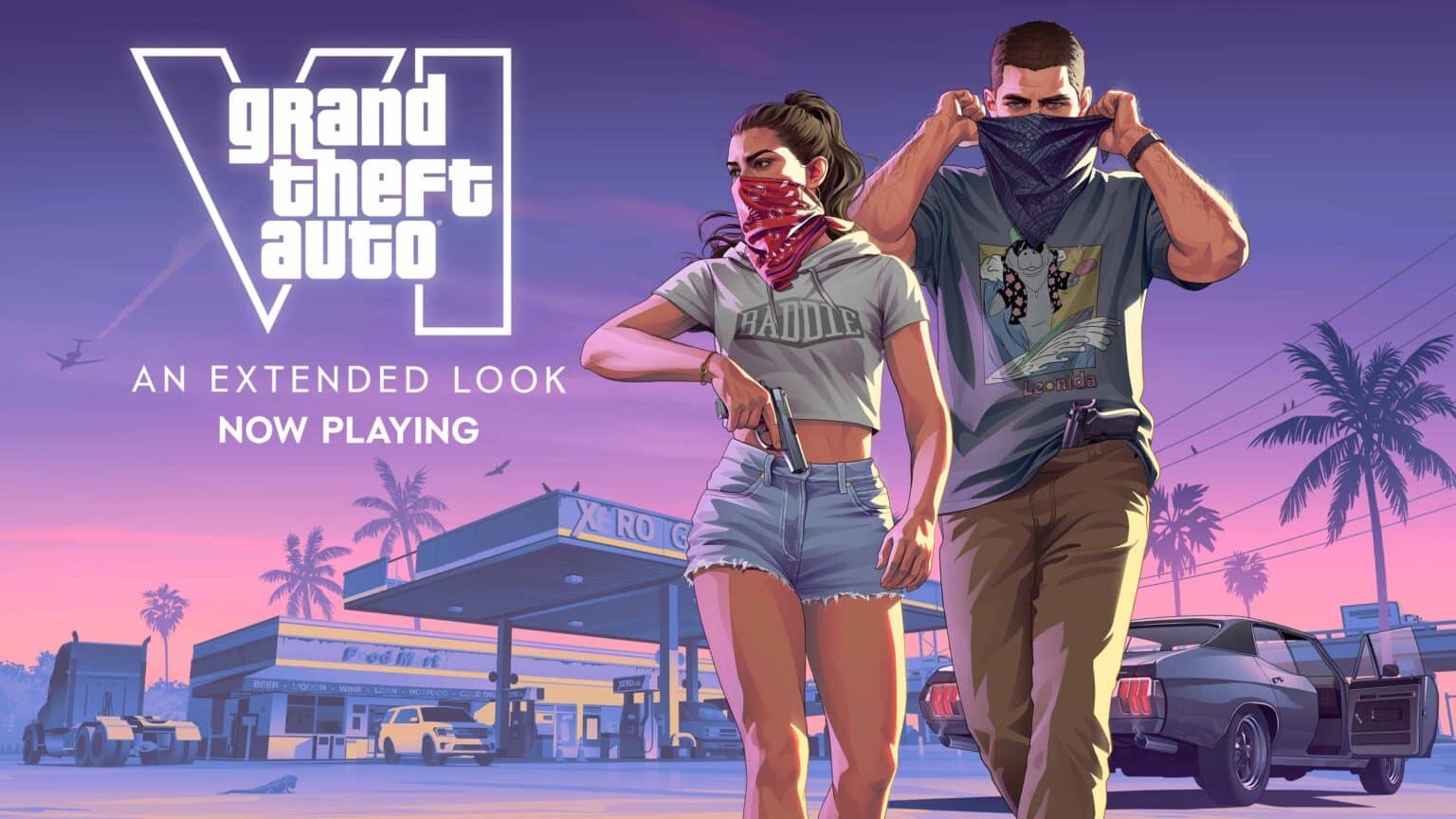
GTA 6 unlocks at midnight local time on November 19, 2026, and digital preloads have been live on PS5 and Xbox Series X|S since November 10. If you pre-ordered digitally and haven’t finished the download yet, the clock is now the problem.
Rockstar’s preload announcement on Newswire lists a file of up to 212 GB, depending on the console. Xbox players got a head start, since the Xbox preload opened globally at 12:00 AM GMT on November 10 (4:00 PM PT / 7:00 PM ET on November 9). PS5 preloads opened at midnight local time instead. Finishing early doesn’t unlock the game early on either console.
How long the GTA 6 download takes at your speed
Most guides stop at “it’s big.” The table below converts 212 GB into actual hours at common plan speeds. These are best-case figures, assuming the console receives your full plan speed for the entire download, which rarely happens over Wi-Fi.
| Internet speed | Best-case download time |
|---|---|
| 25 Mbps | About 18 hours 50 minutes |
| 50 Mbps | About 9 hours 25 minutes |
| 100 Mbps | About 4 hours 45 minutes |
| 200 Mbps | About 2 hours 20 minutes |
| 300 Mbps | About 1 hour 35 minutes |
| 500 Mbps | About 57 minutes |
| 1 Gbps | About 28 minutes |
If you’re on a plan of 50 Mbps or less, start tonight. A single evening won’t cover it, and launch-night traffic on PlayStation Network and Xbox servers will likely slow everyone down.
Tricks that speed up the GTA 6 download
1. Plug the console into your router
Both the PS5 and Xbox Series X|S have gigabit Ethernet ports, and a cable removes Wi-Fi interference entirely. This matters more on Xbox, since the Series X|S uses Wi-Fi 5 while the PS5 supports Wi-Fi 6.
Run the console’s built-in connection test over Wi-Fi first, then over a cable. If the wired result is noticeably higher, keep the cable in place until the download finishes.
2. Make GTA 6 the only thing downloading

Pause every other download and update in the queue, since they split the same bandwidth. Close any running game too, since active gameplay slows background downloads on both consoles.
Check the rest of your home network as well. A 4K stream on the TV or a cloud backup on a laptop competes with the console for the same connection.
3. Let it finish in Rest Mode or Sleep
On PS5, turn on Settings > System > Power Saving > Features Available in Rest Mode > Stay Connected to the Internet. Our PS5 settings guide for GTA 6 covers the related auto-download toggles.
On Xbox, go to Settings > General > Power options and select Sleep for the preload window. Shutdown mode handles system and game updates, but Sleep is the safer choice for keeping a 212 GB download running overnight.
4. Pause and resume a stalled download
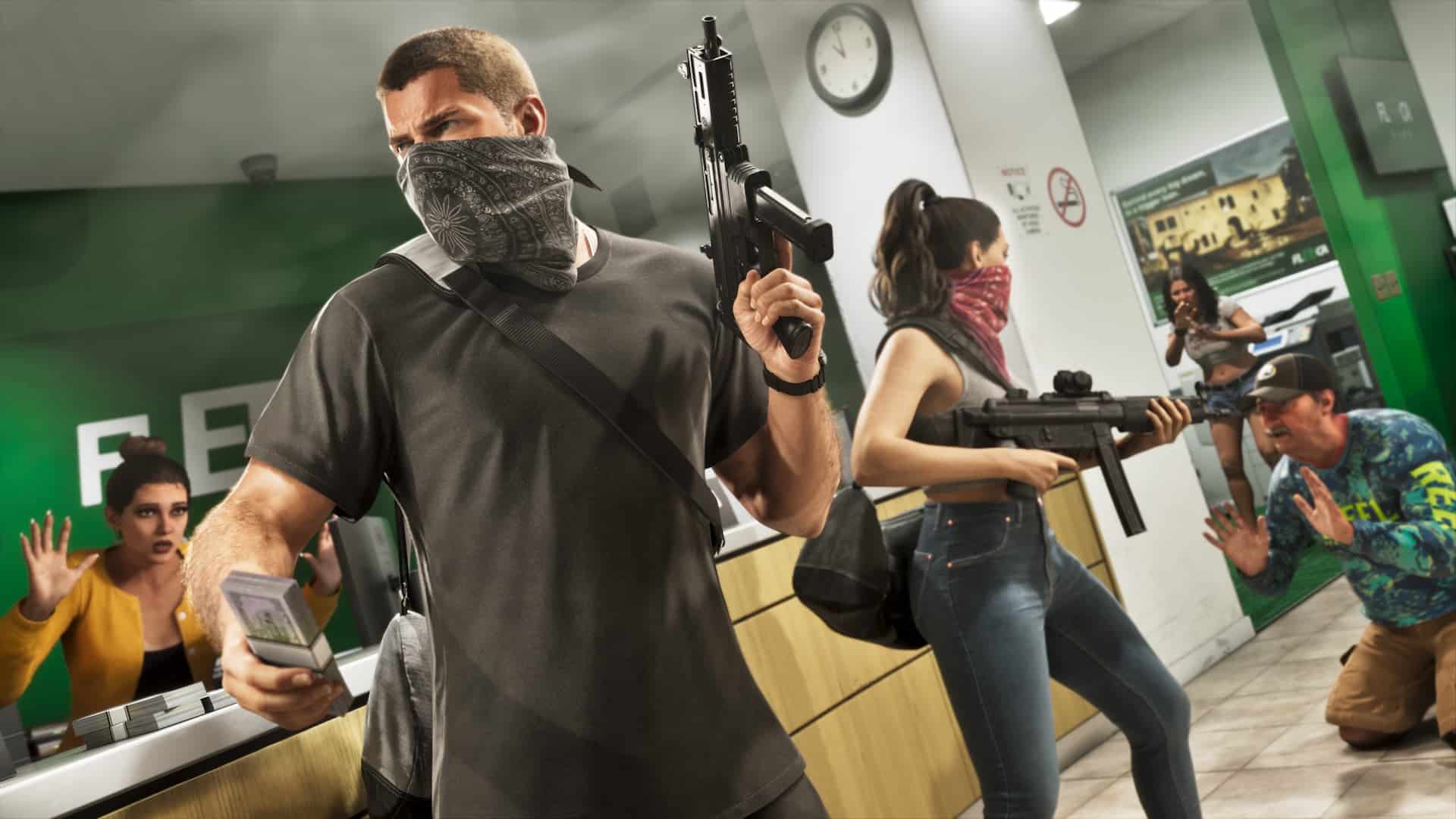
If progress freezes at the same percentage, pause the download, wait a few seconds, then resume it. This forces a fresh connection to the download server. Sony and Microsoft don’t officially document this as a speed fix, but it’s a long-standing community workaround for stuck downloads.
5. Move old games to USB instead of deleting them
GTA 6 has to sit on internal storage or a supported expansion drive (an M.2 SSD on PS5, a Storage Expansion Card on Xbox) to run, so you need 212 GB free there. Both consoles can store current-gen games on an external USB drive, even though they can’t run them from it.
Moving games to USB keeps them on hand. Copying a game back later takes far less time than downloading it again. For a full storage breakdown, see our GTA 6 PS5 file size guide.
Additionally, leave some extra space beyond 212 GB. Rockstar hasn’t published a day-one patch size, so a near-full drive may block an update at launch.
6. Redeem a boxed copy’s code right away
The boxed edition contains a download code, not a disc, and retailers began selling it on November 12. The preload only starts once you redeem that code, so redeem it as soon as you have the box.
Note that PlayStation codes are tied to the account’s region, while Rockstar says Xbox codes are region-free.
7. Start the download from your phone

If you’re away from home, the PlayStation App and the Xbox app can queue a purchased game to your console remotely. On PS5, turn on Enable Turning On PS5 from Network in the Rest Mode settings first. On Xbox, the console needs to be in Sleep for remote installs to reach it.
Tricks that won’t help
Changing your console’s DNS servers can change how quickly websites resolve, but it doesn’t raise your connection’s top speed. Some players report slight gains, but results vary by network and location.
Switching console region or clock settings won’t touch the download either. Those tricks target the unlock time, which is a separate question covered in our Xbox vs PS5 early access breakdown.
What to do if the download won’t finish by launch

Xbox owners have a backup. Rockstar confirmed GTA 6 will stream through Xbox Cloud Gaming on Series X|S and Xbox One, with streaming starting at 06:00 UTC on November 19 (10:00 PM PT on November 18 / 1:00 AM ET on November 19). You still need to own the game, since it isn’t part of Xbox Game Pass at launch, and streams run at Series S settings.
PS5 owners have no equivalent cloud option at launch. The download must finish before you can play.
Wrapping up
At 212 GB, GTA 6 is a bandwidth problem more than a storage problem for many players. A wired connection, an empty download queue and an overnight run in Rest Mode or Sleep cover most setups.
Rockstar hasn’t detailed a day-one patch yet, so keep some storage headroom and check your download queue once more before midnight on November 18.
Rockstar says the preload requires up to 212 GB, depending on the console. It hasn’t published separate figures for PS5 and Xbox Series X|S.
No. The game stays locked until midnight local time on November 19, 2026, on both PS5 and Xbox Series X|S.
Rest Mode stops gameplay from competing with the download for console resources and keeps it running while you’re away. It won’t raise your internet plan’s maximum speed.
You can’t play it from one. GTA 6 runs only from internal storage or a supported expansion drive, so use USB to hold older games and free up space instead.
No. GTA 6 launches only on PS5 and Xbox Series X|S, and Rockstar hasn’t announced a PC release.