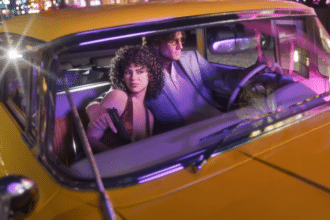
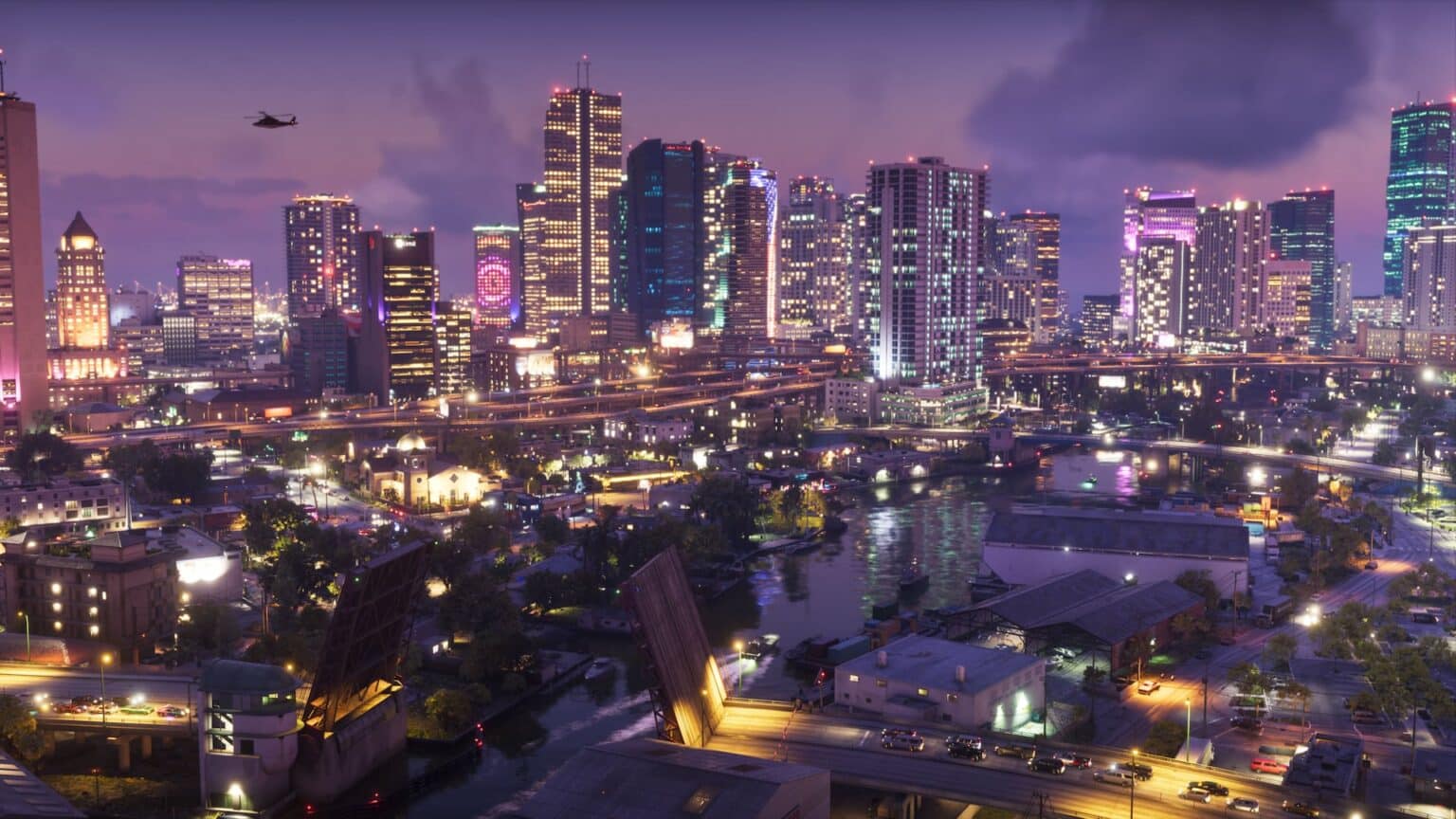
GTA 6 unlocks at midnight local time on November 19, 2026, and PS5 preloads have been live since November 10. The download needs up to 212 GB, as covered in our GTA 6 PS5 file size guide, so the time to prepare your console is now, not launch night.
In the US, the game unlocks at 9:00 PM PT on November 18 (12:00 AM ET on November 19). Rockstar confirmed in its preload announcement that GTA 6 targets 30fps on every console, PS5 Pro included, with no performance mode. That changes which PS5 settings are worth your time.
The PlayStation Blog confirms the game uses DualSense haptics, adaptive triggers, the controller speaker and Tempest 3D Audio throughout. The settings below cover those features, plus the download and display basics.
The 5 PS5 settings to change before GTA 6 launches
1. Turn on downloads and installs in Rest Mode
Go to Settings > System > Power Saving > Features Available in Rest Mode and turn on Stay Connected to the Internet. Then open Settings > Saved Data and Game/App Settings > Automatic Updates and turn on Auto-Install in Rest Mode.
For system updates, go to Settings > System > System Software > System Software Update and Settings and turn on both automatic options. This matters more than usual: multiple reports say GTA 6 requires PS5 system software 14.22 or later, though neither Sony nor Rockstar has published that requirement.
While you’re in the Rest Mode menu, turn on Enable Turning On PS5 from Network. Rockstar says GTA 6 fully supports Remote Play, and this option lets you wake the console from your phone or another device.
2. Free up space on the right drive
Open Settings > Storage and check the free space on your console storage or M.2 SSD. Rockstar says the game needs up to 212 GB depending on the device. On a launch PS5 with roughly 667 GB of usable space, that is close to a third of the drive.
Space on a USB drive doesn’t count. USB extended storage can hold PS5 games, but they must be copied back to internal or M.2 storage before they run. Aim for about 250 GB free as a buffer for patches, and keep save data when you delete older games.
3. Set HDR to On When Supported, then calibrate it
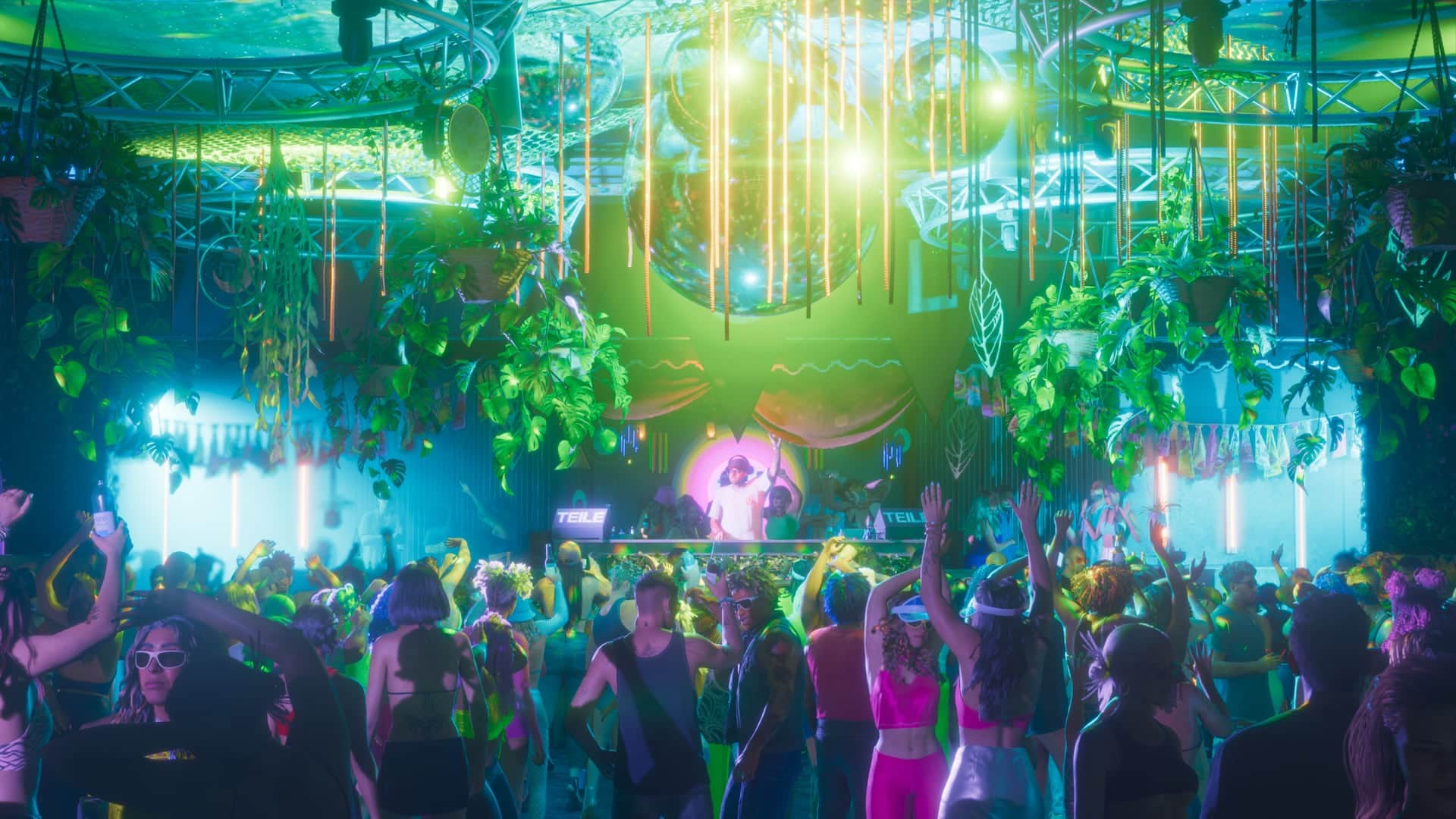
Go to Settings > Screen and Video > Video Output > HDR and pick On When Supported. Always On converts SDR menus and apps to HDR, which can look washed out on some TVs.
Next, run Settings > Screen and Video > Video Output > Adjust HDR. Rockstar hasn’t detailed GTA 6’s in-game HDR options yet, so a correct system calibration gives the game’s own sliders a reliable starting point. Also switch your TV to its Game Mode to cut input lag.
4. Tune the DualSense haptics, triggers and speaker
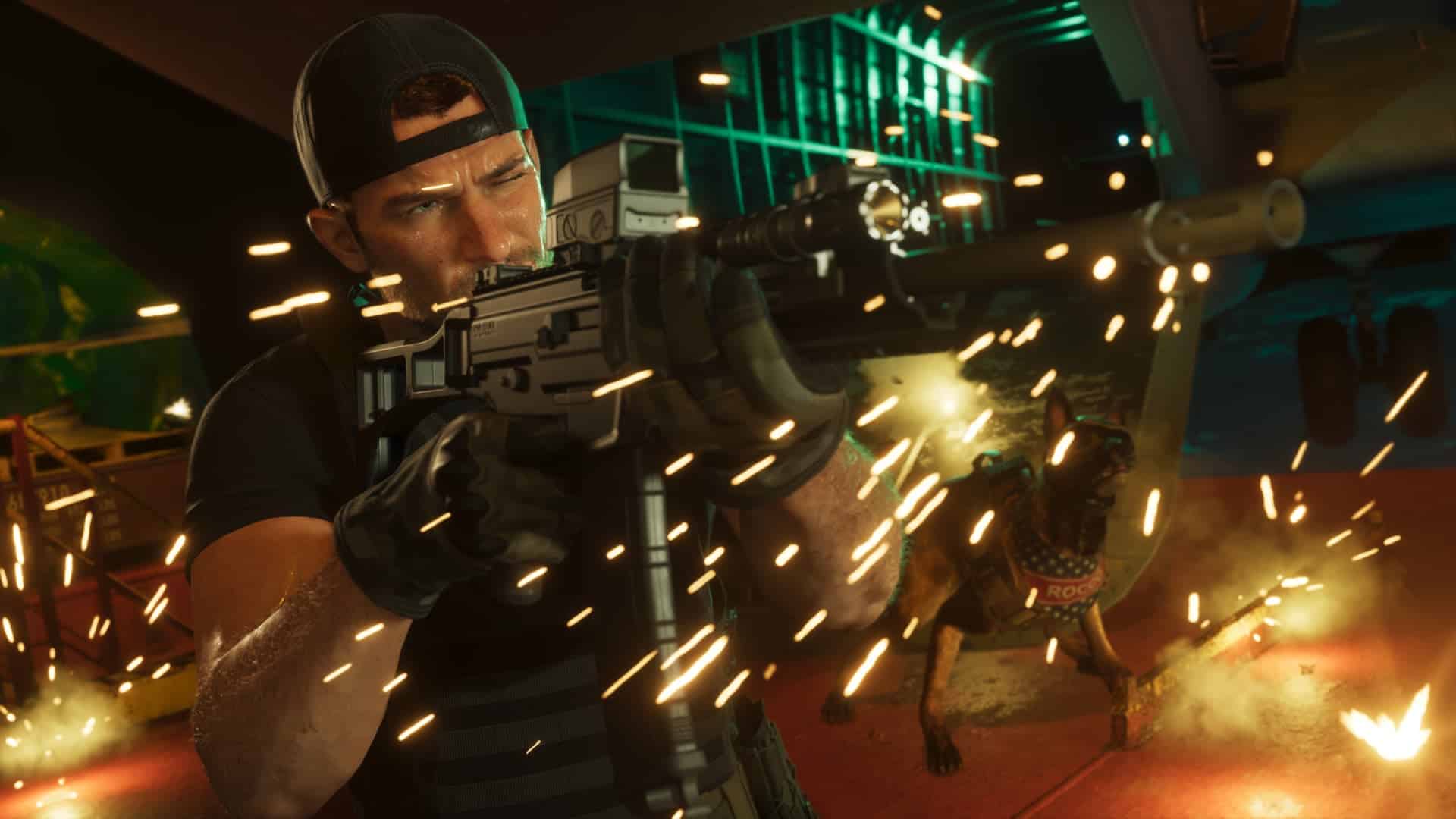
Open Settings > Accessories > Controller (General) and adjust Vibration Intensity, Trigger Effect Intensity and Volume (Speaker for Controller). Rockstar uses all three throughout the game, so these values shape how driving, shooting and phone calls feel.
These system settings apply to every game. For changes that only affect GTA 6, use the game’s own accessibility menu, which Sony confirms includes DualSense options. Stronger vibration also drains the battery faster, so a lower setting can help during long first-night sessions.
Also Checkout: GTA 6 Limited Edition Controllers: Pre-Order, Price, Release Date and Designs
5. Enable 3D Audio for headphones or TV speakers
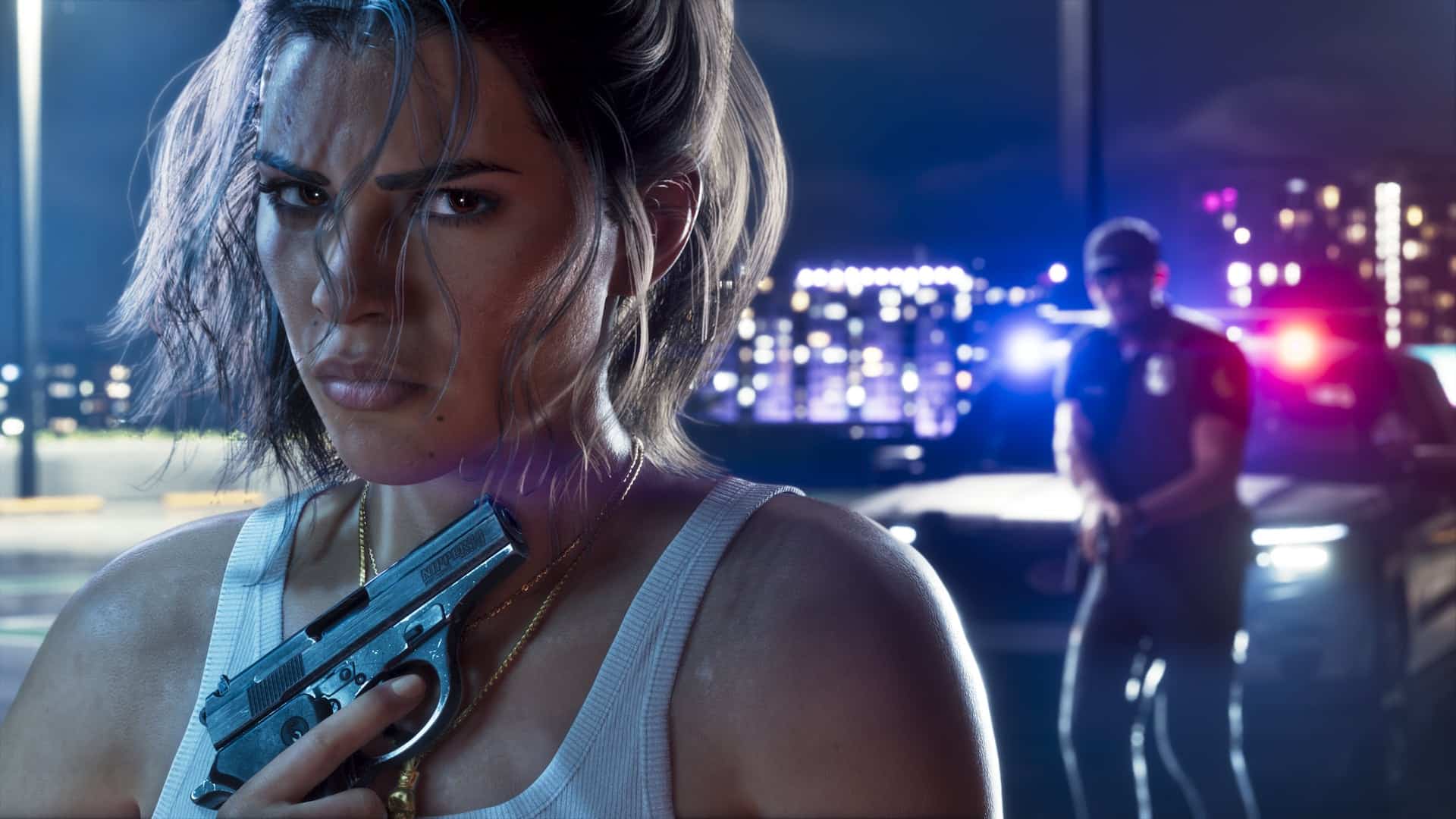
With headphones, go to Settings > Sound > 3D Audio (Headphones) and turn on Enable 3D Audio for Headphones. Pick one of the five presets, or select Create Personalized 3D Audio Profile for a tailored setup.
With TV speakers, go to Settings > Sound > 3D Audio (TV), turn on Enable 3D Audio for TV Speakers, and run the room measurement with the controller’s microphone. Every in-game sound in GTA 6 supports Tempest 3D Audio, so positional cues like sirens and gunfire benefit directly.
PS5 settings that won’t change GTA 6
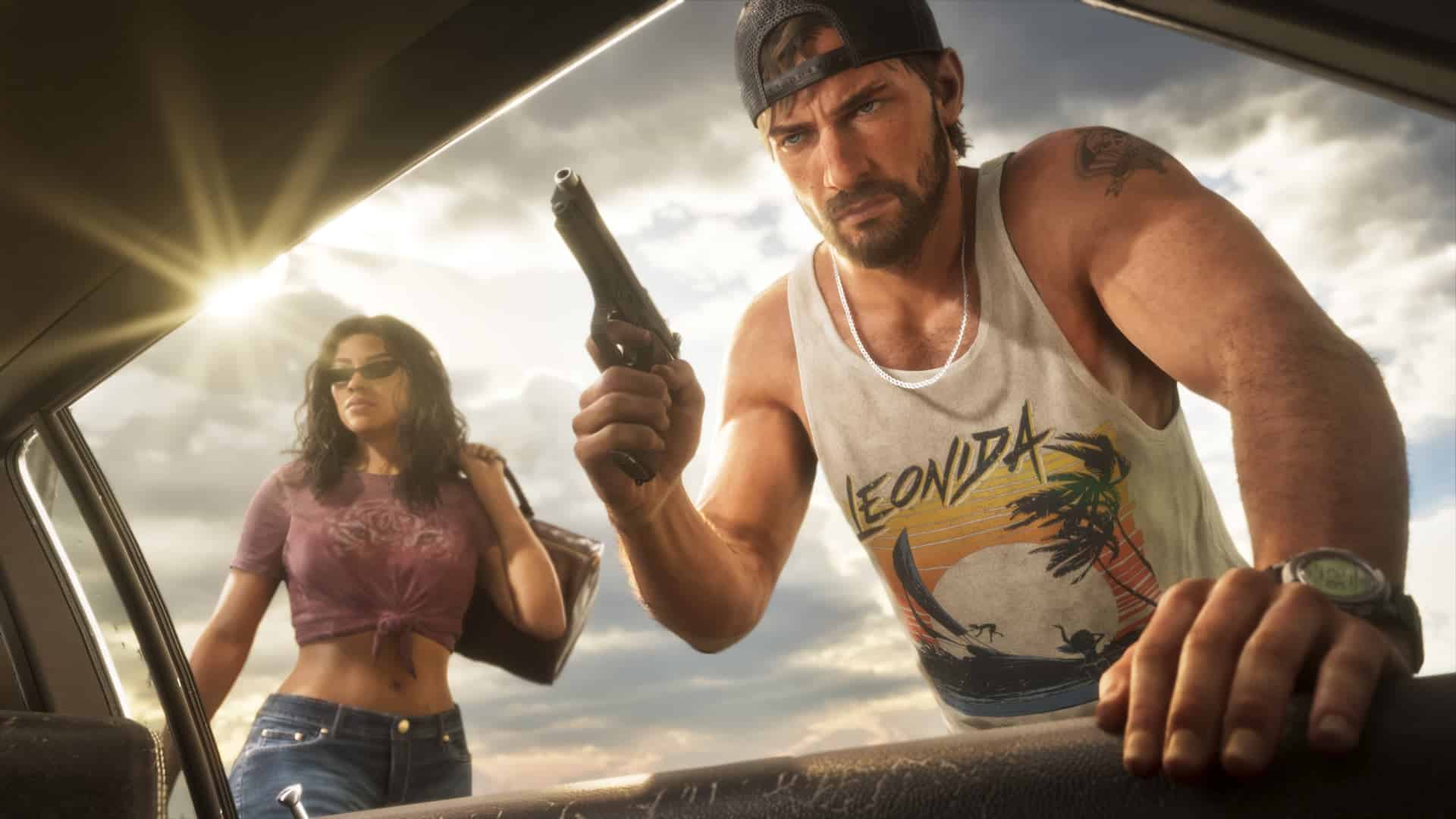
Game Presets (Settings > Saved Data and Game/App Settings > Game Presets) only matter for games that offer Performance and Resolution modes. GTA 6 doesn’t, so switching to Performance Mode won’t raise the frame rate.
The same applies to 120Hz output and VRR. Rockstar hasn’t confirmed support for either, and current claims come from datamines only. PS5 Pro owners get PSSR upscaling and ray-traced shadows, which are covered in our GTA 6 PS5 and PS5 Pro features breakdown. Rockstar hasn’t said whether they can be toggled.
Signing off
With a confirmed 30fps target, GTA 6 on PS5 is less about chasing frame rates and more about getting the download, display and DualSense setup right. Five minutes in the Settings menu now spares you a stalled install or a dim picture at midnight.
Rockstar may add display options through post-launch patches, and a PC version is still unannounced. Until then, these settings are the biggest improvements available on console.
No. Rockstar confirmed the game targets 30fps on all consoles, including PS5 Pro, and offers no performance mode.
Rockstar says up to 212 GB depending on the device. Keep around 250 GB free to cover patches.
At midnight local time on November 19, 2026. In the US, that is 9:00 PM PT on November 18 (12:00 AM ET on November 19).
No. USB extended storage can only store PS5 games. You need internal storage or a compatible M.2 SSD to play.
PSSR upscaling for sharper image quality and ray-traced shadows. The frame rate target stays at 30fps.