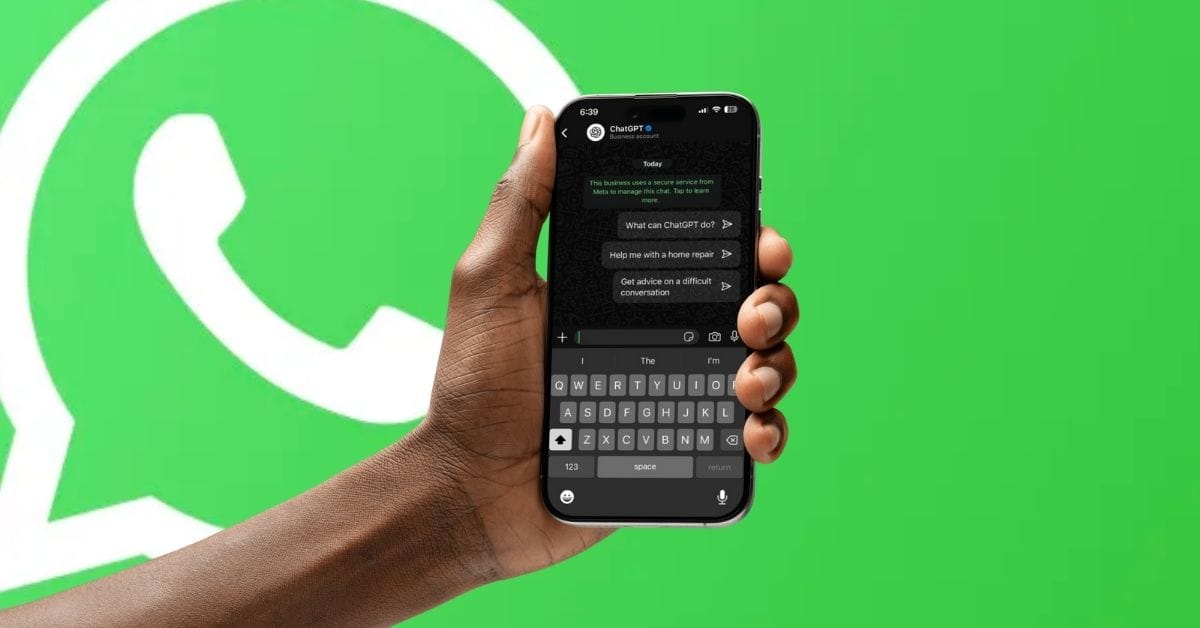
With Meta AI integrated into WhatsApp, the app now goes beyond messaging, letting you search, summarize chats, generate images, and more directly in conversations -though it can sometimes produce inaccurate results. For a more reliable option, you can use ChatGPT on WhatsApp by simply adding a contact number or scanning a QR code. This guide walks you through setting it up, linking it to your OpenAI account, using its features effectively, and removing it anytime if needed.
What You Can Do With ChatGPT on WhatsApp
When ChatGPT for WhatsApp first launched in December 2024, it only supported text prompts. But OpenAI has since expanded its capabilities:
- Answer questions and summarize messages.
- Generate images from text prompts.
- Edit uploaded images.
- Receive and respond to voice notes.
- Fetch up-to-date info from the web.
This makes WhatsApp a powerful AI assistant right inside your chat list.
How to Set Up ChatGPT in WhatsApp on iPhone and Android Devices
Getting started with ChatGPT on WhatsApp is quick. You can either add its official number or scan a QR code from OpenAI’s site.
Steps to add ChatGPT manually:
- Launch WhatsApp on your Android or iOS device.
- Go to Chats and tap the green Plus icon in the top-right corner.

- Tap on New Contact and type ChatGPT in the field for First Name.

- If you reside outside the U.S., ensure to include the +1 country code.
- Now, enter 800-242-8478 in the field for phone number and hit Save.

- Once saved, search for ChatGPT in WhatsApp to start chatting with it.

How to Link Your ChatGPT Account to WhatsApp
You can use ChatGPT on WhatsApp without logging in, but you’ll be subject to daily limits. To remove restrictions, link your OpenAI account:
- Open your existing chat or search for ChatGPT in WhatsApp.
- Then, type Link my WhatsApp with ChatGPT and hit Send.
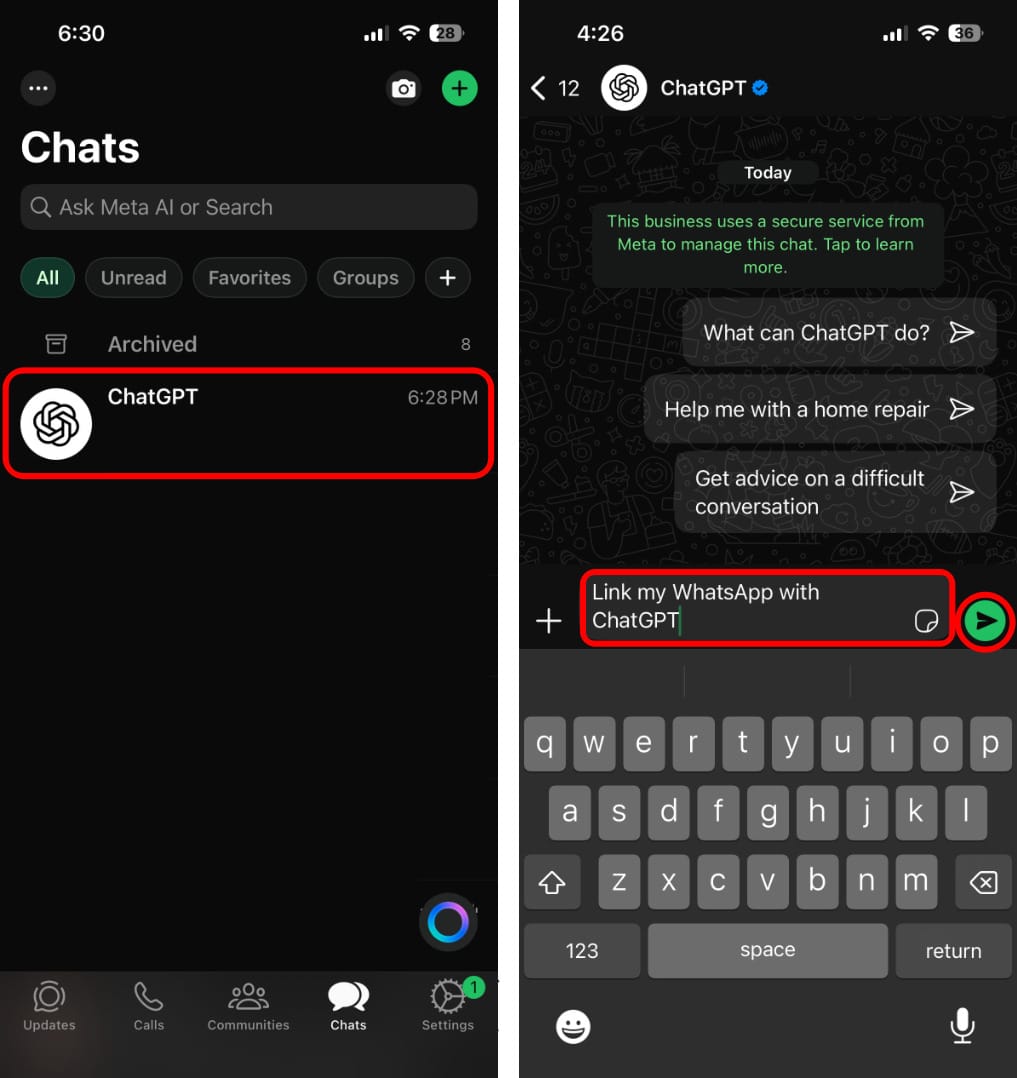
- Tap and open the link that you’ve received from ChatGPT.
- Now, tap Allow to finish linking WhatsApp with ChatGPT.

Your OpenAI account is now connected to WhatsApp, granting you full access.
How to Unlink ChatGPT from WhatsApp
If you no longer want to use ChatGPT on WhatsApp, here’s how:
- Delete the chat from WhatsApp.
- Remove the saved number from your contacts.
However, if you’ve linked your ChatGPT account, there’s no official way to fully unlink it. Your conversations are tied to your account and synced across devices. To remove them completely, you’ll also need to delete the WhatsApp chat history from ChatGPT itself.
If that makes you uncomfortable, you can also enable WhatsApp Advanced Chat Privacy to add another layer of protection.
It should also be noted that OpenAI may review and store your WhatsApp messages with 1-800-ChatGPT for safety and abuse prevention. According to the official documentation, even after you delete your conversations, it may take up to 30 days for the deleted chats to be permanently removed from OpenAI’s servers.
You may like to read: