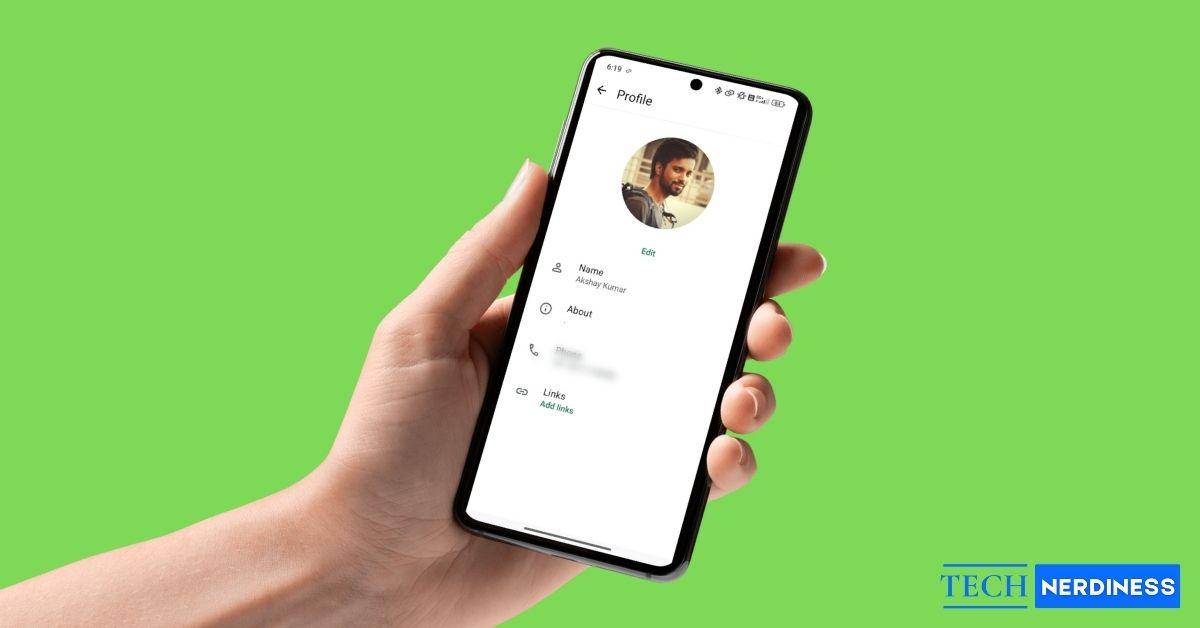
WhatsApp does not provide any option to see who viewed your profile picture, and there is no hidden setting that reveals this information. At best, users can rely on indirect signs to guess who might have viewed it. WhatsApp Privacy settings can also help control who is allowed to see your display picture.
This guide explains practical ways to manage profile photo visibility and the signals that may offer limited hints.
Can You See Who Viewed Your WhatsApp Profile Picture?
No. WhatsApp does not show a viewer list for profile pictures. The platform has never supported this feature, and there is no workaround within the app. Even options like read receipts or profile photo visibility controls do not track who opens your display picture.
Some users confuse this with trying to see who downloaded their WhatsApp profile picture. That is also not possible. While users can still save someone’s DP using basic methods, WhatsApp does not notify the profile owner. This limitation applies across the platform.
Why WhatsApp Does Not Show Profile Picture Viewers
WhatsApp follows a privacy-first model where viewing a profile picture is treated the same as viewing a name or phone number. Showing viewer data would expose user behavior, which WhatsApp intentionally avoids.
The app already limits automatic photo saving in chats to reduce unwanted data exposure. The same privacy principle applies to profile pictures. Users who want tighter control can also prevent WhatsApp from automatically saving photos on iPhone or Android.
2 Possible Clues That May Suggest Who Viewed Your WhatsApp Profile Picture
While WhatsApp does not officially track profile photo viewers, a few indirect signals can help you make an educated guess.
1. Check WhatsApp Status Viewers
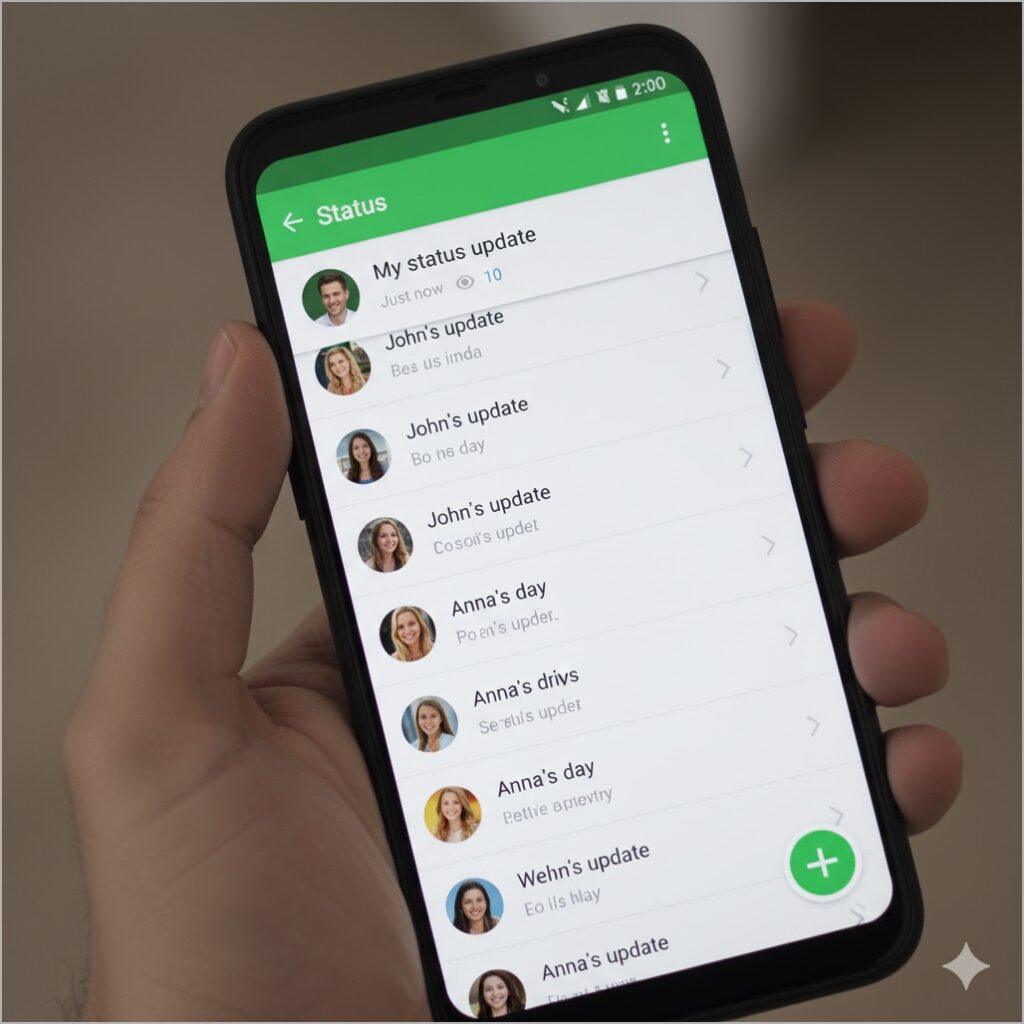
People who regularly view your WhatsApp Status may also be checking your profile picture. Since Status views are visible, this is one of the few direct signals available.
2. Look At Recent Chats and Engagement
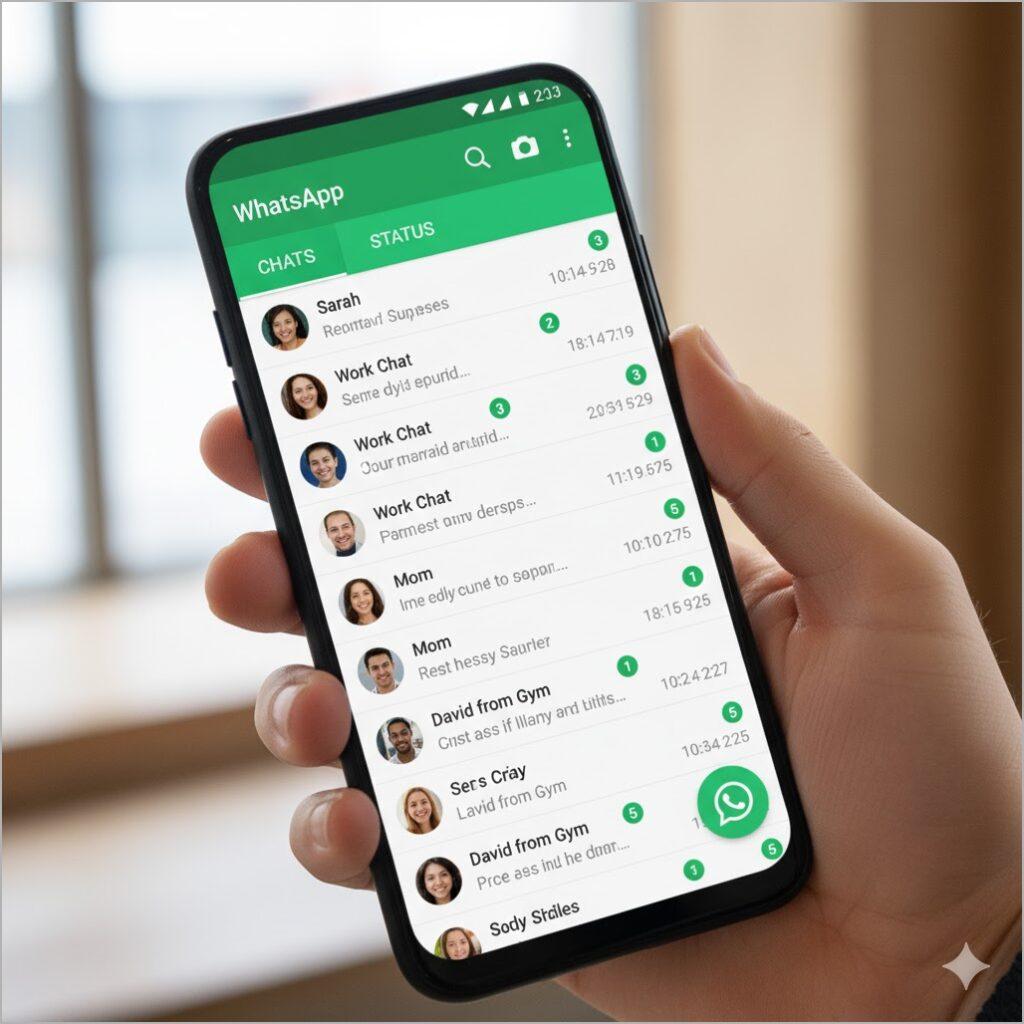
Contacts who recently messaged you, checked your online status, or interacted with you are more likely to have viewed your profile picture. These signs do not confirm anything, but they offer a reasonable assumption.
How to Control Who Can See Your WhatsApp Profile Picture
If you want to restrict who can see your profile picture, WhatsApp offers built-in privacy controls.
- Open WhatsApp Settings.
- Select Privacy.
- Tap Profile Photo.
- You will see options such as Everyone, My Contacts, My Contacts Except, and Nobody.
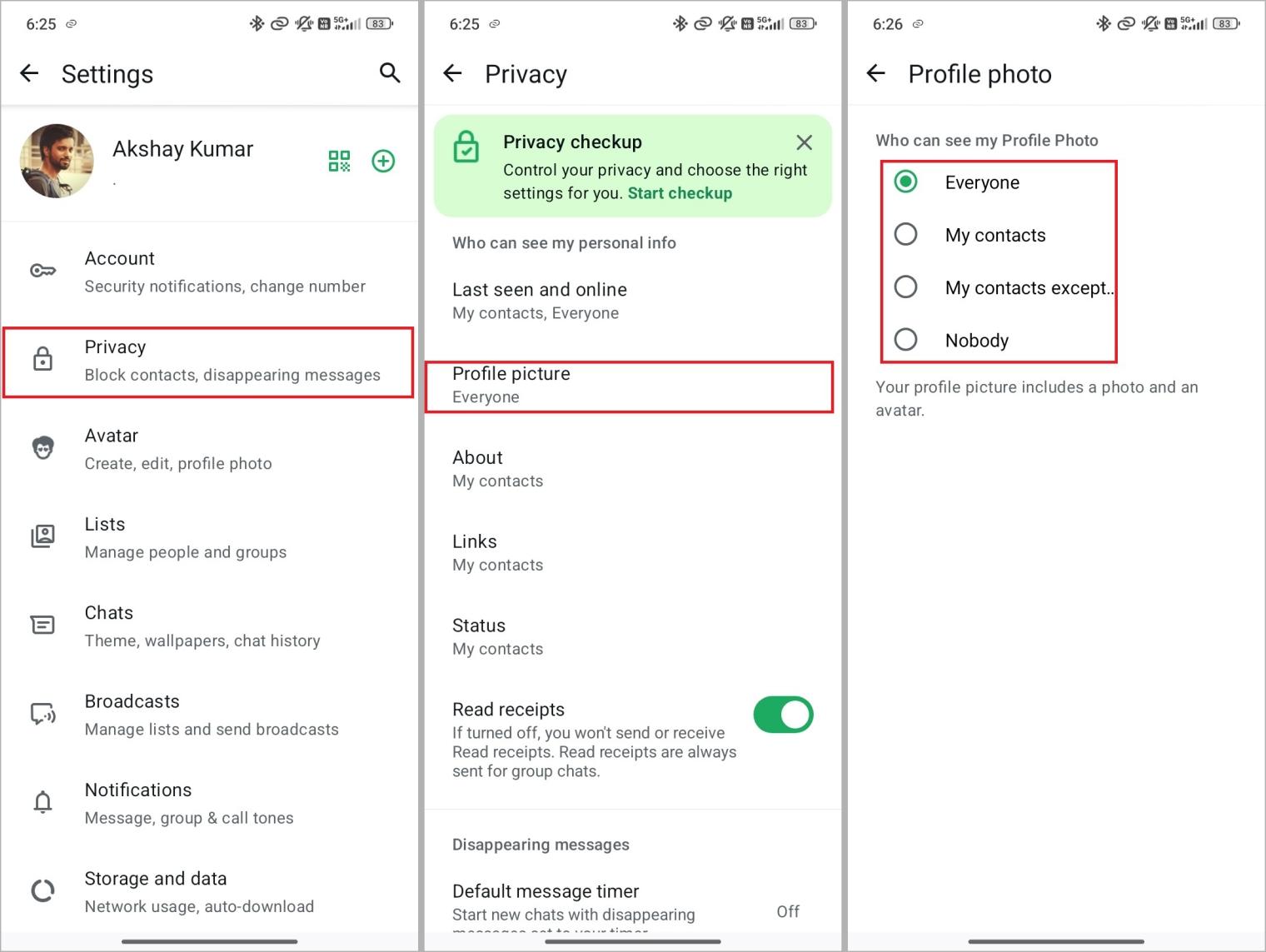
The My Contacts Except option is especially useful if you want to hide your DP from specific people while keeping it visible to others. This works well for avoiding unknown numbers or selected contacts without removing them entirely.
Why Apps Claiming to Show WhatsApp Profile Viewers Are Not Safe
Many apps and websites claim they can show who viewed your WhatsApp profile picture. These claims are false. You should never use such tools, as they often collect personal data or compromise account security.
WhatsApp does not share profile viewer data with any third-party app on mobile or desktop. There is no tool capable of bypassing WhatsApp’s privacy system. Using these apps only exposes your device and personal information to security risks.
Final Thoughts
There is no direct way to see who has viewed your WhatsApp profile picture. The platform currently has no indication of adding this feature in the future. The safest and most effective approach is to manage your profile photo visibility using WhatsApp’s privacy settings.
While indirect clues may offer limited insight, relying on third-party apps is never worth the risk. Protect your account by sticking to WhatsApp’s built-in privacy controls.