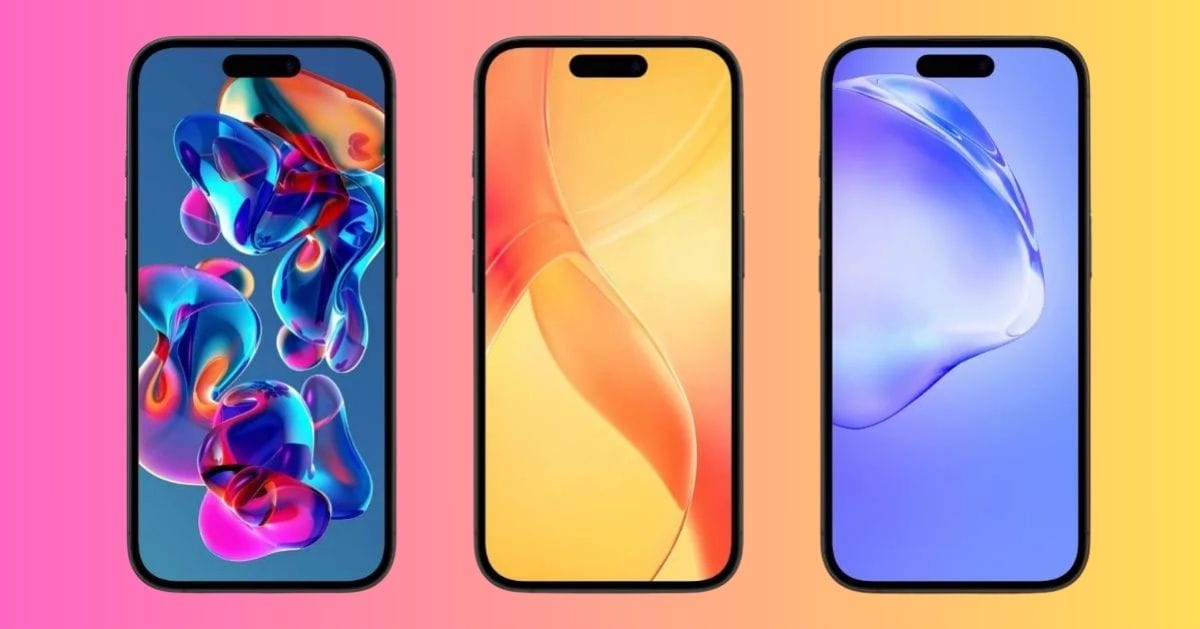
Liquid glass wallpapers are one of the most popular iPhone wallpaper trends right now. These designs use glossy highlights, smooth gradients, and layered 3D shapes to create a clean, glass-like effect on your screen.
If you want a modern look without cluttering your iPhone Home Screen, these liquid glass wallpapers are an easy upgrade. Below, you will find ten high-resolution styles you can download and use on any iPhone model.
iOS 26 Liquid Glass Wallpapers in 4K
Here are some of the most stunning high-resolution designs trending right now, curated by AppleScoop. Each wallpaper offers a distinct style, so you can switch them based on your mood or Focus mode.
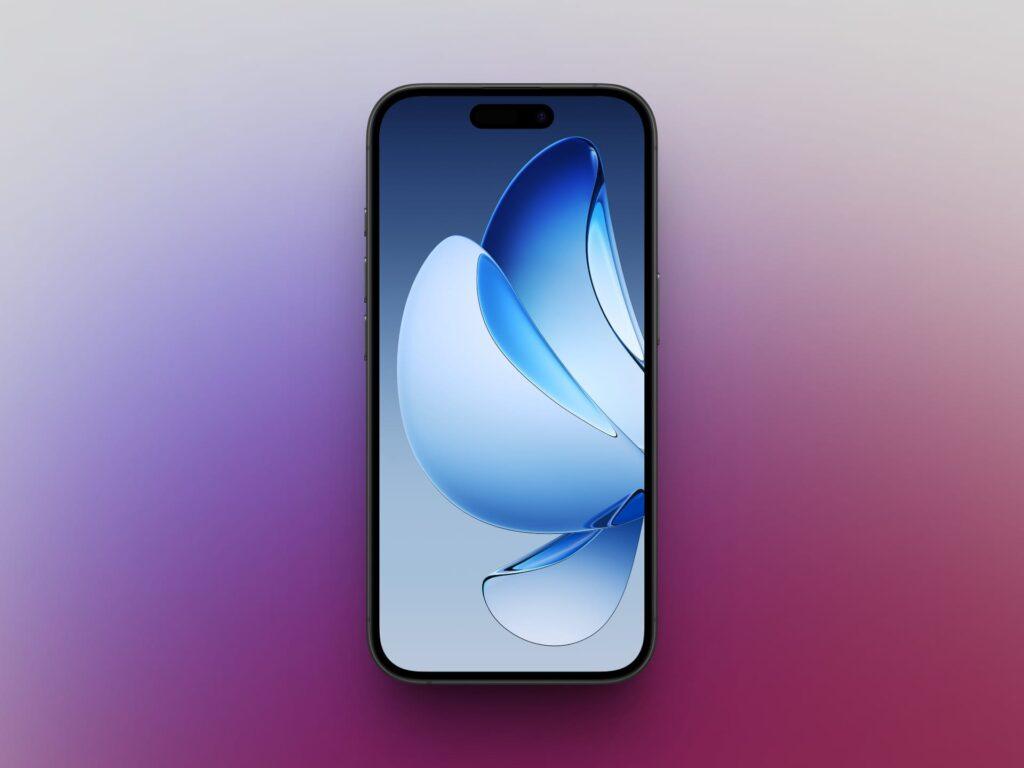
1. Blue Abstract Shapes (Minimal)
Soft blue gradients with floating glass-like shapes. Clean and modern, perfect for a minimal setup.
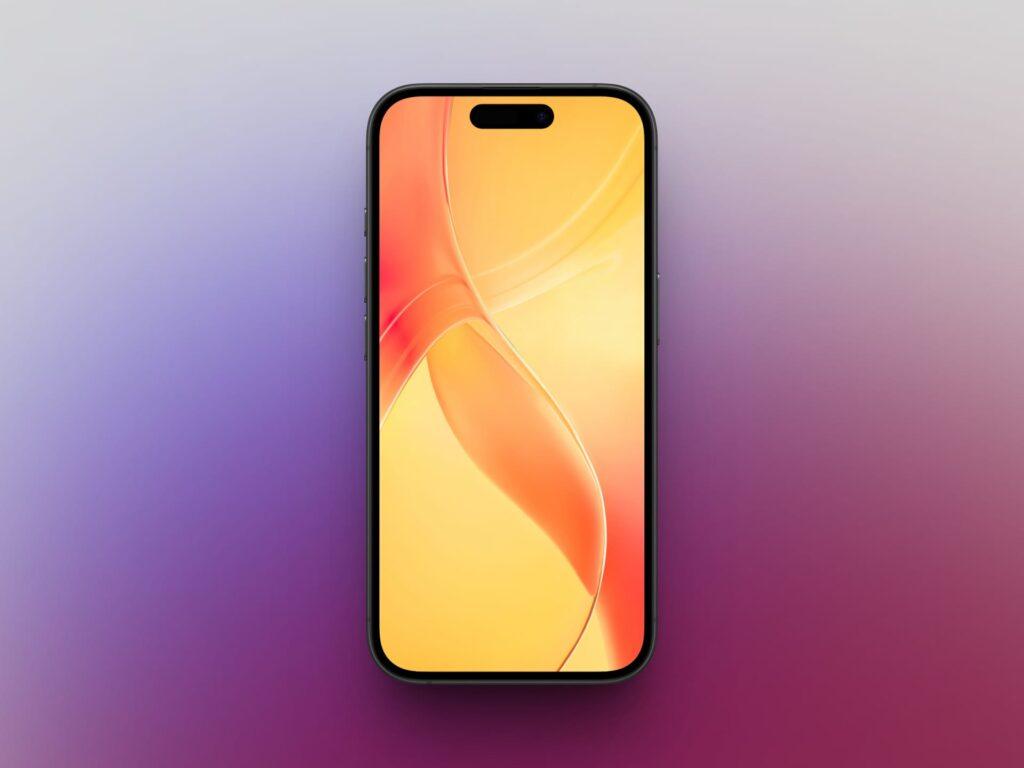
2. High-Gloss 3D Digital Art
Deep shades combined with reflective highlights for a bold 3D look. Ideal if you want your screen to stand out.
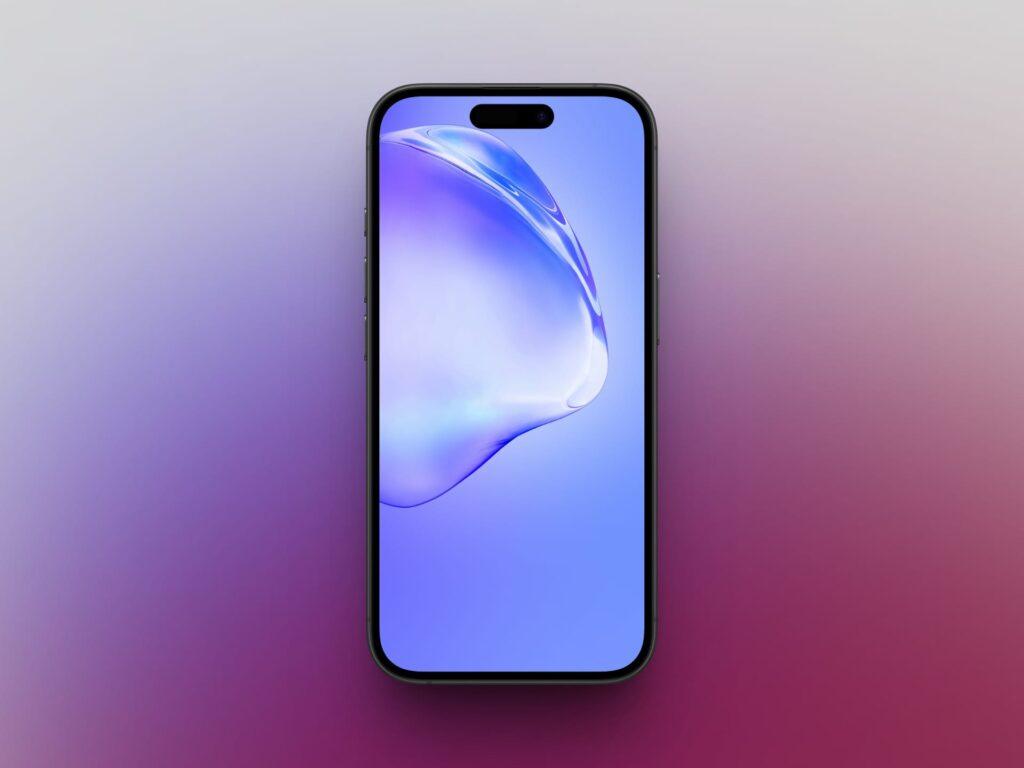
3. Baby Purple Water Droplets Gradient
A soft lavender gradient layered with subtle droplet effects. Calm and easy on the eyes.
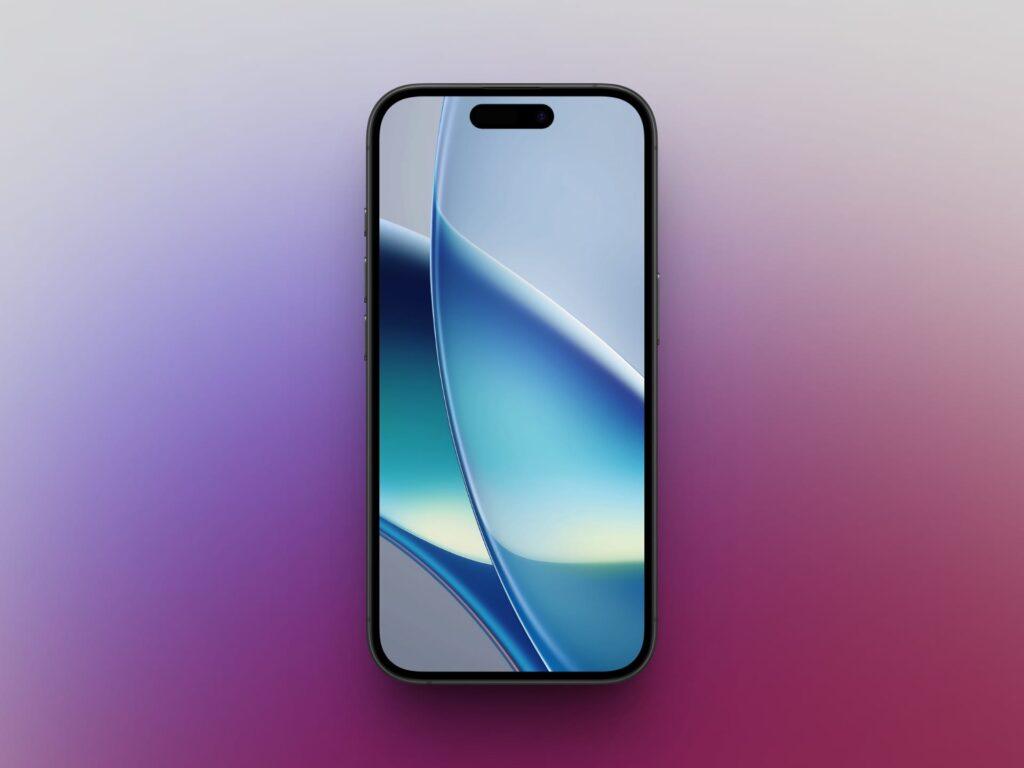
4. Blue Liquid Glass Shiny
Polished blue tones with crisp highlights that create a premium feel.
5. Colorful 3D Iridescent
A blend of purples, teals, and pinks with a glossy finish. Bright and eye-catching.
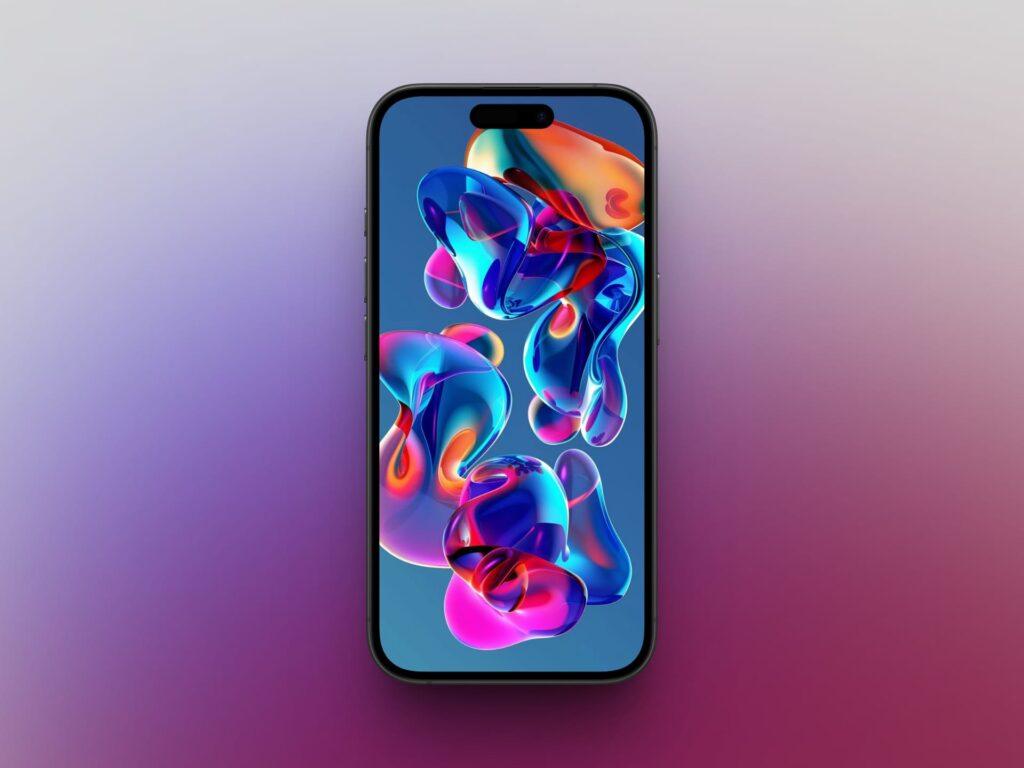
6. Blue Glass Semi-Transparent Iridescent
Light blue layers with translucent curves. Works well on both Lock Screen and Home Screen.
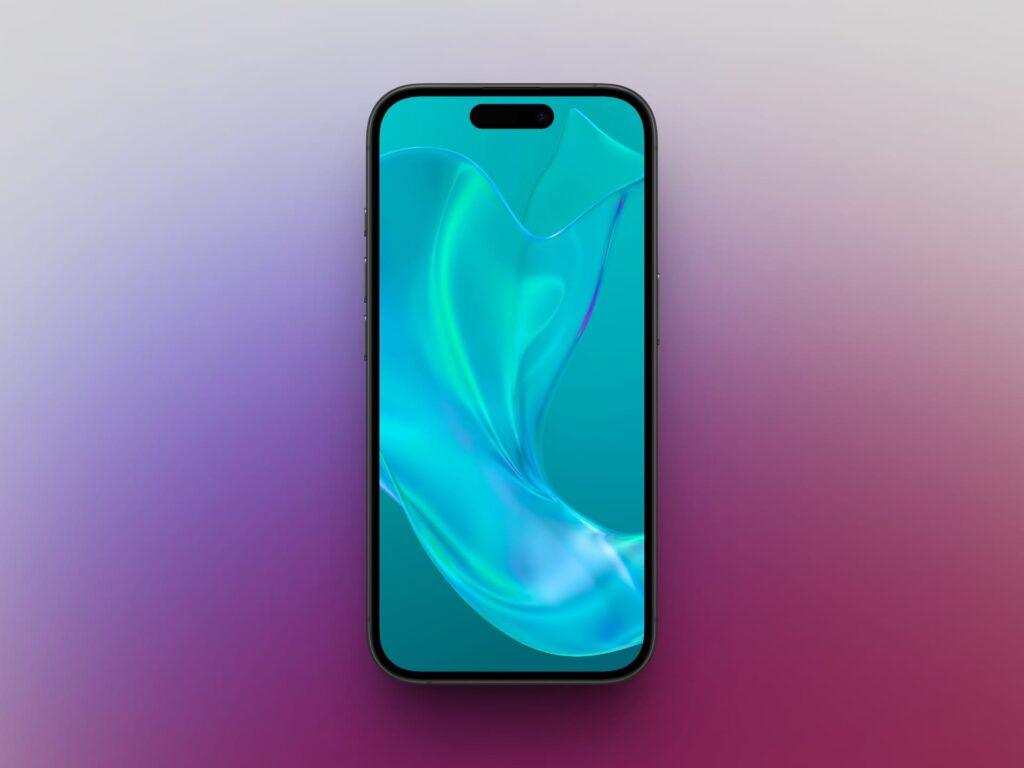
7. Glassy Maroon Shades
Deep maroon tones with subtle highlights. A refined and darker option.
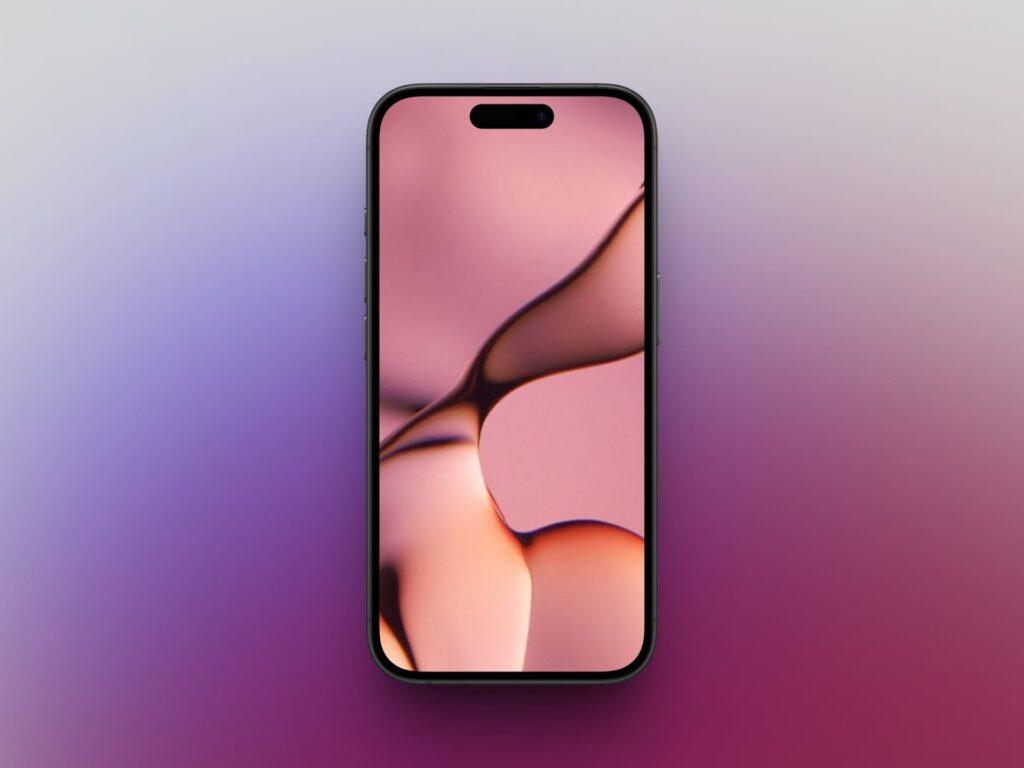
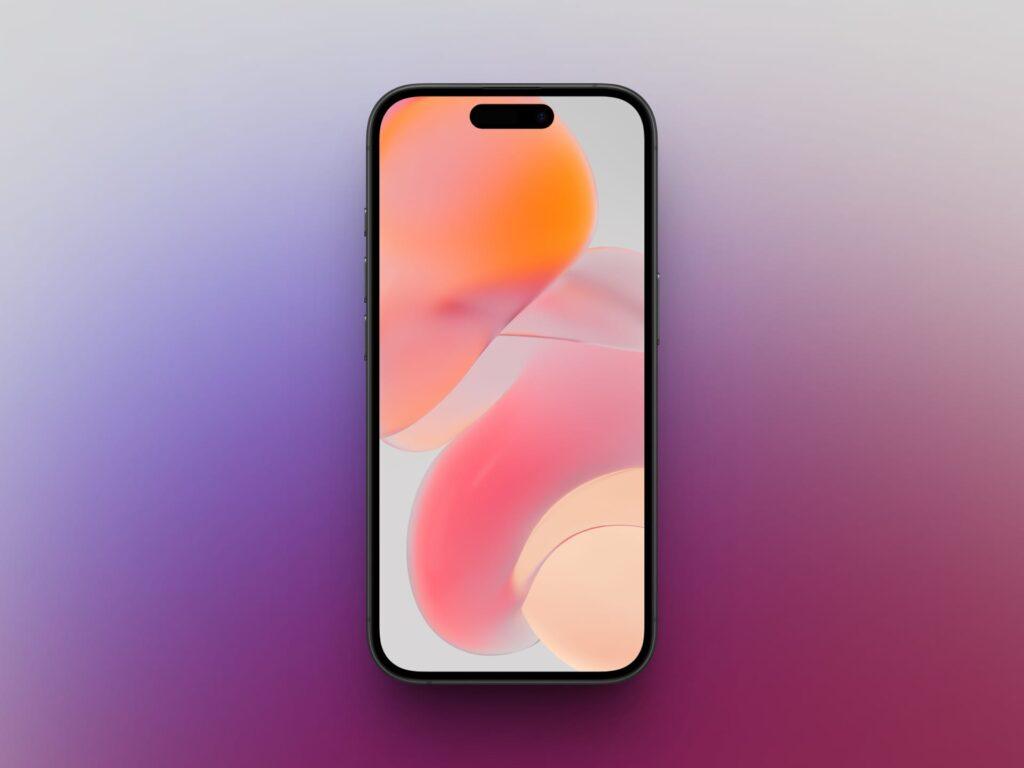
8. Glossy Bubble Glass (Orange Tones)
Warm orange and golden shades with bubble-like textures. Bright and cheerful.
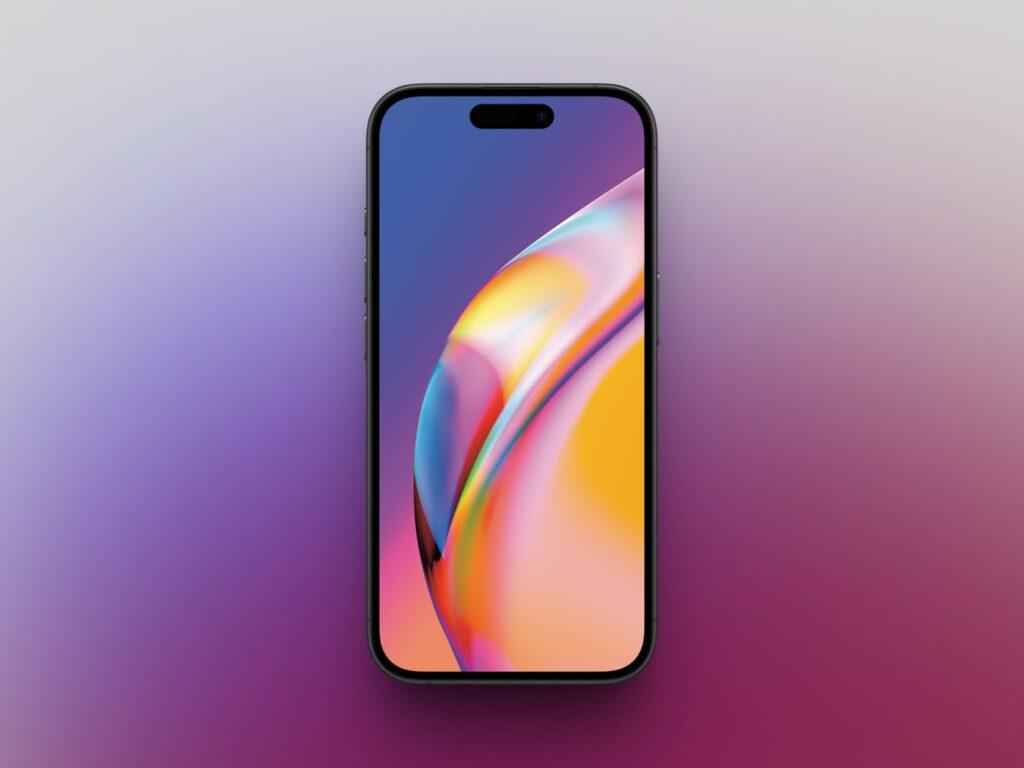
9. Orange Liquid Glassy
Bold orange tones with sharp glossy reflections. Pairs well with warm-themed widgets.
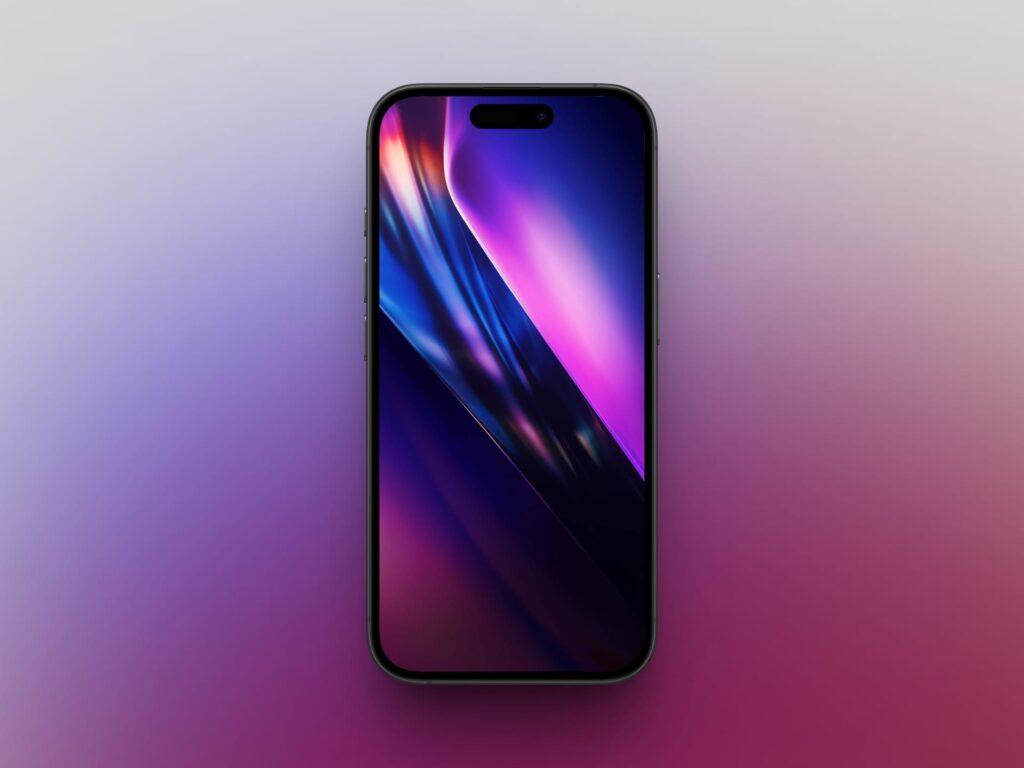
10. Multi-Color Purple Gradients
A mix of purple, pink, and blue wrapped in a glossy gradient finish.
Why Liquid Glass Wallpapers Look Great on iPhone
Liquid glass wallpapers look especially sharp on iPhone displays because of strong contrast, accurate color reproduction, and deep blacks on OLED models. The glossy highlights stay crisp, while darker gradients help your app icons remain readable.
Using 4K resolution ensures your wallpaper looks sharp on larger models like the Pro Max versions without stretching or pixelation.
Related:
- Stunning iOS 26 Wallpapers for iPhone [Free 4K Download]
- Best Spatial Scene Wallpapers for iPhone You Can Download Now
How to Download and Set a Liquid Glass Wallpaper on iPhone
Follow these steps:
- Tap and hold the image you want.
- Select Save to Photos.
- Open Photos and select the downloaded wallpaper.
- Tap the Share icon → Use as Wallpaper.
- Adjust zoom and toggle Perspective Zoom on/off for extra effect.
- Tap Add and pick Set as Wallpaper Pair or Customize Home Screen.
For best results, always download the highest resolution available.
Where to Find Free Liquid Glass Wallpapers
You can find additional free liquid glass wallpapers on:
Search for phrases like “liquid glass wallpaper 4K” or “glossy abstract iPhone wallpaper” to discover more high-resolution options.
Final Thoughts
Liquid glass wallpapers are one of the easiest ways to refresh your iPhone’s look. Whether you prefer soft blues, deep maroons, or bright iridescent gradients, there is a style that fits your setup.
Download your favorite design, set it in seconds, and give your screen a clean, modern upgrade.