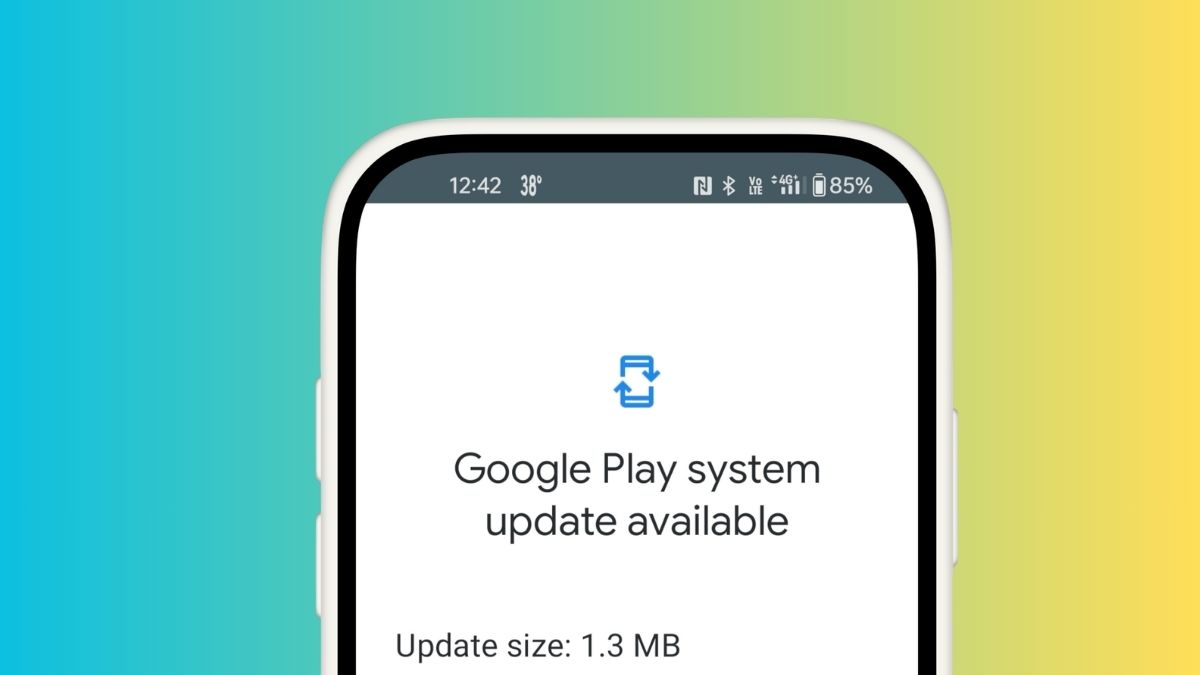
Google’s May 2026 system update has started rolling out across Android devices, and there is quite a bit to unpack. If you are wondering what changed on your phone after that quiet background update last week, this is your full breakdown.
The May 2026 Google System Updates rolled out in two waves — around May 4 and May 11 — covering Google Play services (v26.17 and v26.18), the Google Play Store (v51.3 and v51.4), along with security patches and device-specific refinements. As always, these updates touch more than just phones. Tablets, Wear OS, Android TV, Google TV, Android Auto, and even Android on PC all get pieces of this.
Here is everything worth knowing about what’s new in Play services, Play Store, and the Play system update across Android phones and other platforms this month.
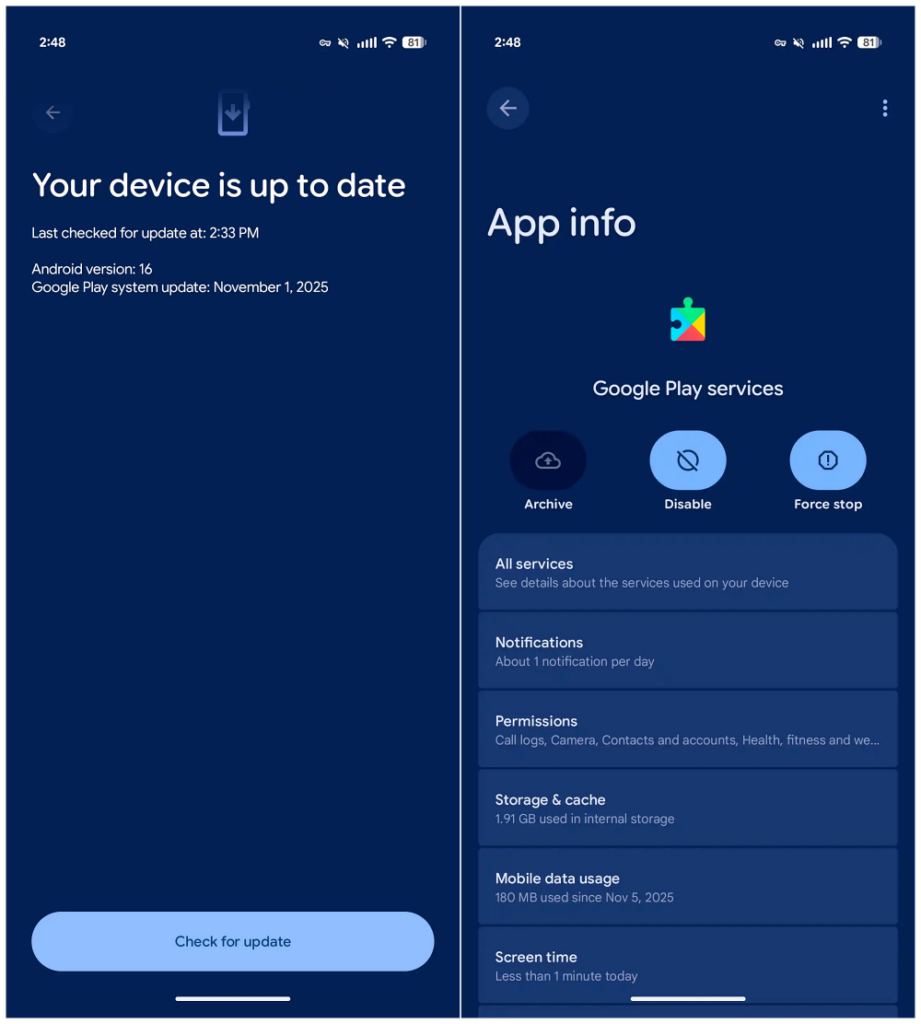
How to Get the May 2026 Google System Update on Your Device
Before diving into features, here is how to make sure you are actually on the latest version:
- Most Android phones: Go to Settings > Google services > All services > Privacy & Security > System services.
- Pixel users: Head to Settings > System > System update for the full system-level changes.
- Play Store and Play services: These typically update automatically, but you can manually check by opening the Play Store, tapping your profile icon, and selecting Manage apps & device.
Keep in mind that a feature appearing in the changelog does not automatically mean it is live on your device. Google stages rollouts gradually, and some capabilities take weeks or even months to reach everyone.
Google Play Services v26.18 (May 11, 2026)
This is the meatier of the two Play services drops this month, with several genuinely useful updates that go beyond typical maintenance work.
Account and Family Management
Supervised users are getting a better experience with an improved Trusted Contacts feature on phones, tablets, Wear OS, and TV. On the PC side, Family Link’s “Add/remove user” setting has been expanded to let supervised users grant admin access to other users on devices that support multiple admins — a small but meaningful step toward more flexible shared device management.
Quick Share Now Bridges Android and iOS
This one is a big deal for anyone who regularly moves files between Android and Apple devices. Quick Share can now transfer content from Android to iOS using a QR code paired with cloud transfer. It removes one of the more persistent friction points in cross-platform households, and it works without any additional app installs on the iPhone side.
Emergency Alerts Get Smarter
If you receive a Wireless Emergency Alert, your phone can now automatically translate public safety broadcasts into your device’s system language. For non-English speakers, this is a meaningful safety improvement that has been a long time coming.
Scam Call Detection Gets More Aggressive
The scam prevention feature has been upgraded to automatically end calls that impersonate supported bank phone numbers. It does not ask you to confirm — it just ends the call. Combined with the earlier scam detection improvements Google introduced over the past few updates, your phone is getting increasingly proactive about protecting you from social engineering attacks.
This also connects to the broader privacy direction Google has been heading. If you want a deeper look at where things are going, check out our coverage of Android 17’s new privacy features, which signals just how seriously Google is taking on-device security going forward.
Advanced Protection and Autofill Backup
Users enrolled in Advanced Protection will notice a more refined experience this month. Separately, you can now back up and restore your Autofill with Google settings, which is a small quality-of-life addition that makes switching devices or doing a factory reset considerably less painful.
Google Play Store v51.4 (May 11, 2026)
The Play Store update this round leans into content discovery and rewards, with a few features that make browsing feel more useful.
AI-Powered Search for Entertainment
AI Overview and Ask Play have been expanded to cover Sports, Media, and Entertainment content. Search results in these categories now include trailers and streaming availability directly in the results — so if you are looking up a game or show, you can see where to watch it without bouncing between apps.
Manga and Webtoon Previews
Comic readers, this one is for you. Participating comic apps now surface manga and webtoon samples directly on their Play Store detail page, so you can preview content before committing to a download or subscription. It works similarly to the “Look Inside” feature on ebook listings, and it is a much more natural way to discover new series.
Weekly Rewards and Offers via Notifications
You can now opt in to receive super weekly rewards and promotional offers through Play Store notifications and email. It is opt-in, so it will not clutter your notification drawer unless you actively want it.
Google Play Services v26.17 (May 4, 2026)
The first wave of May updates was lighter on user-facing changes but included a few notable items.
Dasher Account Sign-In Warning on Android Desktop
PC users signing in with a Dasher (delivery partner) account on Android desktop devices will now see a dedicated warning screen during the sign-in process. It is a targeted change, but it reflects Google’s continued investment in Android’s desktop mode.
Developer Tools and Wallet Fixes
This update also introduced new developer APIs for Utilities-related processes across Auto, PC, phones, TV, and Wear. On the Wallet side, several bug fixes were applied to improve reliability for payments-related services.
Google Play Store v51.3 (May 4, 2026)
- Play Sidekick Moves to the Notification Drawer: Google Play Sidekick, the AI assistant built into the Play Store for game help and discovery, can now be opened directly from the notification drawer. It is a convenience upgrade that makes Sidekick feel less buried.
- Community Q&A Expands to More Languages: The in-app feature that lets users ask questions and share game advice has been expanded to support Spanish, Portuguese, Indonesian, Chinese, Japanese, and Korean. This is a significant accessibility improvement for a large portion of the global Android user base who were previously limited to English.
What’s in the May 2026 Google System Update: The Full Picture
Compared to last month’s Android April 2026 Google System updates, May’s rollout feels more user-focused. The cross-platform Quick Share improvement, auto-ending scam calls, and emergency alert translation are all features that have a real, day-to-day impact — not just under-the-hood infrastructure work.
The underlying theme here is clear: Google is doubling down on safety, cross-device utility, and smarter AI integration in places where it actually matters. The May 2026 update may not carry a flashy headline, but the cumulative effect of these changes makes Android meaningfully better for everyday users.
Keep this page bookmarked — we update it as new information surfaces and staged rollouts expand to more devices.