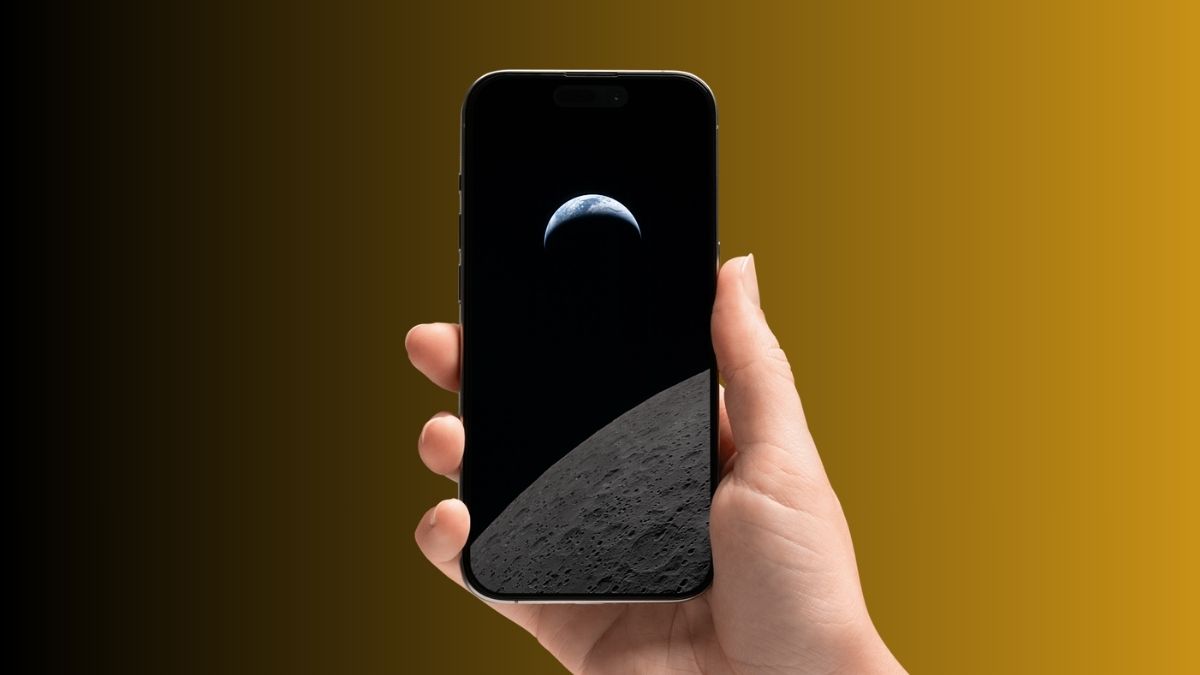
NASA is back in the spotlight with its Artemis program, and this time, it feels real. With the Artemis II crew officially announced, the agency also released a set of striking digital posters that immediately stood out.
The moment I saw them, I knew they’d make great wallpapers. The designs are clean, bold, and feel like they were made for modern screens, even though they aren’t optimized for phones.
The good part is, you don’t need official wallpapers. With a few quick edits, you can turn these posters into iPhone wallpapers that actually look intentional.
Download Artemis II Lunar Flyby Posters in High Resolution
Start by downloading the Artemis II Lunar Flyby posters in the highest resolution available.
From experience, this step matters more than anything else. If you use a compressed image, the final wallpaper will look soft or pixelated, especially on newer iPhones.
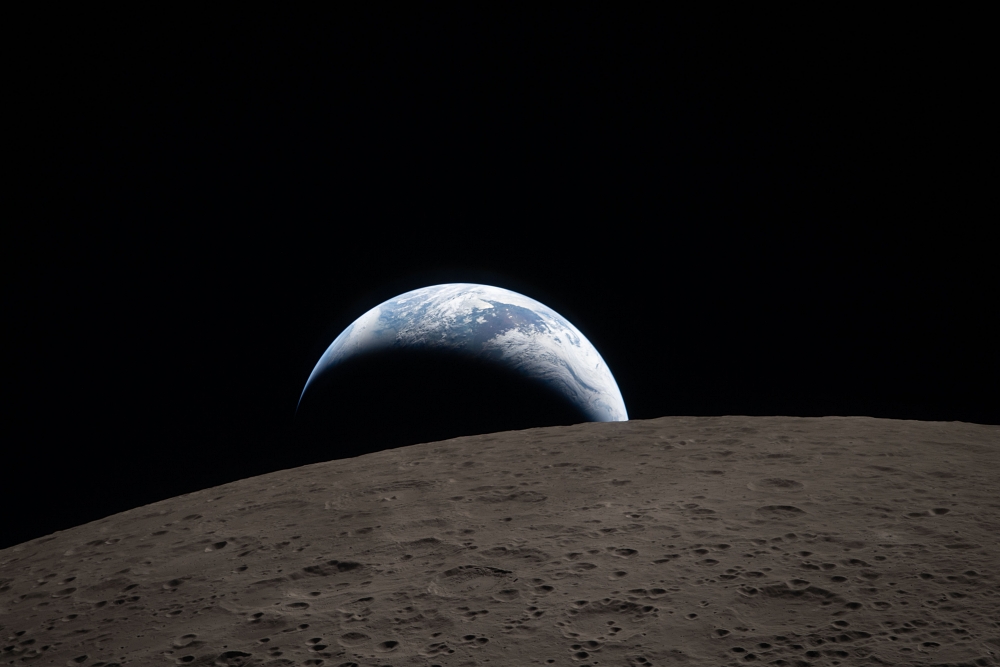
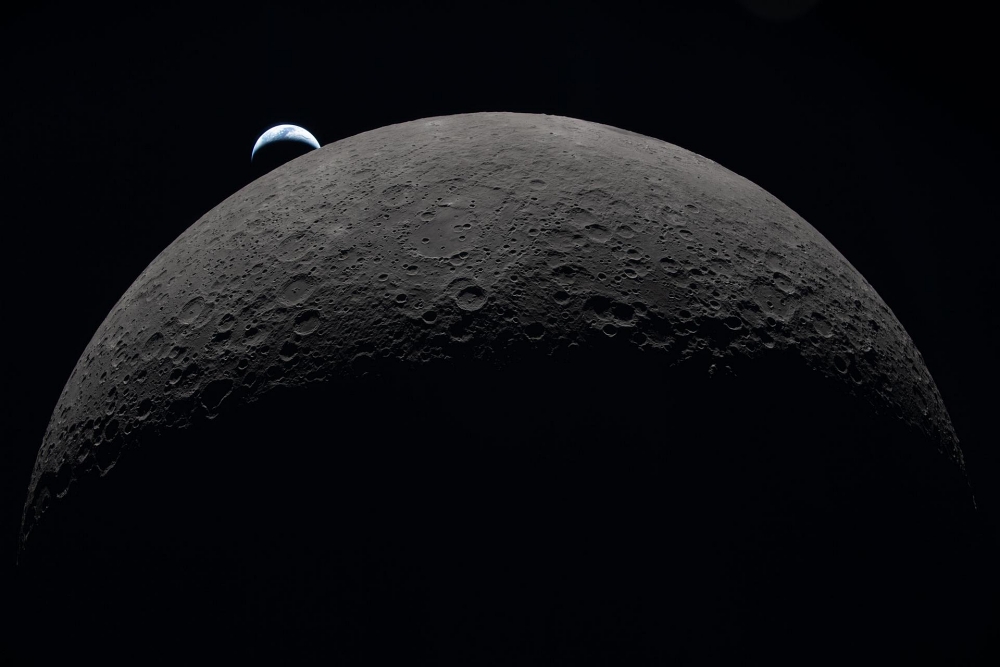
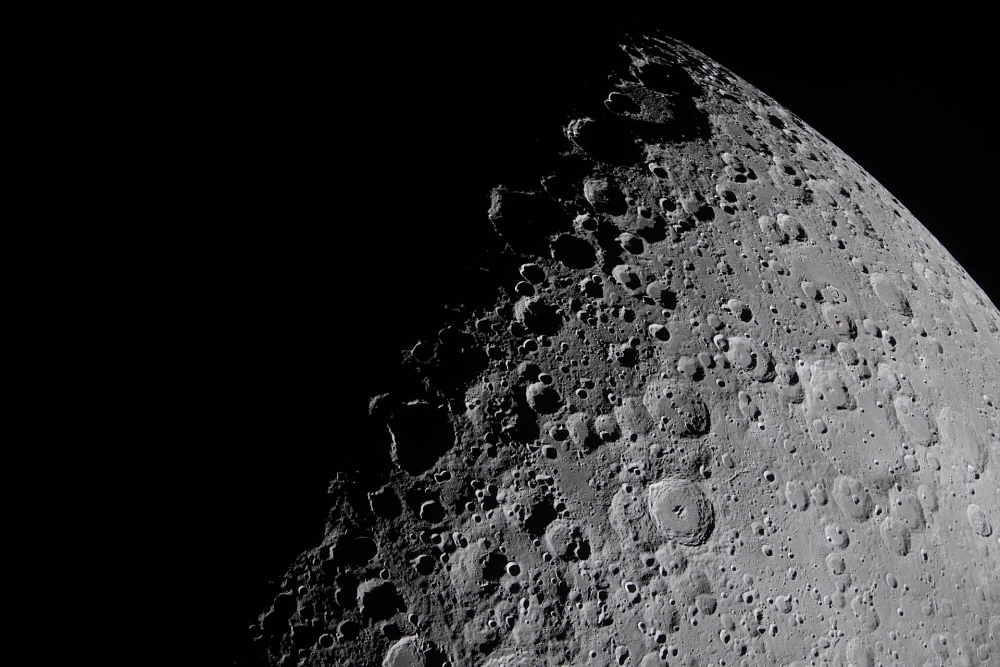
Once the images are saved to your Photos app, you’re ready to tweak them.
If you don’t want to crop the images yourself, you can download ready-to-use wallpapers from our Google Drive.
How to Convert Artemis II Posters Into iPhone Wallpapers
These posters aren’t designed for phone screens, so a bit of cropping makes a huge difference.
Here’s what worked best for me:
- Open the image in the Photos app.
- Tap Edit, then use crop and zoom.
- Center the astronaut or main subject.
- Remove logos or empty areas for a cleaner frame.
- Save the edited version.
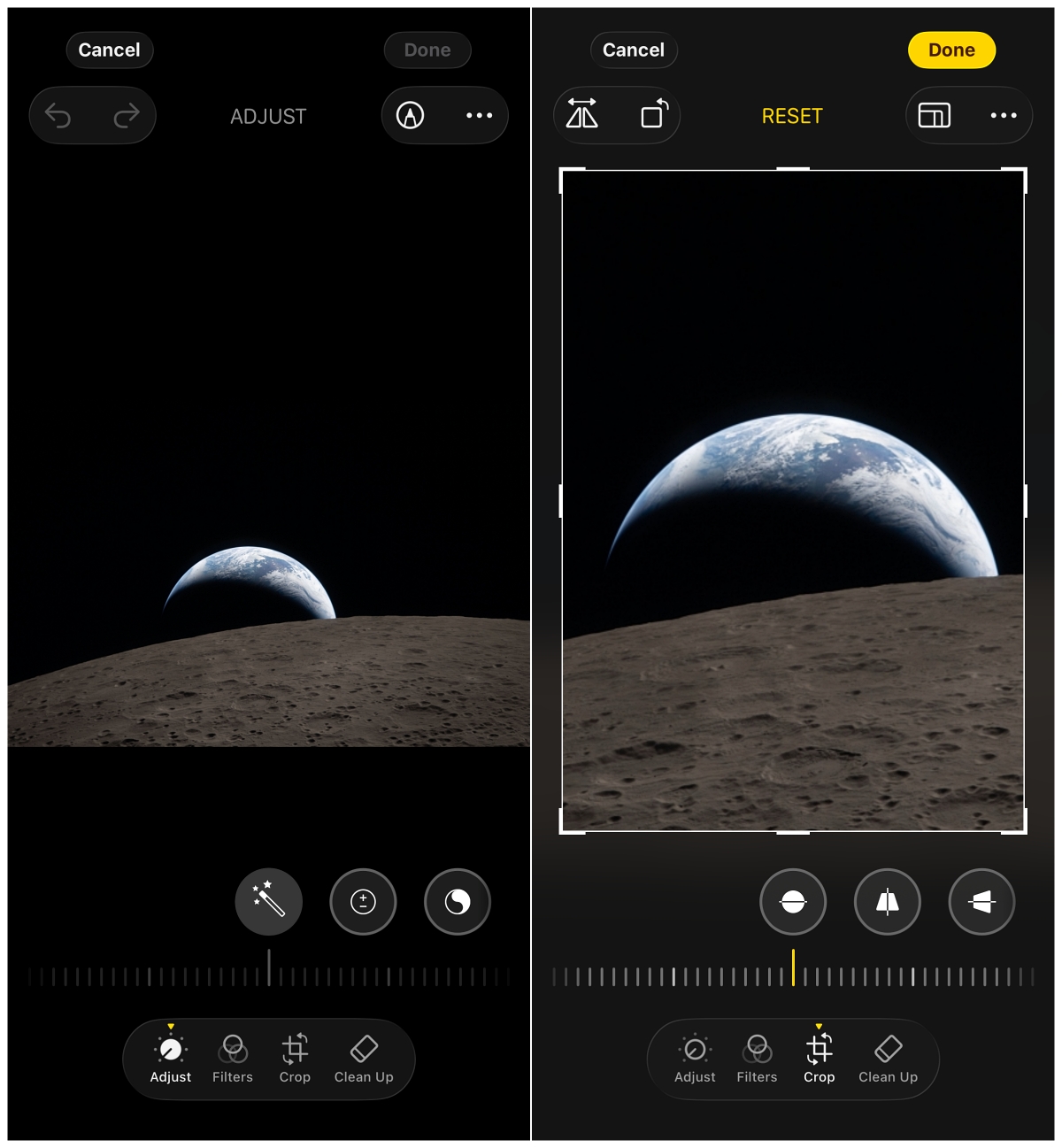
Set the Edited Image as Your iPhone Wallpaper
Once your image is ready:
- In the Photos app, tap Share icon.
- Choose Use as Wallpaper.
- Customize the position, pinch to crop, and tap Add to set it for your iPhone Lock Screen, Home Screen, or both.
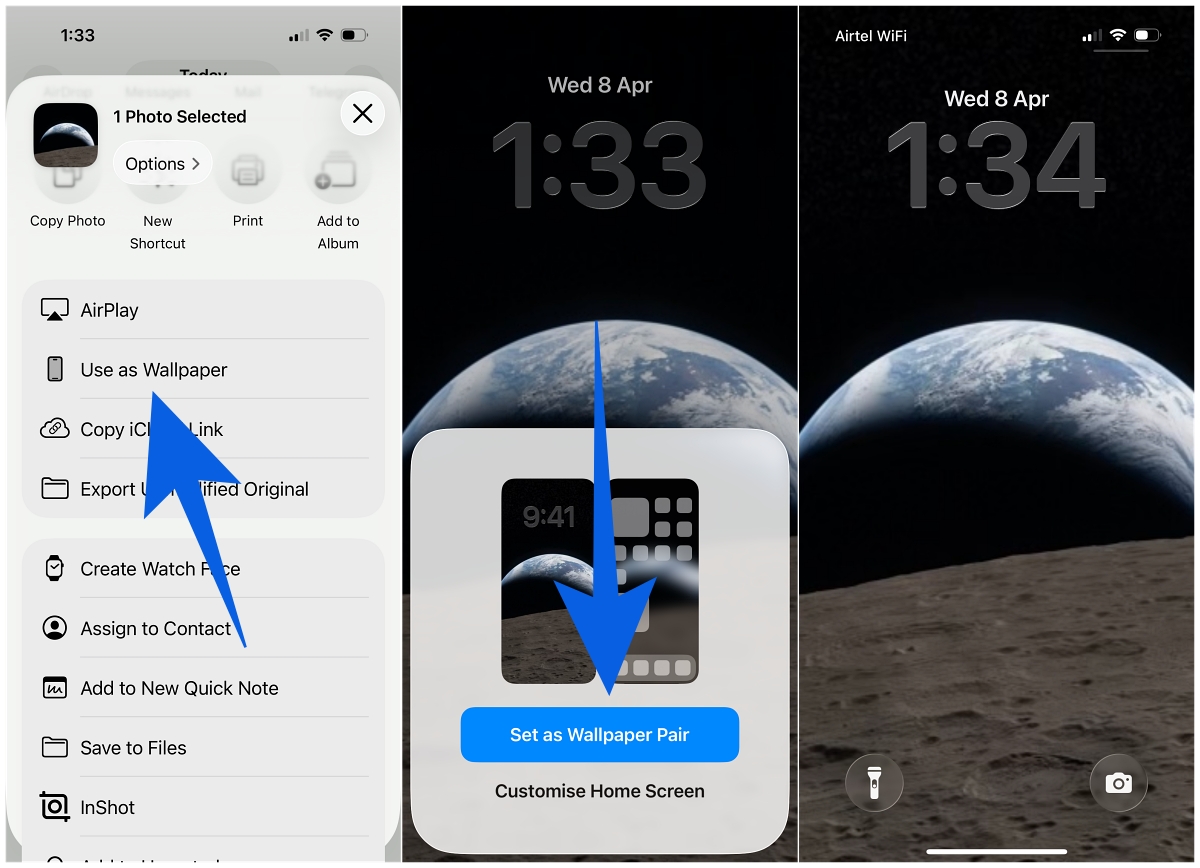
With the right positioning, the wallpaper starts to feel like it was designed specifically for iOS.
Pro Tip (From Testing Different Posters)
The walking astronaut poster works the best.
If you shift the frame slightly and zoom in just enough, it creates a layered effect behind the clock that looks almost like a native iPhone wallpaper.
One mistake I made at first was over-zooming. Keeping a bit of negative space makes icons and widgets much easier to read.
Why These Wallpapers Feel Different
There’s something different about using real mission artwork.
You’re not just picking a random background. You’re using visuals tied to an actual lunar mission. And with Artemis II set to take astronauts around the Moon for the first time since Apollo, it adds a bit more meaning to something you see every day.
If you like space-themed setups, this is easily one of the cleanest and most unique wallpaper options right now.
Yes. The same images work perfectly. You may just need to adjust the crop based on your screen size.
Possibly closer to launch. For now, these posters are the best option to create your own wallpapers.
Check out more iPhone posts: