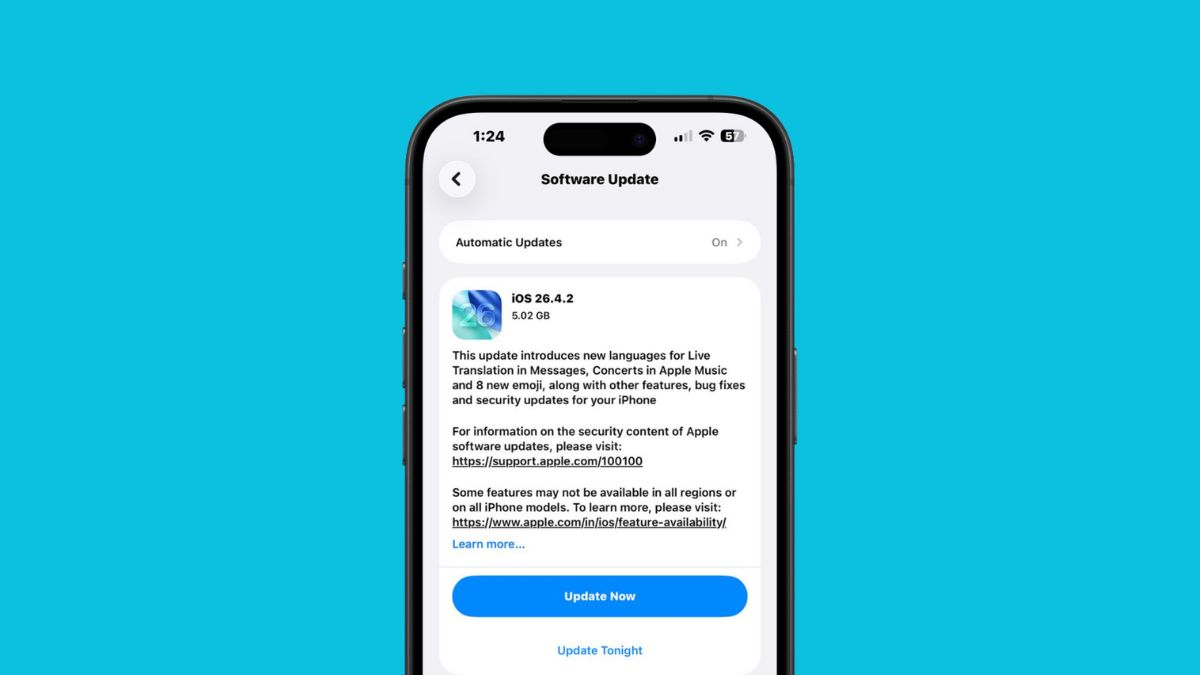
Apple has quietly rolled out iOS 26.4.2, and while it’s not the kind of update that shows up with flashy features or visible changes, it’s one you shouldn’t ignore.
From experience, these smaller point updates are often the ones that matter most. They don’t try to impress you with new capabilities. Instead, they fix the things that can quietly cause problems in the background, especially when it comes to security and system stability.
iOS 26.4.2 falls exactly into that category. It’s a focused release with bug fixes and a security patch that addresses a real concern tied to how your iPhone handles deleted notifications.
Here’s what’s actually changed and whether you should install it right away.
What’s New in iOS 26.4.2
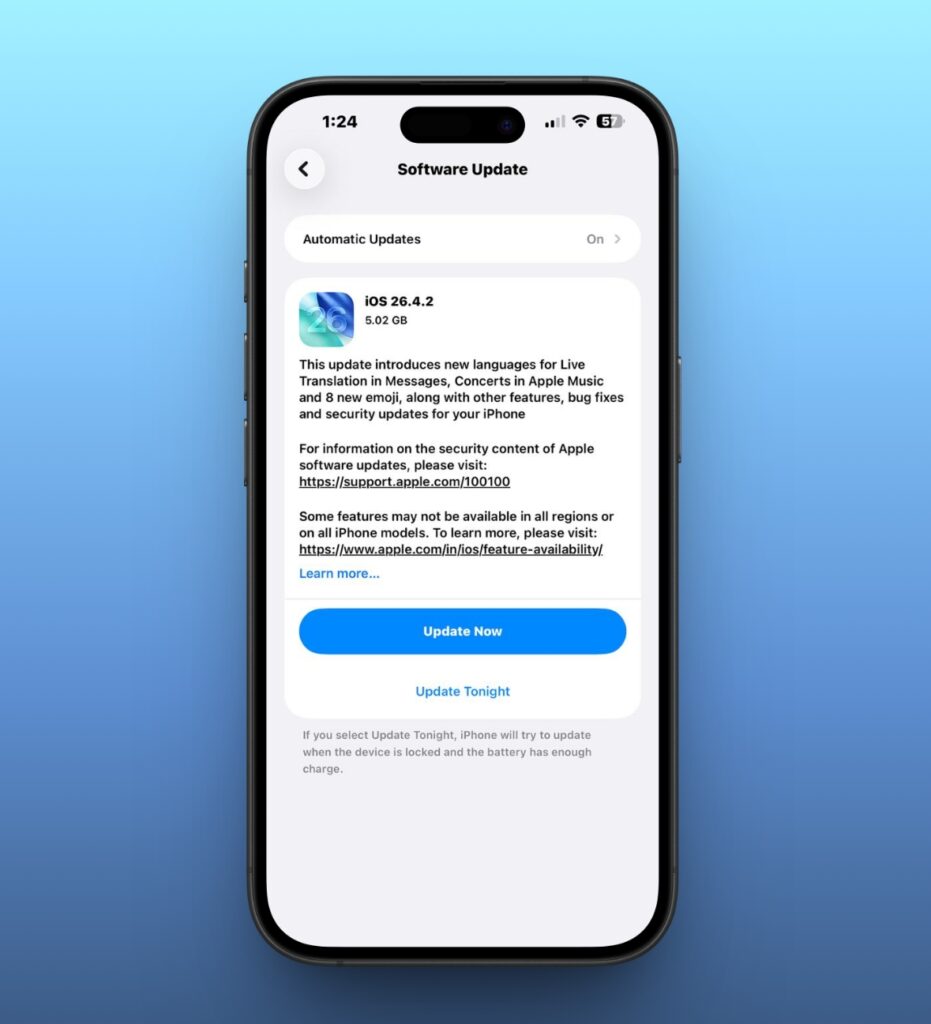
If you’re expecting new features, you won’t find any here. This is a maintenance update in the purest sense. But that doesn’t make it optional.
The most important fix in iOS 26.4.2 addresses a privacy-related issue where notifications marked for deletion could still remain stored on the device. In simple terms, alerts or messages you believed were removed weren’t being fully cleared.
That might sound minor at first, but it isn’t. Notifications can contain sensitive information, from personal messages to verification codes. The idea that they could persist after deletion is exactly the kind of issue Apple typically moves quickly to patch.
Apple has published the technical breakdown on its official support page if you want to explore the specifics in more detail. But even without going deep into the documentation, the takeaway is straightforward: this update closes a gap that shouldn’t have been there in the first place.
How to Install iOS 26.4.2
Installing the update is simple and takes only a minute to initiate.
- Open Settings.
- Go to General.
- Tap Software Update.
- Download and install iOS 26.4.2.
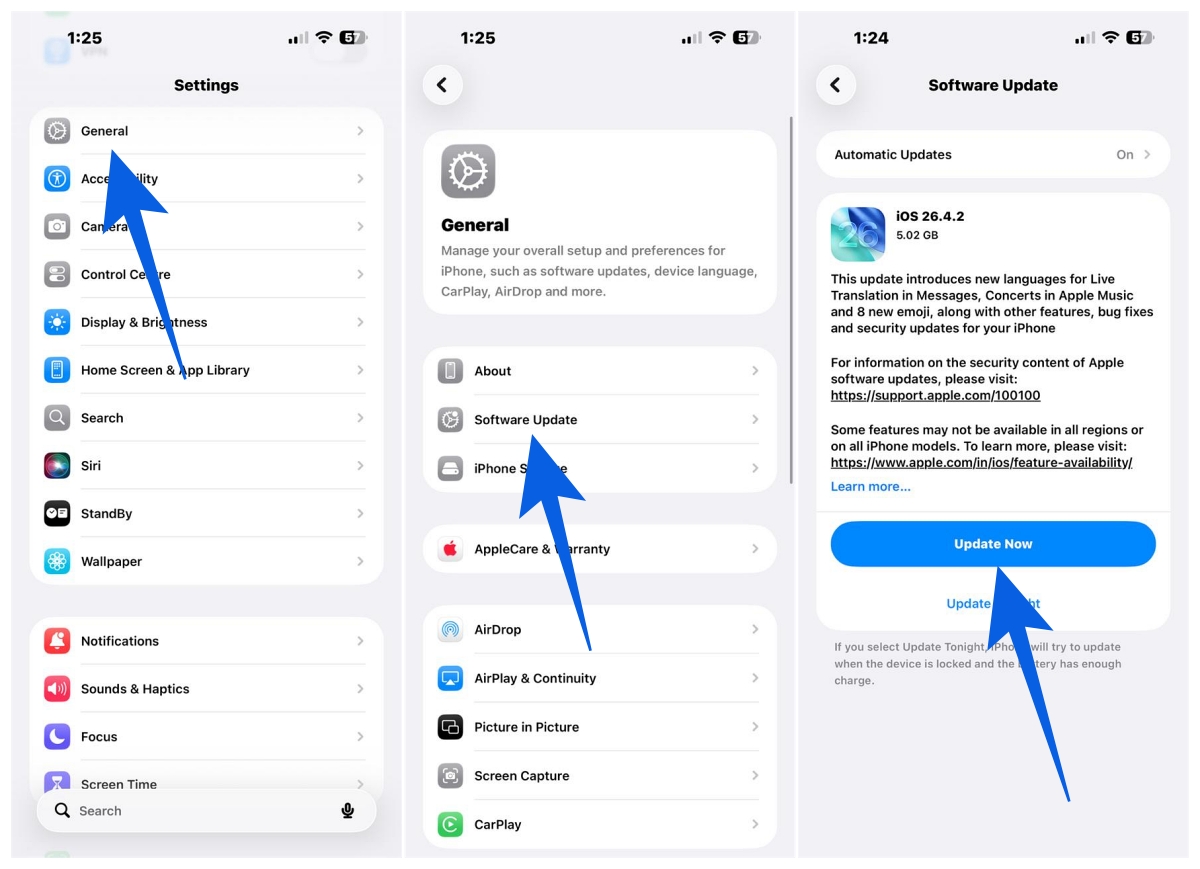
If your device supports it, the update should already be available.
Apple has also released iPadOS 26.4.2 alongside this, so iPad users are covered with the same fixes.
For those still running older software, Apple hasn’t left things behind. If you’re on iOS 18, the same security fix is included in iOS 18.7.8. You don’t need to jump to iOS 26 to stay protected, but you do need to install that update.
What This Update Doesn’t Include (And What’s Coming Next)
This isn’t the update where Apple introduces anything new from a user-facing perspective. If you’ve been waiting for feature updates or improvements tied to Apple Intelligence, Maps, or messaging, those are expected to arrive with iOS 26.5.
Based on current reports and early builds, iOS 26.5 is shaping up to be more meaningful. It’s expected to bring improvements to Apple Maps and potentially expand support for end-to-end encrypted RCS messaging, which would be a significant step forward for cross-platform communication.
It’s also worth remembering that iOS 26.4.1 arrived recently, addressing iCloud sync issues that affected a noticeable number of users. If you want a broader look at how iOS 26 has evolved so far, you can revisit our breakdown of iOS 26.4 to see what changed at a larger level.
Right now, Apple appears to be in a refinement phase. With WWDC approaching and iOS 27 on the horizon, these smaller updates are about stabilizing the system and tightening security before the next major release cycle begins.
Should You Install iOS 26.4.2?
Yes, and this is one of those updates where the answer is straightforward.
Even without new features, security fixes alone make it worth installing. Issues like this don’t always show visible symptoms, but that doesn’t make them less important.
From a practical standpoint, installing updates like this early reduces the risk of running into avoidable vulnerabilities. It also ensures your device is ready for future updates without carrying forward unresolved issues.
Final Take
Updates like iOS 26.4.2 don’t get much attention, but they’re the ones that keep your iPhone reliable and secure over time.
You won’t notice a visual difference after installing it, but that’s exactly the point. It’s about fixing what shouldn’t break in the first place.
If you’ve been skipping smaller updates, this is a good one to install.
No. This update is focused entirely on bug fixes and a security patch. New features are expected with iOS 26.5.
Yes. It addresses a privacy issue related to deleted notifications being retained, so installing it sooner rather than later is recommended.
Apple has released iOS 18.7.8 with the same security fix. You can stay on iOS 18 and still receive the patch without upgrading to iOS 26.
Check out these helpful guides too: