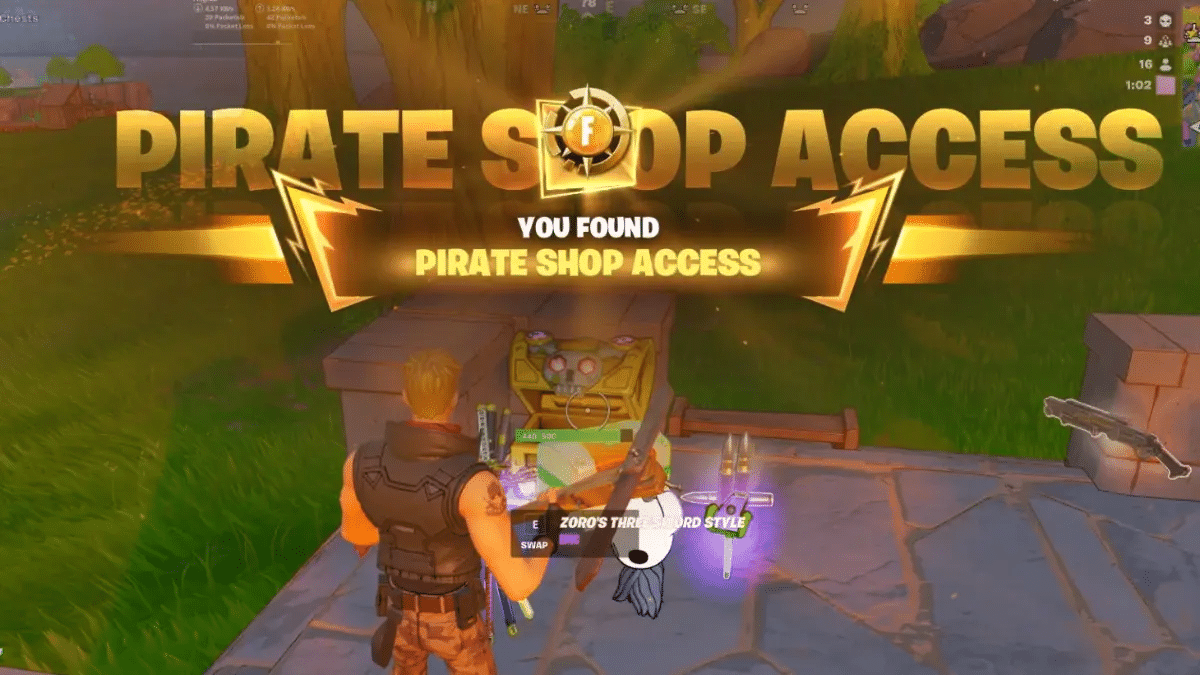
Fortnite’s Sit Out toggle lets you skip matches without leaving your party, and it works the same way in the Treasure Hunters mini-season that went live on November 1, 2026. It helps when you’re grinding for a Pirate Shop Access Token with friends and need a break while your squad keeps going.
The setting lives in the Social panel, takes four clicks, and has no time limit. You keep party voice chat and can watch your friends’ matches. The only requirement is a party with at least one other player, because the toggle stays greyed out when you play solo.
How to Sit Out in Fortnite
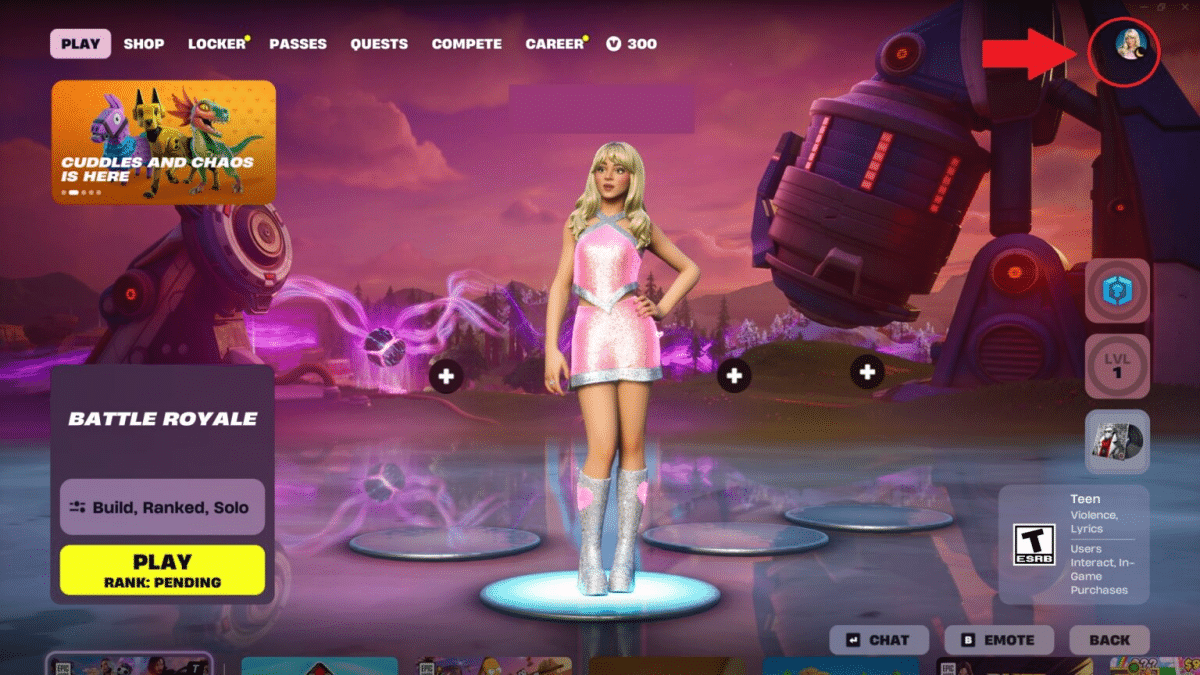
- In the lobby, select your profile icon in the top-right corner to open the Social panel.
- Select your own player card under the In Party list.
- Find the Participation option, which shows Playing by default.
- Switch it to Sitting Out. Your character sits down in the lobby, which tells the squad you’re out.
You don’t have to wait until you’re back in the lobby. Once your whole squad is eliminated, you can switch to Sitting Out from the match itself, so your friends can queue again right away.
To come back, repeat the steps and switch Participation to Playing. If your party is mid-match, you join them in the next one once that match ends.
Sitting Out vs Away vs Leaving the Party
Each option sends your squad a different signal, and only one keeps the party working while you’re gone.
| Option | Stays in party | Skips matches | Party voice chat | Spectate squad |
|---|---|---|---|---|
| Sitting Out | Yes | Yes | Yes | Yes |
| Away status | Yes | No | Yes | No |
| Leave party | No | Yes | No | No |
Away only changes the status label your friends see next to your name. It’s the only status change available when you’re solo.
What Sitting Out Affects
Sitting out benches you, so you don’t play any matches. That has a few knock-on effects:
- No match XP or quest progress. You aren’t in a match, so nothing counts toward your Battle Pass. If you need levels before the Chapter 7 finale, catch up on an XP map once you’re back.
- Your rank stays frozen. Matches you skip can’t raise or lower it. Our Fortnite Ranked guide covers how rank progression works.
- Spectating works like free coaching. You can watch your squad live and call out enemy positions over voice chat.
What to Do if the Sit Out Option Is Greyed Out
A greyed-out Participation option almost always means you’re solo or the party didn’t form properly. Leave and rejoin the party, then check again.
If party invites fail entirely, the problem sits on the server side, not in the setting. Our guide to fixing Fortnite matchmaking errors covers Error -91 and other party issues. For persistent failures, Epic’s party troubleshooting page suggests confirming your friend’s display name and submitting a bug report. After a major patch, check whether the servers are down first, as they were during the Treasure Hunters launch downtime.
Final Thoughts
Sit Out is one of Fortnite’s most useful party tools. It’s built for squads with uneven schedules, where one player steps away and the rest keep playing.
Epic has set aside December 5, 2026, for the Chapter 7 finale event. Party settings could change with Chapter 8, so it’s worth checking the toggle again after the new chapter launches.
It’s a party setting that keeps you in the group while removing you from matchmaking. Your squad keeps playing, and you keep voice chat and the option to spectate.
As long as you want. You stay benched until you switch Participation back to Playing.
You’re not in a party with another player. Solo players can only set their status to Away.
Yes, once your whole squad has been eliminated. You can’t sit out while a teammate is still alive in the match.
No. You don’t play any matches, so you earn no match XP or quest progress while benched.