The best Android cleaner apps clear out the junk that slows your phone down long before storage actually runs out. Apps take longer to open, the camera hangs for a second before it lets you shoot, and that “storage almost full” notification keeps popping back up no matter how many photos you delete. Most of that mess isn’t your fault. It’s leftover cache, duplicate screenshots, orphaned APK files, and residual data from apps you uninstalled months ago.
A good cleaner app finds and clears that clutter without you having to hunt through folders yourself. The four apps below cover a real range: a bare-bones Google-made file manager, a couple of ad-supported all-rounders, and two long-running brand names (Norton and CCleaner) that bundle cleaning into a bigger security or utility product. Here’s how they actually compare, based on their current Google Play listings.
What Does a Cleaner App Actually Do?
At the core, an Android cleaner app scans your storage for junk: cached data from apps, temporary files, obsolete APK installers, duplicate or blurry photos, and leftover folders from apps you no longer have installed. Most also add an app manager, so you can see which apps are hogging space or battery. Some fold in extras like a file browser, a security scanner, or system monitoring for CPU, RAM, and battery.
None of them create storage out of thin air. They just surface what’s already safe to delete and let you clear it in one tap instead of digging through Android’s file system manually.
Why a Cleaner App Matters
Once junk piles up, two things happen. Your available storage shrinks, and background cache buildup can make everyday tasks (opening apps, switching between them, taking photos) noticeably slower. Clearing that out regularly means fewer “storage full” interruptions and fewer forced deletions of photos you actually wanted to keep.
It also means snappier day-to-day performance, especially on phones that shipped with 64GB or 128GB of storage rather than 256GB+.
4 Best Android Cleaner Apps
The picks below are ranked by what’s actually stated on each app’s Google Play listing as of July 2026: current pricing model, the specific features described, star rating, and download count. Where a listing doesn’t publish an exact subscription price, we note that rather than guess.
1. Files by Google
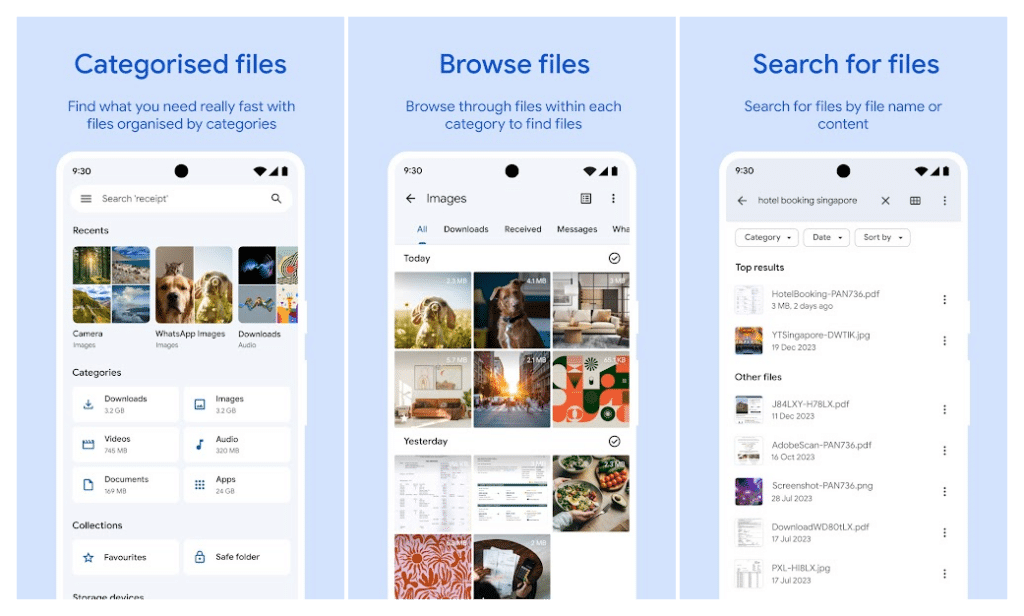
Files by Google is the most stripped-down entry on this list, and that’s the point. Google builds it, it’s lightweight, it carries no ads, and it doesn’t gate anything behind a purchase or subscription.
Out of the box, it gives you cleaning recommendations for duplicate files, cache, and old photos pulled from chat apps. A file browser lets you sort by size to see what’s actually eating your storage. Its standout feature is Quick Share: offline, encrypted file transfer to nearby Android and Chromebook devices at speeds up to 480Mbps. It also backs files up to Google Drive or an SD card and lets you lock sensitive files behind a separate PIN or pattern.
The trade-off is depth. Files by Google doesn’t do the deep-scan junk categorization, app-impact analysis, or photo-quality detection that the dedicated cleaner apps below offer. Recent Play Store reviews also flag slower load times and occasional issues opening certain file types. It’s a file manager with cleaning features bolted on, not a dedicated cleaning suite.
2. Phone Cleaner (by Appgeneration)
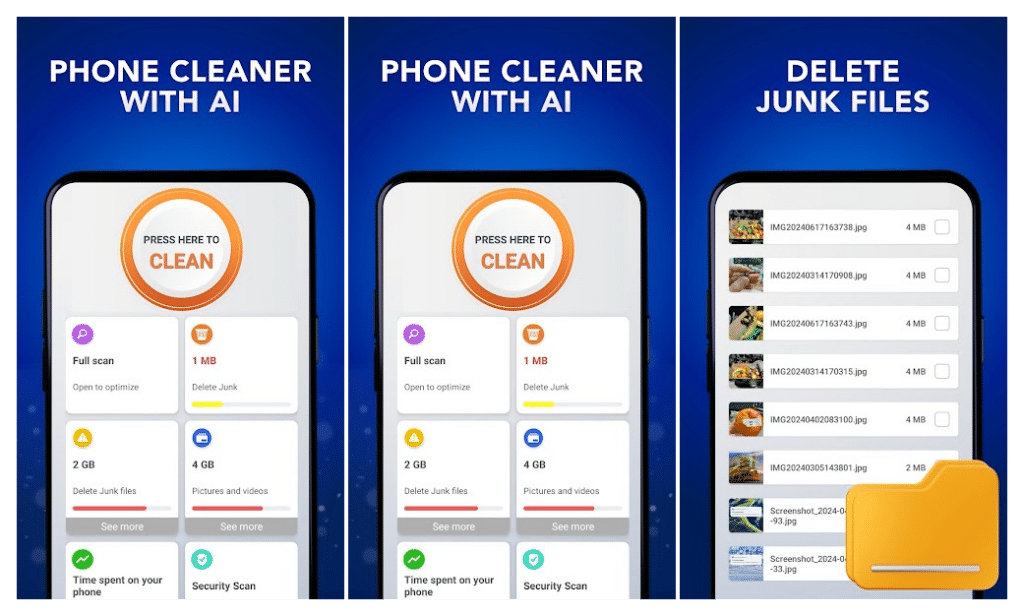
This free, ad-supported app packages junk cleaning with a surprising number of extras. Beyond the standard cache, APK, and residual-file scan, it includes an AI-powered detector for duplicate photos and old screenshots, a full app manager, and a built-in file browser that sorts your media into categories automatically.
What sets it apart from most cleaners on this list is the pair of non-cleaning tools bundled in: a network speed test (download, upload, and latency) and an app usage tracker that shows data consumption and screen time per app. A basic security scanner for installed apps rounds it out.
The catch is the ad model. Several recent reviews describe alarming, seemingly exaggerated “91 viruses found” pop-ups after a clean finishes. These push users toward another click rather than giving useful information. That’s worth knowing going in, even if the core cleaning function works as described. It’s free with no listed in-app purchase tier.
3. Norton Cleaner – Junk Removal
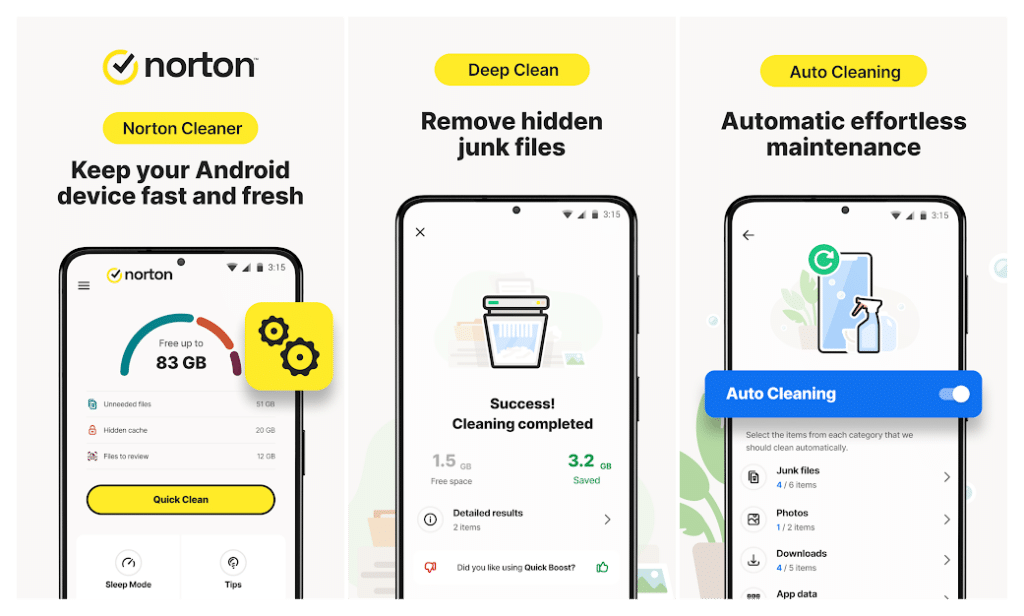
Norton Cleaner is the mobile arm of Norton Utilities Ultimate, and it’s the most feature-dense option here for anyone who wants automation rather than manual taps. It covers the standard cache, junk, and APK sweep, but adds a genuinely useful browser cleaner (clearing history, cache, and downloads for privacy), a Sleep Mode that shuts down unused apps and their notifications, and an Apps Overview that can factory-reset preinstalled bloatware.
Its clearest differentiator is Auto-Cleaning. You can schedule recurring cleanups for junk files, photos, and downloads, then leave it alone rather than opening the app each time storage gets tight. It also includes a Media Overview for finding and compressing duplicate or low-quality photos.
The app itself is free to install, but full functionality runs through a Norton Utilities Ultimate subscription rather than a one-time purchase or fully featured free tier. The Play Store listing doesn’t publish an exact price; the app presents it at sign-up. Recent reviews echo this as a sticking point, with at least one describing it as subscription-only with no option to buy the software outright. It’s the strongest pick if you’re already inside the Norton/Gen Digital ecosystem, and less appealing if you just want a free one-off cleaner.
4. CCleaner – Phone Cleaner
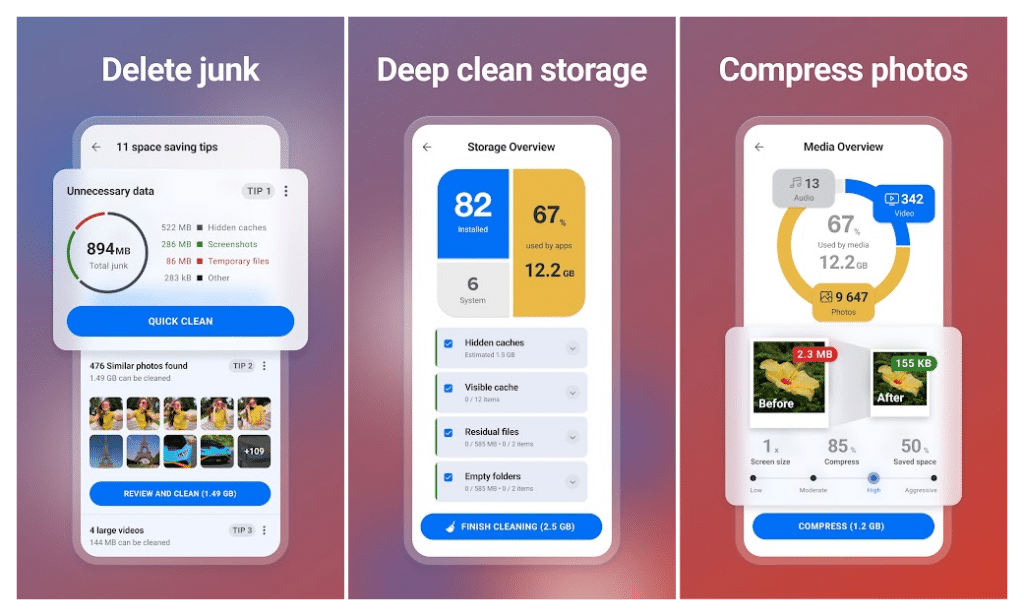
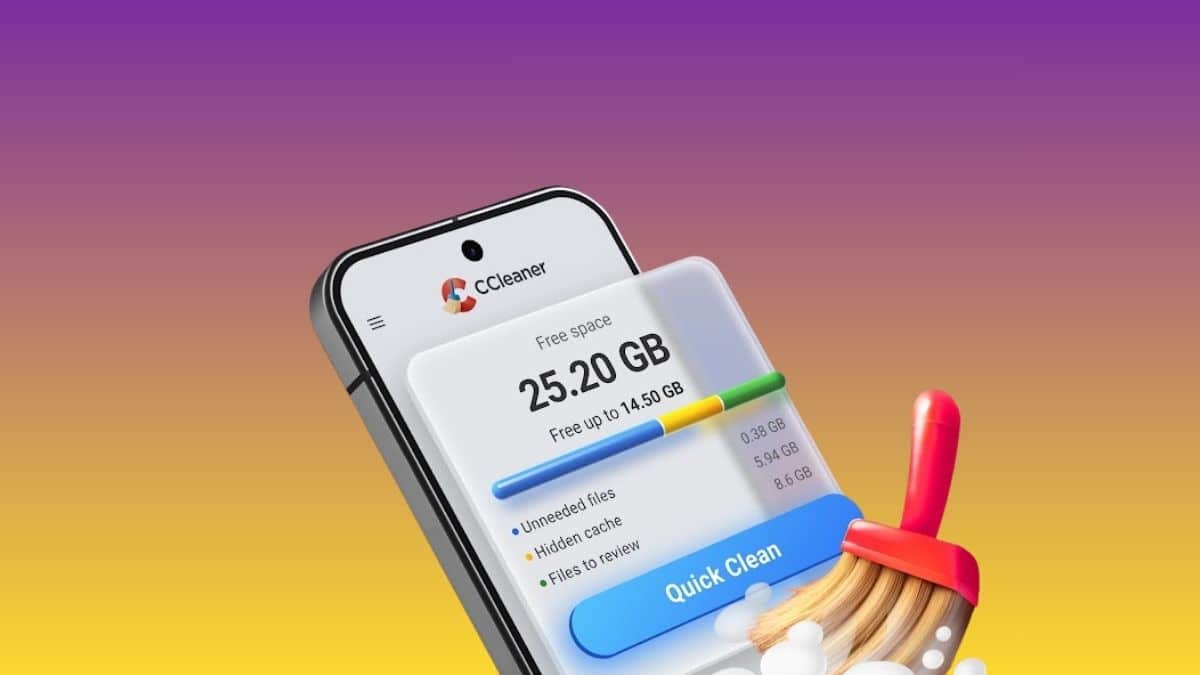
CCleaner brings its long-running PC and Mac cleaning reputation to Android, and it shows in the feature list: junk, download-folder, browser history, and clipboard cleaning, storage analysis, multi-app uninstall, and an app-impact view that flags what’s draining your data or battery.
Its most distinctive section is photo library cleanup. It finds similar, old, and poor-quality (too bright, dark, or blurry) photos, offers four levels of compression, and can move originals to cloud storage instead of deleting them outright. A built-in system monitor for CPU usage, RAM, and battery temperature rounds it out, which none of the other apps here offer in the same form.
It’s free to install with ads, and a premium tier is available as an in-app purchase, though the listing doesn’t publish the exact Android price. (CCleaner’s separate multi-device desktop bundles run $44.95 to $64.95/year, but that’s not confirmed as the standalone Android app price.) More concerning: recent reviews include at least one report of a cache-clearing action deleting an entire photo gallery, which the developer called unintended and not by design, plus a separate complaint about the app crashing on open after an update while a paid subscription was still active. Do a cautious first run and take a backup before trusting it with a full clean.
Final Thoughts
If you want the lightest, most trustworthy option with zero ads and no upsell, Files by Google is the easy pick. You just have to accept it won’t do deep cleaning. If you want the most tools packed into one free app, Phone Cleaner by Appgeneration adds a speed test and app-usage tracker most cleaners skip, provided you can tolerate its ad style. Norton Cleaner makes the most sense if you’re already paying for Norton Utilities Ultimate and want scheduling automation without opening the app every week.
CCleaner has the deepest feature set here, particularly for photo cleanup and system monitoring, but its review history means it deserves a cautious first run rather than blind trust with your gallery.
None of these apps will make your phone faster than its hardware allows. What they actually do is clear out the junk that’s making it slower than it needs to be. Match the pick to what you’re optimizing for: zero-friction simplicity, an all-in-one free toolkit, ecosystem bundling, or feature depth, rather than just grabbing whichever one has the most stars.
Generally yes, if you stick to well-reviewed apps from known developers and read what a scan wants to delete before confirming. Be cautious with apps that show exaggerated virus warnings or demand unusual permissions. Always back up your photos before running a first deep clean.
They help within limits. Clearing cache buildup, junk files, and duplicates frees storage and can make app switching and photo capture feel snappier, especially on 64GB and 128GB phones. No app can make your phone faster than its hardware allows.
Files by Google is the safest free pick: no ads, no purchases, and it’s built by Google. It handles cache, duplicates, and old chat media well. If you want deeper scanning and AI photo detection for free, the ad-supported options above go further.
Partly. Android’s Settings > Storage screen can clear cache and suggest files to remove, and many phone brands ship their own cleanup tool. Dedicated cleaner apps add duplicate photo detection, scheduling, and app-impact analysis that the built-in tools skip.
Don’t miss these related reads: