Roblox has never built its own browser extension. The company said as much in an April 2025 developer forum post: “Roblox does NOT create browser extensions. There are no official Roblox browser extensions available for use.” Every tool on this list is third-party, which is exactly why picking the right one matters more than picking the most popular one.
That distinction became urgent in September 2025, when Rolimons, a widely followed Roblox trading news account, warned that “multiple Roblox-related browser extensions have reportedly turned malicious” and told users to ignore any prompt asking them to “Update birthday” on Roblox.com. It wasn’t the first incident. In November 2022, a backdoored extension called SearchBlox stole Roblox and Rolimons credentials from more than 200,000 installs before Google pulled it. If you’ve read our guide to checking your Roblox account status, you already know how closely Roblox tracks account activity, and a compromised extension is one of the fastest ways to trigger a flag you didn’t cause.
Below is a current list of extensions worth installing, one popular option you should reconsider, and the permission checks that actually catch a bad extension before it reaches your account.
What Roblox Chrome Extensions Actually Do
These tools inject extra functionality into Roblox.com through your browser. They don’t touch the Roblox client or in-game Luau code, they modify the website: your homepage, profile, inventory, and trading pages.
Categories fall into three buckets: trading and inventory tools (trade calculators, avatar previews), interface overhauls (dark themes, restored old layouts, ad removal), and safety or utility add-ons (server filters, scam checks). Because they run with access to roblox.com, permission scope is the first thing to check, not the last.
Best Roblox Chrome Extensions Right Now
Ranked by current install base, rating, and how actively each one is maintained as of August 2026.
| Extension | Users | Rating | Price | Best for |
|---|---|---|---|---|
| RoPro | 2,000,000+ | 4.7/5 (33.6K reviews) | Free, plus $3.99 or $7.99/mo tiers | Traders |
| BTRoblox | 4,000,000+ | 4.1/5 (6.3K reviews) | Free | Overall UI overhaul |
| RoGold | 700,000+ | 4.8/5 (3.9K reviews) | Free | Feature density |
| RoSeal | 200,000+ | 4.3/5 (455 reviews) | Free | Privacy-conscious users |
| DashBlox | 10,000+ | 4.1/5 (86 reviews) | Free | Restoring removed UI elements |
1. RoPro
Users: 2,000,000+
Rating: 4.7/5 (33.6K reviews)
Price: Free tier, RoPro Plus at $3.99/month, RoPro Rex at $7.99/month
Best for: Active traders
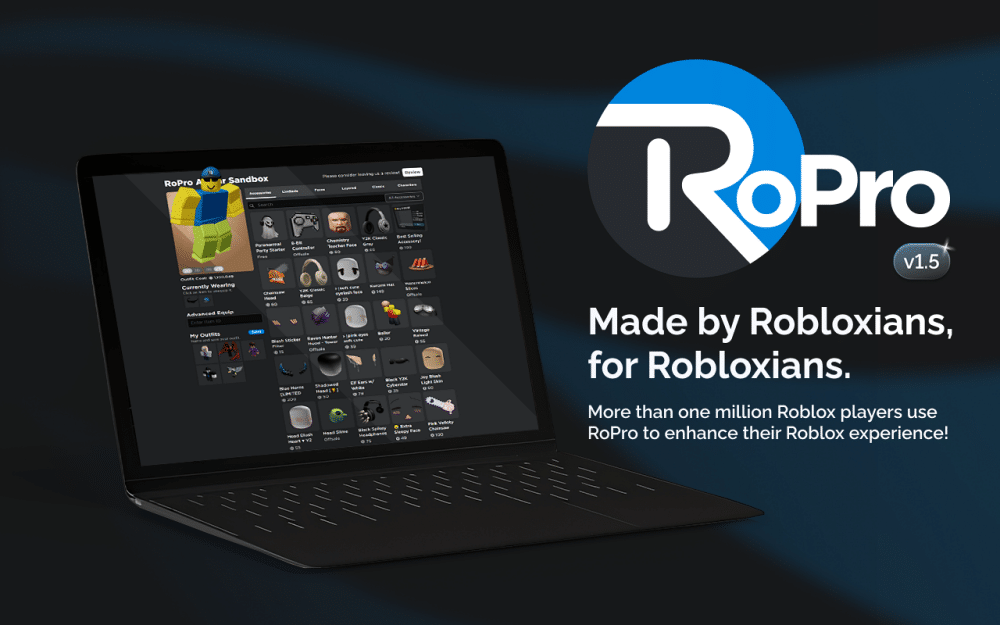
RoPro is built around trading. The avatar sandbox lets you preview outfits before buying, the trade calculator pulls live item values, and a trade bot defender flags suspicious offers. The free tier covers the basics; the paid tiers add server region filtering and a trade notifier with automatic value lookups. It’s the most reviewed Roblox extension on the Chrome Web Store, which also makes it the most scrutinized.
2. BTRoblox
Users: 4,000,000+
Rating: 4.1/5 (6.3K reviews)
Price: Free
Best for: A complete website redesign
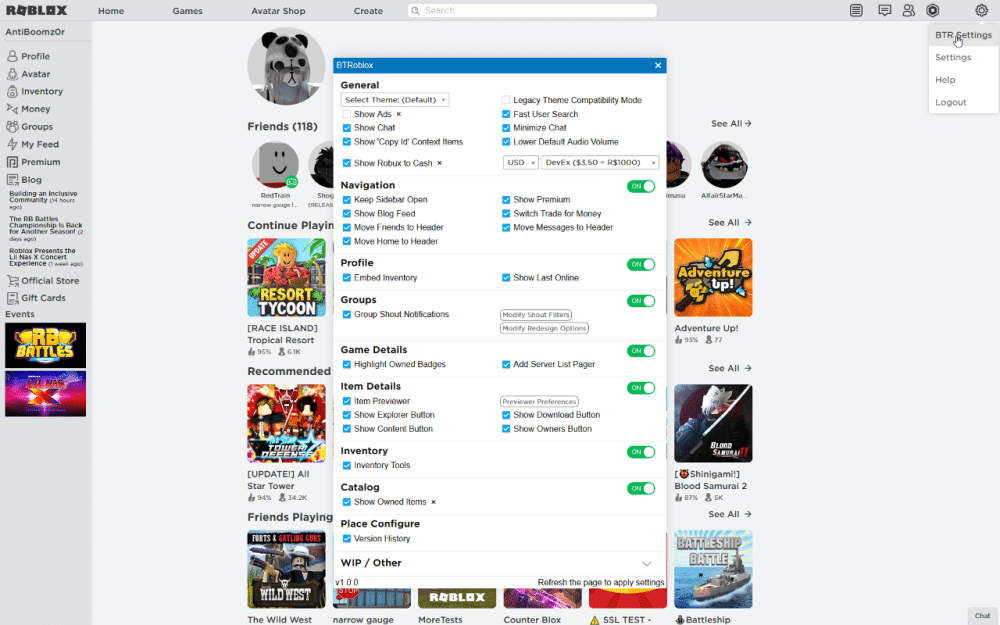
BTRoblox has the largest install base of any Roblox extension and is open source, so its code is publicly auditable, a meaningful trust signal given the extension’s history in this category. It reworks profile layouts, adds real dark mode, shows real-money item prices next to Robux values, and strips ads from Roblox.com. It doesn’t touch trading tools, so pair it with something else if you trade actively.
3. RoGold
Users: 700,000+
Rating: 4.8/5 (3.9K reviews)
Price: Free
Best for: Players who want everything in one extension**
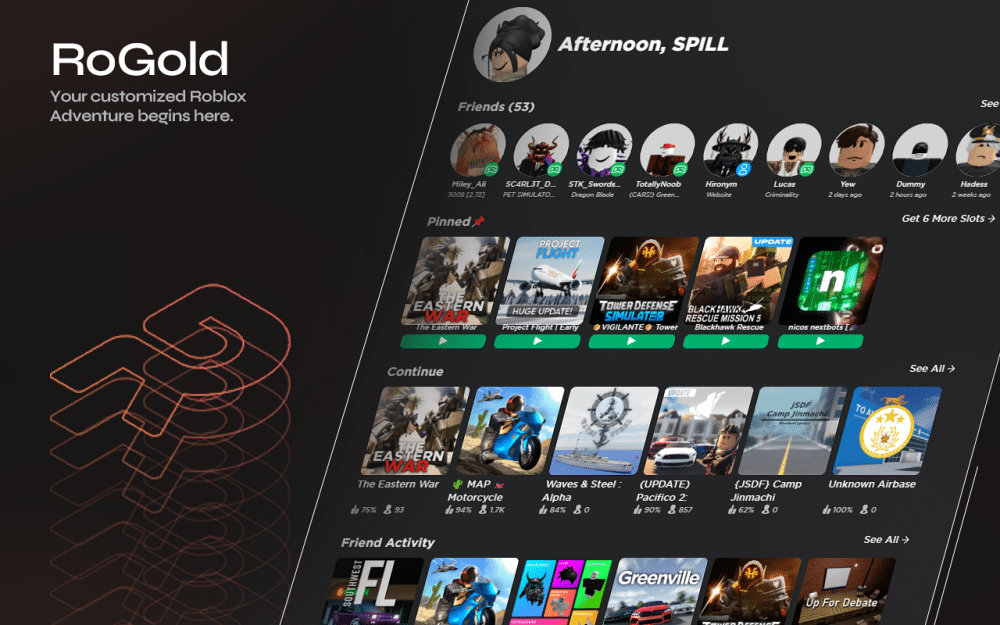
RoGold carries the highest rating on this list. It bundles more than 40 features: pinned games, small-server finding, a best-friends list, live game and group statistics, a theme creator, and one-click ID copying for developers. The tradeoff for that breadth is a denser settings menu than BTRoblox or RoSeal.
4. RoSeal
Users: 200,000+
Rating: 4.3/5 (455 reviews)
Price: Free
Best for: Privacy and transparency
RoSeal is fully open source, with its code published on GitHub, and runs on Chrome, Firefox, and Edge. Features include inventory sorting and archiving, server filtering by region, connection management, and account-tracking prevention. Given the malicious-extension history in this space, RoSeal’s smaller but growing base and public codebase make it the safer bet for anyone wary of a closed-source tool asking for site-wide access.
5. DashBlox
Users: 10,000+
Rating: 4.1/5 (86 reviews)
Price: Free
Best for: Restoring UI Roblox removed
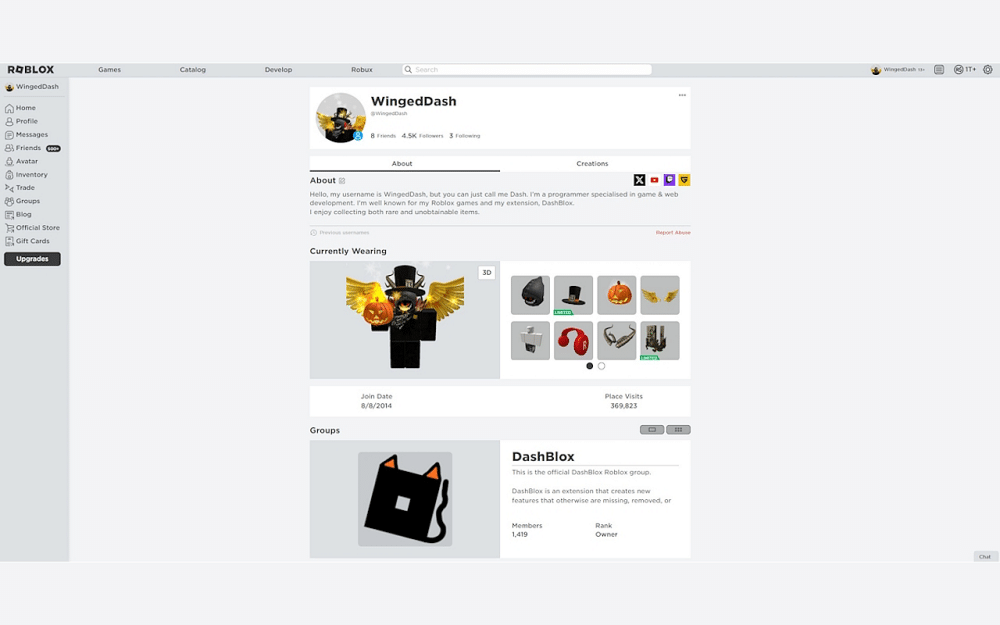
DashBlox exists for a specific complaint: Roblox has quietly removed or redesigned interface elements over the years, and DashBlox brings back the old Robux icon, navigation bar, and fonts, alongside item statistics and homepage customization. It’s the smallest extension here by install count, so treat it as a niche pick rather than a default.
Extensions to Think Twice About
Roblox+ was once one of the most recommended extensions in this category, and several roundups still list it as active. It isn’t. As of its November 2025 update (version 3.27.0), the developer unlisted it from the Chrome Web Store and added a notice that it’s “no longer actively maintained,” pointing users to a dedicated shutdown page. It still shows roughly 1 million retained users and a 4.1 rating, but installing an abandoned extension with standing access to your Roblox session is a risk with no ongoing upside. If you already have it installed, remove it.
Watch for generic “server finder” clones, too. Multiple extensions on the Chrome Web Store use near-identical names like “Roblox Server Finder” and “RSF,” and some carry install counts in the low hundreds with one or two reviews. A thin review history on an extension that requests access to your Roblox session isn’t a reason to panic, but it’s a reason to check the developer and permissions before installing rather than after.
Permissions and Safety Checklist Before Installing
Run through this before adding any Roblox extension, popular or not.
- Open the Chrome Web Store listing and check what the extension can access. “Read and change your data on roblox.com” is expected for these tools; “read and change your data on all websites” is not, and should be a dealbreaker for a Roblox-only tool.
- Check the developer name and whether the extension is open source. RoSeal and BTRoblox publish their code; that’s verifiable, unlike a closed-source tool’s claims about itself.
- Sort reviews by “most recent” rather than by rating. A sudden run of one-star reviews describing odd prompts or unexpected redirects is how the community caught the September 2025 incident.
- Never act on an in-page prompt from Roblox.com asking you to re-enter your password or “update” account details like your birthday. That’s the exact pattern Rolimons flagged as malicious behavior from a compromised extension.
- If you’re managing this for a teen’s account rather than your own, pair extension hygiene with account-level protections. Our guides to adding Trusted Connections and Roblox’s AI-powered child safety features cover the platform side of that.
Final Thoughts
None of these extensions are going away soon, and Roblox’s continued silence on building anything official means the third-party market will keep growing. The gap between the well-maintained, open-source options and the abandoned or copycat ones is only getting wider, so the five-minute permissions check matters more than it did a year ago.
The established ones with active maintenance and public code, like BTRoblox and RoSeal, have strong safety track records. The risk comes from abandoned extensions like Roblox+ or low-review clones, not from the category as a whole.
BTRoblox alone has more than 4 million users, and RoPro has over 2 million. Combined install counts across the major Roblox extensions run well into the tens of millions.
No new installs are recommended. The developer unlisted it from the Chrome Web Store in November 2025 and confirmed it’s no longer maintained, even though it’s still technically available and functional for existing users.
No. Chrome extensions only run on desktop browsers. Roblox’s mobile app doesn’t support browser extensions of any kind.
SearchBlox, pulled by Google in November 2022, is the most documented case, stealing credentials from over 200,000 installs. Rolimons flagged a separate group of extensions as compromised in September 2025.