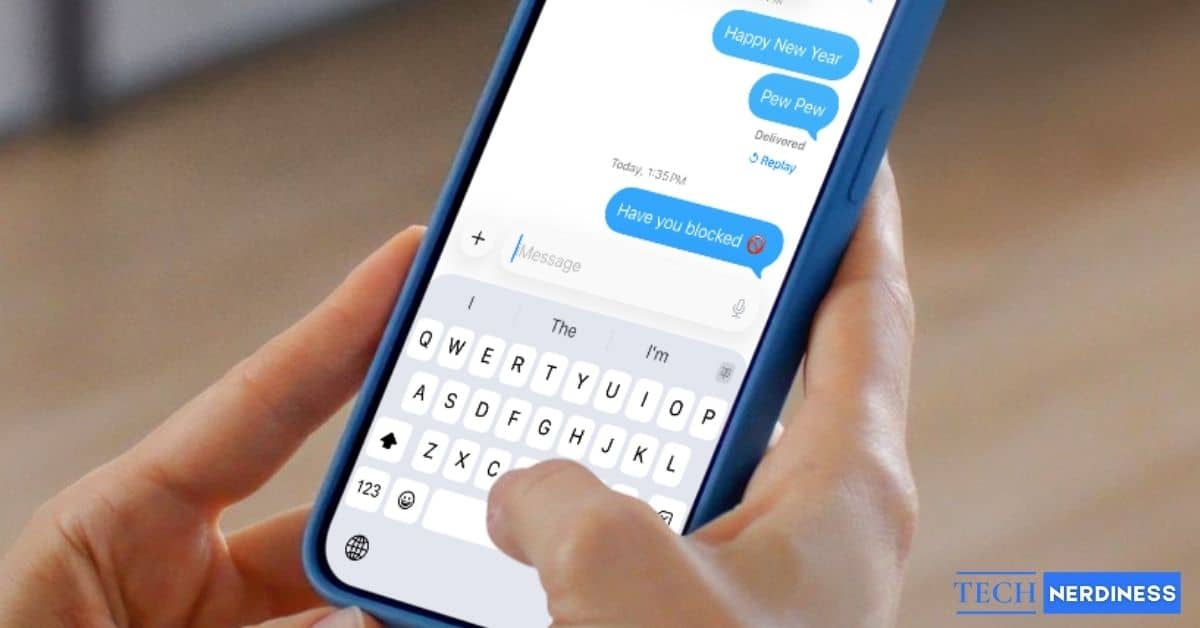
Hey there! If you are reading this, you are probably staring at your iPhone, wondering why your imessage hasn’t been delivered yet. I get it, the confusion and uncertainty can be totally frustrating! But don’t worry, I am here to help you figure this out.
First off, let’s set some expectations: Apple is never going to send you a notification saying “Hey, this person blocked you!”. They care a lot about user privacy, so they keep that information hidden. My goal here is to help you distinguish between the real signs of being blocked on iMessage and the myths, so you don’t jump to the wrong conclusion!
Does iMessage Tell You If You Are Blocked?
The short answer is: No, there is no direct notification! As I mentioned, Apple keeps blocking private to protect the blocker. Because of this, you absolutely need to check for multiple signs rather than just relying on one weird glitch.
Most Common Signs Someone Blocked You on iMessage
Okay, let’s dive into the clues that might indicate you’ve been blocked.
1. Your Messages Never Show “Delivered”
This is usually the biggest red flag. When you send a message, you typically see a “Delivered” status right under the bubble. If you are blocked, that “Delivered” text never appears. However, keep in mind that this alone isn’t total proof—network issues can cause this too!
2. Messages Stay Blue but Get No Response
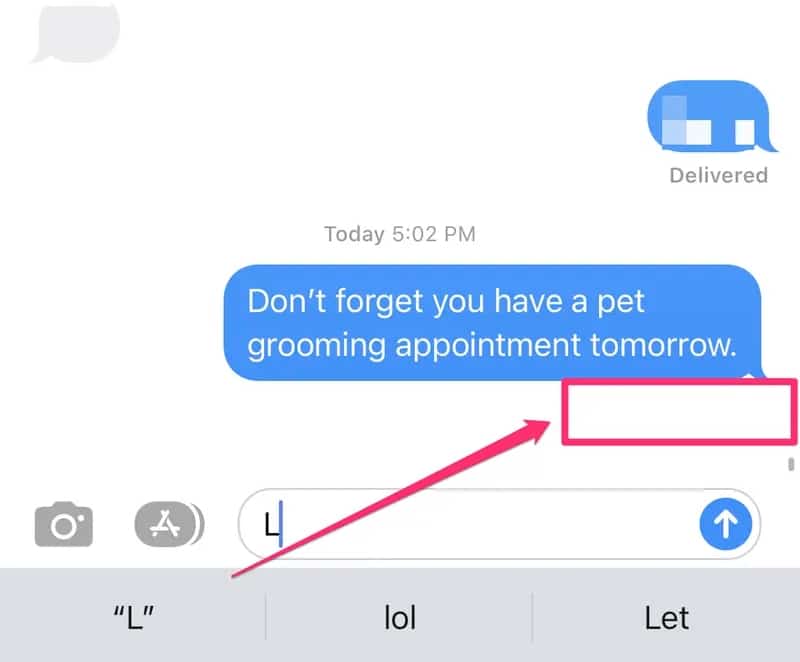
It’s important to know the difference between being ignored and being blocked. If your bubbles stay blue, it means iMessage is still technically active. However, if you are blocked, the message might still look blue on your end, but it just goes into a void and never reaches them. Even if you try to grab their attention by using iMessage screen effect words, it won’t trigger a delivery receipt if you are blocked.
3. Messages Turn Green Instead of Blue
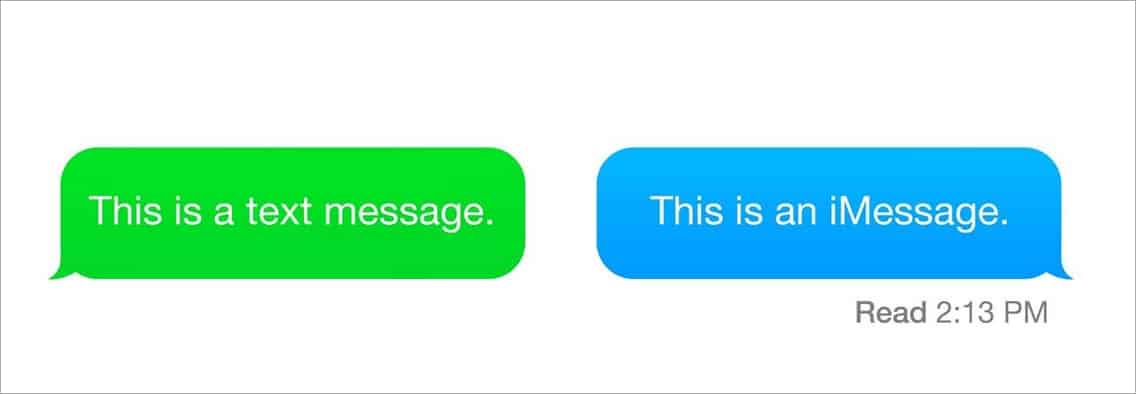
We all know the drill: Blue is iMessage, and Green is standard SMS. If your chat history suddenly switches from blue bubbles to green text messages, it happens because iMessage fails to deliver. While this can happen due to blocking, it also happens if they just have bad service or switched to Android. Curious about what other icons mean? Check out our guide on iMessage symbols and icons meaning.
4. FaceTime Calls Fail Immediately
If you try to FaceTime them, watch how it behaves. If it rings for a while, they are probably just busy. But if it fails instantly or rings once and cuts off, that is a major sign you might be blocked.
5. Phone Calls Go Straight to Voicemail
Blocking affects regular calls, too. If you call and it goes straight to voicemail without even a single ring, that is a strong indicator.
Signs That Look Like You’re Blocked on iMessage (But You’re Not)
Before you panic, let’s look at some very common reasons why it might look like you are blocked when you actually aren’t!
1. The Person Has No Internet or Poor Signal
If their phone is in Airplane mode or they have absolutely no data or Wi-Fi, your iMessage cannot be delivered. It will sit there looking like it was blocked until they reconnect.
2. They Enabled Focus or Do Not Disturb
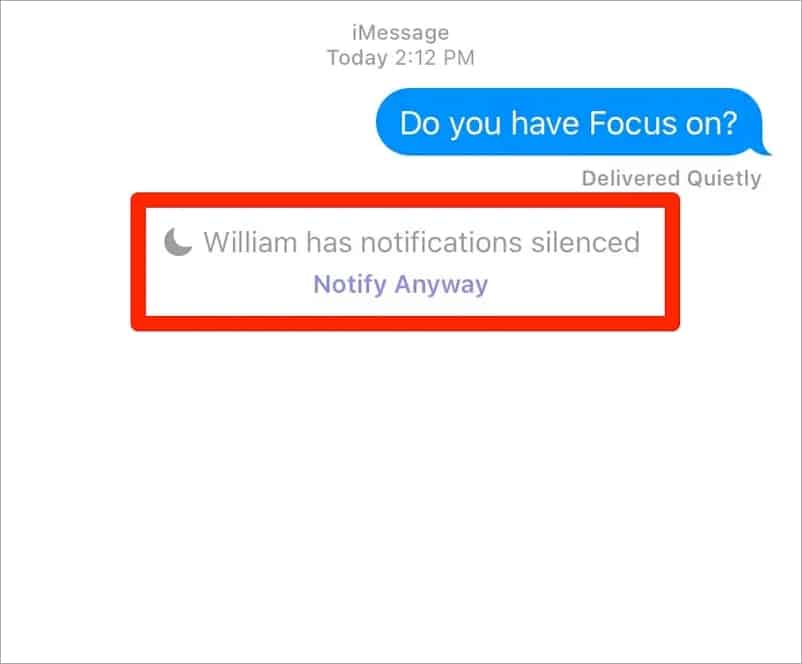
Focus modes are great for productivity, but they confuse people all the time! When Focus is on, notifications are silenced. Your message is still sent, they just haven’t seen it yet. If you are worried about privacy yourself, you might want to learn how to stop sharing location on iMessage.
3. iMessage Is Turned Off on Their iPhone
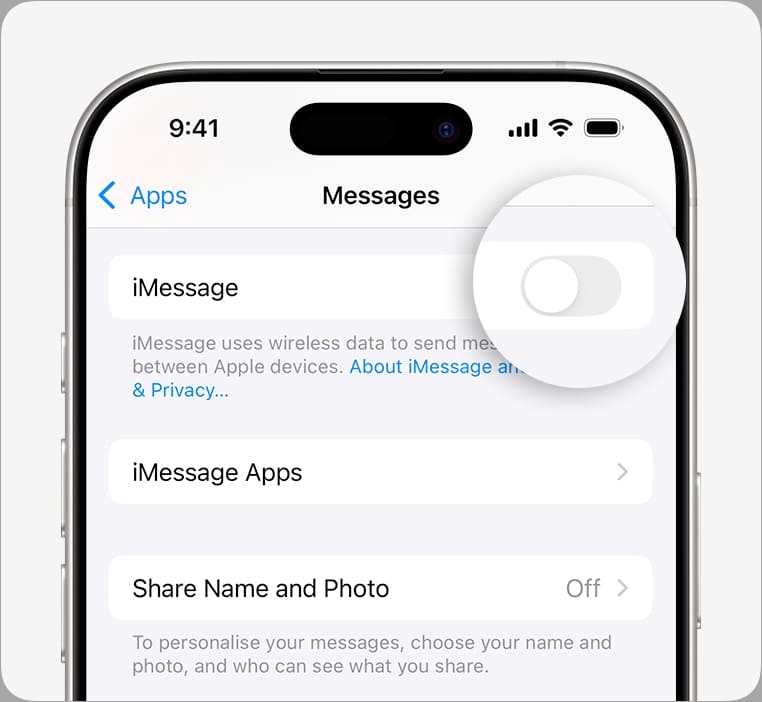
Sometimes people accidentally or intentionally disable iMessage in their settings. They might have been adjusting their phone settings, maybe while changing the Messages background, and accidentally turned iMessage off. When that happens, your message is sent as a green SMS text instead.
4. Their Phone Is Off or Battery Is Dead
If their battery dies, your message has nowhere to go! Delays can last as long as their phone is off. Often, a little patience is all that matters here.
iMessage Blocking vs Do Not Disturb or Focus Mode: What’s the Difference?
It is super easy to mix these up. Here is a quick way to tell them apart:
- Blocking: Stops delivery completely. You will never see a “Delivered” status.
- Focus/Do Not Disturb: Silences notifications, but the message is actually delivered to their phone.
Can You Confirm If Someone Blocked You on iMessage?
I want to be totally honest with you: There is no 100% way to confirm this. Apple simply does not provide a verification tool. Also, please do not trust third-party apps that claim they can tell you—they can’t!
What You Should Not Do to Check If You’re Blocked
I know you want answers, but please keep your cool!
- Do not spam messages: It won’t help!
- Do not call repeatedly: This just makes things worse.
- Do not create fake numbers: Don’t try to trick them with a different Apple ID.
- Respect privacy: We have to respect boundaries, even when it hurts.
What to Do If You Think You’ve Been Blocked on iMessage
If you have checked all the signs and think it’s true, here is what I suggest:
- Give it time: Sometimes people just need space.
- Try another channel: If appropriate, reach out on a different platform respectfully.
- Accept it: Sometimes, we just have to accept the possibility and move on.
Final Thoughts
Remember, feeling uncertain is totally normal in the digital world. It’s easy to stress out when texts go unanswered, but try to interpret these signs calmly without jumping to the worst conclusion. At the end of the day, respecting privacy and boundaries is what matters most—sometimes people just need a little space.
No, it will generally never show the “Delivered” status if you are blocked.
Yes, if iMessage fails to deliver after a while, your phone might try to send it as a green text message (SMS), but that doesn’t mean it went through.
Generally, if someone blocks a contact on their iPhone, it blocks both messages and calls from that number.