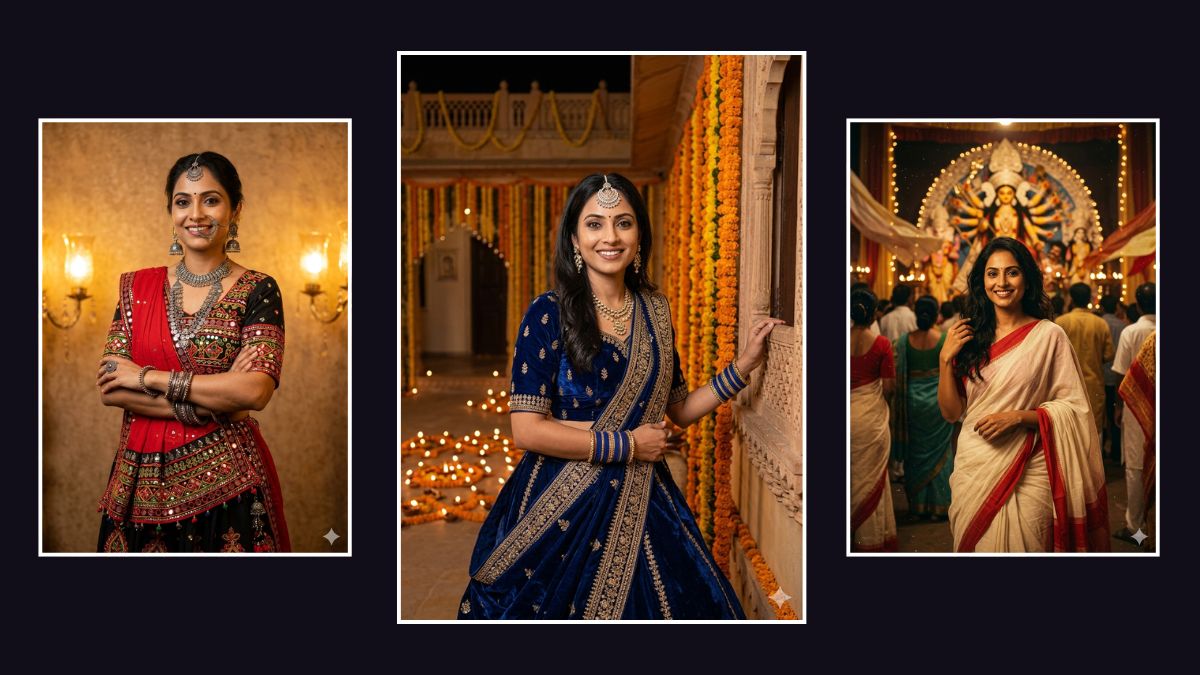
A new viral trend is helping people get Navratri-ready without stepping outside their homes. Instead of booking a professional photoshoot, users are turning to Google Gemini to transform simple selfies into stunning Garba and Dandiya festival portraits.
By using carefully crafted Gemini Prompts for Navratri, you can instantly place yourself in vibrant Garba scenes, wearing traditional outfits like mirror-work lehengas, colourful ghagra cholis, and embroidered kurtas. The AI generates cinematic festival images that look like they were taken during an actual Navratri celebration.
This trend has quickly taken off on Instagram and WhatsApp, where people are sharing hyper-realistic AI portraits created with a single Navratri Prompt for Gemini. Thanks to Google’s advanced image generation technology, the AI keeps your face perfectly matched while changing the outfit, lighting, and background into a festive Navratri setting.
If you want to join the trend, here are some of the best prompts you can try.
10 Best Gemini Prompts for Navratri AI Photos
1. The Classic Mirror-Work Look
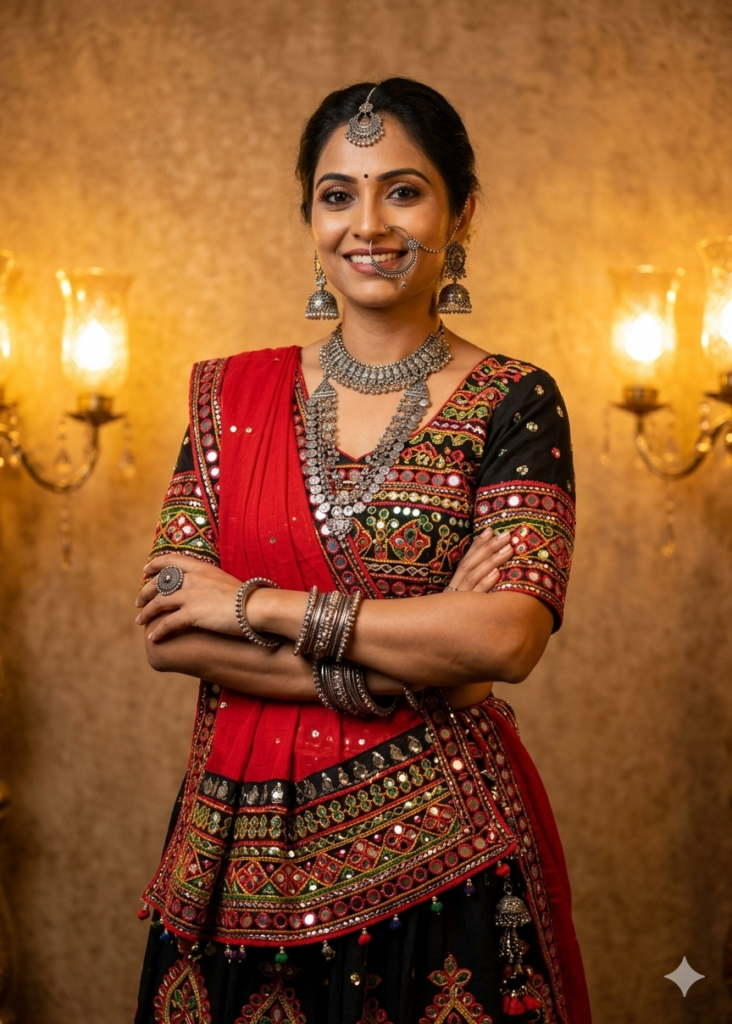
Transform this selfie into a realistic Garba portrait. I am wearing a black and red lehenga with heavy mirror-work and a bright red dupatta. Add traditional silver jewellery and a nose ring. The background should be a retro wall glowing with warm golden light.2. Cinematic 90s Festival Vibe
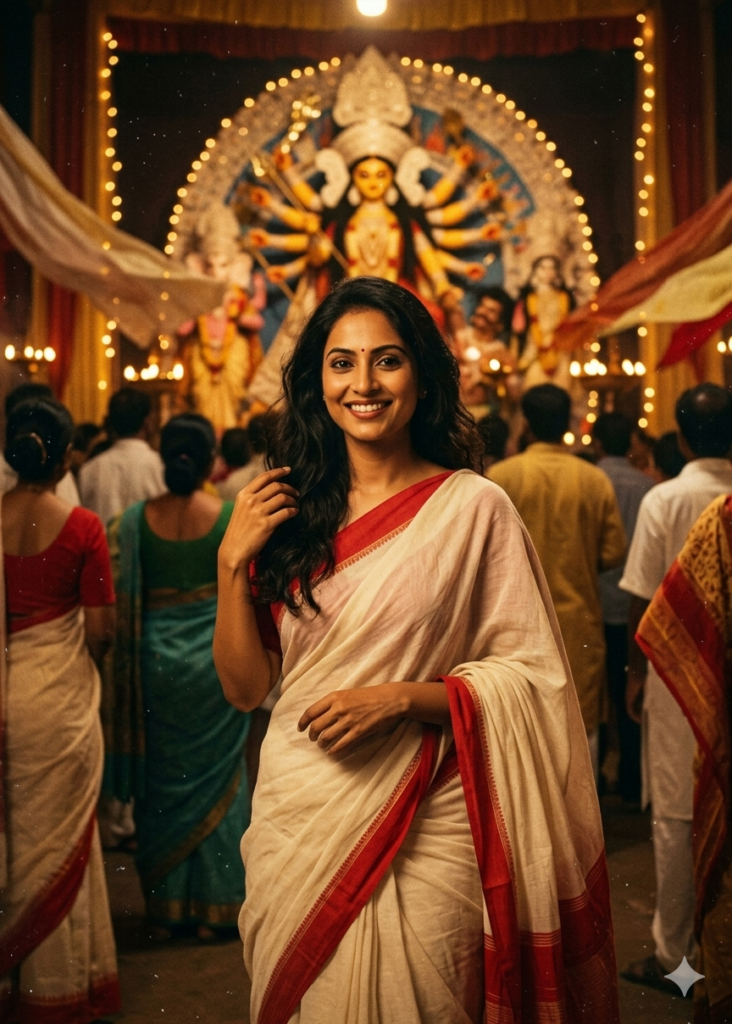
Create a retro, grainy 90s movie still from this photo. I am wearing an off-white saree with a red border, standing in a windy Durga Puja pandal with a warm nostalgic glow.3. Royal Rajasthani Style
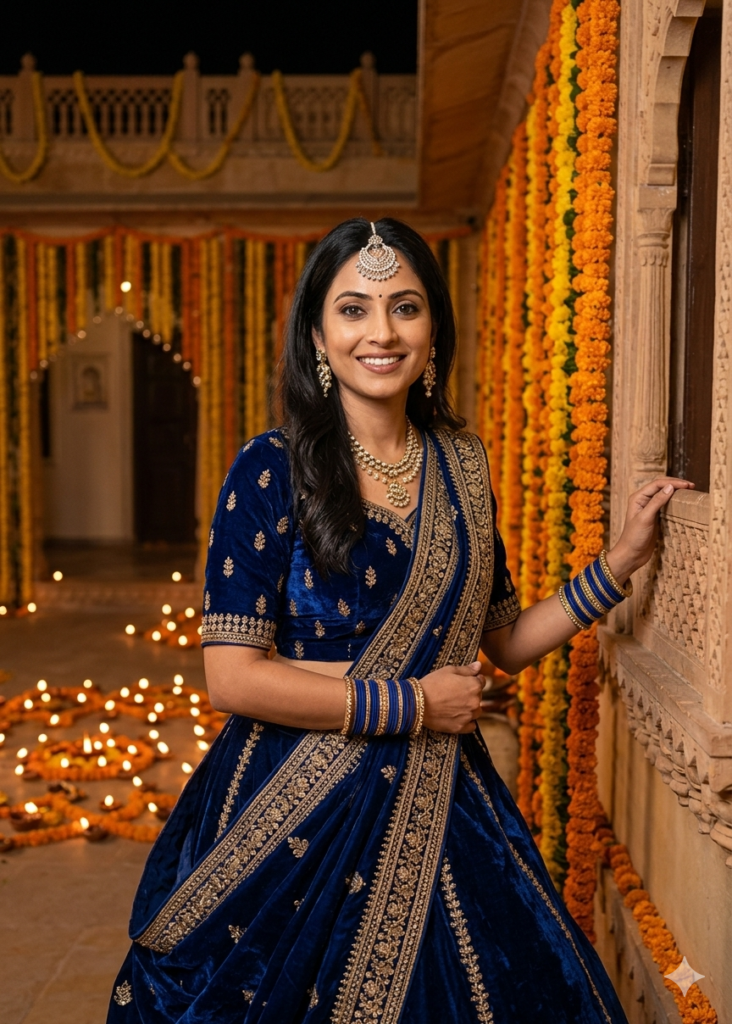
Convert my photo into a royal festive portrait. Dress me in a deep blue lehenga with golden embroidery and a borla maang tikka. The background should be a palace decorated with marigolds and traditional oil lamps.4. Energetic Mid-Twirl Garba Scene
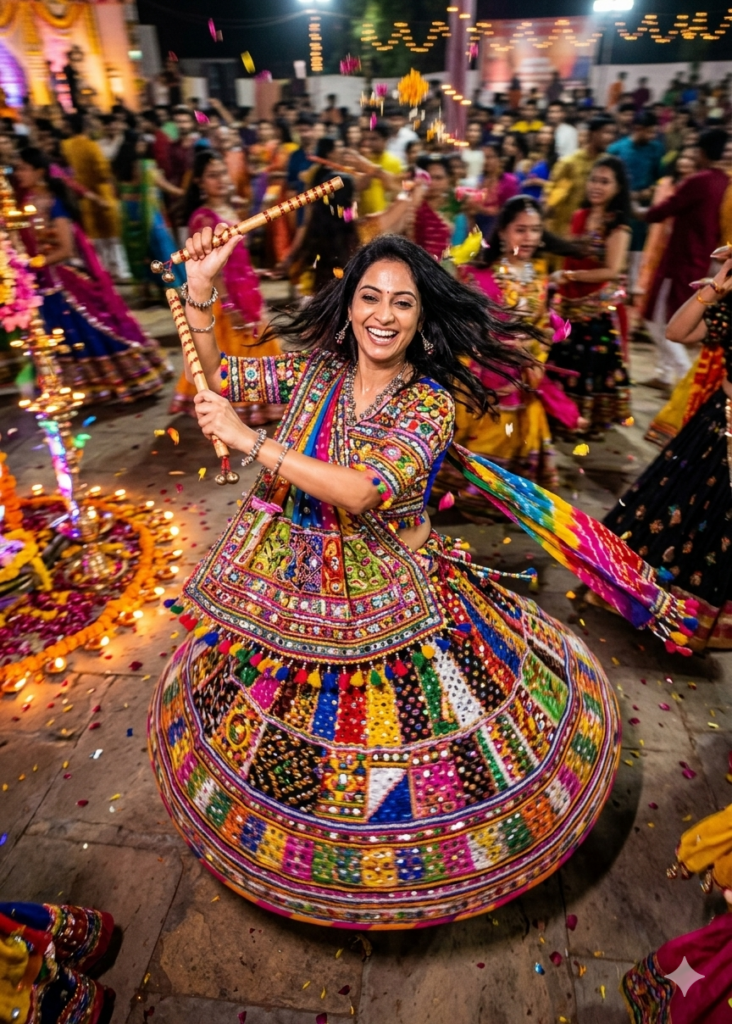
Change this photo into a high-energy Garba dance moment. I am mid-twirl in a colourful ghagra choli while holding decorated dandiya sticks. Add a festive crowd with motion blur in the background.5. Modern Indo-Western Fusion
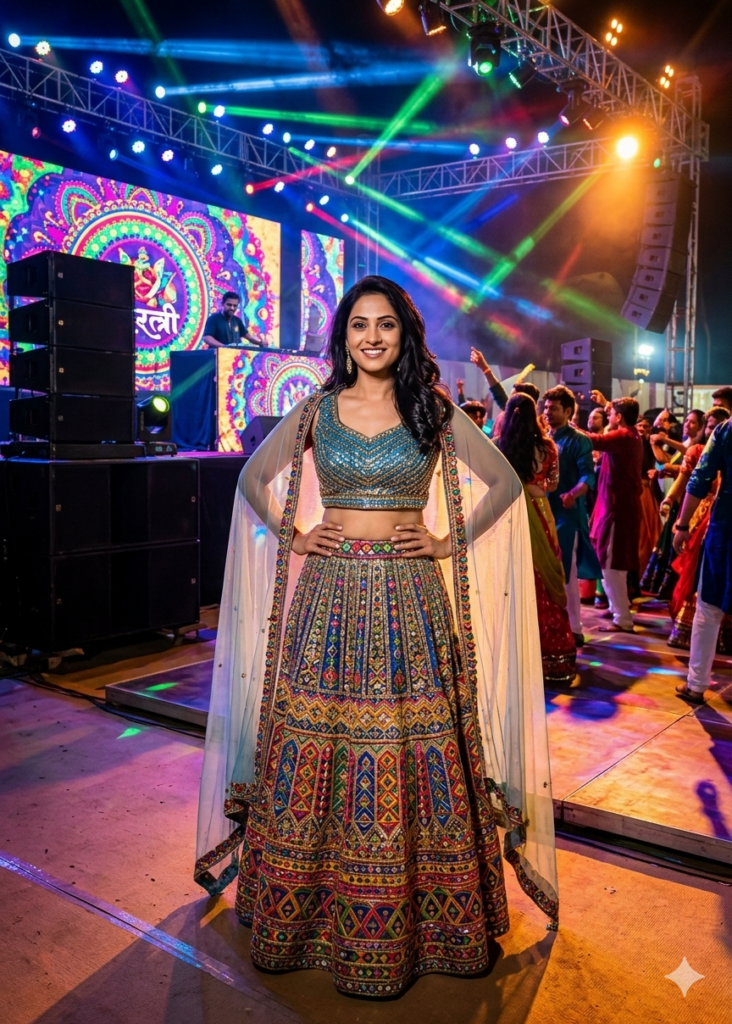
Turn this selfie into a modern Navratri fashion look. I am wearing a sequinned crop top with a long embroidered skirt and a cape-style dupatta. Add a DJ stage and colourful disco lights behind me.6. The Golden Hour Glow
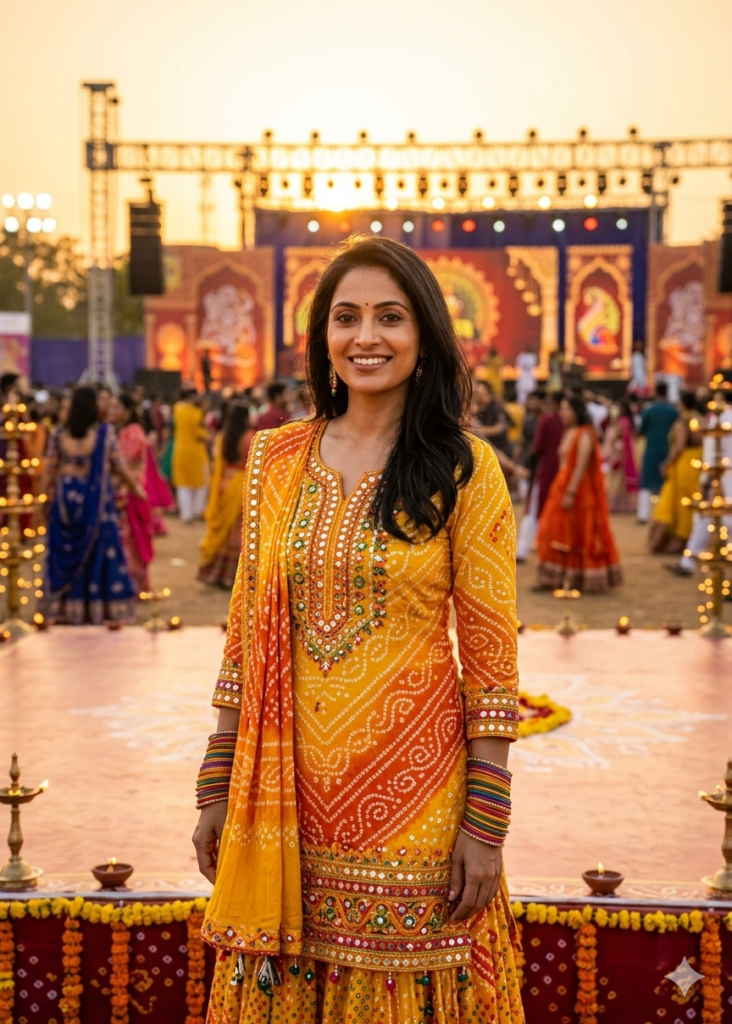
Apply a warm golden-hour sunset effect to my face. Dress me in a traditional yellow and orange bandhani outfit with bangles and a bindi. I am standing in an open Navratri ground decorated with lights.7. Royal Blue Elegance for Men
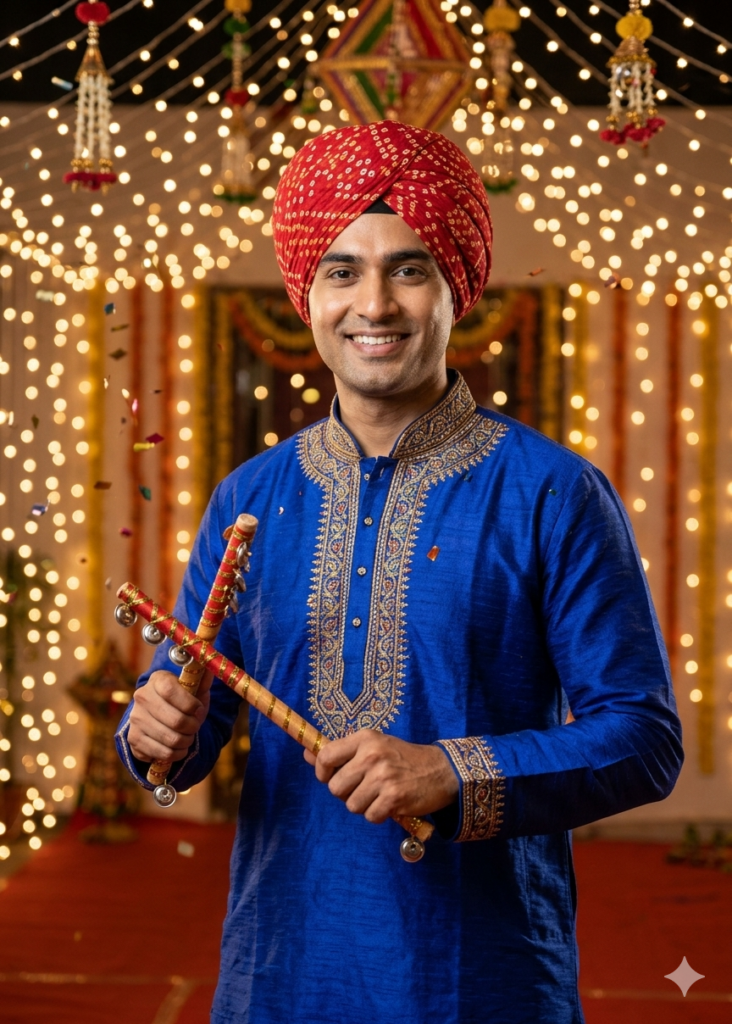
Transform this selfie into a Navratri portrait of a man wearing a royal blue embroidered kurta and a red bandhani turban. I am holding dandiya sticks with a confident smile under fairy lights.8. Midnight Pandal Shot
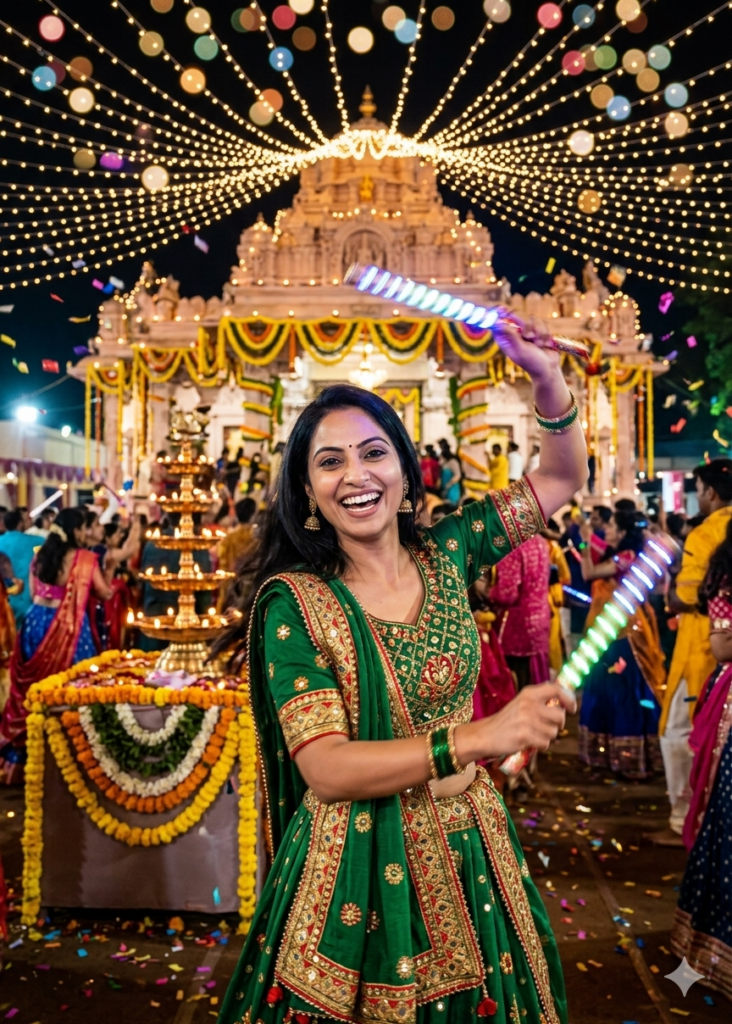
Convert this photo into a vibrant night-time Navratri celebration. I am wearing a green lehenga and holding glowing dandiya sticks. The background should feature a decorated temple and soft bokeh string lights.9. Vintage Navratri Poster Style
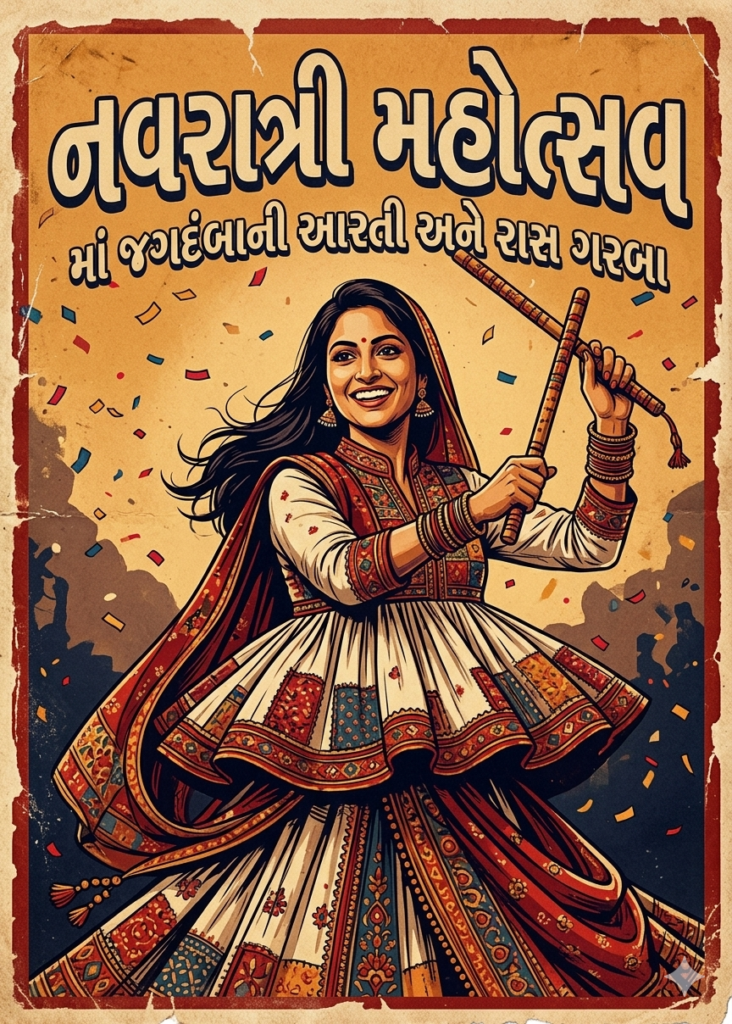
Turn this image into a vintage Navratri poster. Use a textured background and dress me in a traditional Gujarati kediyu outfit with a dramatic, artistic mood.10. Festive Friend Group
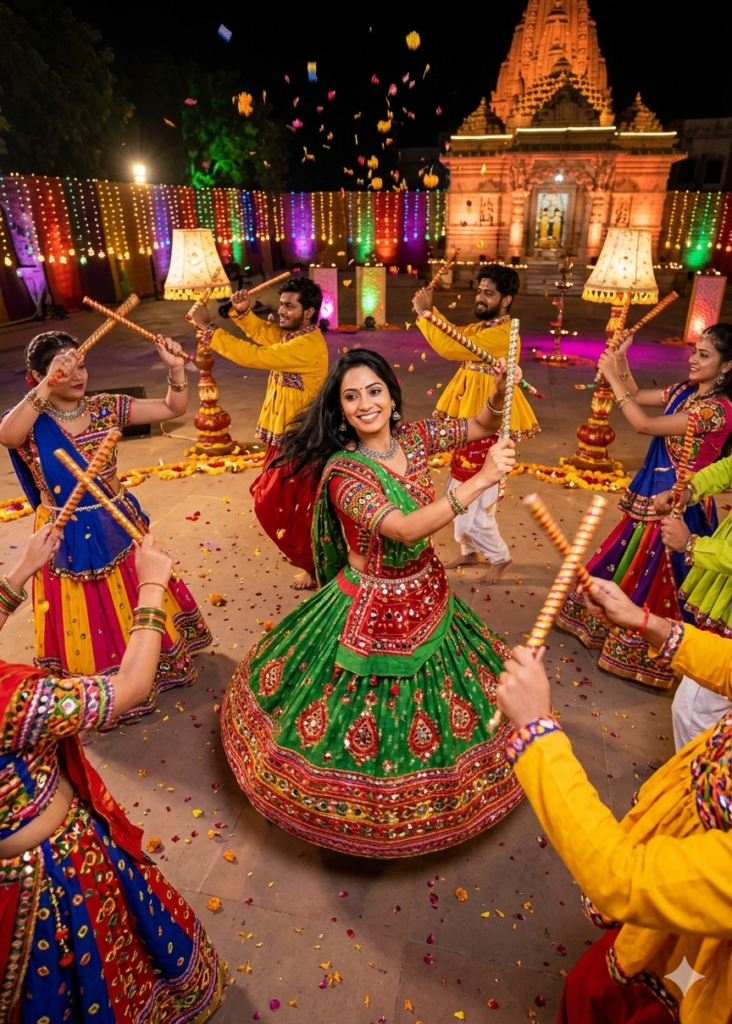
Transform this group selfie into a lively Garba dance scene. Everyone should be wearing colourful traditional outfits with motion blur on the dandiya sticks to show movement.How to Use a Navratri Prompt for Gemini
Creating AI Navratri photos with Gemini takes only a minute.
- Open the Google Gemini app or website.
- Upload your clearest selfie.
- Copy one of the Gemini Prompts for Navratri listed above.
- Paste the prompt into Gemini and tap Generate.
In seconds, you’ll get a festive AI portrait ready to share on social media.
For best results, use a clear photo with good lighting and a simple background.
You can also experiment with other festival-themed prompts. For example, our Gemini AI Holi photo prompts guide helps you generate vibrant Holi celebration photos using the same technique.
Gemini Prompts for Navratri are detailed text instructions that tell Google Gemini how to transform your selfie into a festive Navratri-themed image. These prompts describe outfits, lighting, and background settings to generate realistic Garba or Dandiya portraits.
Yes. Gemini’s image generation tools can create highly realistic festival portraits while maintaining your facial features. The AI changes the outfit, background, and lighting to match a Navratri celebration.
A clear selfie with good lighting works best. Avoid heavy shadows or blurry images so Gemini can accurately match your face in the generated Navratri portrait.
Don’t miss these related reads: