If you’re still using Samsung’s default messaging app, this is your heads-up: Samsung Messages will shut down in July 2026, and the clock is ticking.
Samsung has published an official notice on its US website confirming the change. Once the app is discontinued, you won’t be able to send or receive messages through it anymore, the only exception being emergency service numbers or emergency contacts saved on your device. That’s a hard cutoff, not a soft deprecation.
Honestly, this wasn’t entirely surprising. Samsung quietly stopped pre-installing its Messages app on flagship Galaxy devices back in 2024, which was already a strong signal the company was stepping back from it. Now it’s official.
The replacement Samsung is pointing everyone toward is Google Messages, which has been the default on most Android flagships outside Samsung’s ecosystem for a while now.
Why Samsung’s Messages App Is Being Discontinued
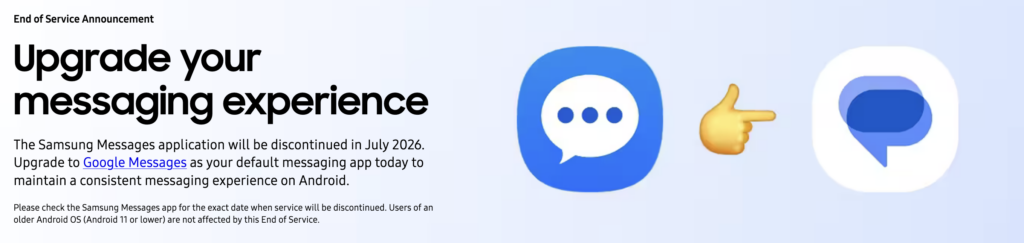
Samsung hasn’t gone into deep detail about the reasoning, but the direction is clear: the company wants users on a unified Android messaging experience, and Google Messages is that standard. The switch brings better RCS support, stronger security, AI-powered features, and improved connectivity across multiple devices, all things Samsung Messages simply wasn’t keeping pace with.
Newer devices like the Galaxy S26 series already don’t support Samsung Messages at all. If you’re on one of those, you’ve likely already made the switch without thinking much about it.
One thing worth knowing: if you’re running Android 11 or older, Samsung’s Messages app discontinuation doesn’t affect you. You can keep using it as normal.
How to Switch from Samsung Messages to Google Messages
Samsung is making the transition fairly painless. Depending on your device and software version, you may receive an in-app notification inside Samsung Messages that walks you through the switch automatically. If that prompt appears, just follow the on-screen steps and you’re done.
If you’d rather do it manually or the notification hasn’t shown up yet. Here’s how:
- Open Google Messages, or download it from the Play Store if it isn’t already on your device.
- The first time you open the app, you’ll see a prompt: “To use Messages, make it your default SMS app.”
- Tap Set default SMS app.
- Select Google Messages (it’s the white icon with the blue conversation bubble).
- Tap Set as default.
That’s it. Google Messages is now your primary messaging app.
A Quick Note for Users on Older Devices
If you’re switching on a device released before 2022, Samsung has flagged that RCS conversations may be briefly disrupted during the transition. It’s not a permanent issue chats should resume normally once both you and the person you’re messaging have moved over to Google Messages. Just something to be aware of so you’re not caught off guard.
Also worth knowing: once Samsung’s Messages app is officially discontinued, it will no longer be available for download from the Galaxy Store either. So if you’ve been putting off the switch, it’s better to make the move now on your own terms rather than scramble in July.
Your existing SMS and MMS messages are stored on your device, not inside the app itself, so they should carry over when you switch. RCS chat history may not transfer completely, but standard texts will remain accessible.
Once Samsung’s Messages app is discontinued in July 2026, sending messages through it will no longer work — except for emergency calls or contacts. Switching to Google Messages before the deadline ensures there’s no interruption to your messaging.