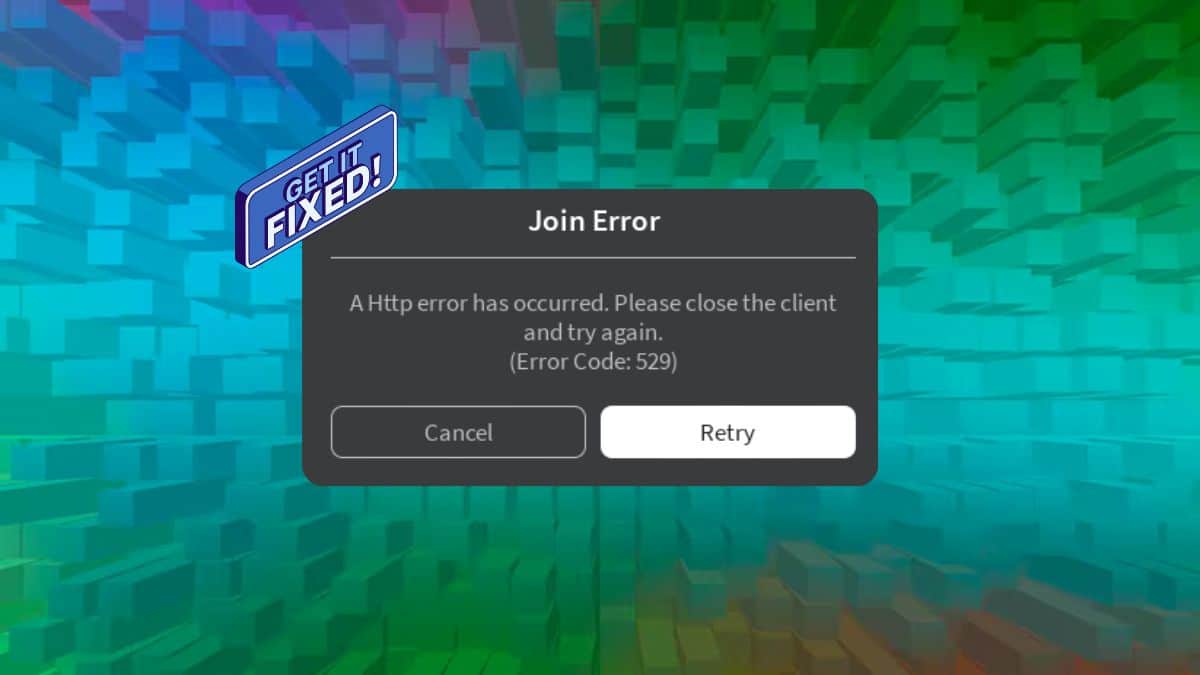
Roblox players trying to join a game or launch Studio have run into a screen that reads “Error Code: 529” alongside a vague message like “An HTTP error has occurred” or “We are experiencing technical difficulties.” Unlike more common connection errors on the platform, such as Error Code 279, 529 doesn’t come with a clear explanation from Roblox itself.
That’s part of what makes it confusing. Roblox’s own support documentation lists codes like 264, 266, 267, and 600, but 529 is absent from that list. Players are left piecing together the cause from developer forum threads and trial-and-error fixes, which is exactly what this guide sorts out.
Below, you’ll find what triggers the error, how to tell whether it’s a Roblox-side problem or something on your end, and the fixes that actually work.
What Does Roblox Error Code 529 Mean?
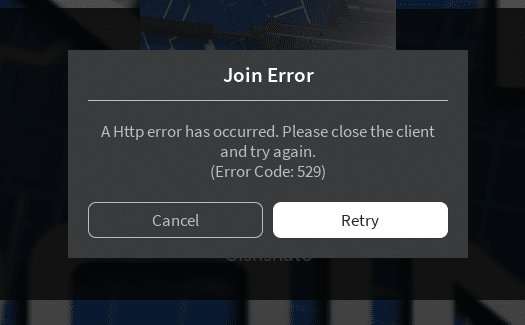
Error 529 is an HTTP-layer error, not a Roblox-specific one. The number itself comes from an unofficial but widely adopted status code convention meaning “Site is overloaded.” It isn’t part of the official IANA HTTP status registry the way codes like 404 or 503 are. Instead, it’s a non-standard code that certain servers and reverse proxies return when the origin server can’t process new requests fast enough.
In Roblox’s case, the error surfaces when the client’s request to a backend service, most often the game-join API at gamejoin.roblox.com, fails to get a valid response. Roblox routes join requests through server pools, so when one of those pools is misconfigured or overwhelmed, the client shows Error 529 instead of connecting you to the game.
What Causes Error Code 529 in Roblox
Reports on the Roblox Developer Forum point to a mix of server-side and local causes:
- Server overload or misrouting. A join-server pool that’s improperly configured or hit with a traffic spike can return the error to everyone routed through it.
- Scheduled or unplanned maintenance. Roblox occasionally takes backend services offline briefly, which can trigger 529 for players attempting to connect during that window.
- DNS or ISP routing issues. Some players, particularly those on smaller or Tier 3 internet providers, report seeing 529 even when Roblox’s own status page shows all systems operational.
- Firewall or antivirus interference. Security software that blocks or throttles Roblox’s connection requests can produce the same error client-side.
- Corrupted client cache. A damaged local cache file has been known to cause repeated join failures that present as Error 529.
How to Fix Roblox Error Code 529
Work through these in order. The first two rule out a server-side problem before you spend time on local fixes.
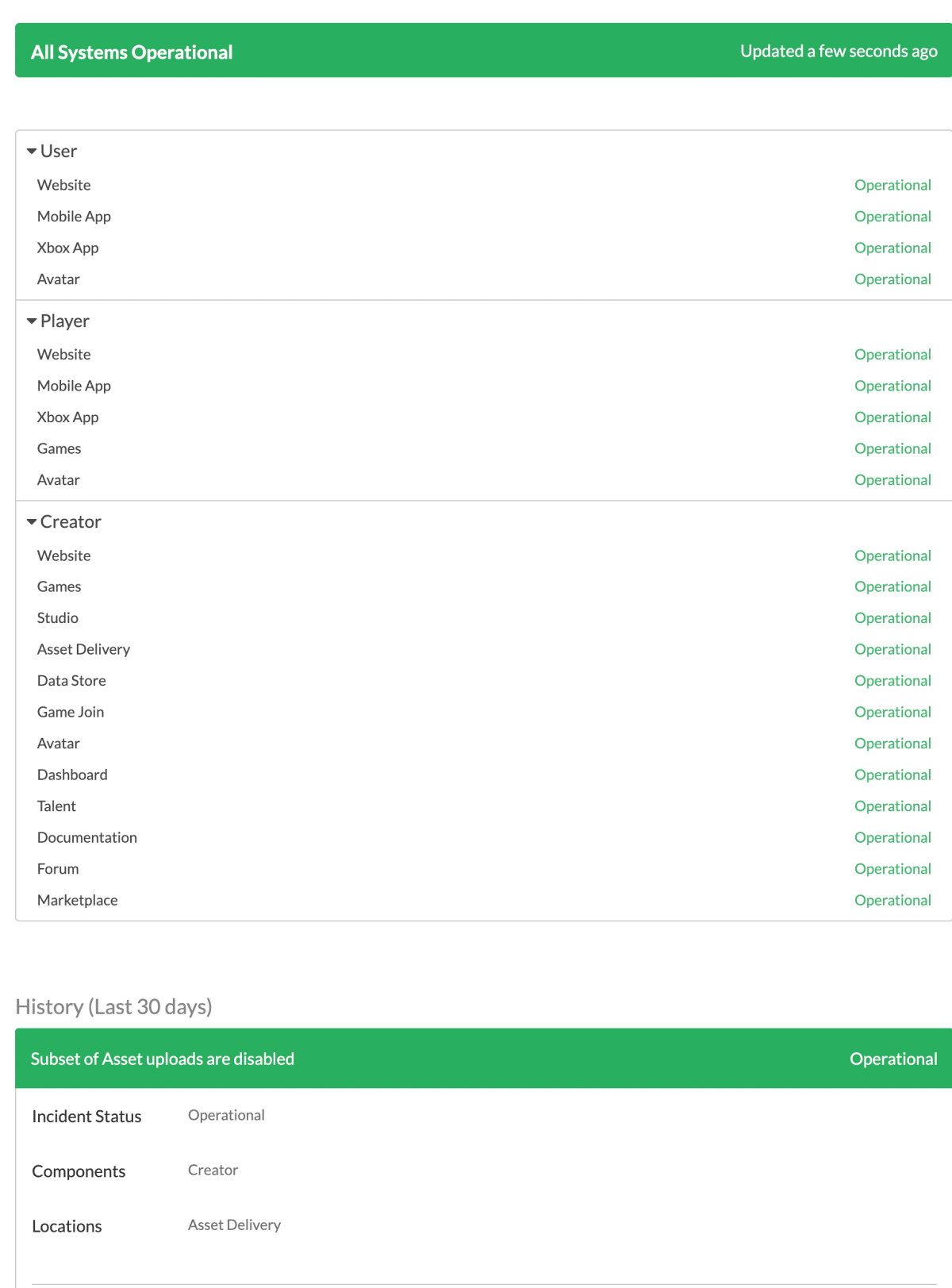
- Check the official Roblox status page. Visit status.roblox.com and look at the “game join” and “games” services under Player and Creator tools. If either shows a disruption, the fix is to wait, not to troubleshoot your own setup.
- Restart the Roblox client and your device. Close Roblox completely through Task Manager (or Force Stop on mobile), then relaunch. A full device restart clears stuck network sessions that a simple app restart won’t.
- Switch your connection type. Toggle between Wi-Fi and mobile data, or move from Wi-Fi to a wired connection if you’re on PC. This isolates whether your current network path is the problem.
- Restart your router. Unplug it for 30 seconds and reconnect. This forces a new IP lease and clears any routing issues your ISP introduced.
- Flush DNS and reset Winsock (Windows). Open Command Prompt as administrator and run
ipconfig /flushdns, followed bynetsh winsock reset. Restart your PC afterward for the reset to take effect. - Temporarily disable firewall or antivirus software. If Error 529 stops after disabling it, add Roblox as an exception rather than leaving security software off permanently.
- Clear the Roblox cache and reinstall. Uninstall Roblox, delete leftover files from the LocalAppData folder on Windows, then download a fresh copy from Roblox’s official site.
Is Error Code 529 on Your End or Roblox’s?
Check status.roblox.com first. If it shows all systems operational and you’re still getting the error while other players report the same thing on the DevForum or social media, the problem is likely a misconfigured server pool on Roblox’s side, and there’s little to do besides wait.
If status.roblox.com is clean and no one else is reporting issues, the cause is almost certainly local: your network, your ISP’s routing to Roblox’s endpoints, or your client installation.
Final Verdict
Error 529 sits in an odd spot: it’s not on Roblox’s official error code list, and the number itself borrows from a convention Roblox didn’t invent. That gap is why fixes online vary so widely. Checking server status first saves the most time, since a chunk of 529 reports trace back to backend join-server issues that resolve on their own within hours.