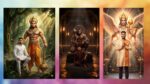
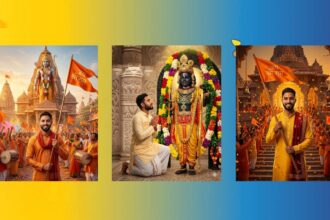
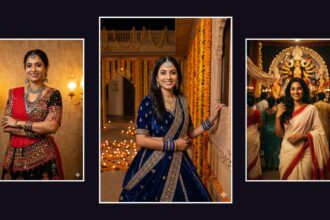
Trends move fast online. One day it was Studio Ghibli-style art, and now feeds are packed with “Nano Banana” AI 3D figurines. Despite the name, there are no bananas involved. You simply upload a photo to Google Gemini, use a short prompt, and get a polished 3D figurine that looks like a collectible toy sealed inside a display box.
It may look like something made in Photoshop or by a 3D artist, but the process is surprisingly simple. In just a few minutes, you can create your own Nano Banana-style figure on a phone or computer using Gemini. This guide explains what the trend is, why it’s blowing up, and how to make your figurine step by step on iPhone, Android, or PC.
What is a Nano Banana AI 3D Figurine?
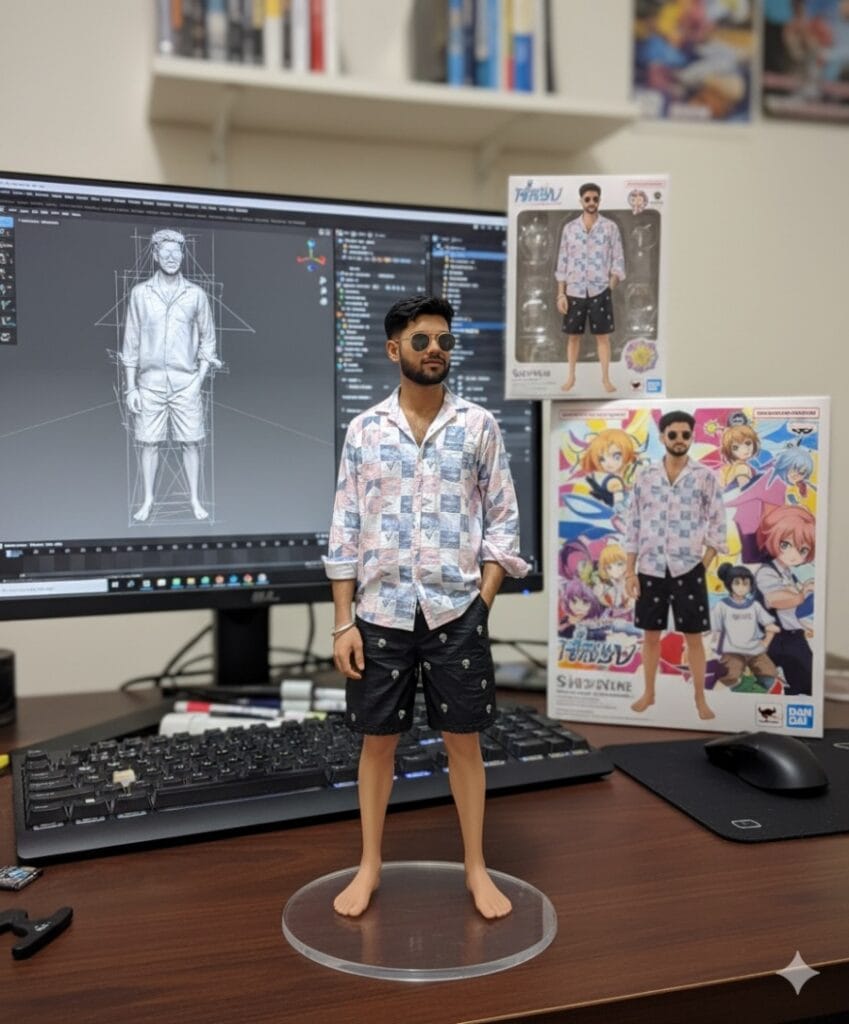
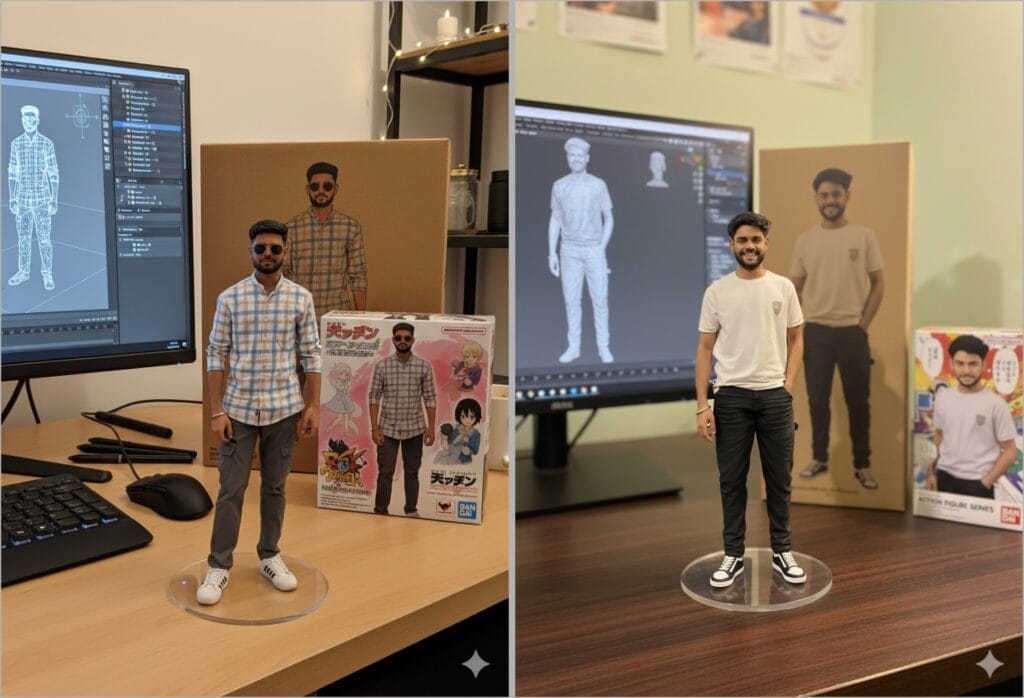
Unlike typical AI-generated art that looks like paintings, this trend makes your photo look like a 3D toy on a display stand. The final output includes details like:
- A realistic figurine with a round acrylic base
- A toy-style packaging box featuring your character
- A computer screen in the background showing the 3D modeling process
The results are so realistic that they look like store-bought collectibles. People are making figurines of themselves, their pets, or even celebrities and sharing them across TikTok, Instagram, and X (Twitter). That’s how it quickly went viral.
Why Use Google Gemini for This Trend?
Google Gemini isn’t just a chatbot. It’s a multimodal AI that works with text, images, and even creative 3D prompts. Here’s why it’s the best choice:
- Free to use: No subscriptions needed for basic creations.
- Beginner-friendly: No 3D design knowledge required.
- High-quality results: Smooth, realistic toy-style outputs.
- Optional upgrades: Gemini Advanced/Premium gives faster results and higher detail.
Other AI tools exist, but many are complex, paywalled, or produce rough outputs. Gemini makes the process simple for everyone.
Prerequisites: What You’ll Need
Before you start, make sure you have:
- A Google account for Gemini access.
- A stable internet connection.
- A clear, high-quality photo of the subject.
- (Optional) Gemini Premium for better results.
- (Optional) A 3D printer or printing service to bring your figurine to life.
- (Optional) Free software like Blender or MeshLab, if you want to tweak the model.
How to Create a Nano Banana AI 3D Figurine with Gemini
Anyone can turn their regular images into a Nano Banana figurine even without technical knowledge. Here’s how:
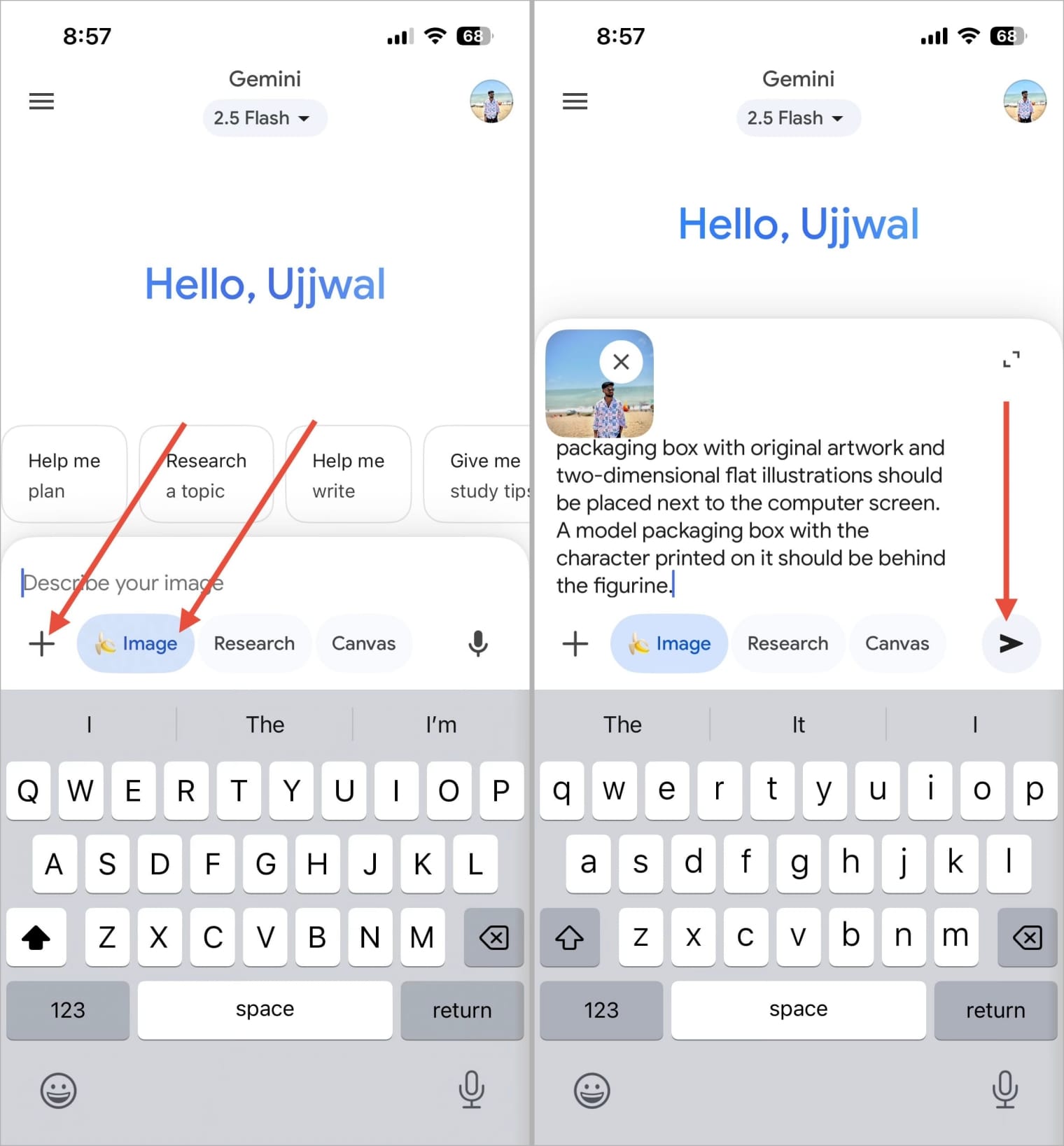
- Update the Google Gemini app (App Store / Play Store) or open it in your browser.
- In Gemini, select the Banana image and tap the plus (+) icon next to it.
- Choose Gallery from the pop-up.
- Upload your photo (yourself, pet, or object).
- Copy and paste this prompt:
Figurine Details: A 1/7 scale figurine of a character from an unspecified picture, rendered in a realistic style, made of PVC, and placed on a computer desk. It should have a round, transparent acrylic base without text.
Environment Details: The background should be indoors, and the computer screen should display the brush modeling process of the figurine.
Packaging Details: A BANDAI-style toy packaging box with original artwork and two-dimensional flat illustrations should be placed next to the computer screen. A model packaging box with the character printed on it should be behind the figurine. - Tap Send. Within seconds, Gemini generates your figurine-style output.
5 Best Nano Banana Prompts to Generate Viral Instagram Photos
If you’ve already made the Nano Banana AI 3D Figurine using my earlier guide, you know how fun it is. Many of you asked for more prompts, and I’ve got you covered.
Right now, Instagram is filled with creative AI images like these, and I’ve handpicked the five best prompts to help you join the trend. Below, you’ll find each prompt with example images so you know exactly what to expect. Just copy the prompt into Gemini, attach your images, and hit send, just like you did with the 3D figurine.
Prompt 1: Polaroid Duo
This one works almost the same as the 3D figurine prompt, but instead of one photo, you’ll need to attach two images (yours and another person‘s). It generates a slightly soft-focused image, with the background swapped for plain white curtains while keeping the faces intact.
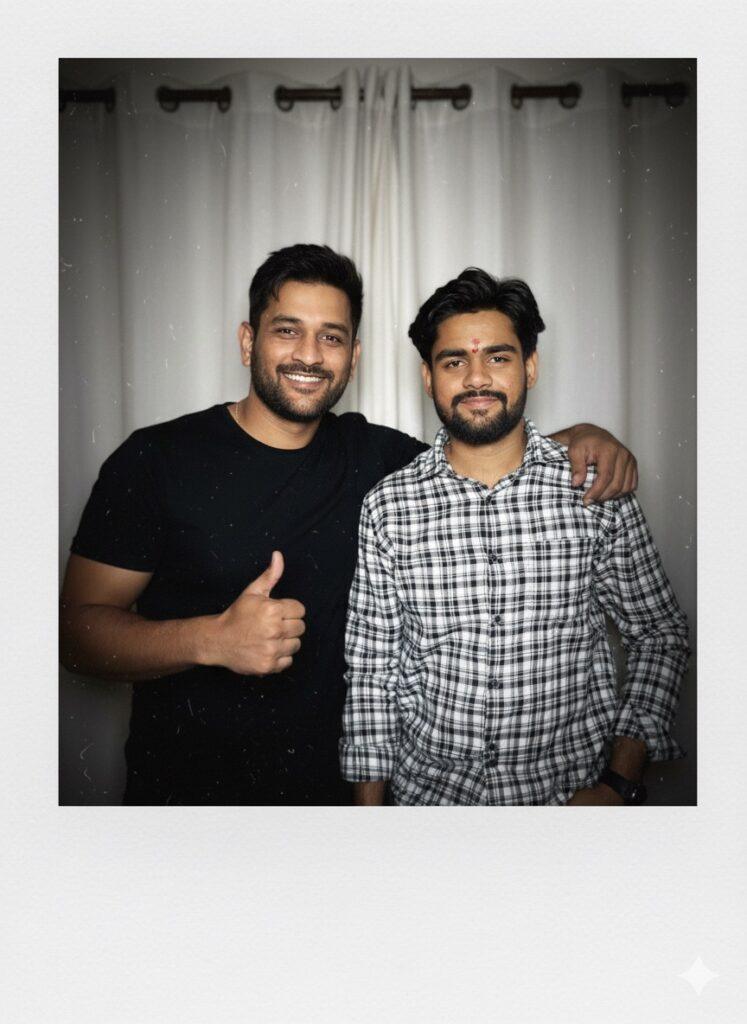
Copy and paste this prompt:
Take a photo taken with a Polaroid camera. The photo should look like an ordinary photograph, without explicit subject or property. That photo should have a slight blur and a consistent light source, like a flash from the dark room, scattered throughout the photo. don’t change the face. change the background behind those who people with white curtains. With that boy and me make a cute poses. Make sure you don’t change the faces.
Prompt 2: Cinematic B&W Portrait
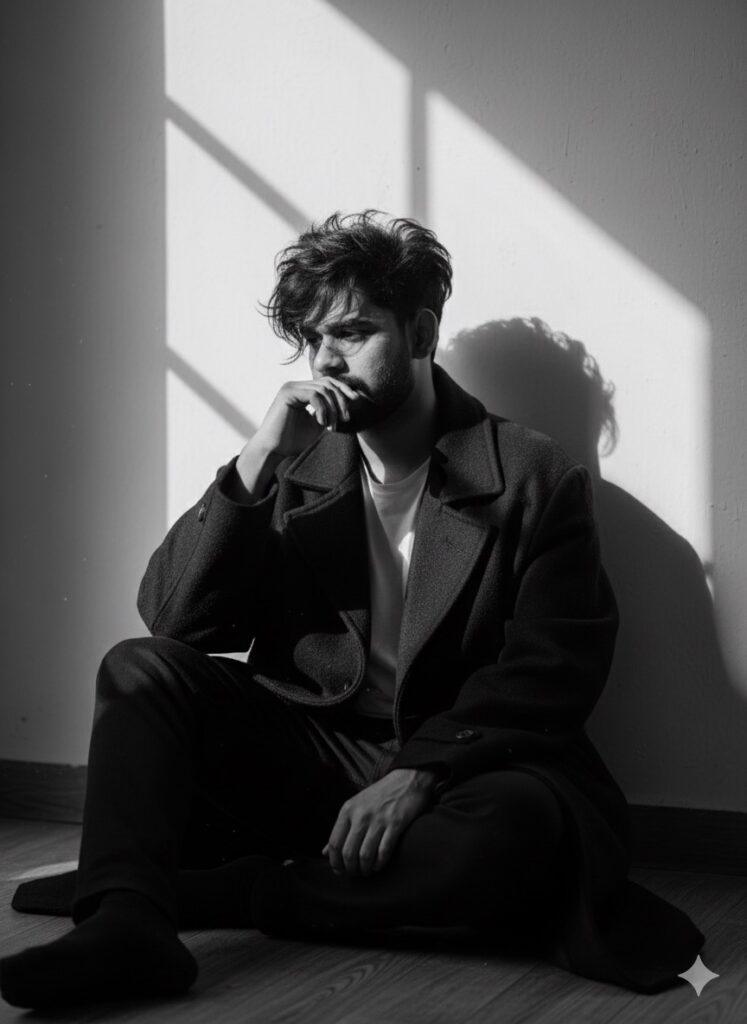
A black-and-white aesthetic portrait of a stylish me(use my image with accurate face 100%) sitting on the floor in dramatic lighting. He is wearing an oversized dark coat, with messy, voluminous hair partially covering his face. His pose is emotional and introspective, with one hand near his mouth and his head slightly turned to the side. Shadows from a window fall across the wall behind him, creating a moody and artistic atmosphere. The overall vibe is mysterious, emotional, and cinematic.
Prompt 3: Retro Saree Aesthetic
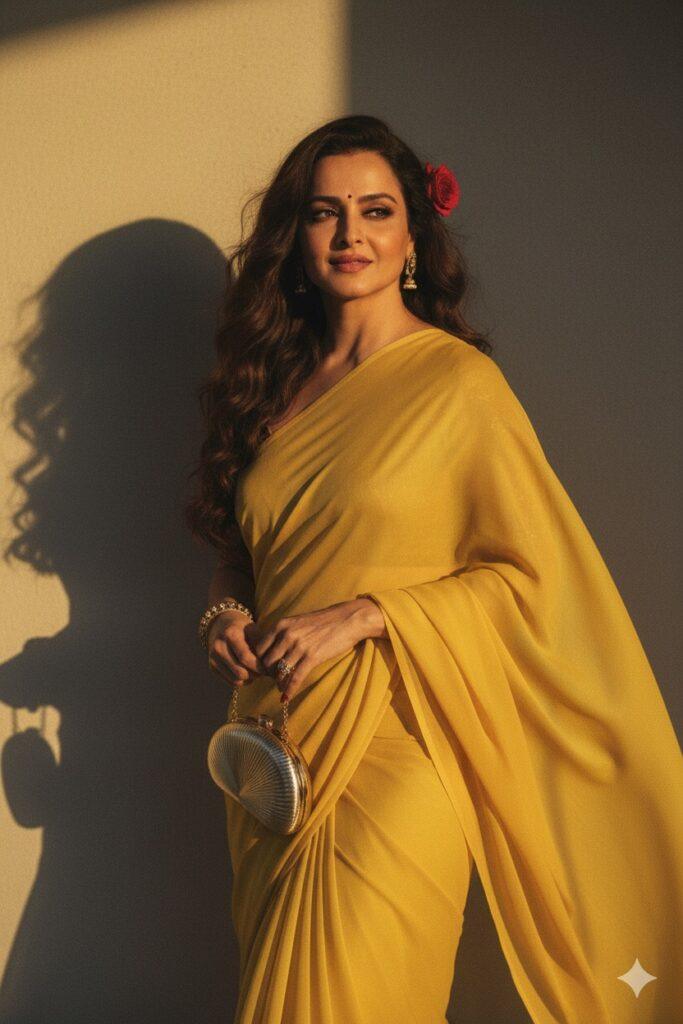
Create a retro vintage grainy but bright image of the reference picture but draped in a perfect plain chiffon saree yellow color Pinteresty aesthetic retro saree. It must feel like a 90s movie dark brown wavy curly hair with a small rose flower tucked visibly into her curls and romanticising windy environment. The girl is standing against a solid wall deep shadows and contrast drama, creating a mysterious and artistic atmosphere where the lighting is warm with a golden tones of evoking a sunset or golden hour glow. The background is minimalist and slightly textured the expression on her face is moody, calm yet happy and introspective.
Prompt 4: Dreamy Golden Hour

A dreamy, romantic portrait of a young woman standing gracefully in a field during golden hour. She is wearing a soft, pastel-colored floral saree with delicate patterns, draped elegantly around her. She holds a bouquet of fresh flowers – white roses, yellow lilies, and baby’s breath – close to her chest, symbolizing purity and love. Her long curly hair cascades down naturally, slightly tousled by the evening breeze, with a single white flower tucked gently behind her ear. Her eyes are closed, lips slightly parted, and her expression is serene, as if lost in a tender daydream. The warm sunlight creates a golden glow on her skin, highlighting her natural beauty. The background is softly blurred with silhouettes of trees, enhancing the focus on her presence. The overall mood is romantic, timeless, and poetic, with cinematic lighting, soft shadows, and a gentle vintage texture that makes the scene feel like a painting.
Prompt 5: Vintage Red Saree Drama
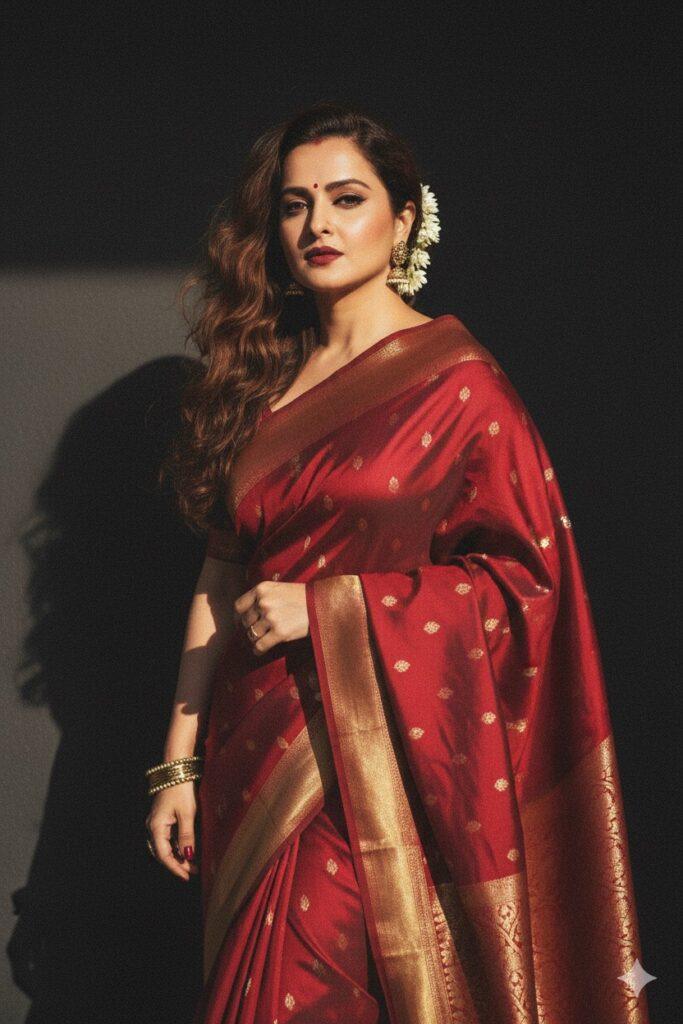
Create a retro, vintage-inspired image – grainy yet bright, based on the reference picture.
The girl should be draped in a perfect red, Pinterest-style aesthetic retro saree. The vibe must capture the essence of a 90s movie brown -haired baddie, with wavy curls and a small flower tucked visibly into her hair, enhanced by a windy, romantic atmosphere.
She stands against a solid wall, where deep shadows and dramatic contrasts add mystery and artistry to the scene, creating a moody yet enchanting cinematic effect.
Final Thoughts
The Nano Banana AI 3D Figurine trend proves how fun and creative AI can be. With Google Gemini, you don’t need expensive software or 3D skills, just a photo and a prompt. So, whether you want to impress your friends, create a meme-worthy figurine, or even print your own collectible toy, Gemini has you covered. Don’t wait, try making your Nano Banana figurine today!