
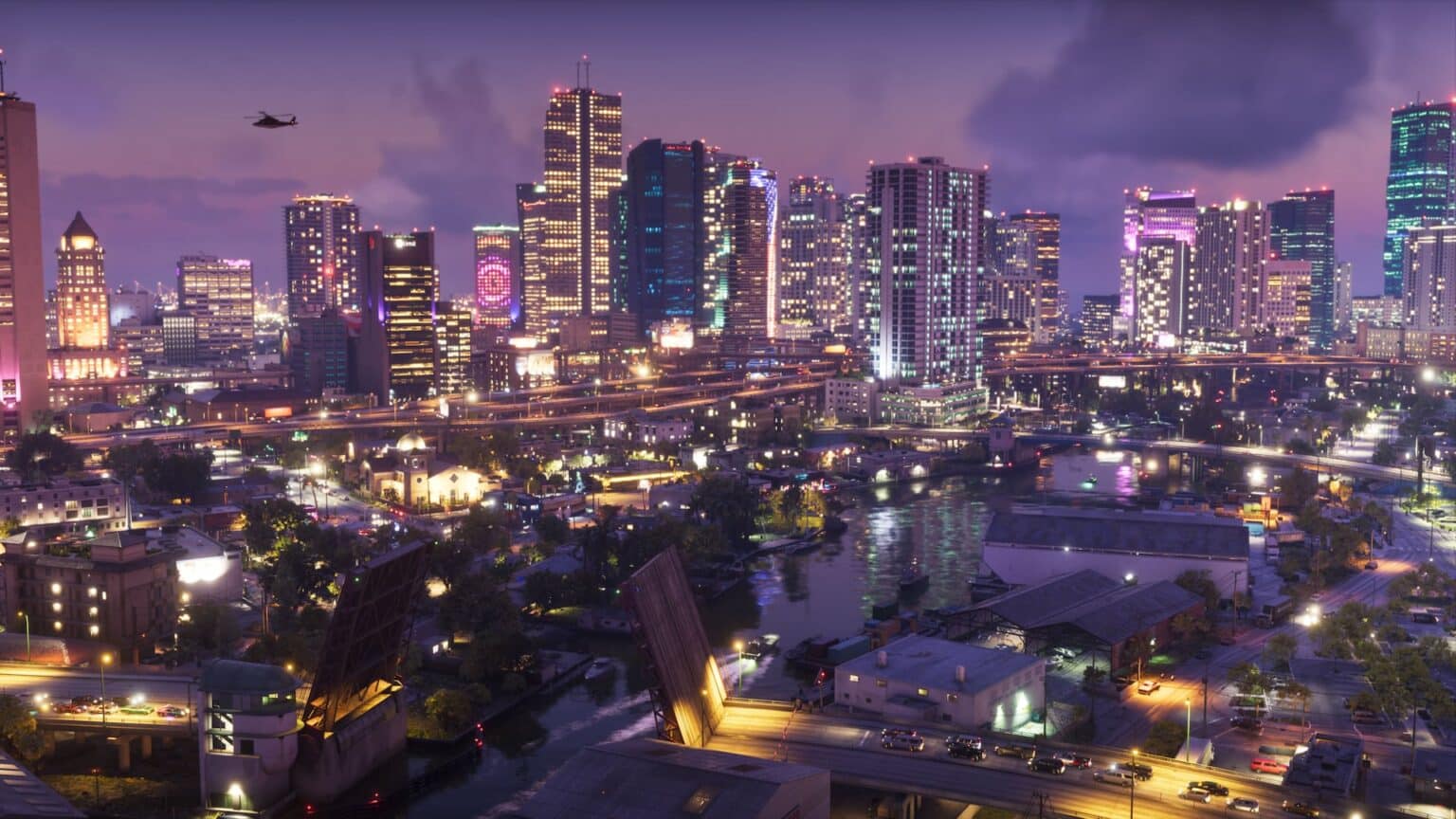
Grand Theft Auto VI launched on November 19, 2026, on PS5 and Xbox Series X|S. If you’re coming from GTA 5, you’ll need to save differently. The phone Quick Save and safehouse beds are gone. All saving now happens in the pause menu, and only in free roam. That matters more than it sounds, because the campaign covers a Prologue, five chapters and close to 100 story missions.
The main catch is that GTA 6 has no mission replay at launch. You get 15 manual save slots and one autosave that keeps overwriting itself. How you use those 15 slots decides whether you can go back to a mission you enjoyed, or recover from a launch bug that breaks a save.
How to save your game in GTA 6
- Finish or quit any active mission. Save Game stays greyed out while a mission is running.
- Press Options on PS5 or Menu on Xbox to open the pause menu.
- Go to the Game tab. It holds Save Game, Load Game and New Game.
- Select Save Game, then pick an empty slot or one you want to overwrite.
- Confirm, and wait for the save to finish before you close the game.
Each slot shows the mission name, completion percentage, date, time, a screenshot and a short story summary, so you can tell saves apart at a glance. If you overwrite a slot, the game asks “Overwrite saved game?” Once you confirm, the old save is gone for good.
When you can’t save in GTA 6
- Prologue: Saving is locked for the entire Prologue. If the game crashes, you start it again.
- During missions: The menu shows Retry Checkpoint and Restart Mission in place of saving.
- Quitting mid-mission: You go back to your last save, not the last checkpoint.
How autosave works, and where it falls short
GTA 6 keeps one separate (Autosave) entry, and it doesn’t take up any of your 15 manual slots. You can’t turn it off, and Settings has no option for it.
It also has three gaps. First, it only saves when you finish a mission, so time spent in free roam between missions isn’t covered. A crash after an hour of making money on the side sends you back to the end of your last mission. Second, each new autosave replaces the previous one. Third, PowerPyx reports that loading an older manual save also overwrites the autosave, so test-loading an old file can wipe your most recent progress.
The fix is simple: make a manual save before you load anything else.
A 15-slot plan that covers every chapter
With no mission replay, your manual slots work as your replay menu. This split keeps every chapter reachable and still leaves room for day-to-day saves:
| Slots | Use | Why |
|---|---|---|
| 1–5 | Start of each chapter | Lets you jump back into any chapter |
| 6–10 | End of each chapter | Lets you replay finales without redoing the whole chapter |
| 11–13 | Rotating saves after missions | A recent fallback if a save breaks |
| 14 | Before big story decisions | Lets you try the other outcome |
| 15 | Clean save before using cheats | Keeps your main progress safe |
Slots 11 to 13 matter most right now. Early players have reported launch bugs, including a Chapter 2 painkiller issue, a car repair glitch and PS5 freezes on loading screens. A recent clean save often gets you past a soft-lock with little lost progress.
For slot 15: Rockstar hasn’t said how GTA 6 cheat codes affect saving. In earlier Rockstar games, cheats blocked trophies or saving. Keep a clean save before you experiment, especially if you’re working through the GTA 6 trophy list.
How to load a save and back it up
To load a save, open Game → Load Game. The list shows your manual saves and the autosave, and you can delete old saves from the same screen.
For backups:
- PS5: Cloud saves need PlayStation Plus, and every tier includes them. If a local save won’t load, you can sync the cloud copy back down.
- Xbox Series X|S: Saves sync to your Microsoft account automatically while you’re online. No paid membership is needed.
GTA 6 vs GTA 5 saving
| GTA 6 | GTA 5 | |
|---|---|---|
| How you save | Pause menu, free roam only | Phone Quick Save or safehouse bed |
| Mission replay | No | Yes |
The change also fits Rockstar’s push toward a more realistic Leonida. For more differences between the two games, see our GTA 6 vs GTA 5 breakdown.
Wrapping up
Saving in GTA 6 is quick once you know the menu. The bigger job is planning ahead, since a single overwritten autosave and no mission replay leave little room for error. Save at chapter boundaries, keep a few rotating backups, and make a manual save before loading an older file.
Rockstar could add mission replay or new save options in a later patch, but it hasn’t confirmed either. Until it does, your 15 slots are the only way back to earlier missions.