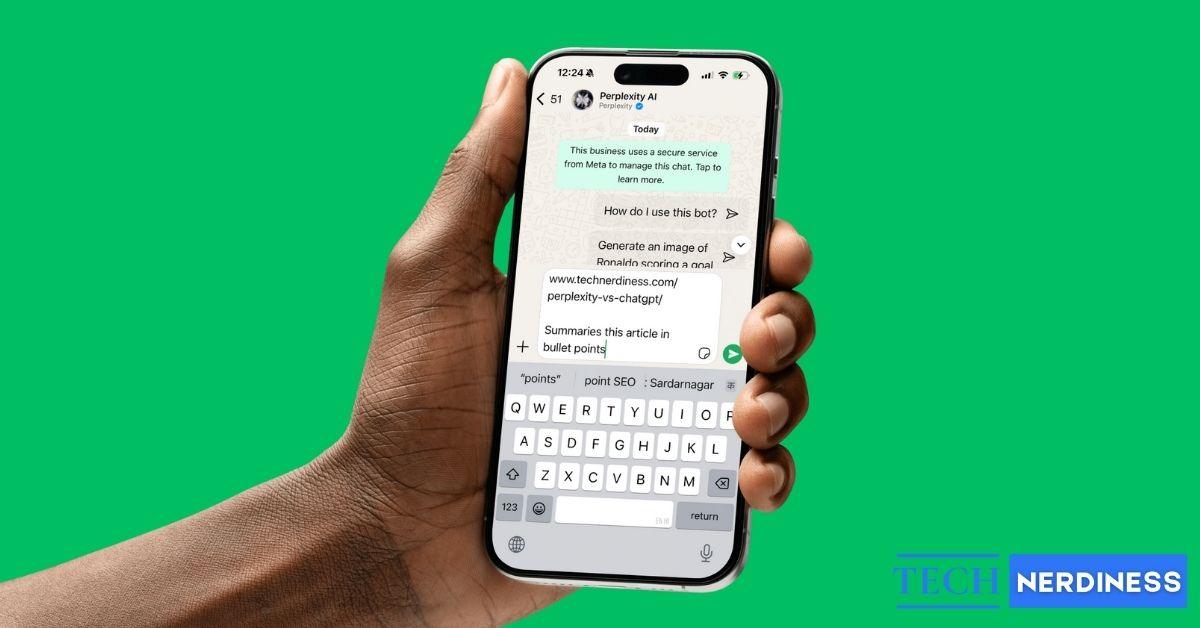
Perplexity AI is quickly becoming a favorite tool for research and instant fact-checking, thanks to its accurate answers and reliable sources. But switching between multiple apps can feel overwhelming, especially on a smartphone. Just like you can already use ChatGPT on WhatsApp, Perplexity AI also works directly inside the chat app. If you’ve ever wished to use Perplexity AI in WhatsApp, here’s how you can do it.
What Is Perplexity AI on WhatsApp?
Perplexity AI on WhatsApp is a chatbot that brings the platform’s powerful search and answer capabilities straight into your conversations. You don’t need to create an account or download anything; just open WhatsApp, start a chat with the bot, and begin asking questions.
Key Features and Benefits:
Here are some benefits that you’ll experience while using Perplexity AI on WhatsApp:
- Save storage space: No need to download the Perplexity AI app; you can save some storage on your phone and still use Perplexity AI.
- No signup required: No need to sign up or make a new account.
- Works on slow internet: Uses very little data: Since WhatsApp is a chat platform, it consumes minimal data. Even in areas with slow internet, you can still receive updates.”
- Instant answers and images: Real-time, accurate searches and image generation straight from WhatsApp.
Who Should Use Perplexity AI on WhatsApp?
Perplexity AI on WhatsApp is useful for a wide range of people:
- Students who need quick, reliable research support.
- Professionals looking to boost productivity and save time.
- Everyday users who want to stay informed, check facts, or keep up with the latest news.
How to Start Using Perplexity AI on WhatsApp
Here are the steps to use Perplexity AI in WhatsApp on iPhone or Android:
- Save this number +1 (833) 436-3285 or open this WhatsApp API link in the browser of your choice.
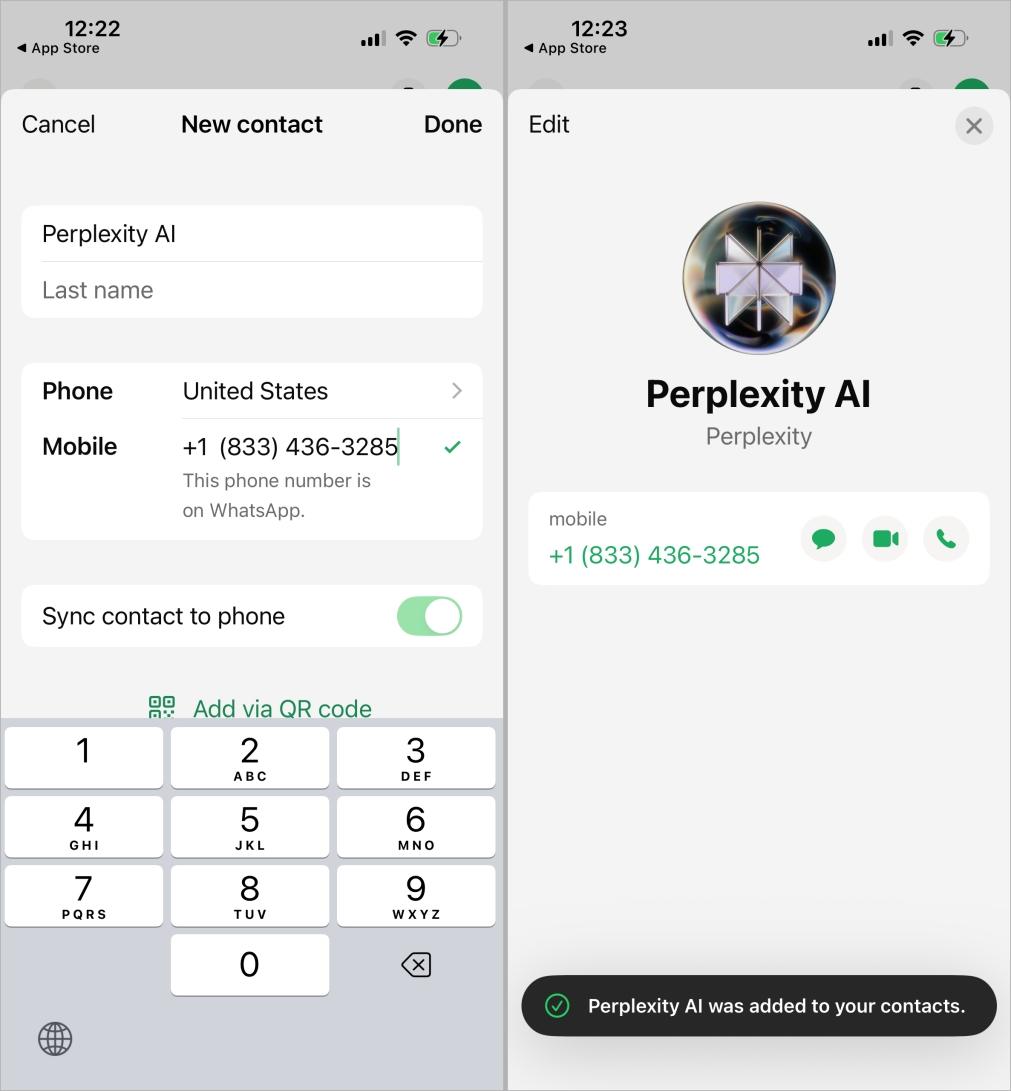
- After saving the number, search for Perplexity in your WhatsApp contacts.
- Tap to open the chat, type your question, and hit send.
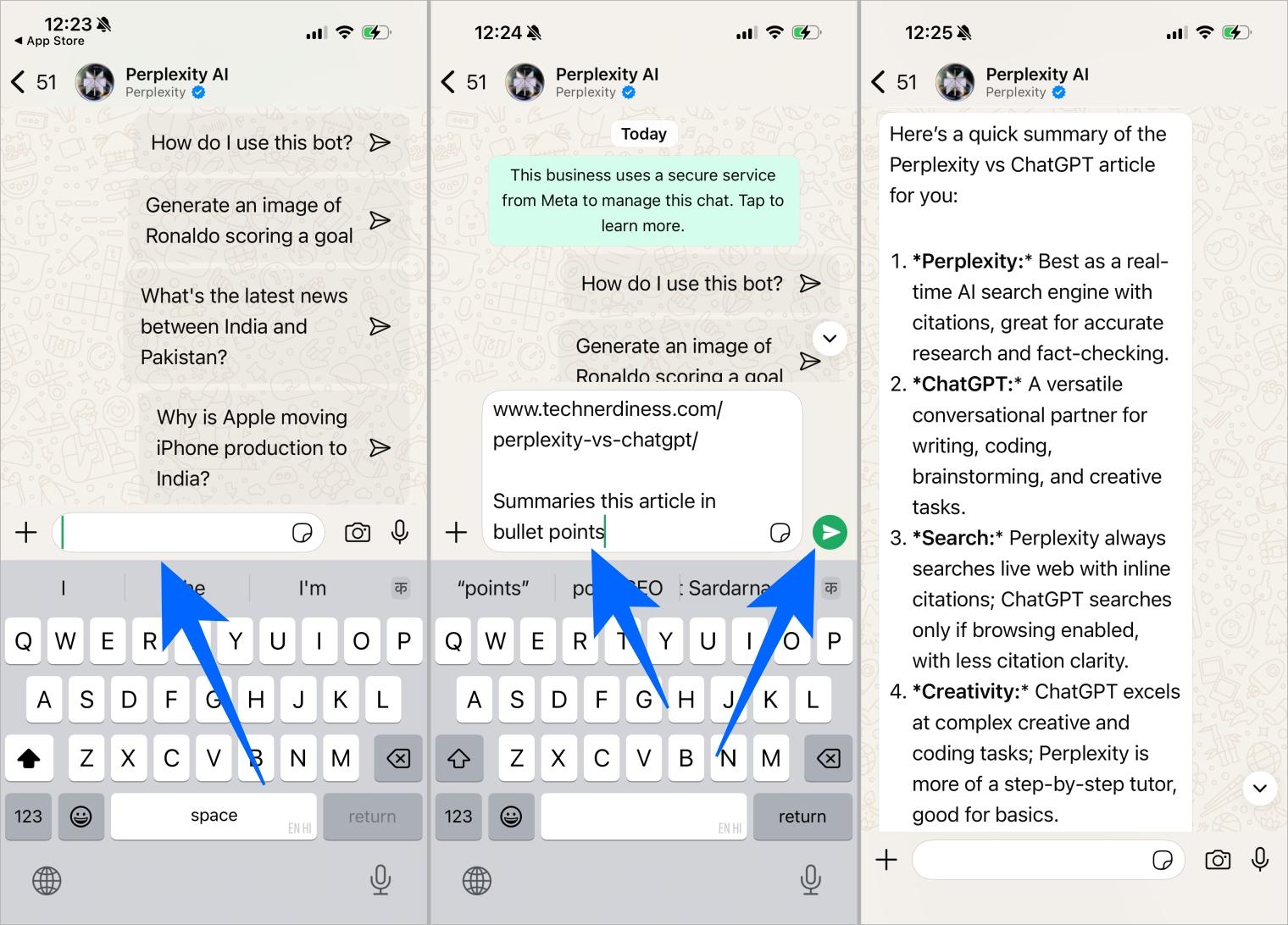
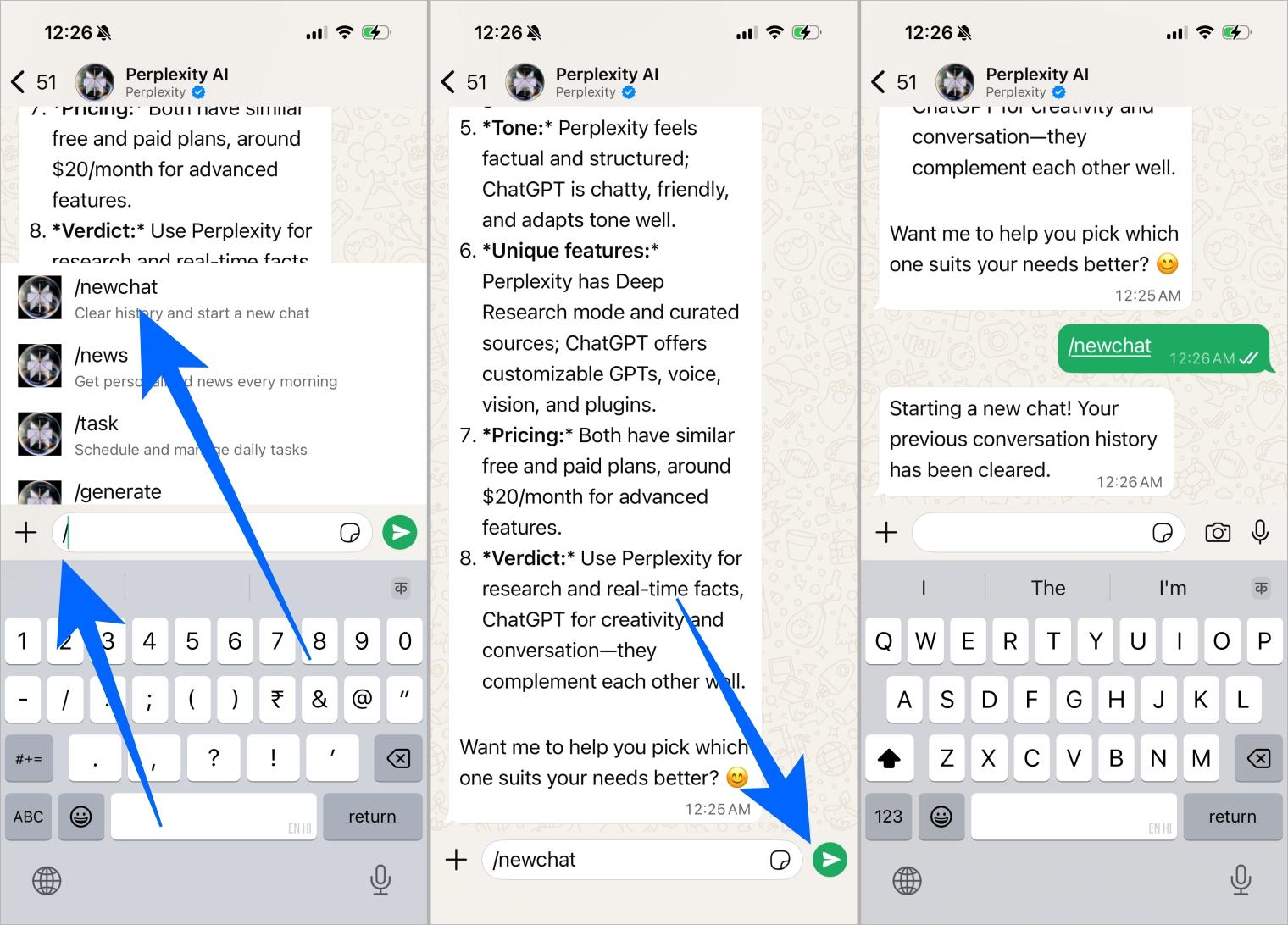
- When you finish a query and want to start a new search, you’ll need to open a new chat. Here’s how:
- Type ‘/’ and tap the ‘newchat’ command.
- Hit send, and that’s it. You can now continue with a fresh chat.
Things You Can Do with Perplexity AI on WhatsApp
Now that you know how to use it, here are some things to do with Perplexity AI on WhatsApp:
- Ask questions or run quick searches
- Generate images on demand
- Get live updates on markets and sports
- Fact-check forwarded messages
- Summarize long articles, emails, or documents.
- Create media ideas, captions, and more
Quick Tip: The accuracy of the results depends on the phrasing of your queries; hence, we suggest you be very specific and follow up with replies to get even more accurate answers.
Related: What Do Various Icons and Symbols Mean on WhatsApp
Limitations You Should Know
While Perplexity AI is improving rapidly, there are still a few drawbacks. It’s better to know these in advance. Here are some limitations we found while doing a hands-on:
- It doesn’t always provide source links, making it harder to verify answers.
- It can’t read or respond to the full context of PDF files.
- Availability may vary by region, and response times can be slower during peak hours.
Privacy and Security Considerations
According to Perplexity AI, all chats and shared media are protected with end-to-end encryption. This means that neither WhatsApp nor Perplexity can view the content of your queries.
Yes, it is completely free to use with no fees required.
Not exactly. It is an official Perplexity product, but it is not a formal collaboration with Meta. Perplexity simply uses WhatsApp’s Business API, which any business or service can use.
No. No extra app or sign-up is needed. You can access it directly through your existing WhatsApp.
Yes, it can generate and send AI images directly in WhatsApp, which is notable since image generation is otherwise a paid feature in Perplexity’s own app. Some limitations may still apply.
Check your internet connection or try starting a new chat. If the issue persists, the service itself may be temporarily unavailable.
This is uncertain. Meta announced a policy change banning unofficial AI chatbots on WhatsApp’s Business API from January 2026 onwards, which may have affected availability. It is advisable to check current availability before relying on it.