Tired of White Chats? Change Messages Background on iPhone with iOS 26

With iOS 26, you can now change iMessage backgrounds using photos, colors, or AI designs. Here’s how to give your chats a fresh new look.

With iOS 26, you can now change iMessage backgrounds using photos, colors, or AI designs. Here’s how to give your chats a fresh new look.
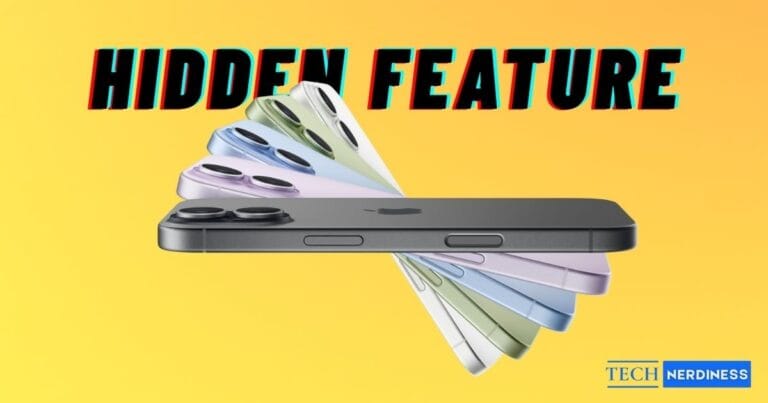
Apple may not have revealed them, but the iPhone 17 hides clever features that make a real difference. Here are 10 you need to know.
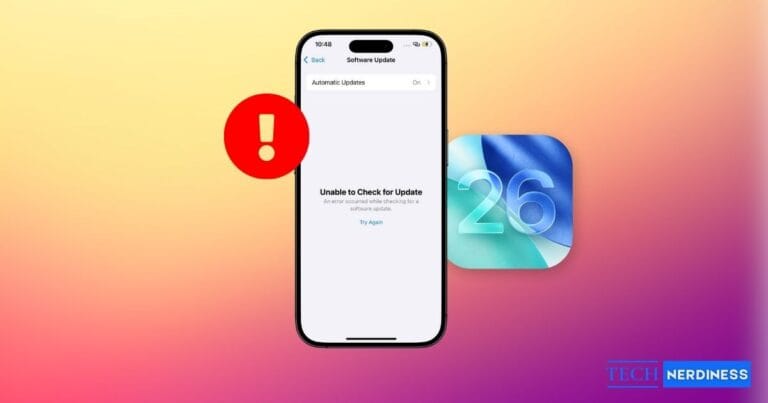
Running into the “Unable to Check for Update” error on iOS 26? Don’t worry, most fixes are quick. Here’s how to get your iPhone updated without the headache.
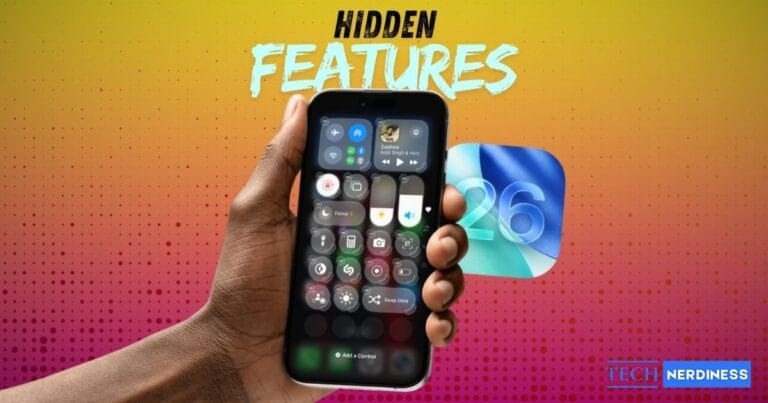
iOS 26 is packed with hidden features Apple didn’t mention on stage, from AI call screening to custom snoozes that make your iPhone smarter and more fun.
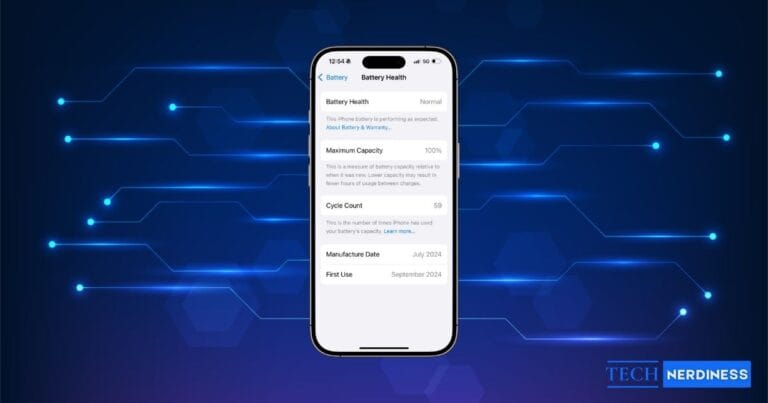
Wondering how many charge cycles your iPhone battery has? Follow this quick guide to check your battery cycle count.
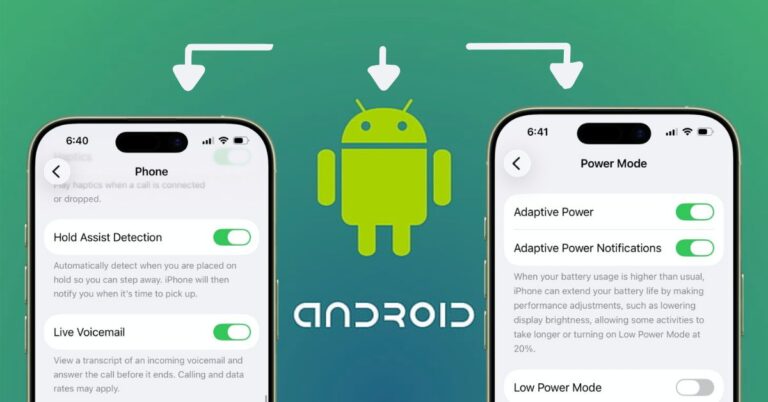
Discover which iOS 26 features are inspired by Android and understand how Apple is adopting familiar tools to improve the iPhone experience.

Finding iOS 26’s Liquid Glass interface too distracting? This quick setting change shows you how to turn it off and restore a cleaner, more familiar iPhone look.
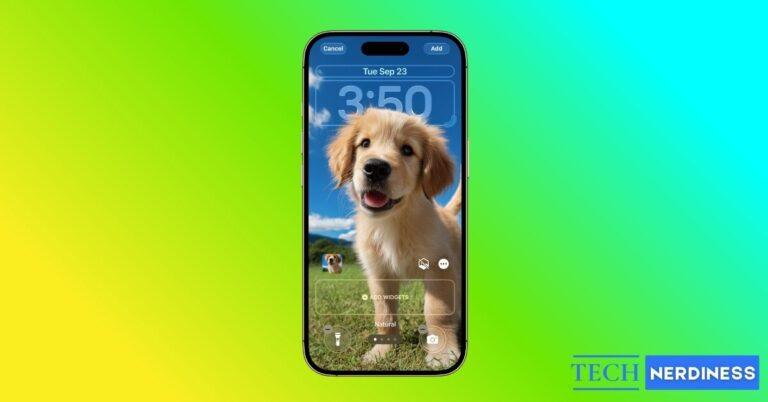
iOS 26 lets you move the clock behind your wallpaper with Apple’s Depth Effect. Here’s how to set it up, customize your lock screen, and fix common issues.
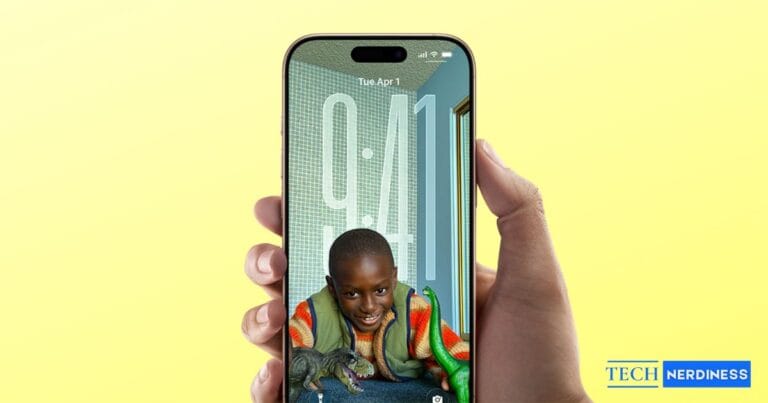
iOS 26 introduces Spatial Scenes, a futuristic 3D wallpaper for iPhone Lock Screens. Here’s how it works, which devices support it, and how to try it yourself.
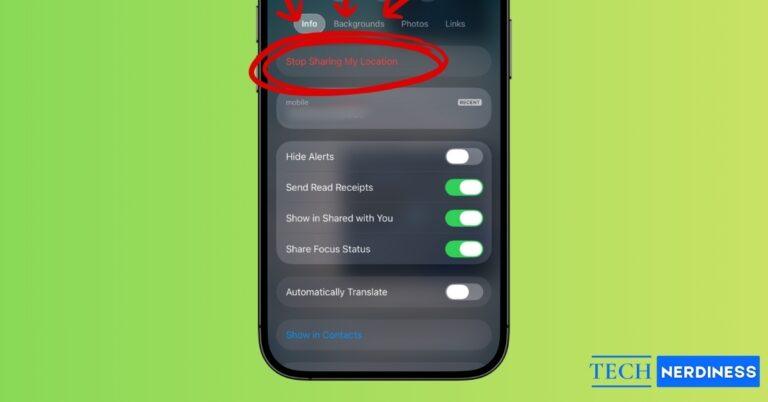
Want more privacy on iMessage? Learn how to stop sharing your location without notifying others and keep control of your movements with simple steps.