

Samsung’s new Galaxy S25 FE brings a premium look and strong performance, and it also introduces a fresh set of One UI inspired stock wallpapers. They’re minimal, elegant, and instantly recognizable.
You don’t need the phone to enjoy them. We’ve gathered the official Galaxy S25 FE wallpapers in full high resolution, ready for free download. If you like clean, simple backgrounds on Android or iPhone, this set is worth grabbing.
Samsung Galaxy S25 FE Wallpapers: A Visual Treat
Samsung always puts effort into its wallpapers, ensuring they complement the sleek aesthetics of its flagship devices. To match the new Galaxy S25 FE aesthetic, Samsung has included wallpapers similar to the rest of the S25 lineup.
The collection includes 12 high-res wallpapers at 2340×2340 pixels. Four of these wallpapers are tailored for Galaxy DeX mode, and the remaining eight are available in light and dark colors.
These wallpapers are designed to:
- Highlight the S25 FE’s vibrant AMOLED display.
- Enhance both light and dark mode setups.
- Provide a premium look that matches the Galaxy S25 series phones.
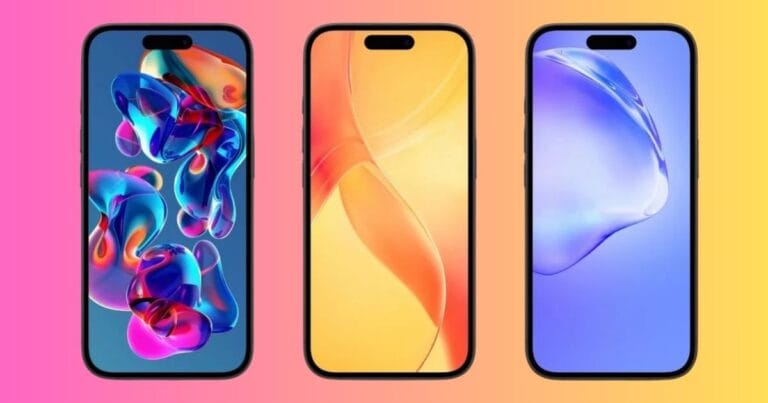
- From minimal gradients to soft curves, the collection is versatile. I prefer using them on both my home and lock screens for subtle and striking visuals.
Download Galaxy S25 FE Stock Wallpapers in 4K
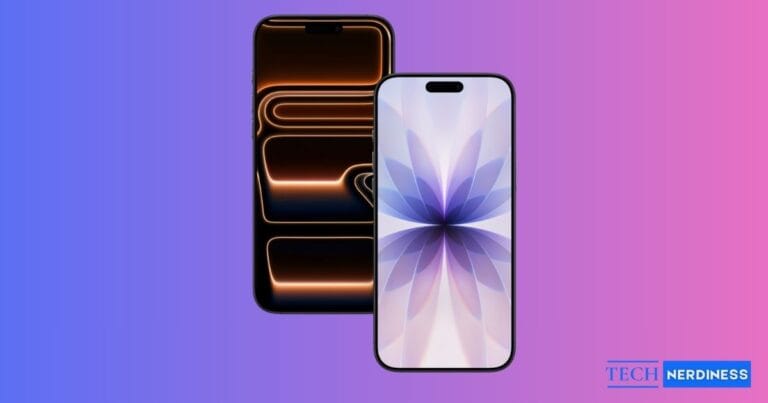
The official stock wallpapers from the Galaxy S25 FE showcase the iconic “S” shape blending into 8. Samsung wanted to pay homage to the Galaxy S series branding and highlight the latest One UI 8. I really liked its soothing tones of blue and purple.
All images are available in QHD+ resolution, ensuring crystal-clear sharpness across devices, whether you’re using them on an iPhone, an Android phone, a tablet, or even a desktop. Explore the collection, then tap the Download button below to save it to your device.


How to Apply the Wallpapers
Once you download your favorite wallpaper, here’s how to set it up:
- Open your phone’s Gallery/Photos app.
- Choose your favorite wallpaper and tap the share or More button.
- Tap Set as wallpaper, then select Home screen, Lock screen, or Both.
If you’re curious about whether the Galaxy S25 FE is worth upgrading from the S24 FE, we’ve covered that in detail in our comparison guide: Galaxy S25 FE vs Galaxy S24 FE.
Final Thoughts
The Galaxy S25 FE is a clear step up from the S24 FE, and its new wallpapers reflect that polish. Samsung’s fresh designs add a bit of depth and style to your home screen, whether you love customization or just want a new look.
Which color is your favorite? Tell us in the comments.
You might also like: