
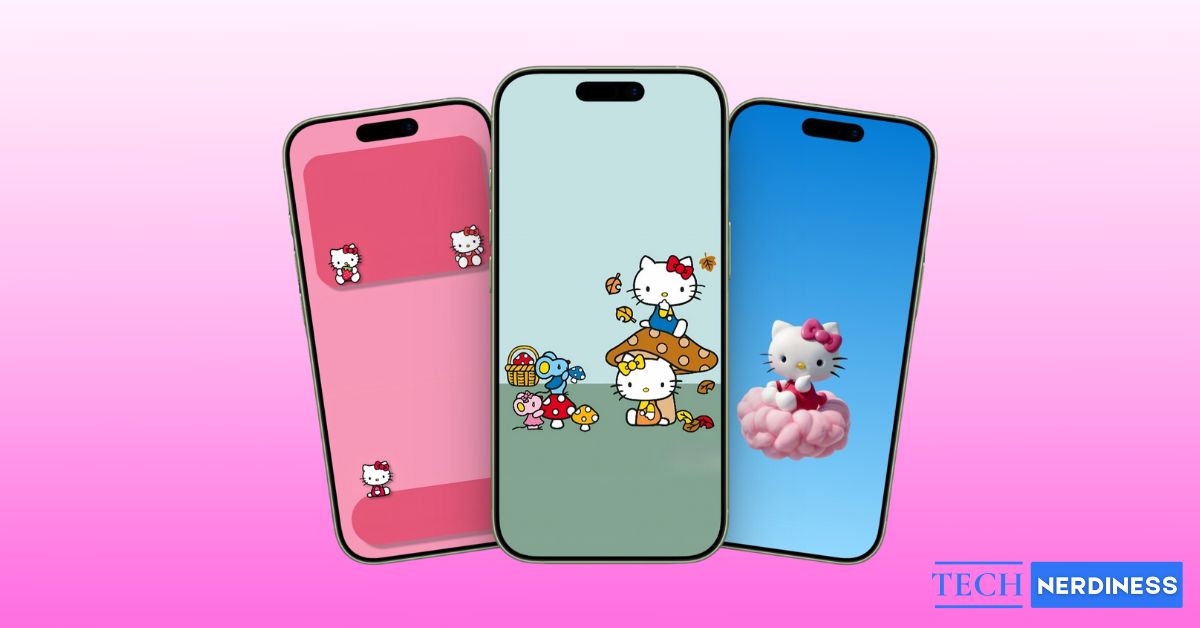


Hello Kitty wallpapers have stayed popular for decades and for good reason. The character is simple, cute, and instantly recognizable. Whether you grew up loving Hello Kitty or just enjoy cute, cheerful designs, these wallpapers add charm to your phone without feeling overwhelming.
For iPhone users, Hello Kitty wallpapers work especially well. iPhones have high-resolution Retina displays, so detailed 4K Hello Kitty wallpapers look crisp, colorful, and smooth. From minimal designs to playful scenes with friends, there’s a Hello Kitty wallpaper for every mood and style in our collection.
10 Best Hello Kitty iPhone Wallpapers in 4K
Below are some of the most loved Hello Kitty wallpaper styles to help you choose the perfect one. Simply tap the Download button below to save the wallpaper on your device in high quality.
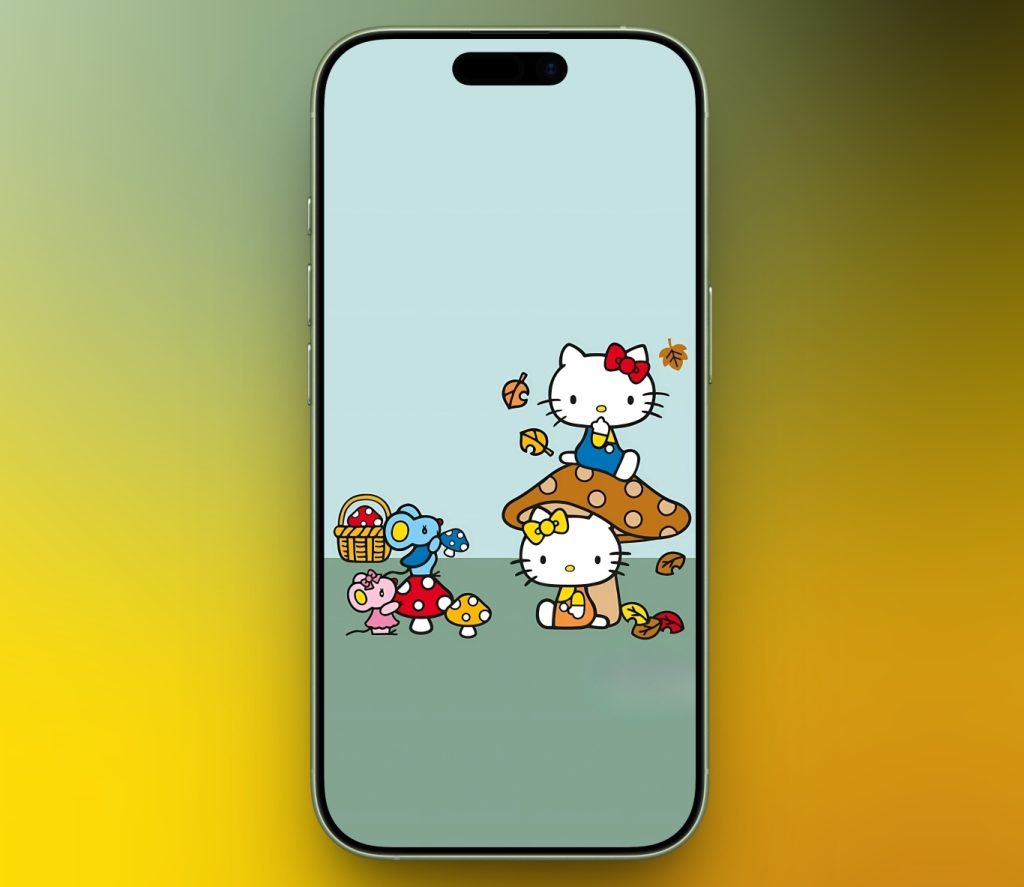
1. Hello Kitty with Her Friends
Let’s start the list with a cute, minimal Hello Kitty wallpaper. The clean background with pastel solid colors creates a calm and clutter-free look.
2. Pink Aesthetic Hello Kitty Wallpaper
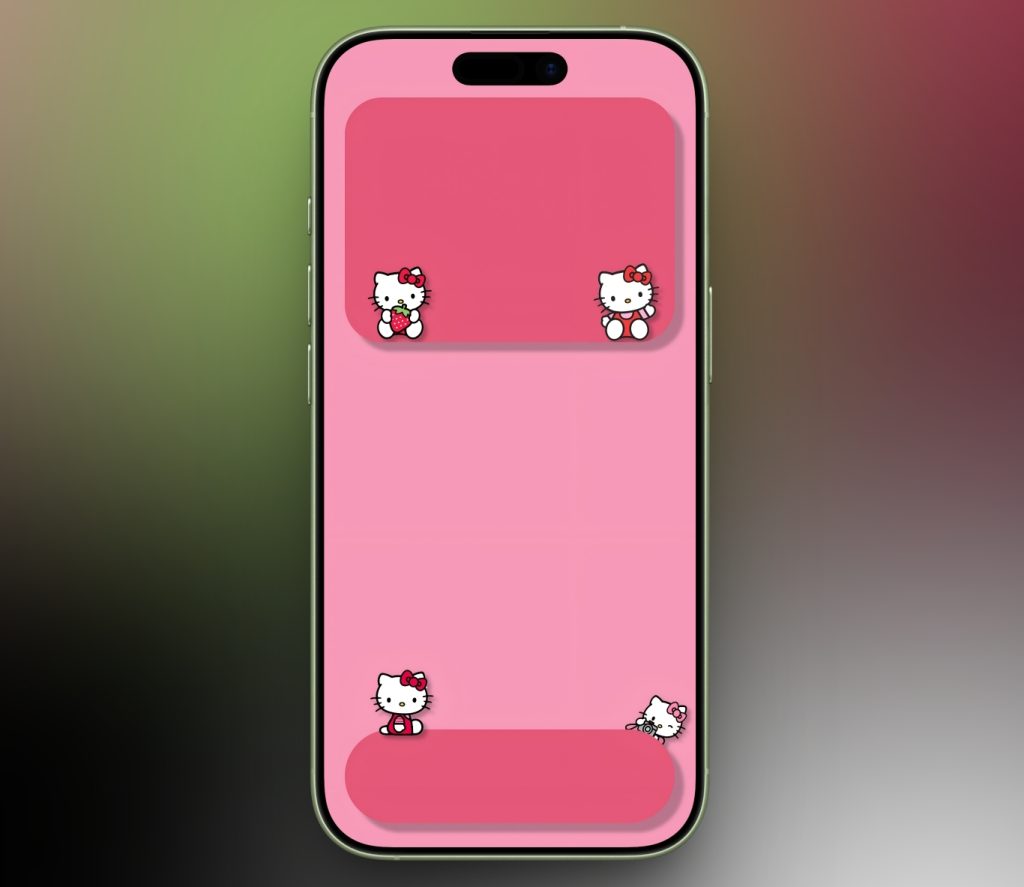
Pink and Hello Kitty are a perfect match. This sweet, cozy wallpaper is designed specifically for iPhone home screen with space for widgets and app bar. And if you loved this cute, aesthetic wallpaper, explore our Snoopy wallpaper collection as well.
3. Retro Hello Kitty Background
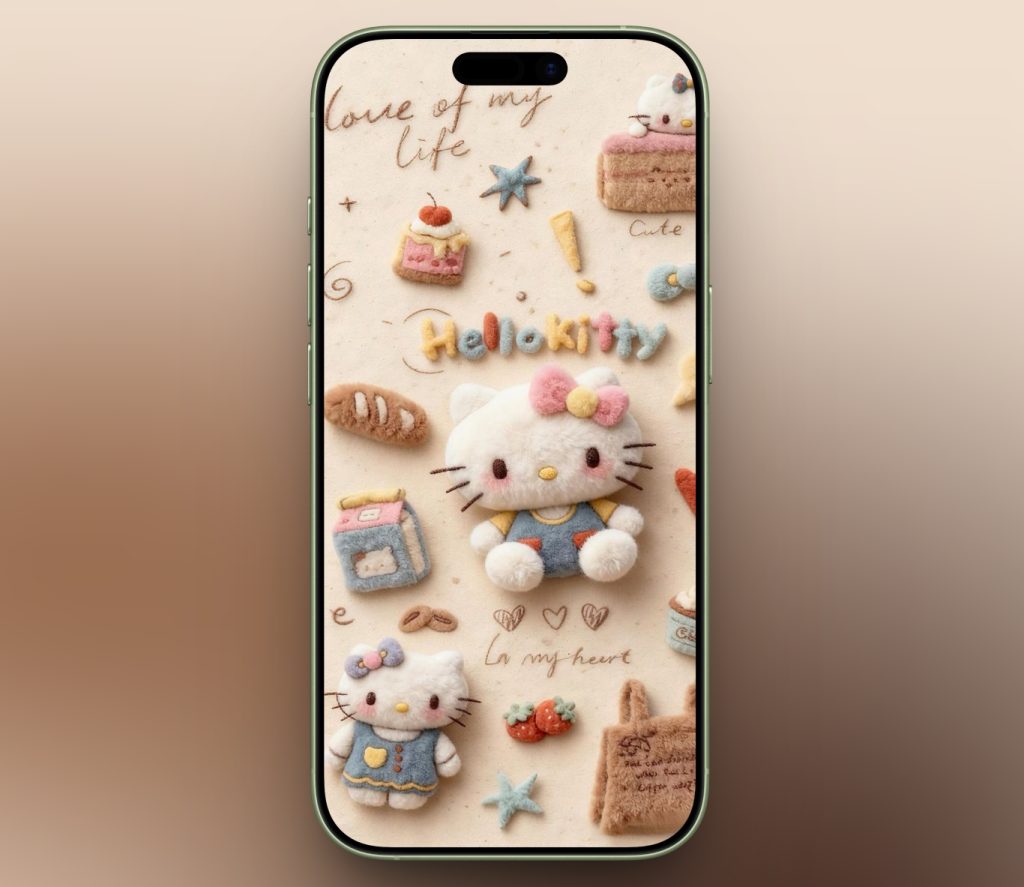
This wallpaper has a warm, nostalgic look with classic Hello Kitty elements in 3D soft plush look. It’s got that comfy, old-fashioned feel that is just right for those who like retro-style designs.
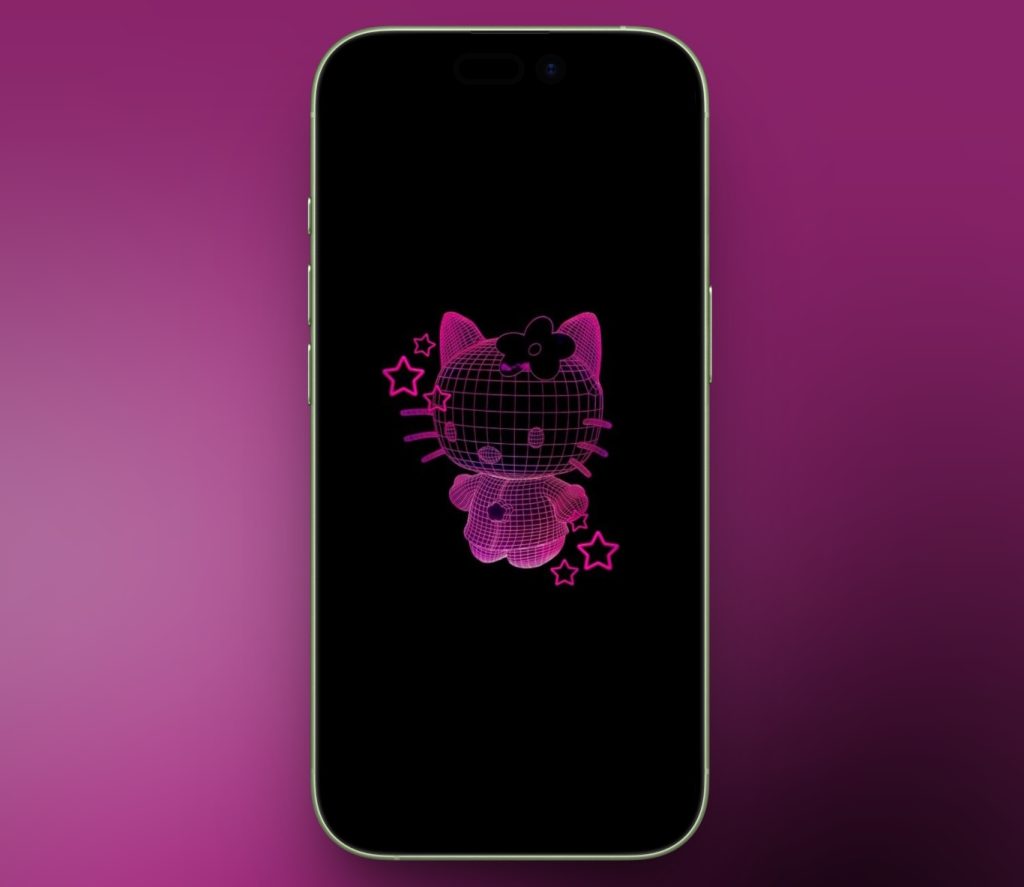
4. Neon Hello Kitty Design
Hello Kitty appears in a glowing neon outline on a dark background. It looks modern and stylish, especially as a Spatial Scene wallpaper on your iPhone.
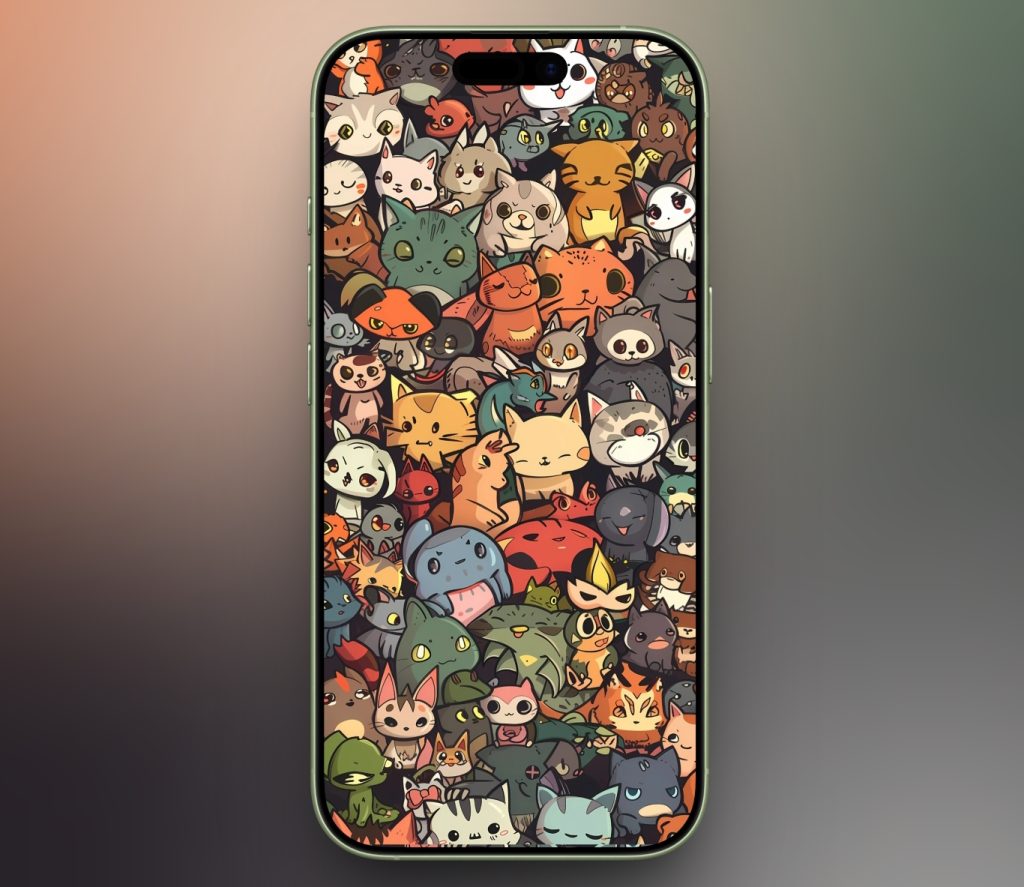
5. Hello Kitty and Friends in a Frame
This wallpaper features many cute characters together in a fun, colorful collage. It’s playful, lively, and great for users who enjoy busy and cheerful backgrounds.
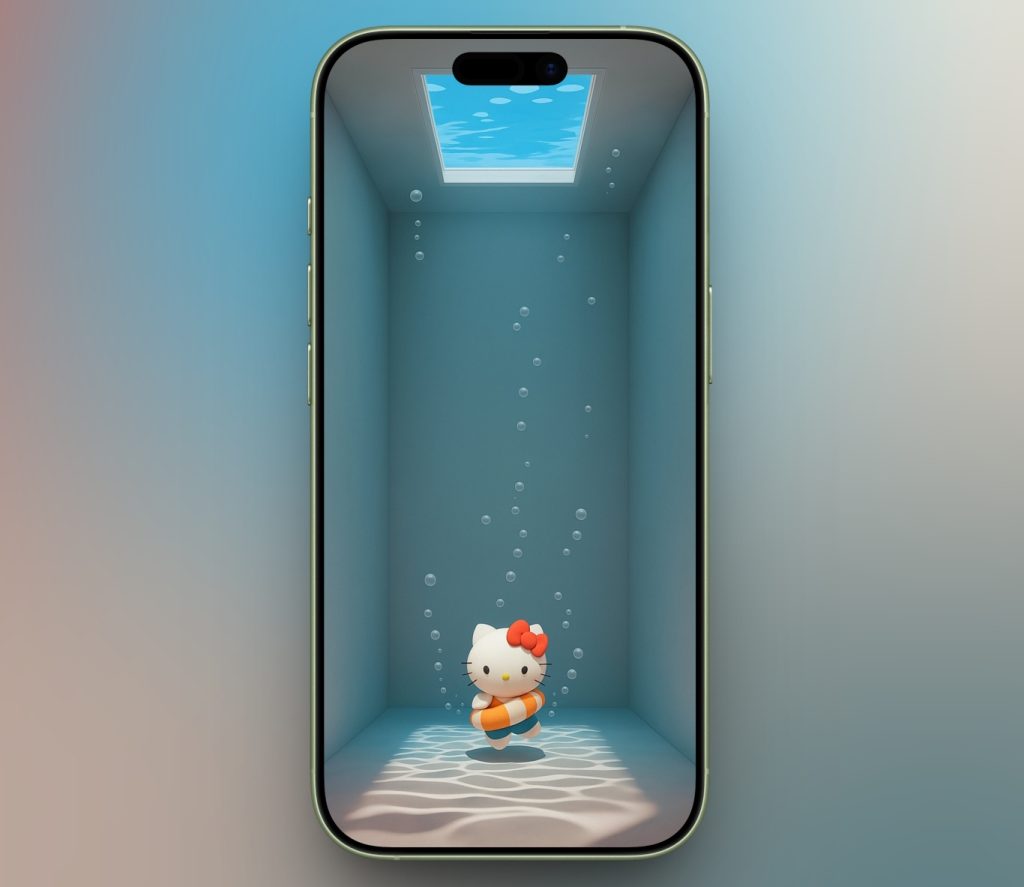
6. 3D Hello Kitty Underwater Wallpaper
Hello Kitty is shown floating in a calm underwater scene with soft lighting and bubbles. The 3D style looks smooth and realistic, making great use of 4K resolution.
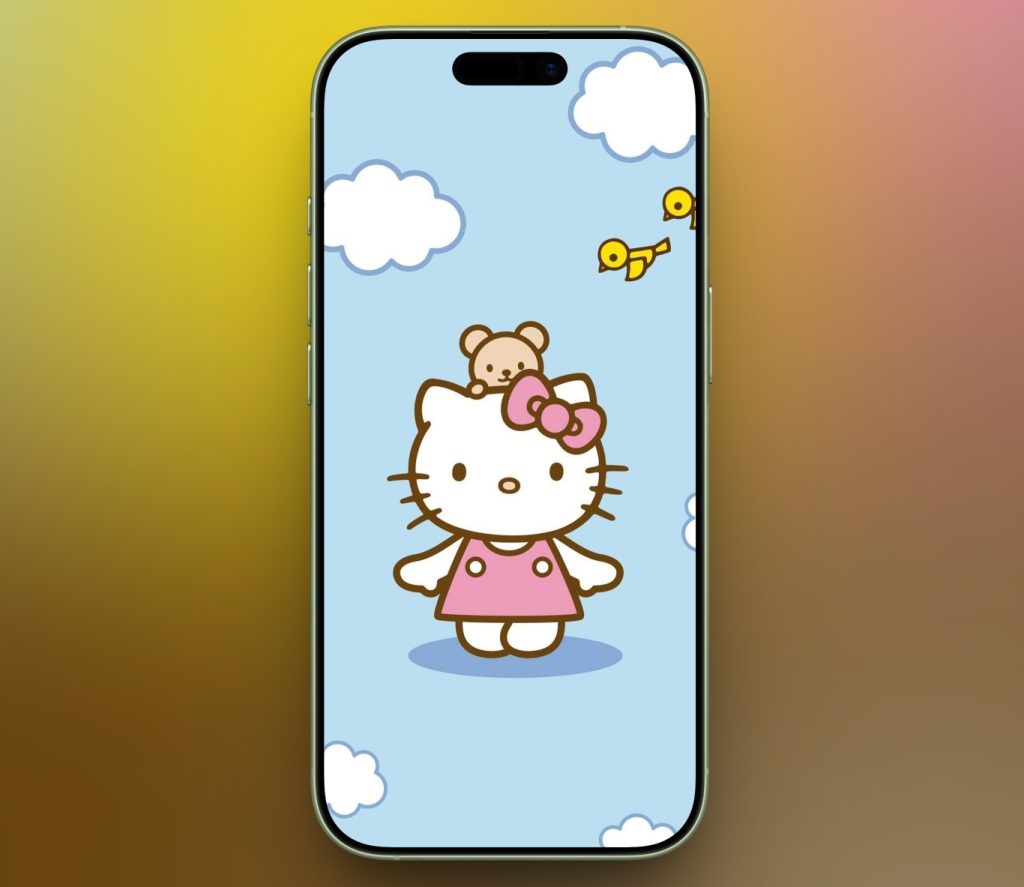
7. Cute Minimal Hello Kitty Lock Screen
Hello Kitty stands under a blue sky with fluffy clouds with a small teddy on her head and tiny birds flying around. It’s clean, minimal, simply beautiful.
8. Christmas with Hello Kitty
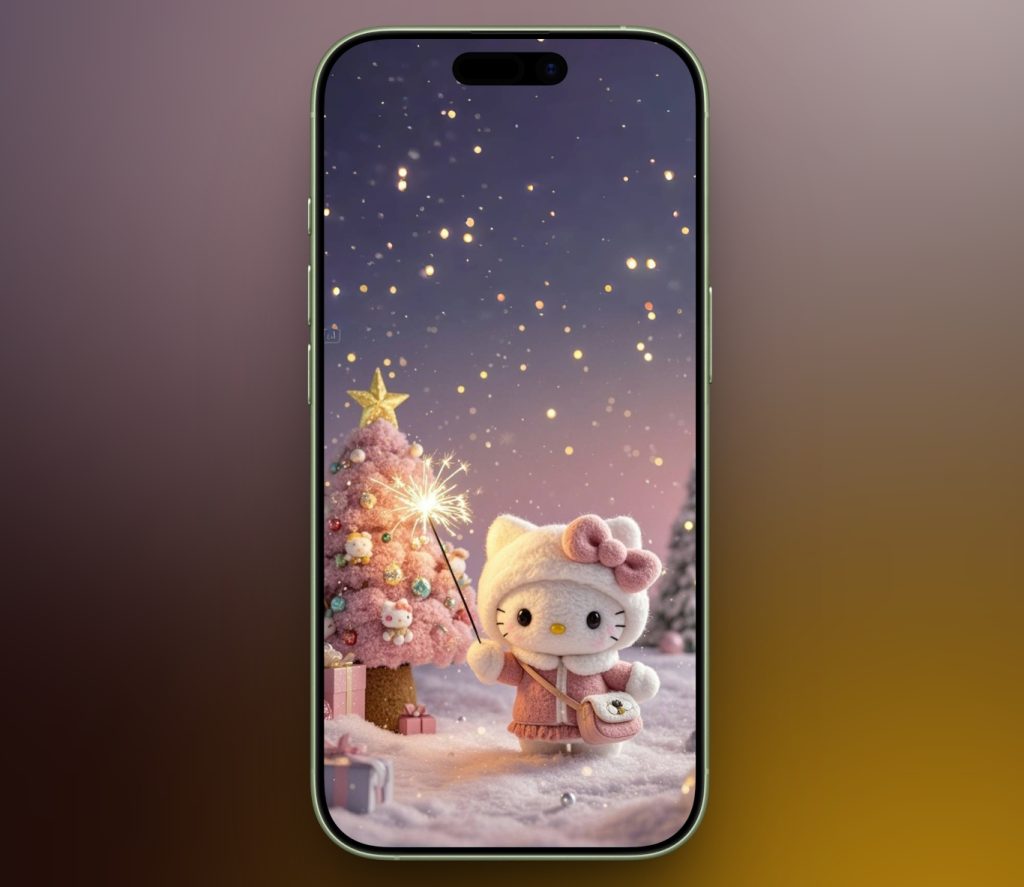
Looking for a Christmas-themed wallpaper for your iPhone? Download this wallpaper with Hello Kitty dressed in warm winter clothes holding a sparkler. The snowy scene background looks festive with a decorated Christmas tree and soft glowing lights.
9. Hello Kitty Anime Style Wallpaper
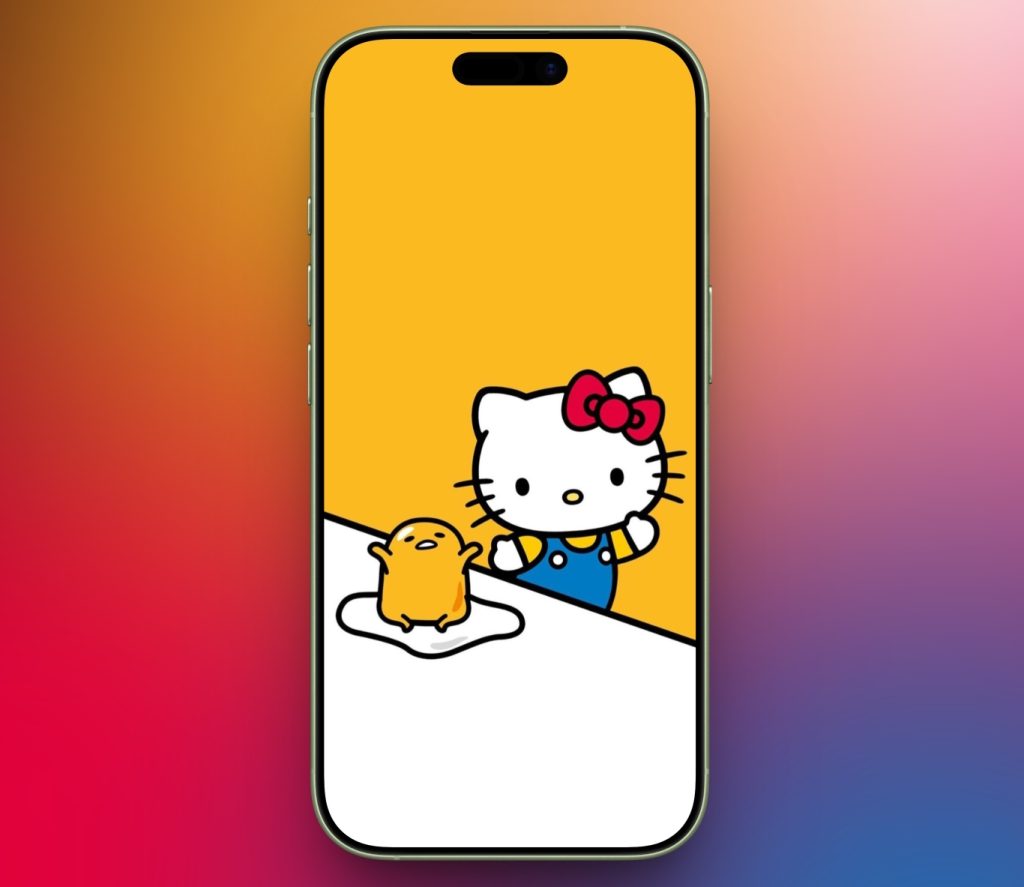
Here’s Hello Kitty with a popular anime character Gudetama. The bright yellow background, and his expressions create a fun and playful scene. For more such designs, check out our anime wallpaper collection.
10. Hello Kitty in the Sky
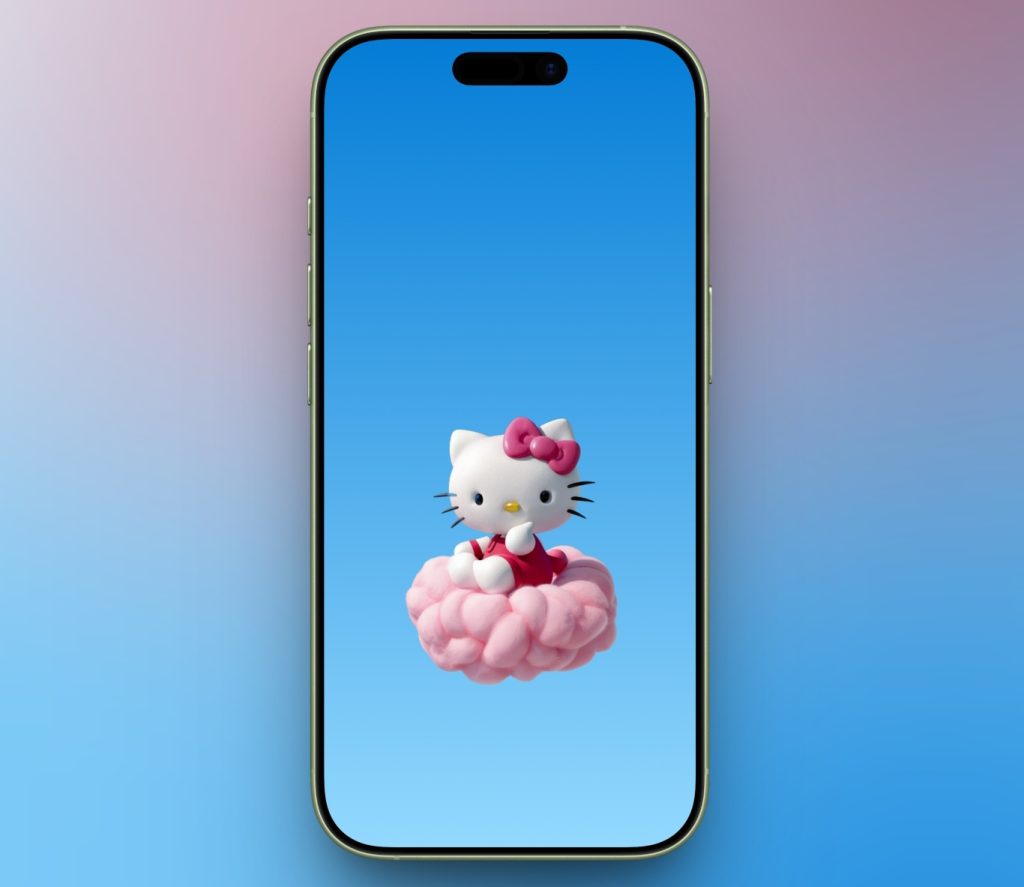
Finally, a minimal yet bold wallpaper that makes your screen stand out. A 3D-style Hello Kitty sits on a soft pink cloud against a clear blue sky, giving a calm and dreamy feeling.
How to Download and Set Hello Kitty Wallpapers on iPhone
Follow these simple steps to save and apply your favorite Hello Kitty wallpaper:
- Tap the Download button below the wallpaper image to open it in full size.
- Press the download icon on the menu bar and tap Save to Photos.
- Launch the Photos app on your iPhone.
- Open your downloaded Hello Kitty wallpaper.
- Tap the share icon at the bottom and select Use As Wallpaper.
- Adjust and set it as your Lock Screen, Home Screen, or both.
That’s it! Your iPhone now has a cute Hello Kitty look.
Tips to Personalize Your iPhone with Hello Kitty Themes
Want to go beyond just wallpapers? Here are a few easy ways to create a full Hello Kitty iPhone theme.
- Matching Widgets: Use widget apps like Widgetsmith or Color Widgets to add Hello Kitty-style clocks, calendars, and photo widgets. Choose pastel colors to match your wallpaper.
- App Icon Packs: You can customize app icons using the Shortcuts app. There are also various Hello Kitty icon packs that you can download which will match the wallpaper.
- Hello Kitty Lock Screen Layouts: On iOS, you can customize lock screen fonts, colors, and widgets. Choose rounded fonts and soft colors that complement your Hello Kitty wallpaper for a clean, cohesive look.
Wrapping Up
Hello Kitty wallpapers for iPhone are more than just cute backgrounds, they’re a fun way to show your personality. Whether you prefer a cute minimal, pink aesthetic, anime style, or Hello Kitty and friends designs, there’s a 4K wallpaper that fits your style perfectly.
Explore different themes, mix wallpapers with widgets and icons, and don’t be afraid to change things up. Your iPhone screen should make you smile every time you unlock it.