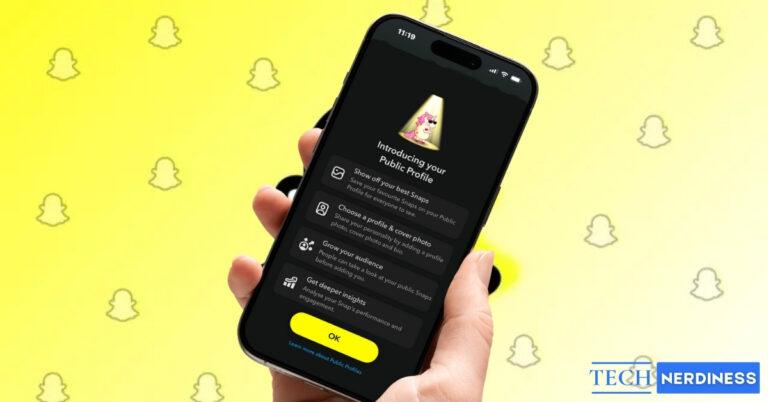




Like the mobile app, Snapchat Web lets you send and receive snaps, reply to messages, and create group chats from a browser. However, the web version does not allow you to open or view profiles. You cannot access a friend’s profile, public profile details, Stories, or Spotlight content.
This limitation creates a common dilemma. If you do not have the Snapchat app installed or a Snapchat account, how do you check a username someone shared with you? Can you confirm that a Snapchat account actually exists, or are you completely locked out without the app?
This post details how to search for a Snapchat username without the app.
Can You Search for a Snapchat Username Without the App or an Account?
The short answer to this question is: yes, you can search for a Snapchat username without the app or an account. You can log in to Snapchat Web and search for the username to confirm the account exists, but if you want to view their profile, you’ll need to rely on a few workarounds, which are detailed below.
Method 1: Use Snapchat’s Web Profile Link
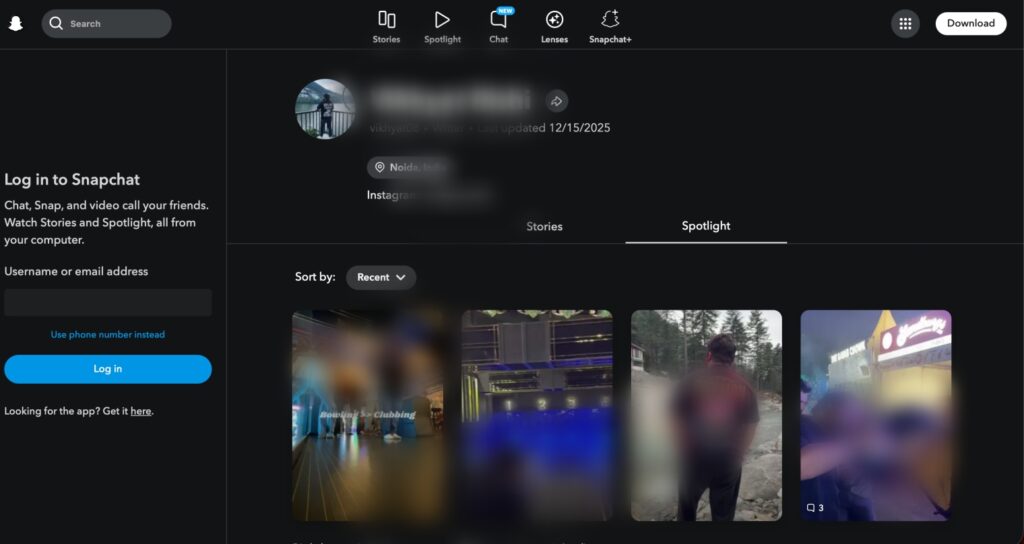
If you know a user’s exact username and want to view their public profile but don’t have the Snapchat app installed, you can visit their public profile’s web-accessible page. Here’s how:
- Open your preferred web browser on your phone or computer.
- Then, type https://www.snapchat.com/add/username in the address bar. Replace username with the Snapchat handle you are searching for.
- Press Enter.
- If the account exists but does not have a public profile, the page will load with the following information.
- The display name
- Profile image or Bitmoji if available
- Their public Stories and Spotlights
- If the account exists but doesn’t have a public profile, the page will load with:
- The display name and username
- Bitmoji
- Snap Code
- A button to copy their profile link
Method 2: Look for Snapchat Links on Other Social Media

The methods discussed above work when you know the exact username of the person you’re looking for, but what if you don’t? In such cases, you can look for their Snapchat username on other platforms, such as their Instagram bios, X profiles, YouTube channel descriptions, or Linktree pages. This is because many users promote their Snapchat accounts on other platforms.
Also Read: Snapchat Emoji, Symbols, and Icons Meanings Explained
Method 3: Third-Party Social Media Finder Tools
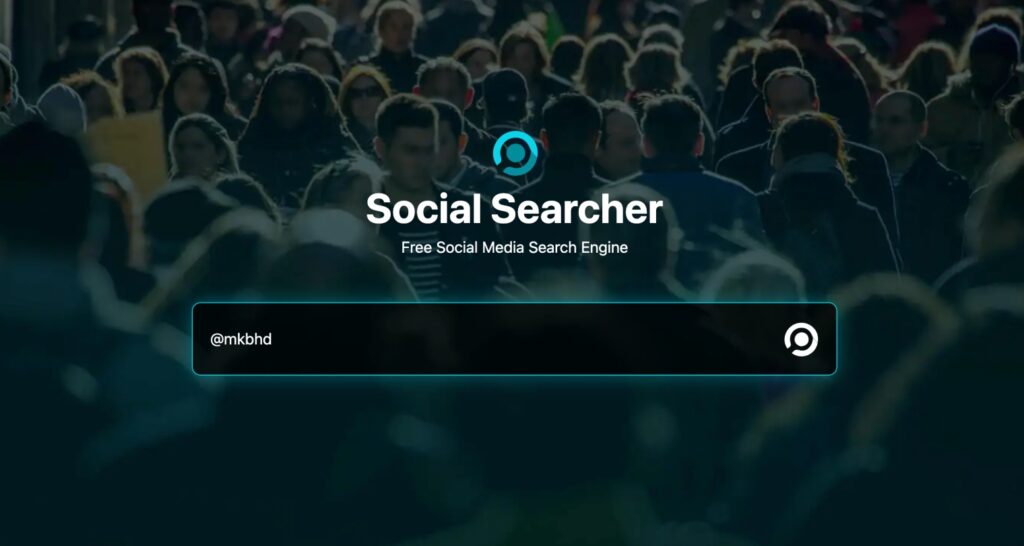
If Snapchat’s web limitations leave you stuck, third-party social media finder tools are another option. These services scan publicly available data across the web to identify social media accounts linked to a username, email address, or name.
They search public profiles, indexed web pages, forum mentions, and social media bios where a Snapchat username may have been shared. If the username has appeared publicly, the tool may surface it along with links to other social platforms.
In some cases, these tools can help confirm that a Snapchat username exists or show where it has been mentioned online. They are more useful for public figures, creators, or users who actively promote their Snapchat handle.
Note: Always use such tools cautiously and avoid platforms that ask for sensitive personal information. They should be treated as a supplementary method rather than a reliable way to find or view Snapchat profiles without the app.
Method 4: Ask a Mutual Friend or the Person Directly
When web-based methods fall short, asking a mutual friend or the person directly is often the simplest and most reliable option. A mutual friend can share the exact Snapchat username or provide a direct profile link, which helps you confirm the account without relying on limited web search results or third-party tools.
Besides this, reaching out to the person themselves is equally effective and, in many cases, the most appropriate approach. If the intent is genuine and not intrusive, directly asking for a Snapchat username avoids confusion, reduces the risk of following the wrong account, and respects Snapchat’s privacy-focused design.
Summing Up…
Snapchat Web allows you to search for and verify a Snapchat username, but it does not allow profile viewing. This is not a temporary limitation or a bug. It is how Snapchat is designed to work.
If your goal is only to confirm that a username exists, using Snapchat Web would suffice. If you want to view profiles or interact with users, you must install the Snapchat app.
FAQs About Snapchat Username Search
No. Snapchat Web does not offer a searchable user directory. It only supports direct username lookup.
Snapchat intentionally separates username discovery from profile viewing to protect user privacy and keep content consumption inside the mobile app.