


Many default camera apps no longer let you stamp location, date, and time directly on a photo. If you later want to check where a picture was taken during a trip, you have to open metadata of the image. This data can be lost when you share the image and it’s not seamless.
Third-party GPS map camera apps bring this feature back. They save this location and time details directly on the photo. So that data is visible right away and even does not get lost when transferring to your friends.
Here are the best GPS camera apps that do exactly this on iPhone and Android.
What a GPS Map Camera App Does
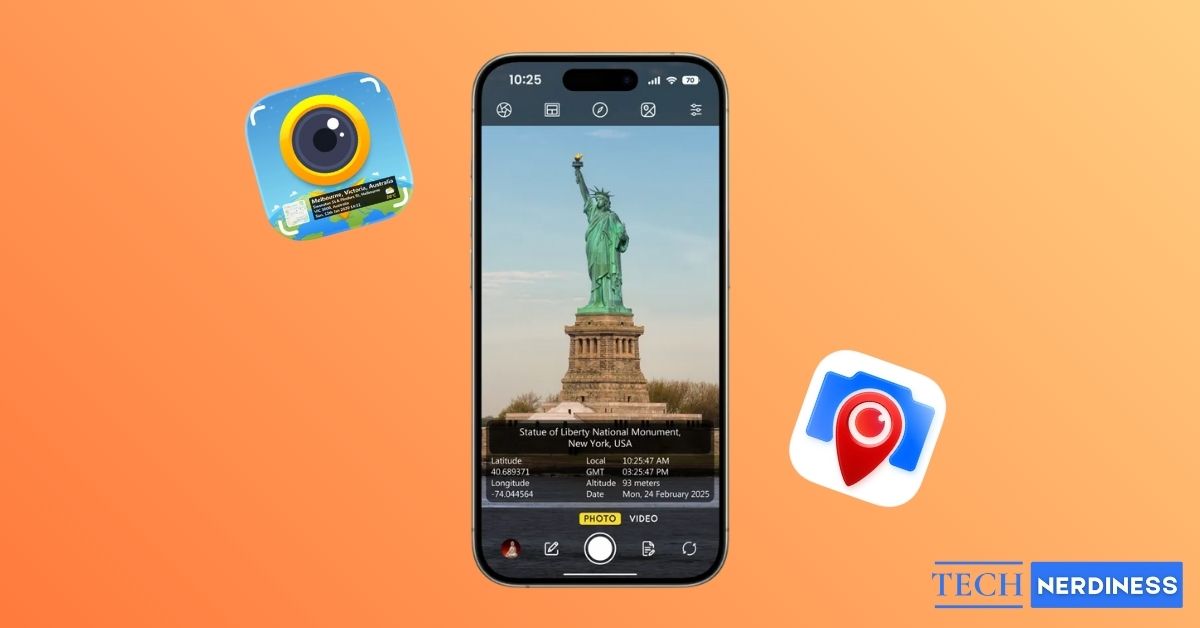
A GPS map camera app takes a photo and overlays live GPS data directly on the photo.
This usually includes latitude and longitude, address, date, and time. Many apps also add a small map view, altitude, compass direction, and weather details. The location data is visible on the photo itself, not stored only in metadata.
This is useful for travel records, site documentation, real estate listings, field work, and any situation where a photo needs clear location and time proof. Also, these apps provide the option for you to customize what needs to be on the photo and how the template should look like.
Also Read: What Google Maps Icons and Symbols Mean? Complete Guide
Why These Apps Matter More Than You Think
Photos already store location data in the background, but that information is easy to remove or lose. GPS map camera apps solve that problem by baking the data into the image itself.
This means the location stays visible even when you share the photo on WhatsApp, upload it to a website, or move it between devices. For work, this builds trust. For travel, this builds memories. For personal use, it saves you from guessing later.
You get to choose what data you need on the photo, so you can only add what’s required with out all the latitude and compass details that you don’t care.
5 Best GPS Map Camera Apps for iPhone and Android
Since the details are permanently stamped on the photo, accuracy and layout really matter. Also templates need to be clean and the app should provide a good number of customization options, so we can only include what we want. We tested several apps, and these five stood out.
1. GPS Map Camera
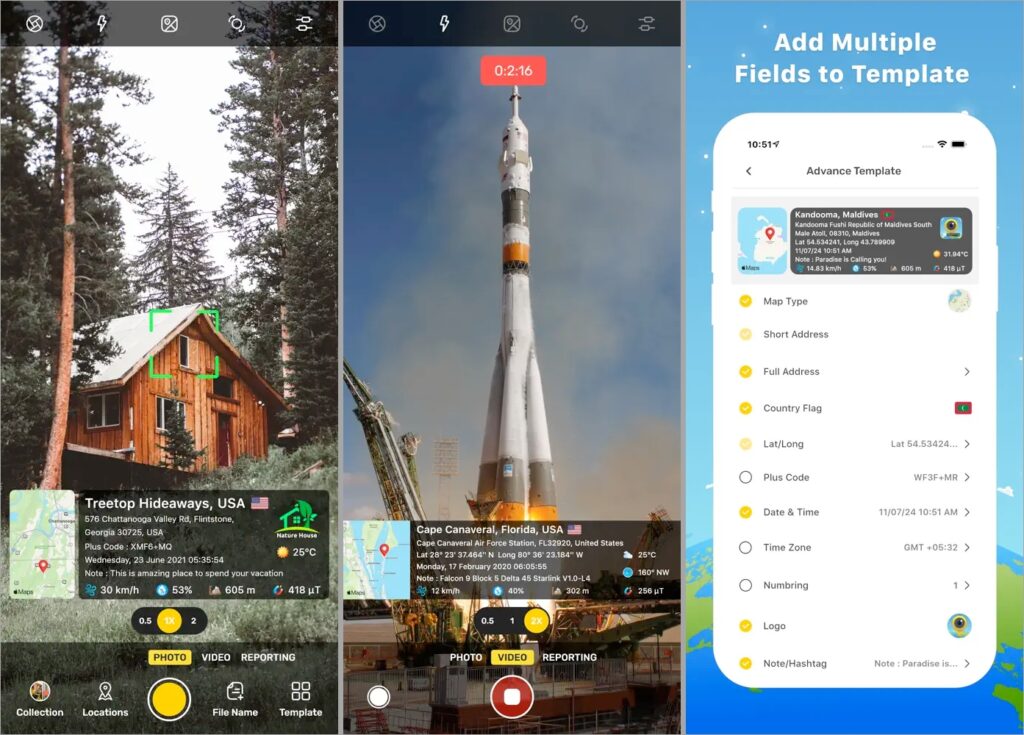
This is the most complete and widely used option, and for good reason. GPS Map Camera automatically stamps your photos with a live map, coordinates, address, date, time, compass direction, altitude, and even weather conditions.
What makes it special is how customizable everything is. You can choose map styles like normal, satellite, or terrain. You can adjust layouts, fonts, colors, your brand logo and decide exactly what information appears on the photo.
It also supports offline use. If you are in a remote area with no network, the app still captures GPS data and syncs later. There is even support for stamping videos, which is rare.
There is a free version for testing and a paid upgrade if you want full control and no ads.
2. Timestamp Camera
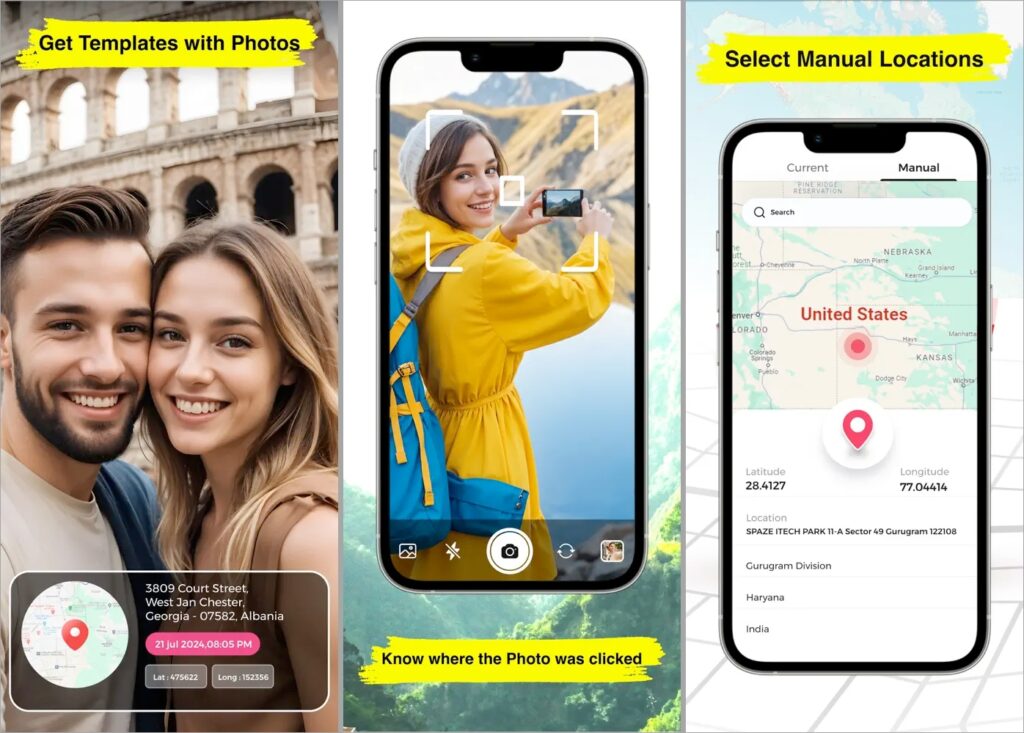
Timestamp Camera focuses on speed and simplicity. It’s a light weight app that adds everything we expect like time, date, address, and GPS coordinates.
It also works with videos and you get a lot of control over how the timestamp looks. You can change formats, font size, color, position, and even add a small map or compass if needed. It also supports custom text and logos, which is useful for work-related photos.
This app is light on the system, works well on older phones, and is great if you want clean, readable stamps without heavy visuals. It is available on both Android and iOS with a free version and optional upgrades.
3. Solocator
Unlike the other apps that are focused on social media and personal photo libraries, Solocator is built for fieldwork.
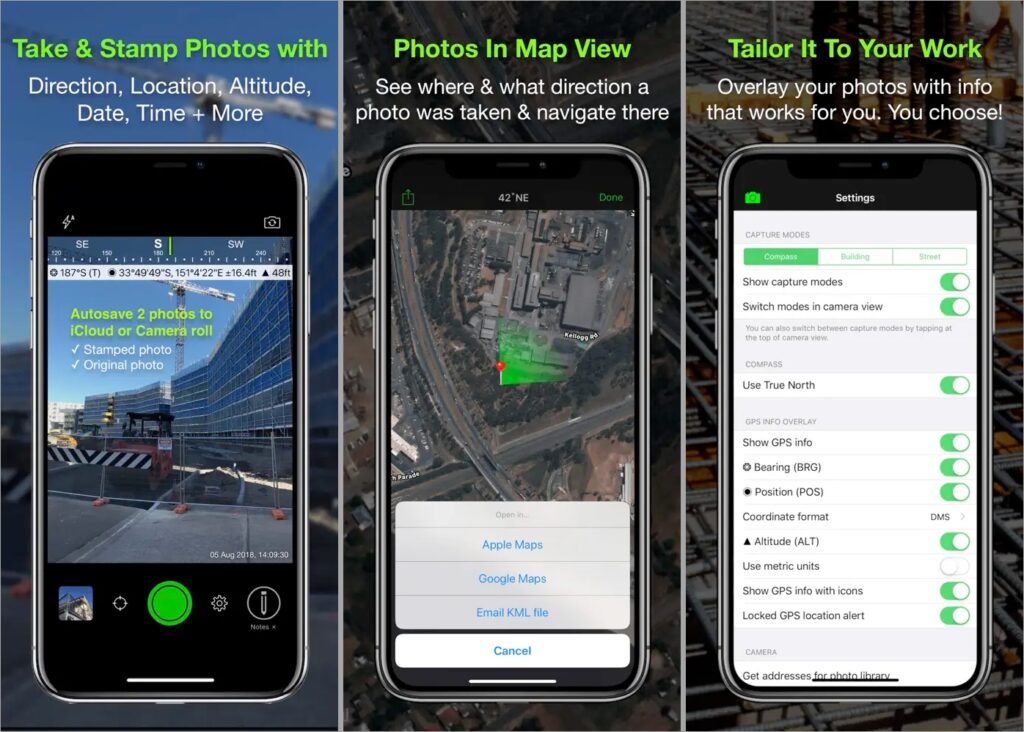
The app stamps photos with GPS coordinates, compass direction, altitude, date, time, and custom project notes. This makes it especially useful for surveyors, architects, engineers, and infrastructure teams who need photos to act as records.
One of its biggest strengths is support for KML and KMZ exports, which allows photos to be used directly inside GIS tools like Google Earth or ArcGIS. For larger teams, the optional Industry Pack adds project fields and cloud syncing with OneDrive or SharePoint, making collaboration easier.
Solocator also includes map views that show photo direction and distance, along with GPS refinement tools that help improve accuracy in dense urban areas. The built-in camera is not the best in terms of photo quality, but accuracy is clearly the priority here.
4. GPS Map Camera Lite
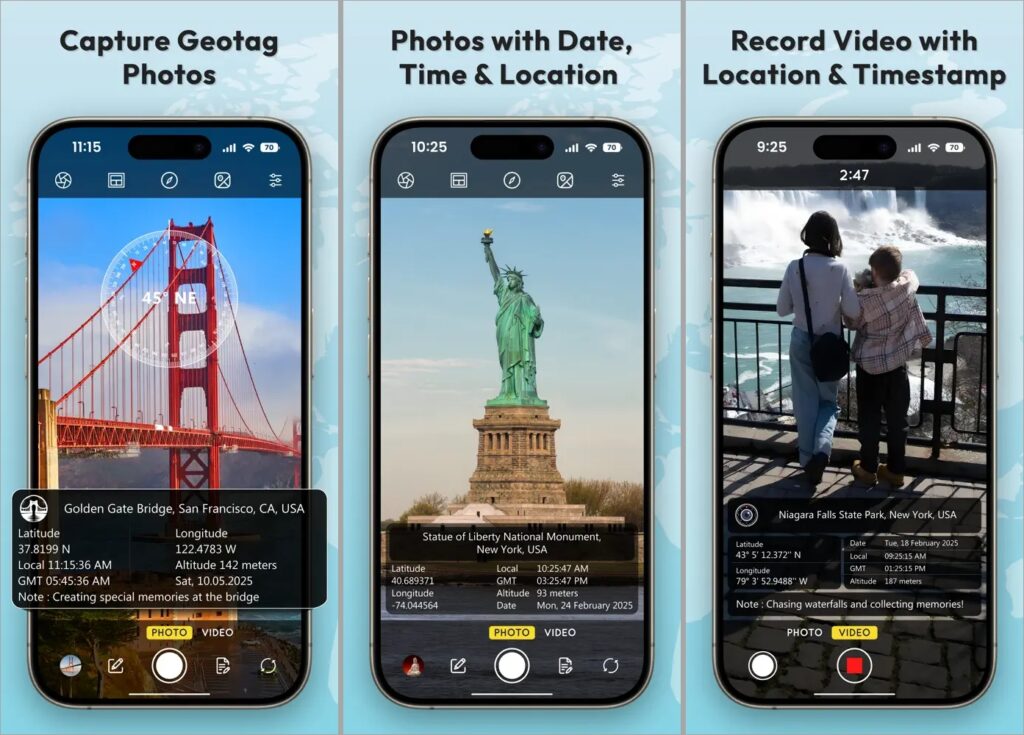
GPS Map Camera Lite is a simpler, free-first option for Android users. It offers basic GPS stamps with coordinates, date, time, compass direction, and notes.
The interface is straightforward and works well for quick documentation. It also supports offline stamping and automatically names files based on location and date, which helps with organization.
You do not get advanced design controls or polished templates, but it gets the core job done without asking for money upfront. If you want something functional and free, this is a solid choice. However, do note that this is not from the same developer of GPS Map Camera. Both apps are completely different.
5. GPS Photo: Geo Tag Location
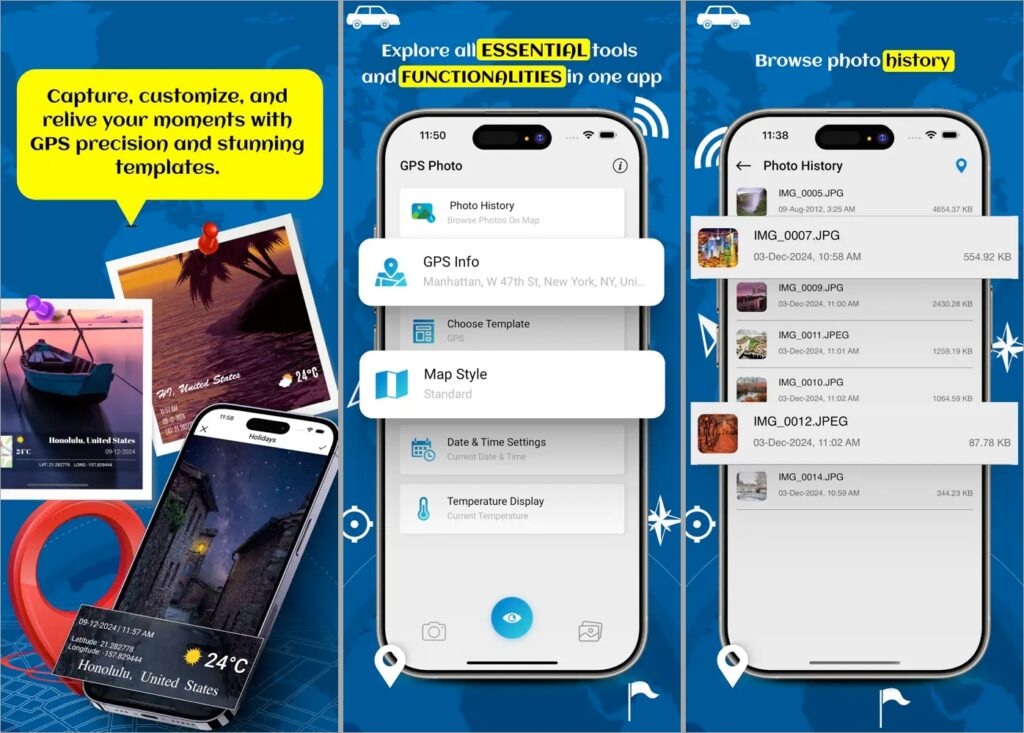
GPS Photo focuses on adding location details after a photo is taken. Instead of locking you into its own camera, it works mainly with photos already in your gallery.
The app reads existing metadata and makes location details visible on the image. If a photo already contains GPS data, it can display the address, coordinates, date, and time.
Once added, you can check the photo in a map view, making it easier to track where they were taken over time or even route back to them using raw coordinates. If you need help, our guide on how to Use GPS Coordinates in Google Maps walks you through it.
Final Thoughts
All of these apps solve the same core problem: making location and time visible on your photos instead of hiding it in metadata. The differences come down to how much control, accuracy, and simplicity you need
If you want one app that does everything well, start with GPS Map Camera. If you prefer something lighter and faster, Timestamp Camera keeps things simple. For professional documentation and precise records, Solocator is the better fit. Android users looking for a free option can rely on GPS Map Camera Lite, while GPS Photo works best if you want to add location details to photos you’ve already taken.
Pick the app that matches how you actually use your camera, not the one with the longest feature list.